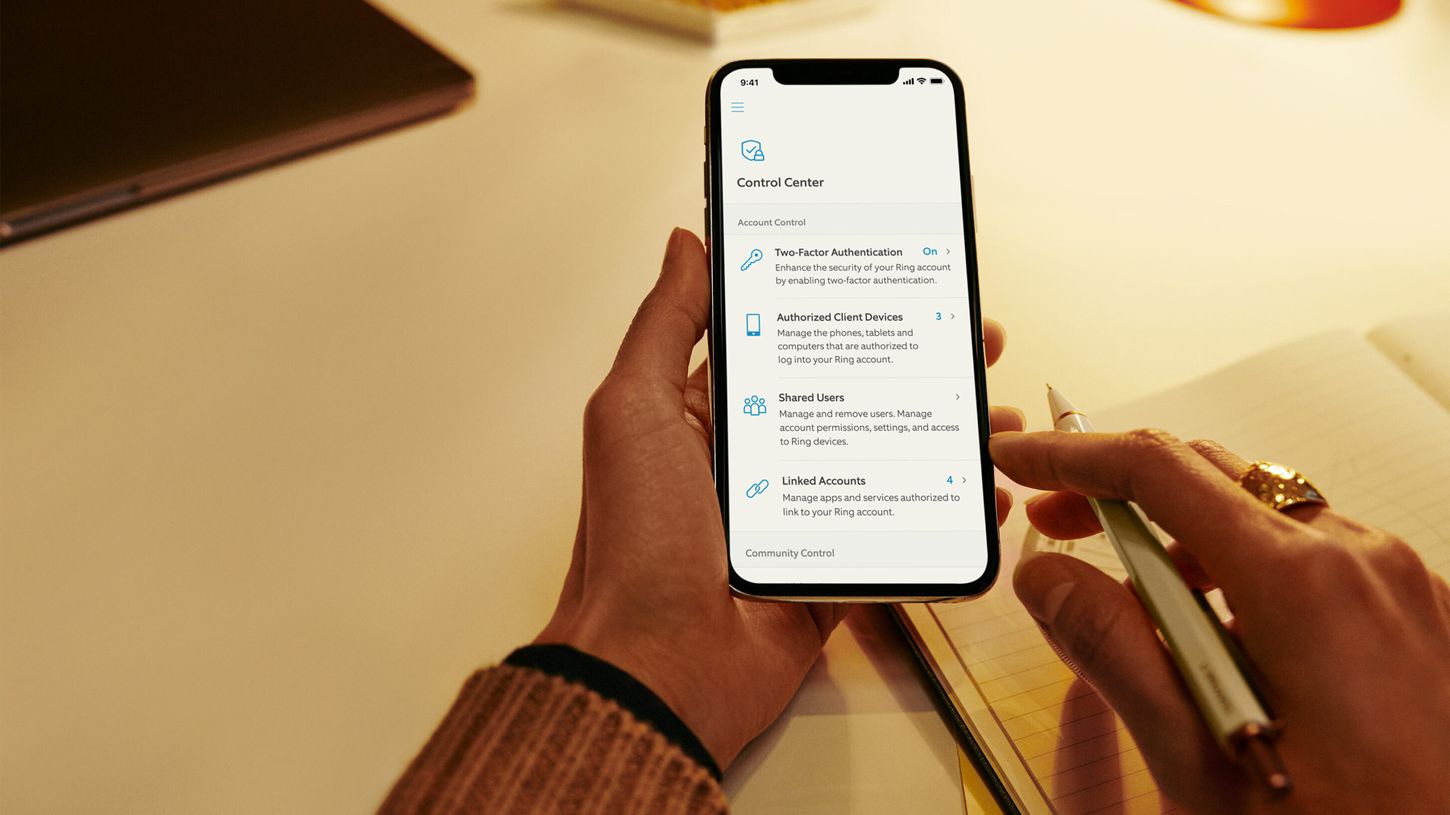
This tag collects guides for managing two-factor authentication (2FA) on your phone, specifically focused on moving authenticator apps and updating linked phone numbers. It is for anyone who has switched to a new device, lost access to their old number, or simply needs to reconfigure their security settings across various services.
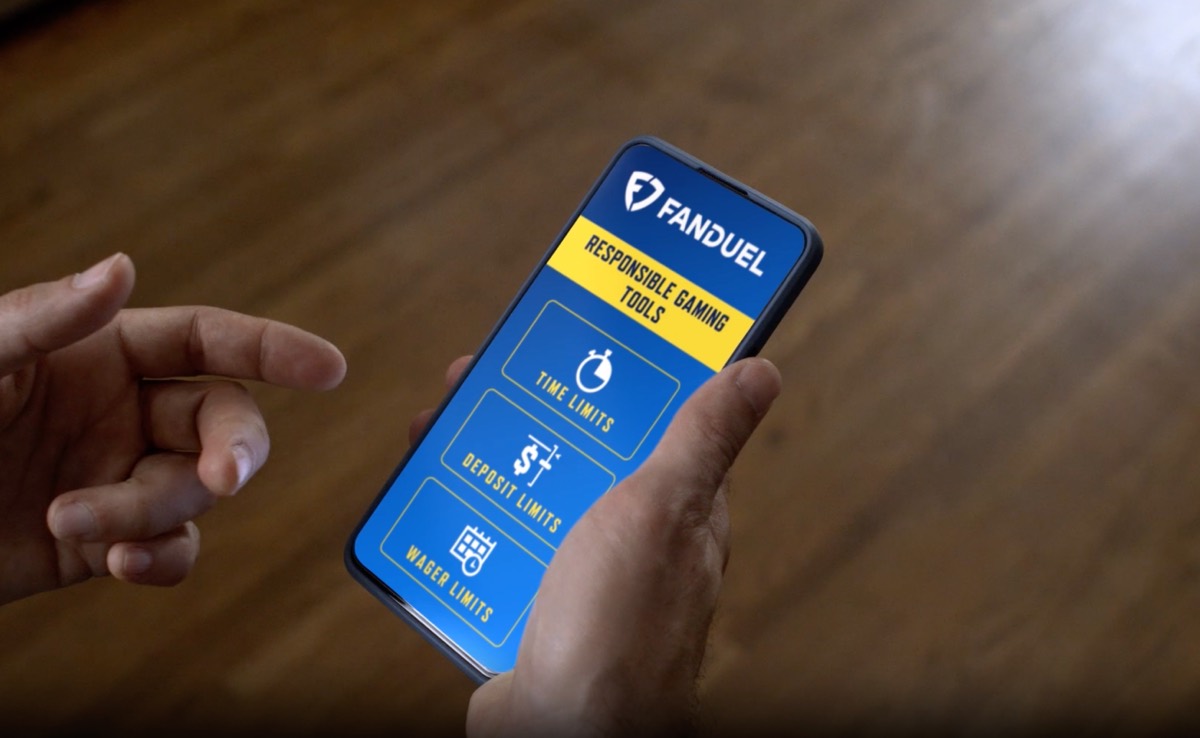
The articles here solve two main kinds of problems. The first group helps you transfer your authenticator app, like Duo Mobile, Microsoft Authenticator, or Steam’s mobile authenticator, from an old phone to a new one. You will find step-by-step instructions for setting up these apps on a fresh device, reconnecting accounts, and recovering your Duo Mobile profile. The second group addresses the common headache of changing or unlinking a phone number when your old one is no longer available. These guides show you how to update your trusted number on services such as DoorDash, TextNow, Fanduel, and Battle.net, and how to log into apps like Snapchat, Uber, and Chime without relying on a text message verification code.
Specific topics you will find include moving your Steam authenticator to a new phone, setting up Duo Mobile on a fresh device, changing your phone number on Microsoft Authenticator, and removing a number from Mercari. Each article is written to help you complete a specific task, whether that is transferring an account, recovering access, or updating your contact details for a smoother, more secure experience.