Before you start: lock down your old number
Before you update your phone number on any app or account, keep your old SIM card active and sitting in a working handset. Many financial and government-linked profiles will not let you simply type a new number into a settings field, demanding a one-time password sent to the old line before you can proceed. Losing access to that line means you could be locked out until you complete an in-person identity check at a branch, and two-factor prompts can still arrive on the old number days later, so pulling the SIM too early turns a routine update into a recovery headache.
Start with the services that gate your digital identity. When you need to change phone number on Microsoft authenticator app, go to your Microsoft security page or My Sign-Ins, remove the old number, add the new one, and confirm it there; if you use a work or school profile, your administrator may control those methods via Entra. For your inbox, to change phone number on Yahoo, explore the current security settings directly once logged in. To change phone number on Facebook, open Settings & privacy, then Settings, and enter Accounts Center to reach Personal details and Contact info, where you can delete the old number. Similarly, to change the phone number on Instagram, navigate to Profile > Menu > Settings & privacy > Settings > Accounts Center > Personal details > Contact info, then add a new mobile number and delete the outdated one. The common thread is that none of these changes will succeed if the confirmation code lands on a dead line.
Banking, payments, and government records
When you need to change phone number on Bank of America app, the process may require receiving a one-time code. Similarly, if you try to change phone number in Zelle via your banking app, you may need to verify your identity through your financial institution. You may need to prove your identity through your financial institution to regain access.
For buy-now-pay-later services, to change phone number on Klarna you can add a new number and confirm it with a code before removing the old one. Government-linked records raise the stakes even higher. To update a phone number in Aadhar, you may need to follow the official process with supporting documents. Benefit programs are equally strict. Your local SNAP office may have a process to update food stamp telephone number.
Work, payroll, and tax tools
If you need to change phone number on ADP app and cannot access the contact information for verification, your administrator must update your account.
The same dependency on a working old line applies to gig-economy tools. When you change phone number on DoorDash from the consumer side, the app requires you to complete 2 Factor Authentication before the edit takes effect, meaning the code still routes to the device you are trying to replace. If you change my phone number on DoorDash driver via the Dasher app, the verification step cannot be bypassed and you must have access to the old number or the profile email to complete the update.
Tax filing software ties your identity to an Intuit profile. When you change phone number on TurboTax you navigate to Intuit Account, then Sign in & security, and update the phone there rather than inside the return itself.
Shopping, travel, and event tickets
When you place an order or book a trip, your phone number is the lifeline for delivery windows, gate changes, and fraud alerts. On Ticketmaster, you can change phone number on Ticketmaster by signing in, going to My Profile > Profile Details, and clicking 'Update Number.' The platform requires one-time codes sent to both your current and new phone numbers for verification, and if that old line is already dead, you must reach out to Fan Support to regain access.
Booking platforms tie your identity to your contact details just as tightly. The same caution applies to regulated gaming and fantasy sports platforms. If you need to change my phone number on fanduel, the official steps are not publicly documented, and you must assume the edit will be gated behind a code sent to the phone already tied to your identity-verified wallet. Before you port your number away, open each of these profiles and move confirmation to an authenticator app or email. A cancelled line instantly cuts you off from seat transfers, check-in instructions, and withdrawal confirmations.
Gaming, streaming, and social platforms
When your phone number doubles as a login credential and a friend-discovery tool, switching it is rarely a simple in-line edit.
- change the telephone number Alexa uses
- change phone number on ring account
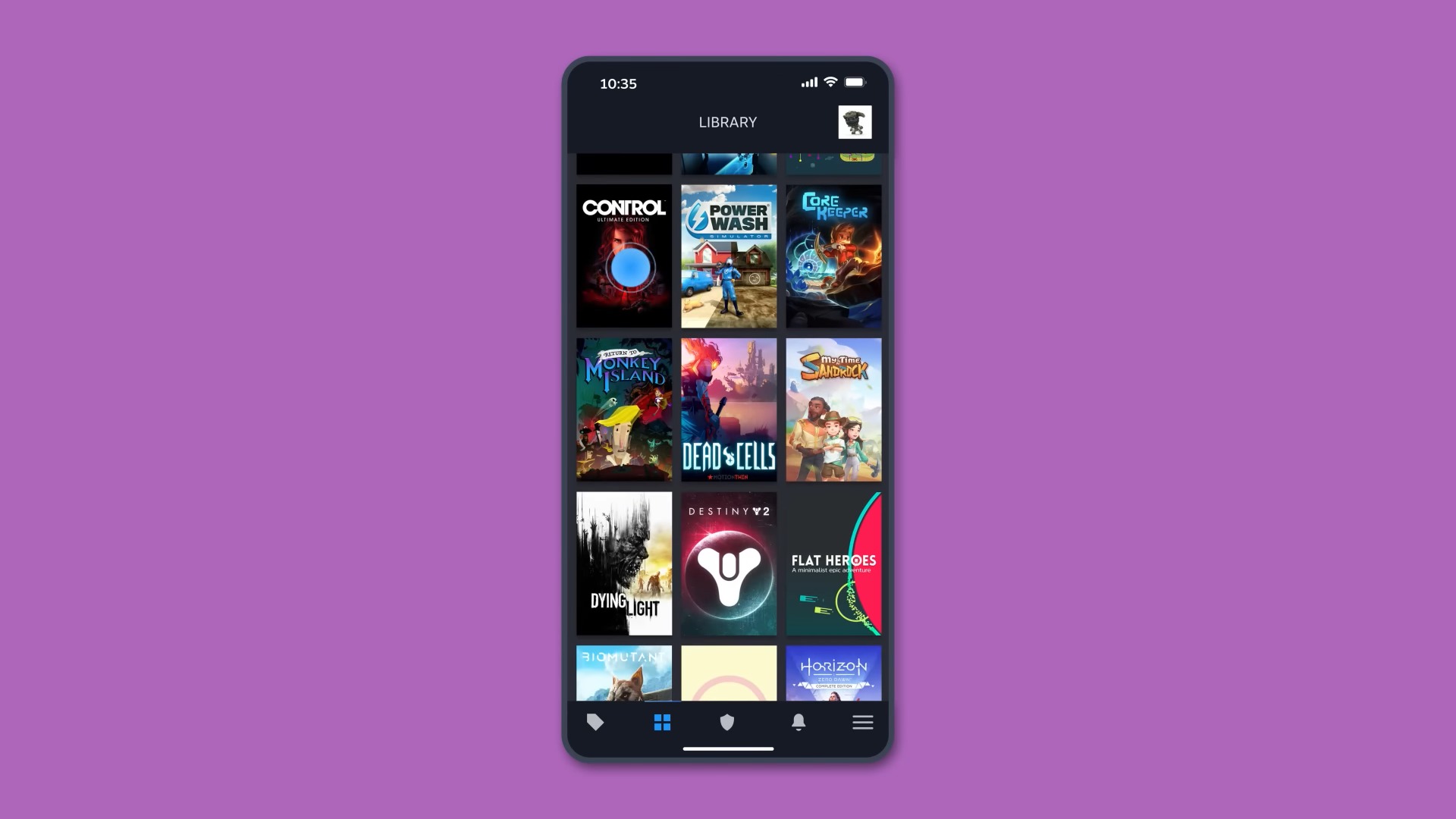
- change my phone number on Twitch
- change my phone number on Steam
Phone carriers and secondary numbers
Switching your actual carrier line or managing secondary numbers requires a different approach than updating an app profile, because the number itself is the asset you are moving or releasing. For a Cricket Wireless account, you must contact Customer Support directly to change my Cricket phone number, so plan for a representative-led process rather than a quick settings edit.
If you rely on a second-line app, the mechanics are more immediate but just as final. When you change phone number on TextNow, you open the app’s Account settings, tap your current TextNow Number, and use the menu to release it before picking a new one. The process to change text now phone number follows that same release-and-select sequence inside your profile, and there is no recovery window once you confirm the swap.
For Microsoft accounts, the phone number acts as a sign-in alias and a recovery proof. You add and verify the new number via the Manage how you sign in page or Security info section before removing the old one. To change Microsoft phone number on a secondary profile, you still navigate that same security dashboard, because the exact flow differs for each provider.
Financial technology services treat your mobile entry as a key to your funds. When you need to change Chime phone number, you open the app, go to Settings, and tap your current phone entry to edit it.
Microsoft account ecosystem
When you update your phone number inside your Microsoft account, the change may affect services like Outlook, Skype, and Xbox but may not automatically update the secondary authentication method you may have set up separately. If your goal is to adjust the name shown on outbound calls from a newer Apple device, the path to change caller ID on iPhone 14 sits with your carrier’s portal, not a universal iOS toggle, because the network assigns the label that other people see. When your updated contact details start appearing in public directories, you may also need to change my info on Whitepages via that platform’s own suppression or edit request process rather than assuming your carrier or Microsoft profile pushes the correction outward.
- change phone number on Microsoft authenticator app
- change caller ID on iPhone 14
- change my info on Whitepages
Frequently Asked Questions
How do I change my phone number on Steam?
Log in to Steam, select your profile name, open Account Details, and under Contact Info choose Manage your phone number. Enter the new number and confirm with the SMS code sent to it.
Can I update my DoorDash Dasher phone number without the old one?
You need access to your old phone number or email to complete 2 Factor Authentication, which cannot be bypassed. If the old number is dead, tap Get Help and select Send code to email to receive a six-digit security code at your linked email.
Where is the phone number setting inside the Klarna app?
Tap Profile in the top-left of the Home screen, then Account info and address, then Phone Number and Add number. Klarna sends a verification code to the new number before you can remove the old one.
What is the Ticketmaster path to update a mobile number?
Sign in, go to My Profile then Profile Details and click Update Number. Ticketmaster sends one-time codes to both your current and new phone numbers, and if you cannot access the current number you must contact Fan Support.