
Latest in Mobile Accessories

Most read in Mobile Accessories

More from Mobile Accessories

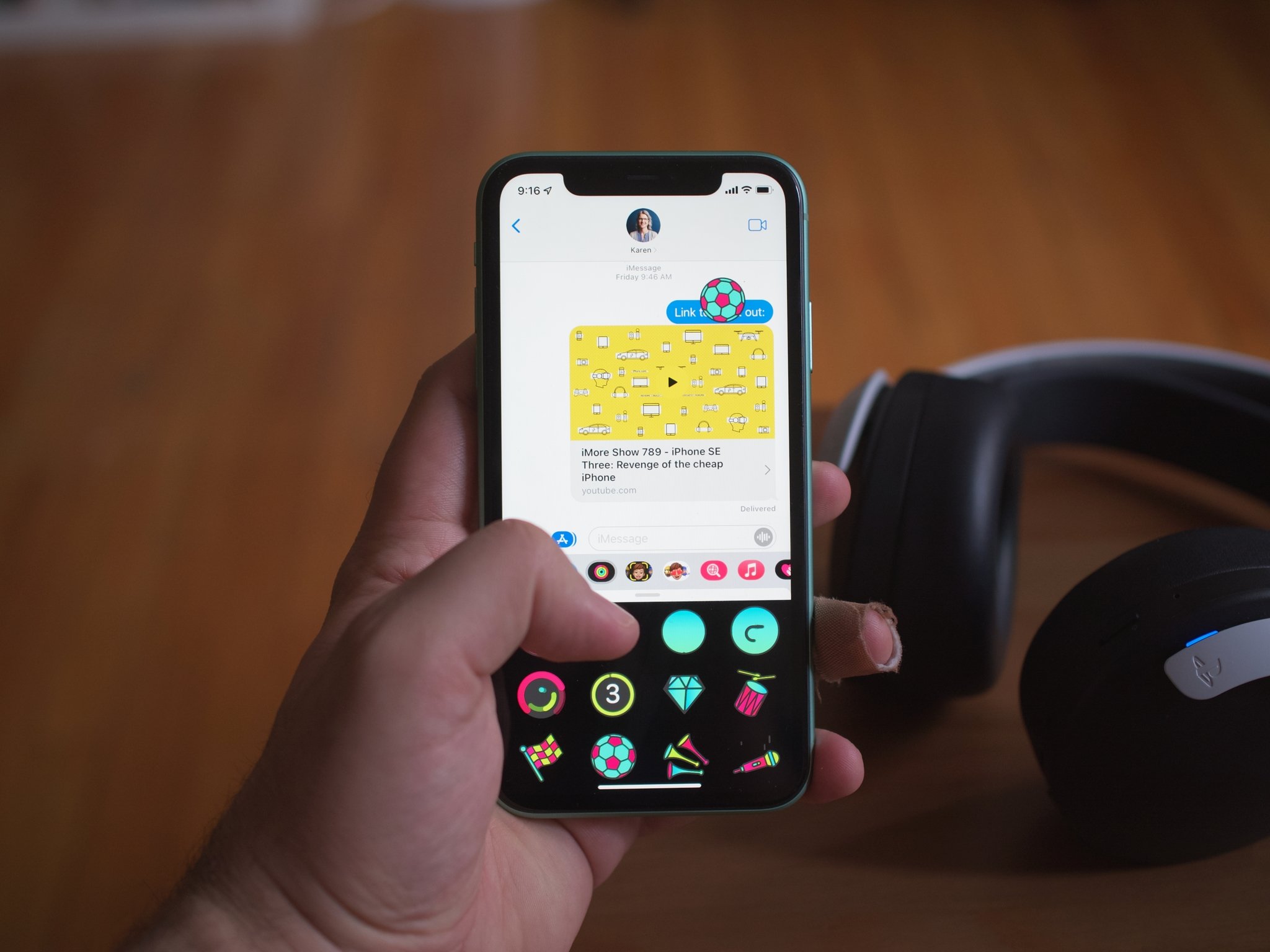
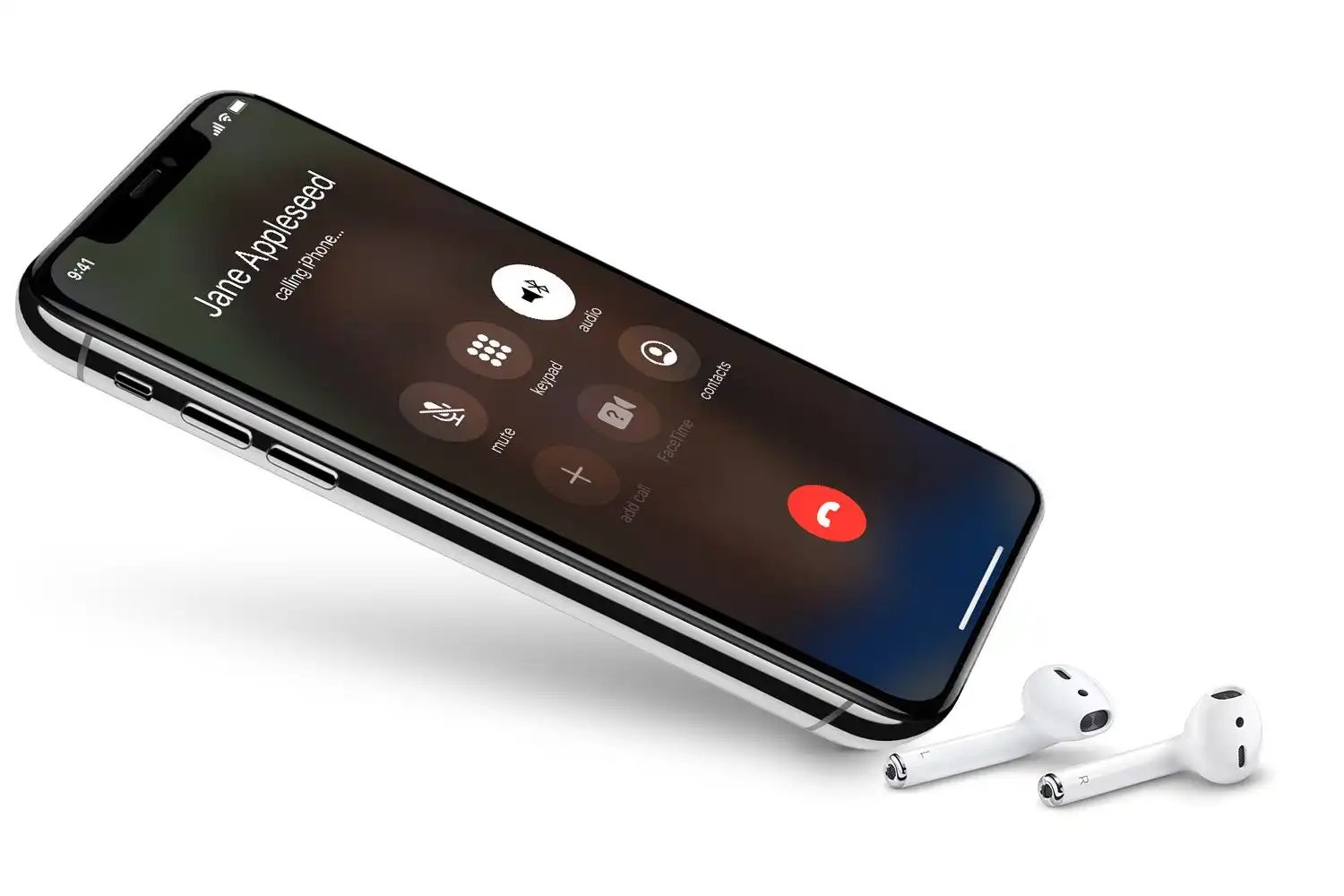
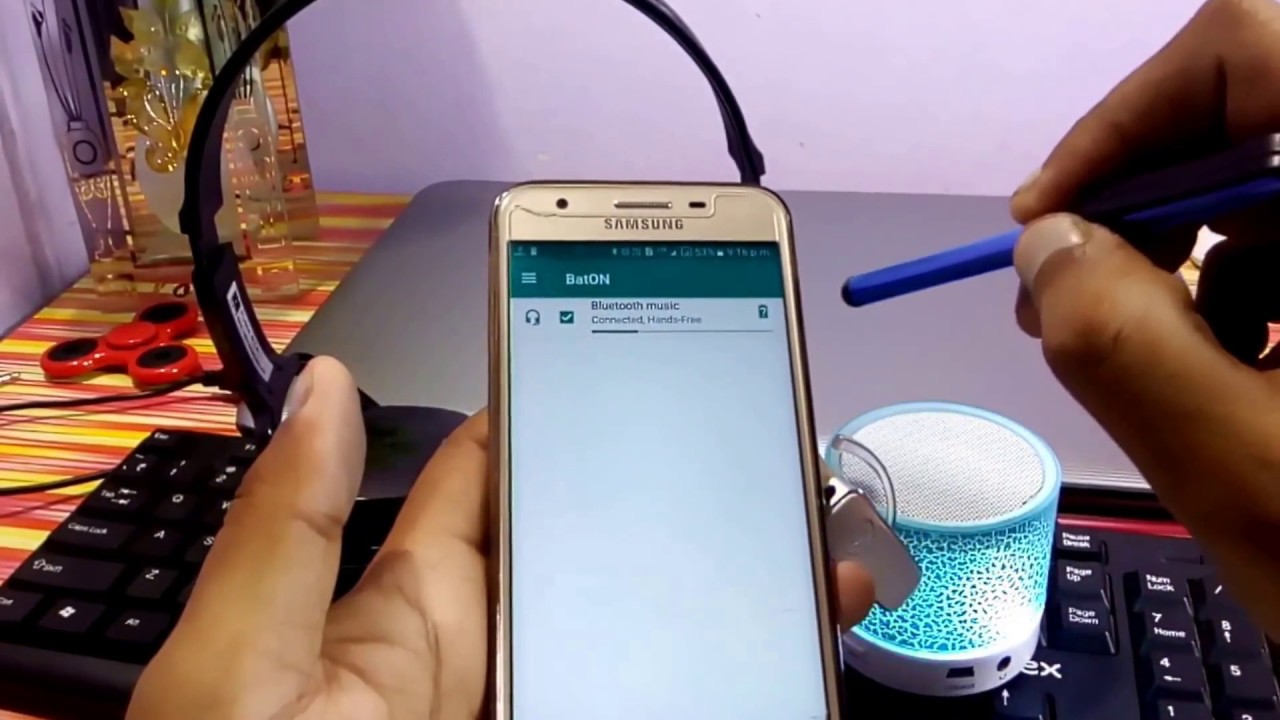


The Mobile Accessories section at CellularNews is built for anyone who owns a phone, smartwatch, headset, or VR gear and wants to get those devices working together smoothly. Whether you are setting up a new gadget for the first time or trying to solve a specific problem like a dead battery or a connection that won’t hold, the guides here walk you through the exact steps. This section covers the physical extras you plug in, pair, charge, or stick onto your phone, and the everyday tasks that keep them running.
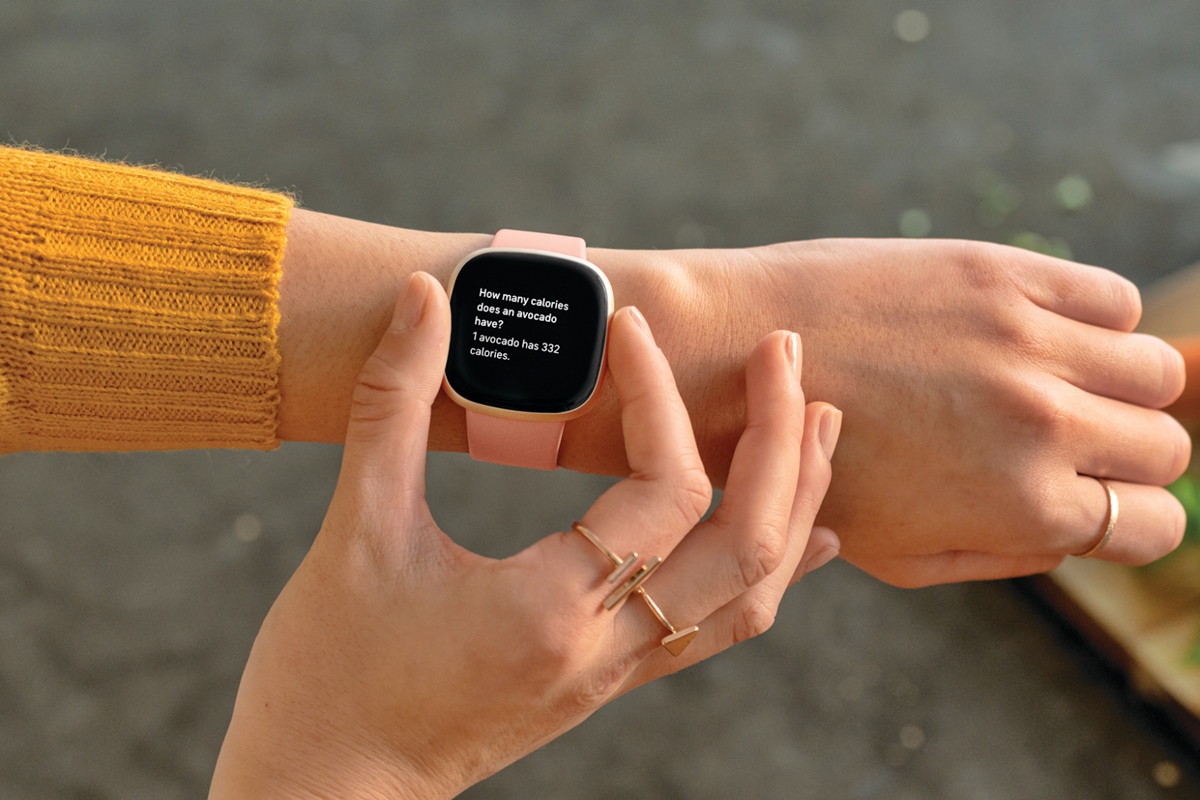
A major theme here is getting things connected and paired. The main guides help you with tasks like connecting an AirTag to your phone, linking a gaming headset to a console, or setting up a multi-speaker Bluetooth system. You will also find clear steps for connecting devices to a mobile hotspot, pairing a Fitbit without needing the app to change the time, and using FM transmitters in your car. For VR owners, the guides cover how to cast your VR setup to your TV and how much a VR game costs, helping you move from setup to play without confusion.
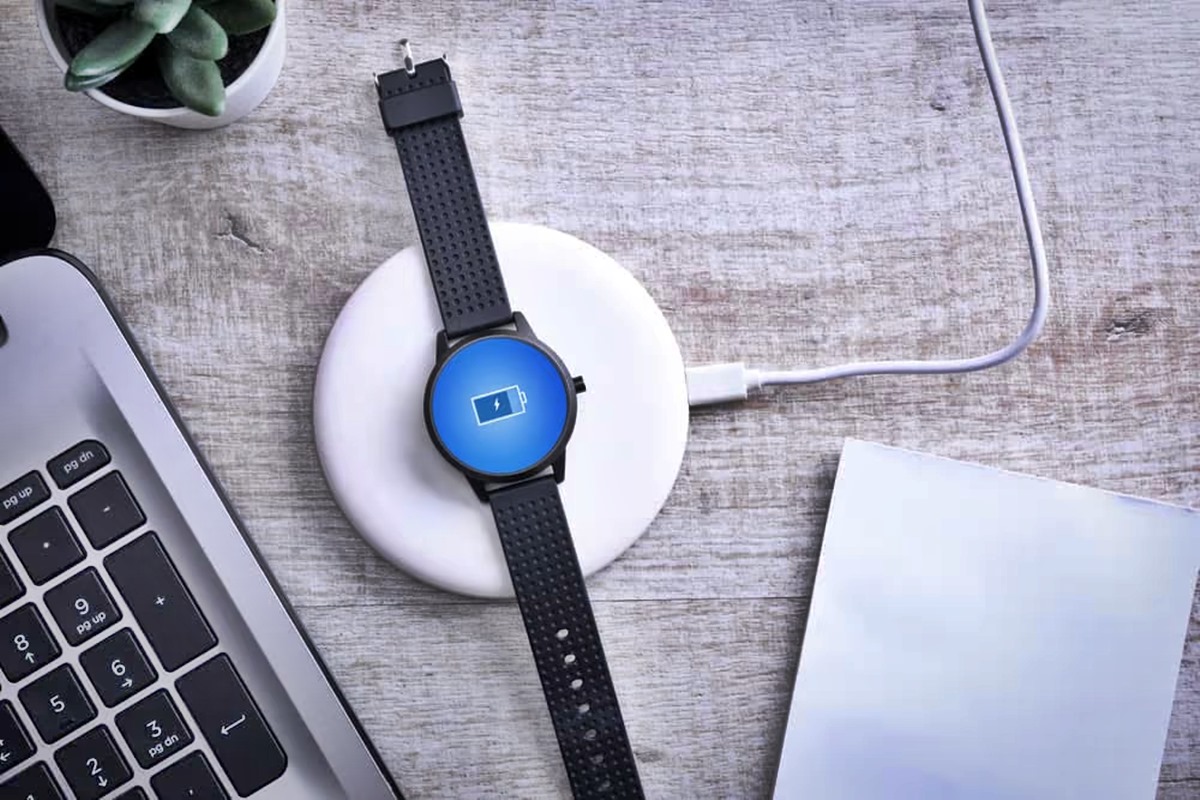
Another key focus is on power, batteries, and screen protection. The main guides walk you through replacing watch and device batteries, understanding AA, AAA and standard battery specifications, and applying or repairing a screen protector. You will also find articles that help you check how long an AirTag battery lasts, change the battery in a Nest Thermostat or a LiftMaster remote, and figure out which side of the battery goes on the spring. These pages help you keep your accessories powered and your screens clear, so your phone and its extras stay ready to use.