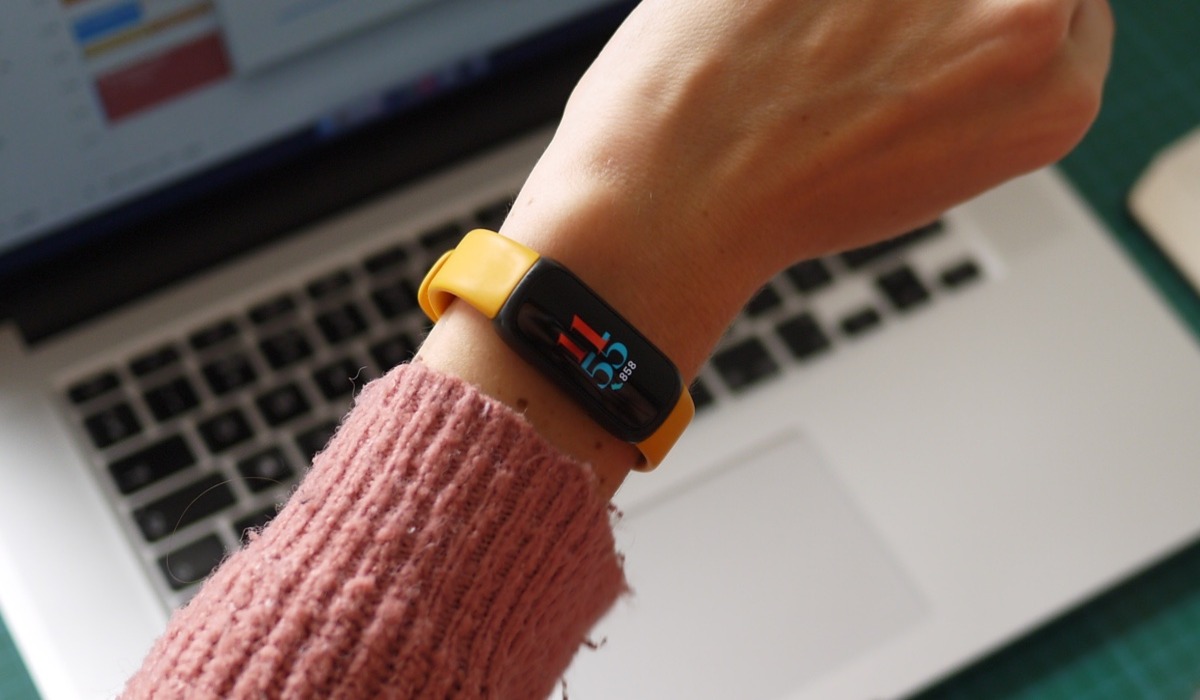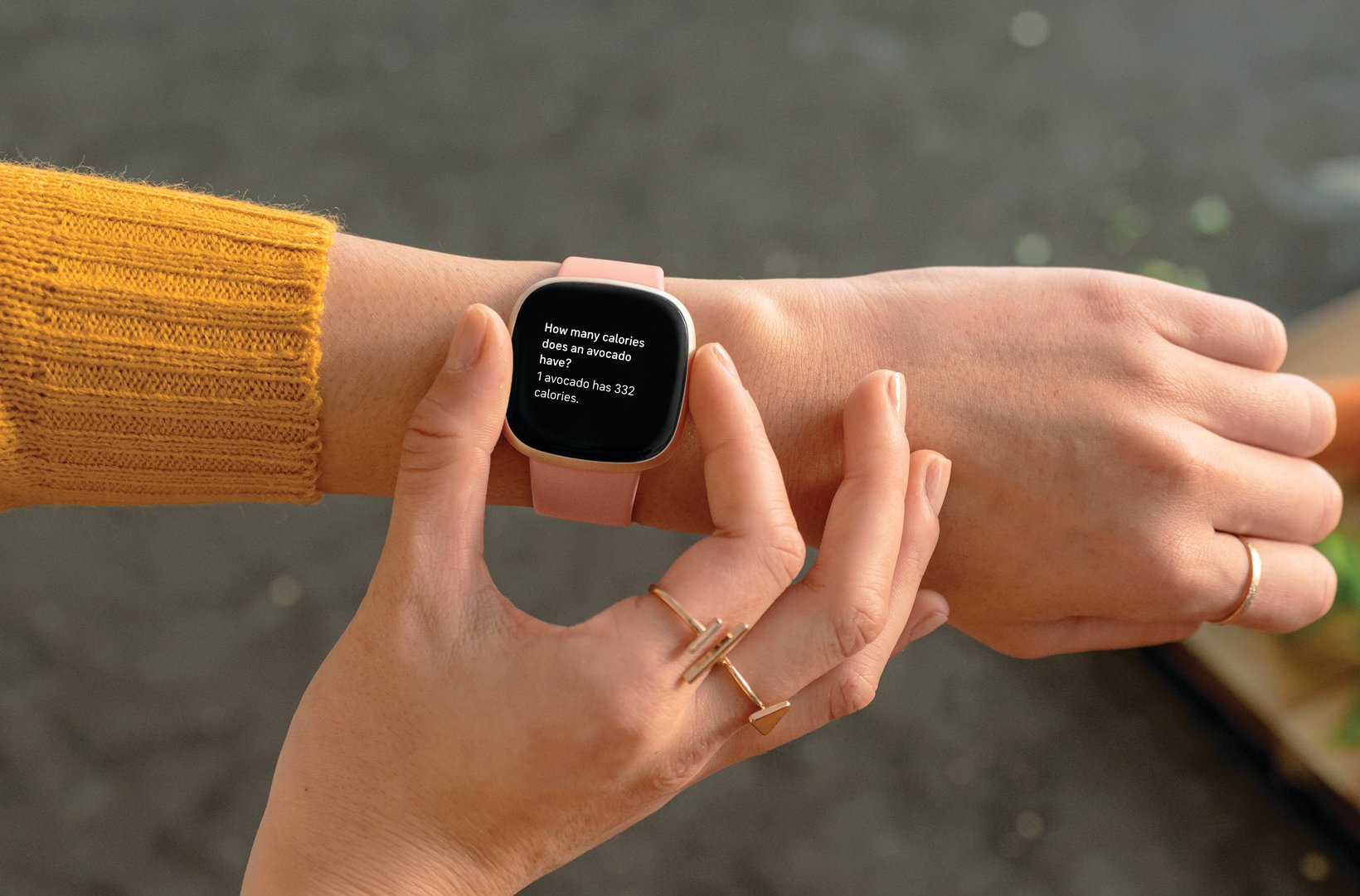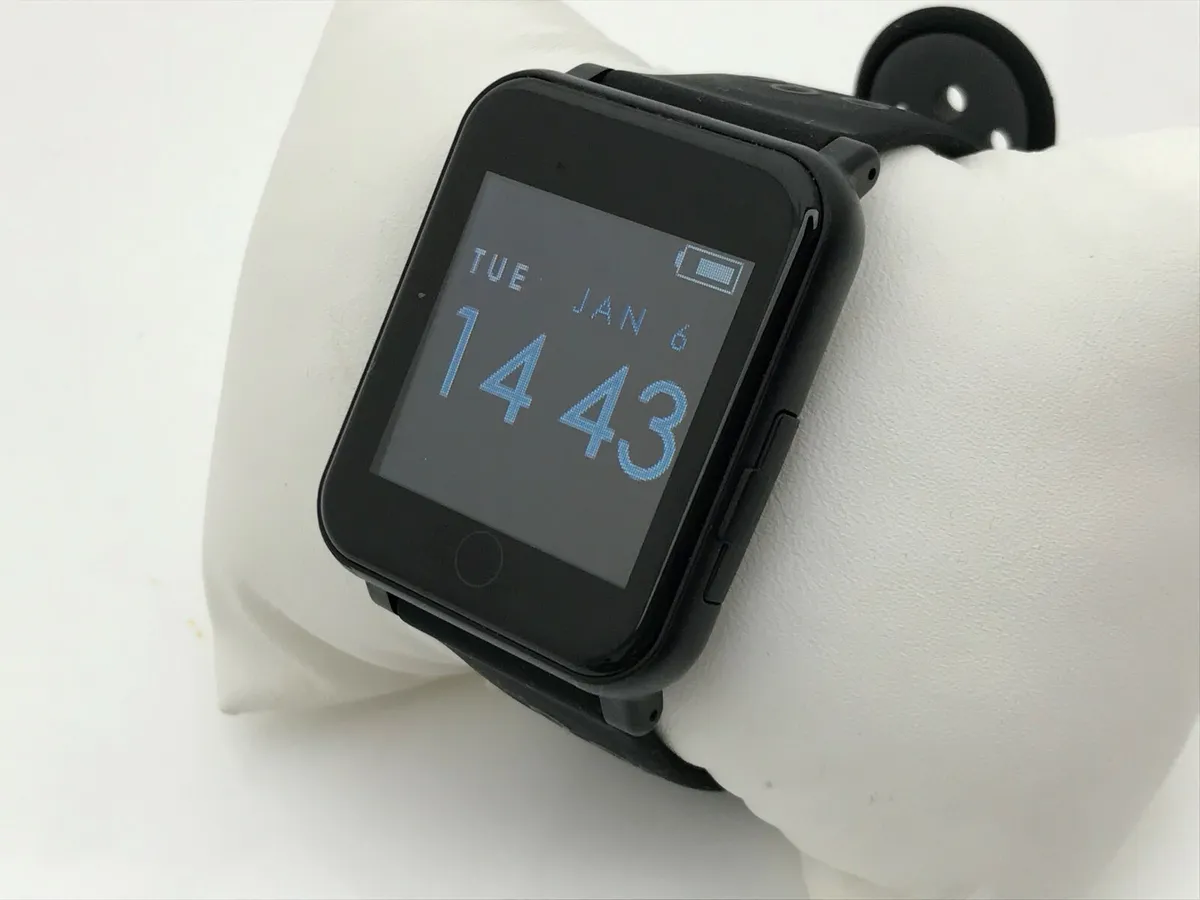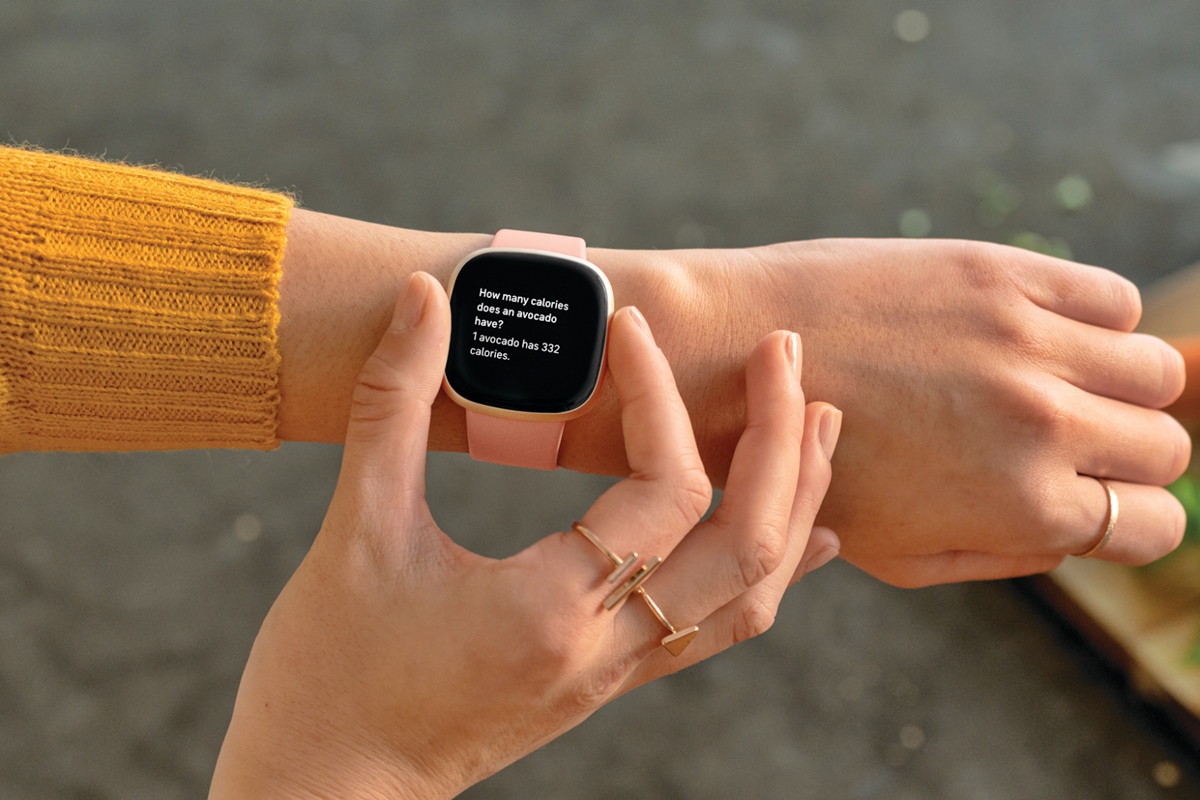
A smart bracelet, also known as a fitness tracker or activity tracker, is a wearable device worn on the wrist that uses sensors to monitor your daily activity, sleep, and heart rate. To use a smart bracelet, you need to charge it, pair it with a companion app on your smartphone, and then wear it to start tracking your fitness and health metrics.
What is a smart bracelet?
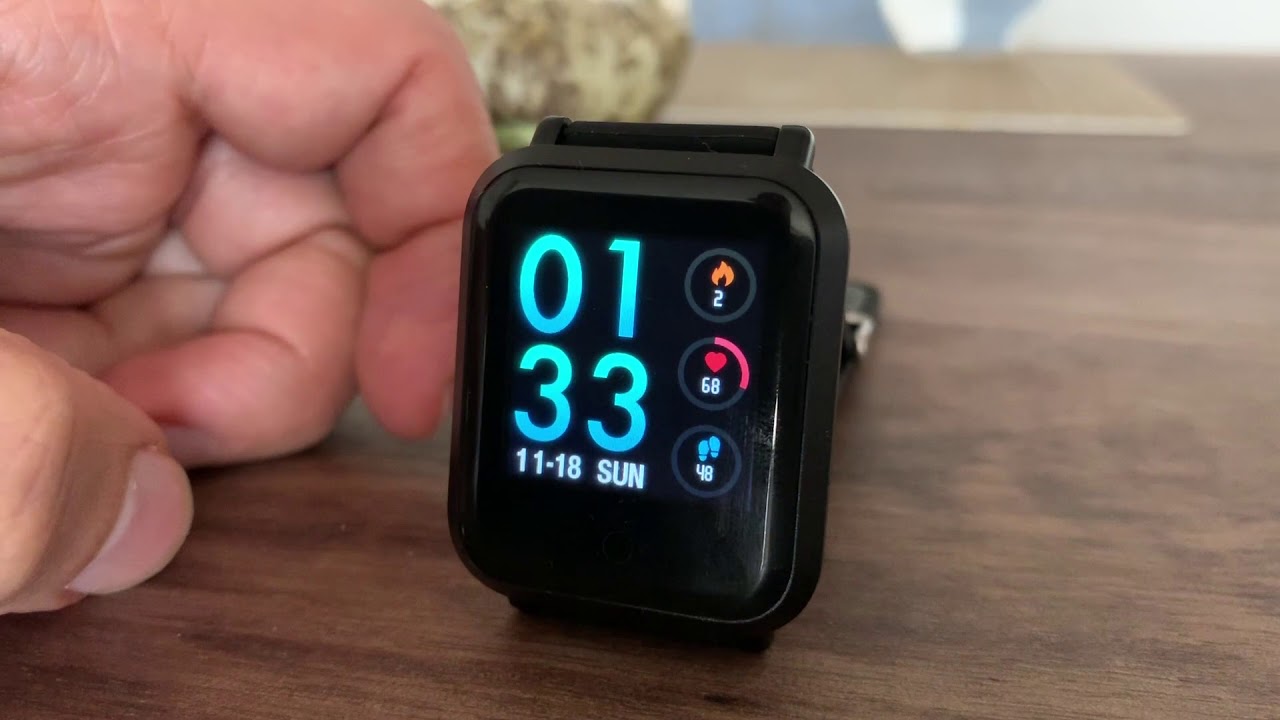
A smart bracelet is a wearable device designed to monitor and track various aspects of your health and fitness. It is typically worn on the wrist and is equipped with sensors that collect data such as heart rate, steps taken, calories burned, and sleep patterns. These devices often have a built-in display and are paired with a mobile app that allows you to sync and analyze your data, set goals, and track your progress over time. Many models also provide notifications for calls, messages, and social media alerts, and some include built-in GPS for tracking outdoor activities.
How to charge your smart bracelet
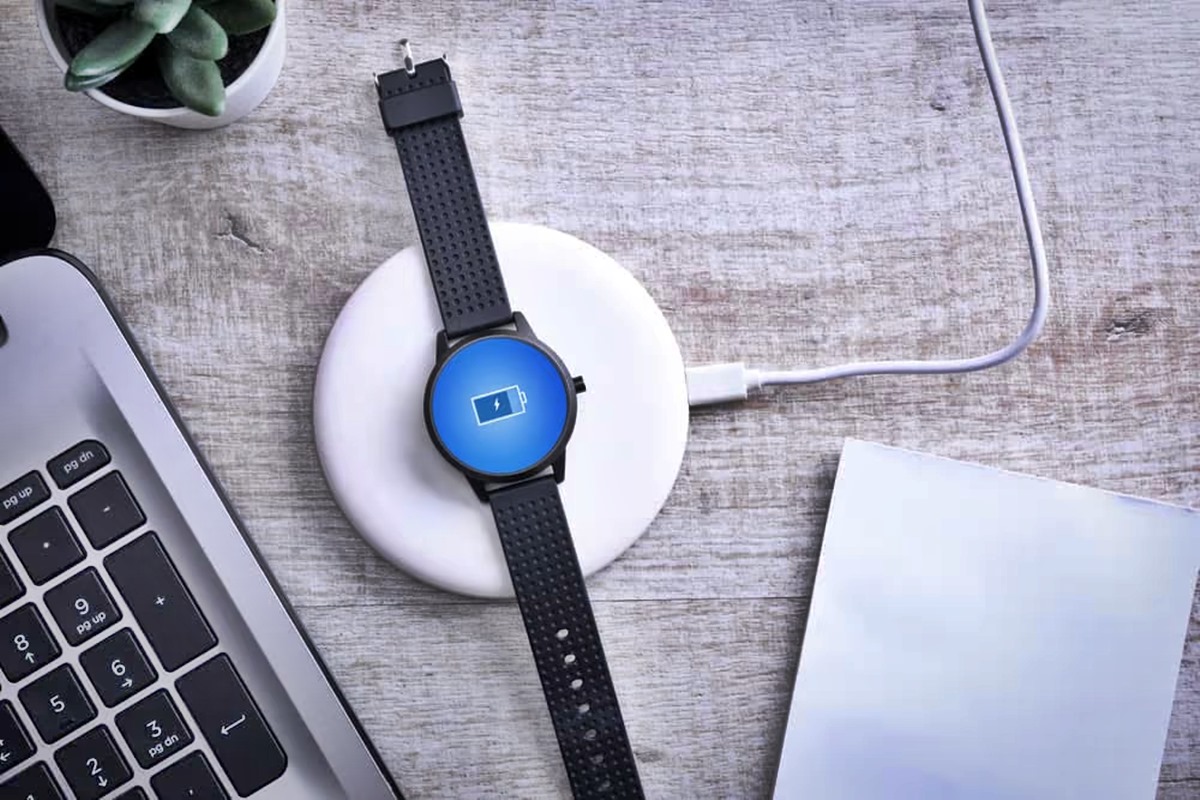
Before using your smart bracelet for the first time, you need to fully charge it. Connect the included USB charging cable to a USB port on your computer or a wall adapter, then attach the other end to the charging port on the bracelet. Follow the manufacturer's instructions regarding the charging time and make sure to keep an eye on the battery level to avoid running out of power during use. Allow it to charge until the battery is full, then disconnect the cable. A full charge ensures you can set up and use the device without interruption.
How to set up your smart bracelet
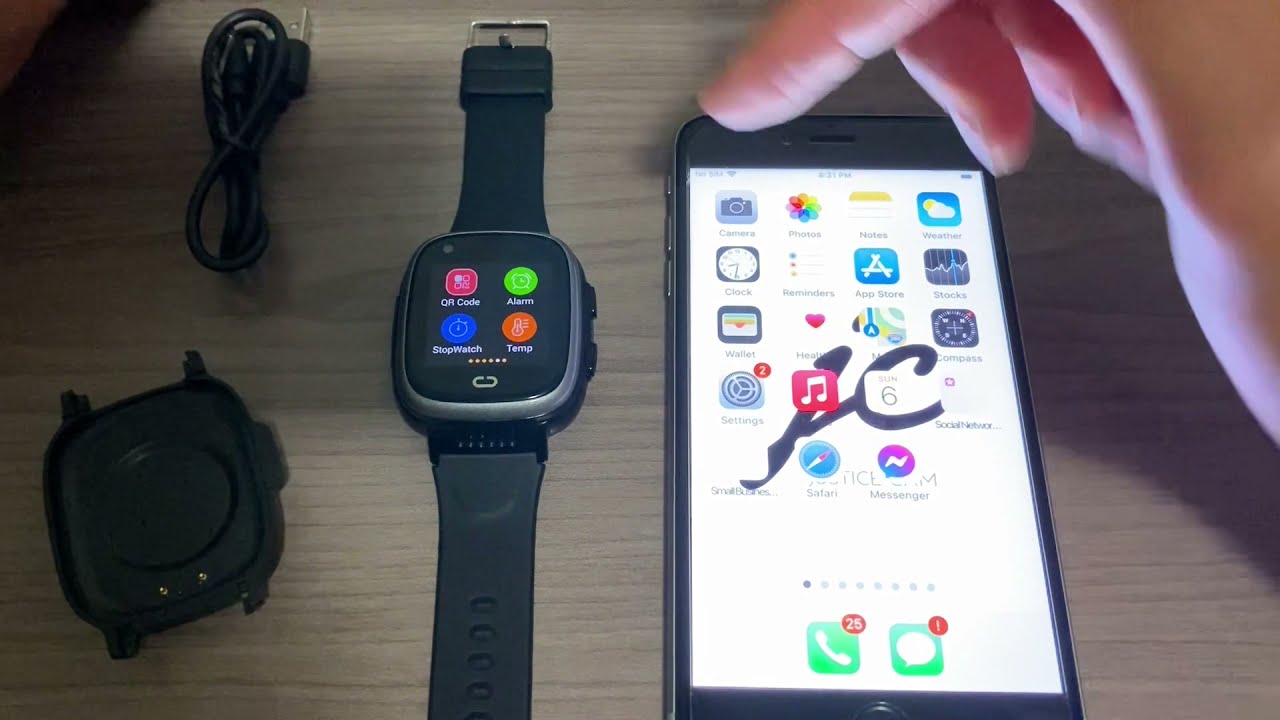
Setting up your smart bracelet involves pairing it with your smartphone through a companion app. Follow these steps:
- Download the companion app for your smart bracelet from your smartphone's app store.
- Open the app and follow the on-screen instructions to create an account or log in to an existing one. This account stores all data collected by your bracelet.
- Enable Bluetooth on your smartphone.
- In the app, go to the device or settings page and tap the add, search, or pair option. Keep your bracelet close to your phone during pairing.
- When your smart bracelet appears in the list of available devices, select it to establish the connection. Some bracelets may require you to enter a pairing code displayed on the bracelet's screen.
Once paired, make sure to grant the necessary permissions and customize the settings according to your preferences. You can customize settings such as display brightness, notification preferences, and activity tracking goals within the app.
How to turn on a smart bracelet
To turn on a smart bracelet, locate the power button on the side of the device or, if it has a touchscreen, use the designated touchscreen gesture (such as a long press or swipe) to power it on. For detailed instructions specific to your model, see the dedicated page on how to turn on a smart bracelet.
Tracking your fitness with a smart bracelet
Your smart bracelet can help you track and improve your fitness levels. Here’s how to use its core features:
- Set your activity goals: Determine your fitness objectives, such as a target step count, calories burned, or distance, and set them in the companion app to stay motivated. Aim for a goal of at least 10,000 steps per day for optimal health.
- Count steps and distance: The bracelet automatically counts your steps and calculates the distance you’ve covered throughout the day. Wear it all day for accurate data.
- Estimate calories burned: The device estimates calories burned based on your activity level. Pair it with a food tracking app for effective weight management.
- Use sedentary reminders: Enable sedentary reminders in the app to receive notifications or vibrations when you’ve been sitting for too long, prompting you to move and break up prolonged inactivity.
If you enjoy outdoor activities such as jogging or cycling, consider investing in a smart bracelet with GPS tracking. You can also sync your data with the companion app to view your progress, join challenges, and share achievements with friends. Celebrate your milestones, no matter how small, and use the data to review your progress and adjust your goals accordingly.
Monitoring your health with a smart bracelet
Your smart bracelet provides insights into your well-being through heart rate monitoring and sleep tracking. Some advanced smart bracelets include built-in heart rate monitors. The device uses sensors to measure your heart rate during the day, helping you gauge workout intensity and monitor cardiovascular health. Sleep tracking analyzes your sleep patterns, including duration and quality, so you can adjust your sleep routine for better rest. Use this information to make adjustments to your sleep routine for better rest and recovery. Stress monitoring is a relatively new feature in smart bracelets. These smart devices use sensors to measure your heart rate variability, which is an indicator of stress levels. Some smart bracelets even have the ability to track your blood pressure, providing you with important information about your cardiovascular health. It's always best to consult with your healthcare provider for accurate blood pressure monitoring and interpretation. Note that these readings are estimates and not medical data; always consult your healthcare provider for accurate health assessments.
Frequently Asked Questions
What is a smart bracelet?
It syncs with your smartphone to provide valuable health and fitness data.
How do I set up a smart bracelet?
To set up a smart bracelet, download its companion app on your smartphone, create an account, enable Bluetooth, and pair the device by selecting it in the app’s device or settings page. Keep the bracelet close during pairing and follow any on-screen instructions.
How do I charge a smart bracelet?
Charge your smart bracelet by connecting the included USB charging cable to a USB power source (such as a computer or wall adapter) and attaching the other end to the bracelet’s charging port. Charge it fully before first use.
Can I swim with a smart bracelet?
Not all smart bracelets are water-resistant or suitable for swimming. Some smart bracelets are only splash-proof, while others offer full water resistance and can be submerged in water. Check your specific model’s specifications for its water resistance rating. Only use it while swimming if it is explicitly labeled as water-resistant or waterproof.
What are the benefits of using a smart bracelet?
Using a smart bracelet helps you track daily physical activity, monitor heart rate and sleep patterns, and receive reminders to stay active. It can also provide smartphone notifications and GPS tracking, supporting your overall health and fitness goals.