You can keep your landline phone number without service by porting it to a VoIP provider or parking it with a number-parking service. The two documented methods are porting your number to an active service like VoIP, or using a parking service that retains ownership of the number without allowing you to make or receive calls.
How to keep your landline phone number without service
Keeping a landline number with no service at all is not usually possible. The documented ways are to port it to another provider, such as a VoIP service, or to a number-parking service that keeps the number registered but not actively usable. A critical warning applies to both methods: you must not cancel your current landline service before the port or parking process is complete. The CRTC says number retention is generally possible when switching from a landline to another landline provider or from a landline to a cellphone.
The golden rule: don't cancel your landline yet
The CRTC states that you can only keep a phone number if it is currently being used. You must ask your new service provider about keeping your number before you cancel your current service. The landline must remain active during the entire porting process, and you must initiate the transfer with the new provider first. Canceling your landline early will likely result in losing the number permanently.
Option 1: Port your number to a VoIP service
Porting your landline number to a VoIP service lets you keep your number and use it for calls over an internet connection. VoIP providers commonly require you to submit a number portability request and supporting account details, and many warn you to keep the landline active until the port completes. TextNow says you can port a landline number to a mobile plan or to a VoIP app. Some mobile carriers offer services that enable you to use your existing landline number on a mobile device.
- Log in to your new VoIP provider's account or control panel. For example, Voipfone business users go to Services > My Numbers > Porting Requests, while residential users go to Services > Number Porting, then click "Move my numbers to Voipfone" to start a new request.
- Select the number port option and enter the landline number you want to transfer.
- Complete a Letter of Authorization form with your account details from the current landline provider.
- Submit any required porting fee. Ooma, for instance, offers free porting with Ooma Premier and a one-time fee on Ooma Basic.
- Keep your landline active until the new provider confirms the port is complete. After that date, you can cancel the old landline service.
Ooma says the number is typically ported in about two weeks, and after that date you can cancel the old landline service. Once the port finishes, you can use the number with your VoIP service and cancel the old landline.
Option 2: Park your number with a parking service
Number parking lets you retain ownership of a landline number without active calling service. The number is disconnected from an active line or device but remains registered to you. Community Phone offers a number-parking service that lets you keep your existing home phone number without service, though the number is not actively usable. Voiply describes number parking similarly: the number is disconnected from an active line yet remains registered to the owner. While parked, you cannot make or receive calls, but you preserve ownership of the number for future use.
What to do if a port is rejected
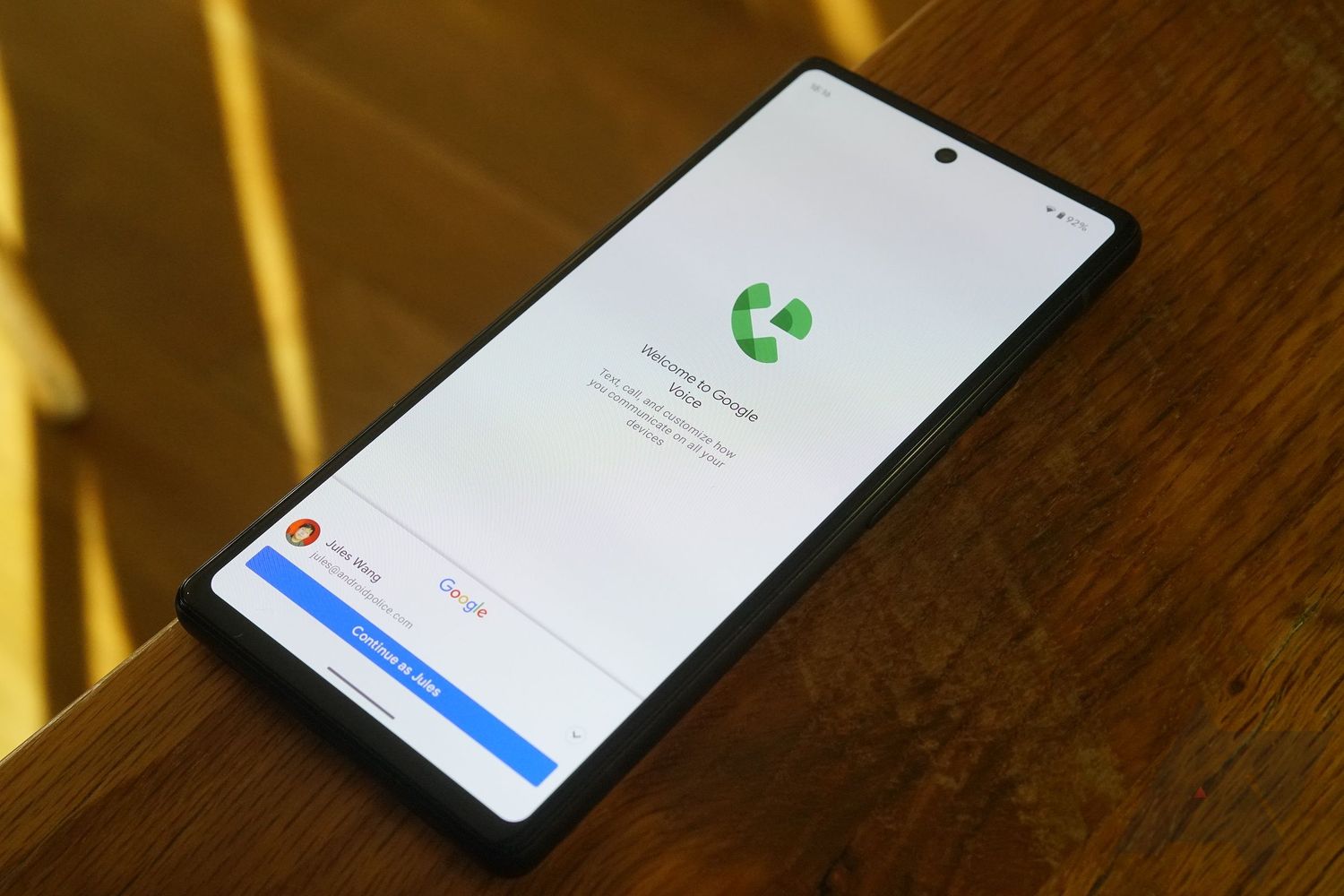
Not all services accept landline port-ins. Google Voice notably does not accept landline port-ins. The CRTC requires that the number must be currently in use to be retained. Before starting a port, verify eligibility with the new provider. If a port is rejected, you may still be able to use a number-parking service to keep the number, as long as the landline remains active during the transition.
Frequently Asked Questions
What fees are involved in porting or parking a landline number?
Porting fees vary by provider. Some VoIP services charge a one-time porting fee, while others include it in a premium plan. Parking services typically charge a monthly or annual fee to keep the number registered.
How long does it take to port a landline number to VoIP?
The process usually takes about two weeks, but timelines depend on the providers involved. You must keep the landline active until the port completes.
What is the difference between porting and parking a number?
Porting transfers your number to a new active service, allowing you to make and receive calls. Parking retains ownership of the number without active calling service, so the number cannot be used for normal communication while parked.
Can I keep my landline number if I move to a different area?
Number portability generally allows you to keep your number when switching providers, even if you move, as long as the new provider offers service in your new location and the number remains active during the transfer.
Can I use a landline phone without a landline?
Yes, after porting your number to a VoIP service, you can use a landline phone without a landline by connecting it to a VoIP adapter or using a VoIP-compatible handset.
How do I set up landline phone service after porting my number?
Once your number is ported to a VoIP provider, you can set up landline phone service by connecting a standard phone to a VoIP adapter or using a dedicated VoIP phone, then following the provider's activation instructions.
Related reading: Why Can't My Phone Number Be Used For Google Voice.