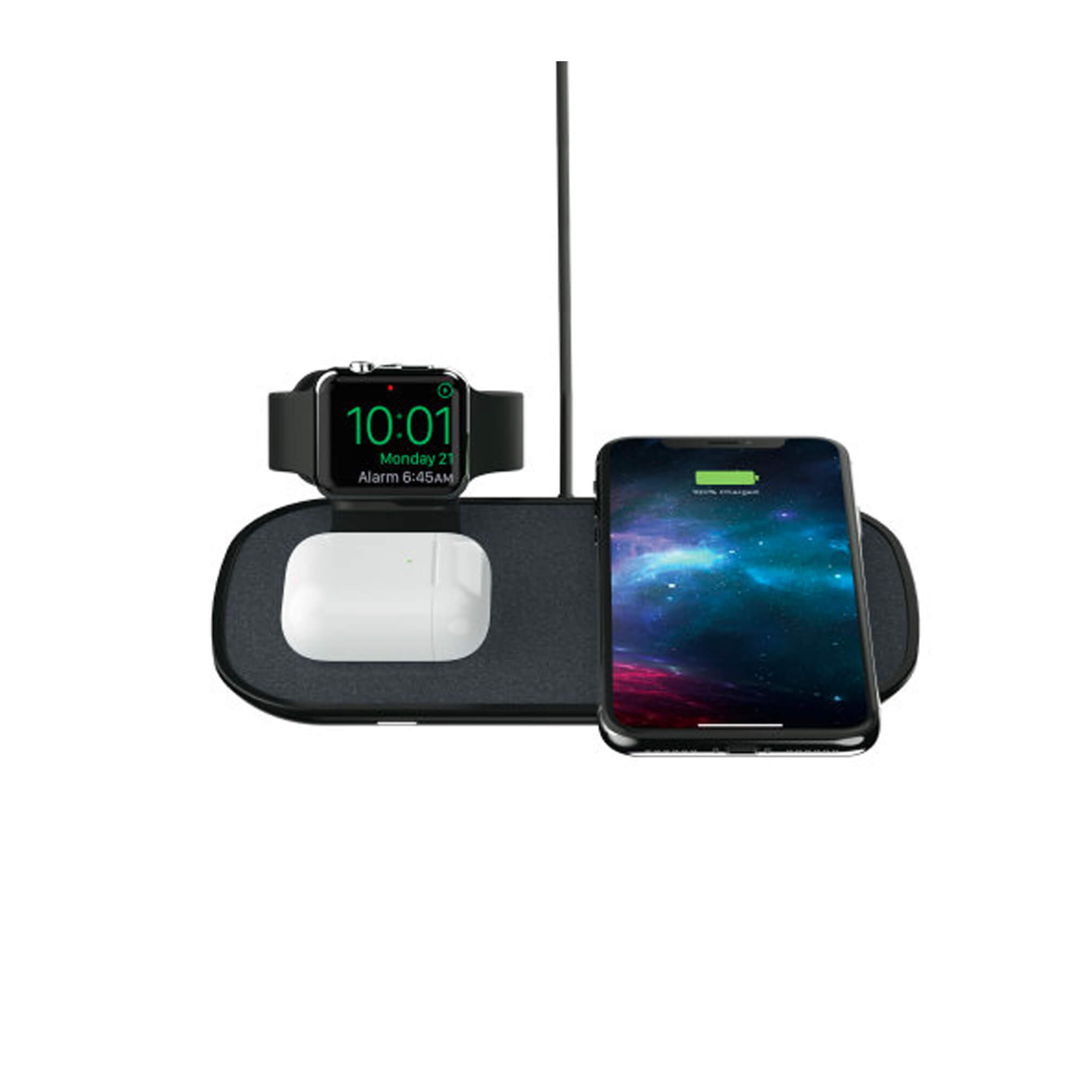
To use a Mophie wireless charger, simply plug the charger into a wall outlet using the supplied or compatible power adapter and cable, then place your Qi-compatible device directly onto the charging surface. This is a purely physical process requiring no apps or software settings, just center your device on the Mophie logo or wireless charging area to begin charging.
1. Plug in the wireless charger
Use the provided USB cable to connect the charger to a power source, whether it's a wall adapter or a USB port on your computer. Once plugged in, the charger’s indicator light will show that it is ready to use. Use the original cable provided by Mophie to ensure maximum compatibility and performance.
2. Place your device on the charger
Place a Qi-compatible phone, earbuds case, or other device directly onto the charging surface. Lay your device with the screen facing up on the charging pad, ensuring the back or bottom of the device contacts the charging surface. For wirelessly enabled Mophie products, you can also place them onto a wireless charging accessory to recharge.
3. Ensure proper alignment
Center the back of your device on the Mophie logo or wireless charging area for proper charging. Charging begins on contact, so proper alignment is critical. For standard Mophie charging pads, the charger can charge through most lightweight phone cases up to 3 mm thick, cases thicker than that or containing metal may interfere. For the 3-in-1 travel charger, the iPhone charging pad is designed for MagSafe-compatible iPhone models (iPhone 12 series or newer), delivering up to 15W to iPhone.
4. Monitor the charging process
Confirm charging has started by looking for the charging indicator on your device’s screen or the charger’s LED light, where present. Some Mophie chargers have an LED that lights up when charging begins. Some models may even have an LED light strip that shows the charging progress. Keep your device stable on the charger during charging; movement can interrupt the process. If you notice that your device or the charger becomes excessively hot or if you smell a burning odor, immediately remove your device from the charger and disconnect it.
Compatible devices and charging speeds
Mophie wireless charging products work with all Qi-compatible devices. On the 3-in-1 travel charger, MagSafe iPhone models (iPhone 12 and newer) get up to 15W. That same model supports Apple Watch Series 1 and newer (including Ultra models) on the watch puck, and AirPods Pro 4, AirPods Pro 2, AirPods Pro 2 with MagSafe Charging Case (Lightning), and AirPods 3rd gen cases on the third pad. For standard flat pads, the only documented requirement is Qi compatibility and a case thickness limit of 3 mm.
Frequently Asked Questions
Does the setup differ for iPhone vs. Android?
No. The process is identical for all Qi-compatible devices. The Mophie support pages describe only physical placement; no app-based setup, carrier settings, or menu paths are documented for either iPhone or Android.
Do I need to remove my phone case to use a Mophie wireless charger?
No, if the case is under 3 mm thick and contains no metal. Thicker cases or those with metal components may interfere with charging.
What is a Mophie wireless charger?
A Mophie wireless charger uses Qi wireless charging technology to transfer power to your device simply by placing it on the charging pad. It eliminates the need for cables and works with any Qi-compatible device.
How do I know if my phone is compatible with a Mophie wireless charger?
Your phone must be Qi-compatible. Most newer smartphones from Apple, Samsung, and Google support Qi wireless charging. Check your device’s specifications to confirm. For MagSafe iPhones (iPhone 12 and newer), the 3-in-1 travel charger delivers up to 15W.
Is my phone wireless charging setup the same for all Mophie chargers?
Yes. The phone wireless charging setup is identical across Mophie models: plug in the charger, place your Qi-compatible device centered on the logo or charging area, and confirm charging has started. No software or settings are needed.
Qi charging: what is it & is your phone qi-enabled?
Qi (pronounced “chee”) is the global standard for wireless charging, using electromagnetic induction to transfer power. Your phone is Qi-enabled if it supports wireless charging out of the box, most modern iPhones, Samsung Galaxy devices, and Google Pixel phones are Qi-compatible. Mophie wireless chargers work with any Qi-enabled device.