How to manage wireless passwords and network names
When you need to manage wireless passwords effectively, your phone often holds the answer. If you need to find the wireless password you are currently using, on an iPhone running iOS 16 or later, open Settings > Wi‑Fi, tap the blue info button next to the connected network, then tap the hidden Password field to reveal it after authenticating with Face ID or your passcode. If you are setting up a new device and need to find SSID on iPhone 11, the active network name is displayed at the top of that same Wi‑Fi screen.
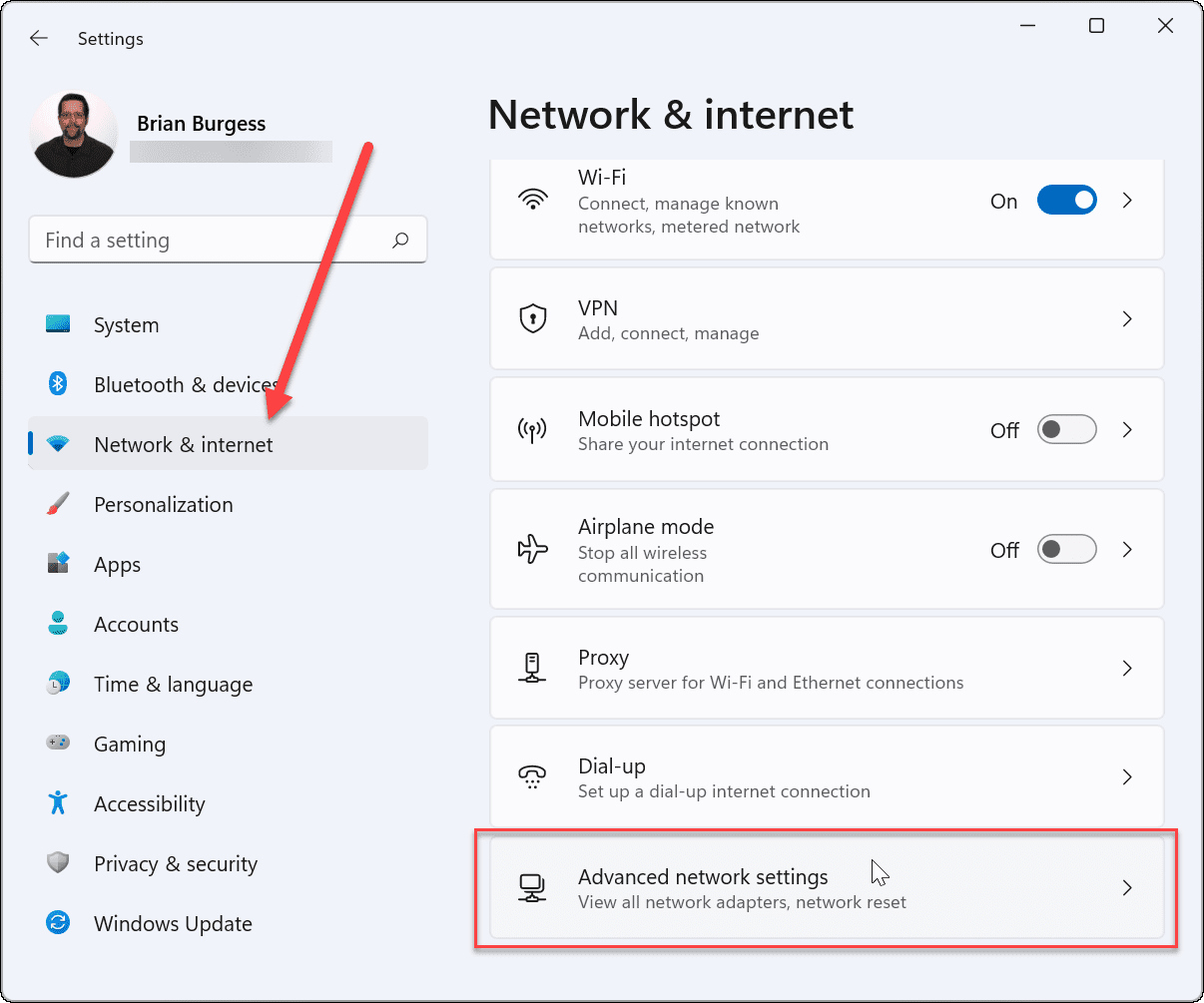
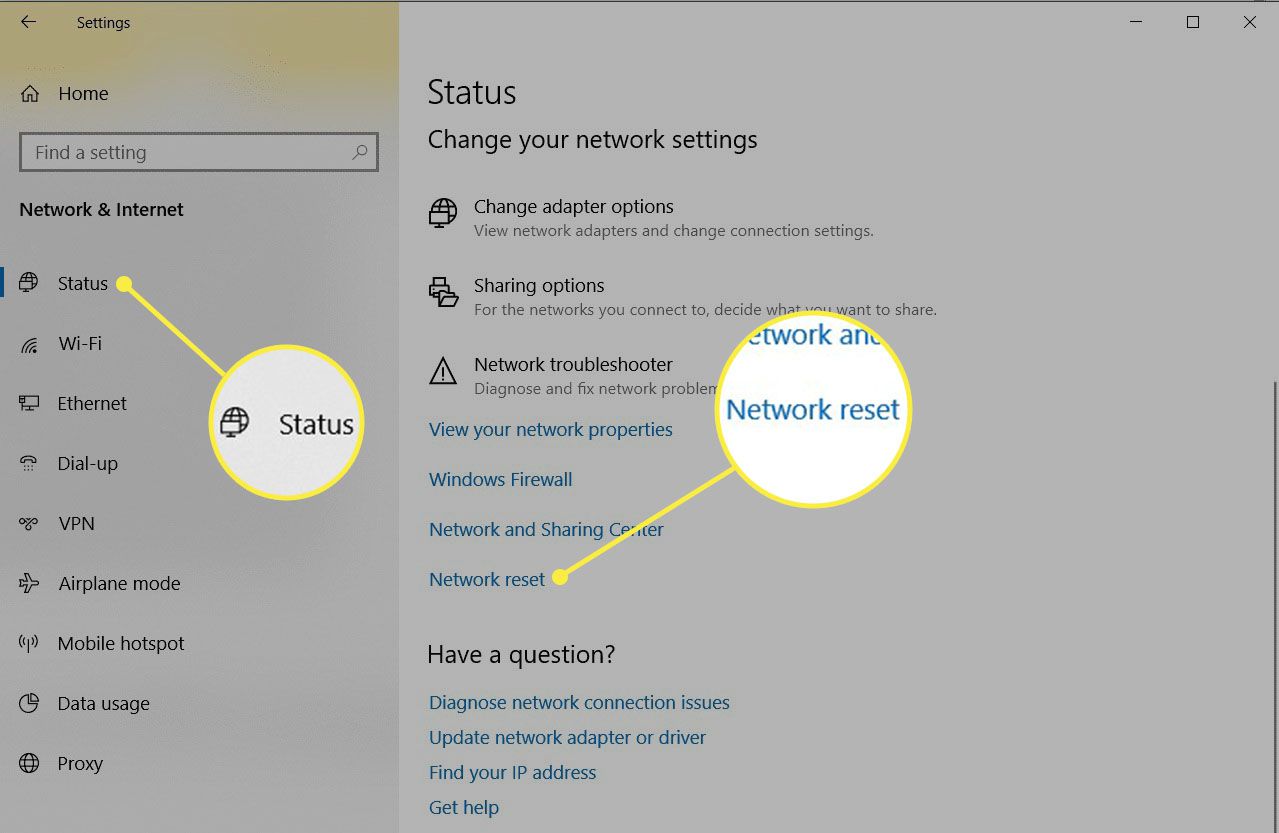
When the network name has been changed from the factory default, the sticker is no longer accurate and you may need to find the WPA key on a wireless router from a different source. If the gateway was supplied by your mobile carrier, you may be able to find T-Mobile WiFi password using the support resources for your specific hotspot model. Before you reset anything, remember that updating these credentials will instantly disconnect every device on the network, and printers, smart speakers, and security cameras will stay offline until you reconnect them with the new key.
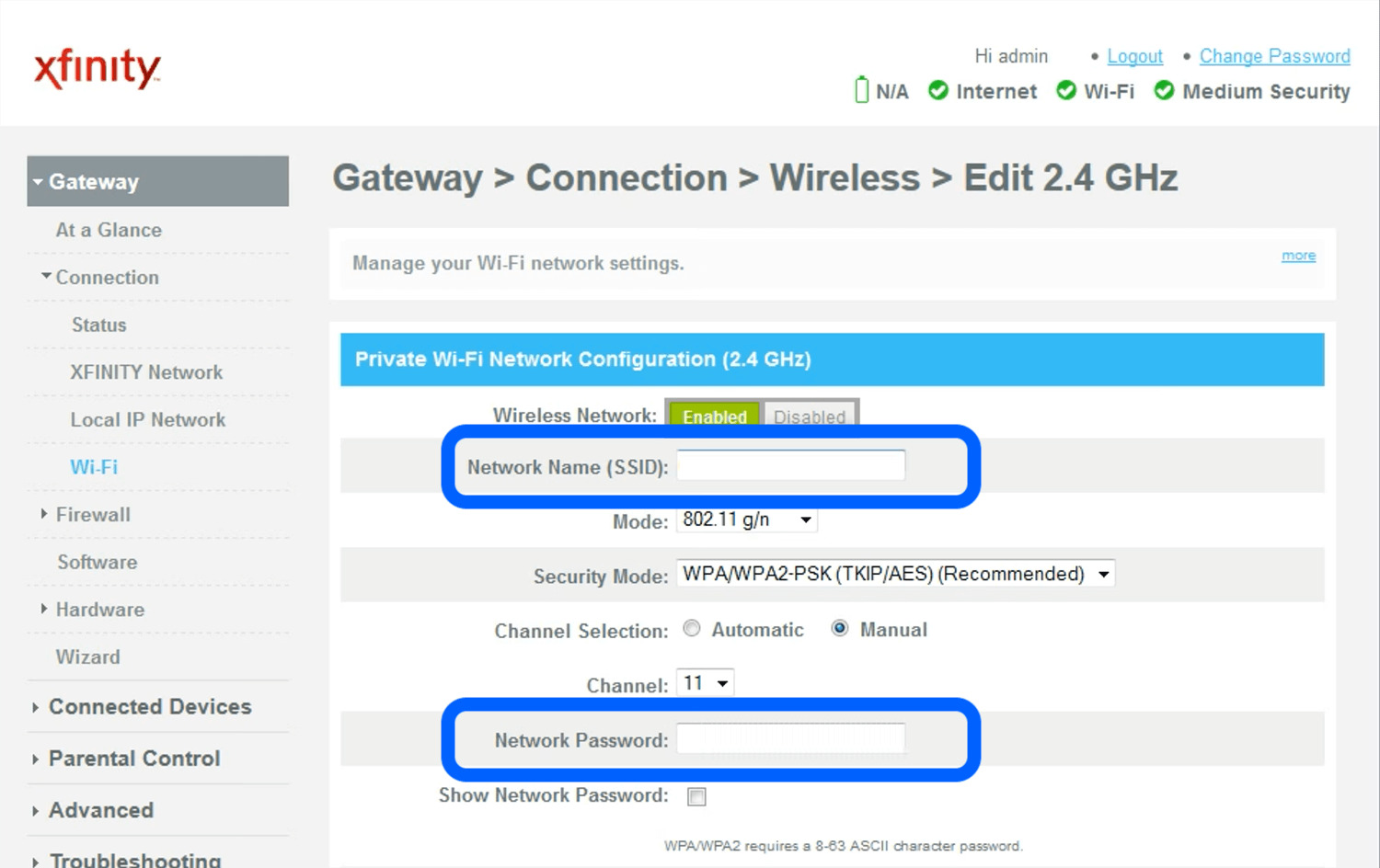
Change your router's Wi-Fi password or network name
When you are ready to update your home network, the way you change wireless password AT&T depends on which gateway you have, but many customers can use the Smart Home Manager app.
If your home internet comes from T-Mobile, you can change T-Mobile Wi-Fi password in the T-Life app by navigating to your network settings and saving the new key. The same section also lets you change T-Mobile Wi-Fi name if you want to update what shows up in your device’s network list. To change password on T-Mobile internet for a hotspot device, T-Mobile provides separate router-style tutorials because the T-Life app path is built for Home Internet gateways.
If you need to change password Verizon wireless router on a Fios Quantum Gateway or Advanced router, go to My Verizon and manage the connection, or type 192.168.1.1 into a browser and update the Wi‑Fi Name and Wi‑Fi Password from the settings.
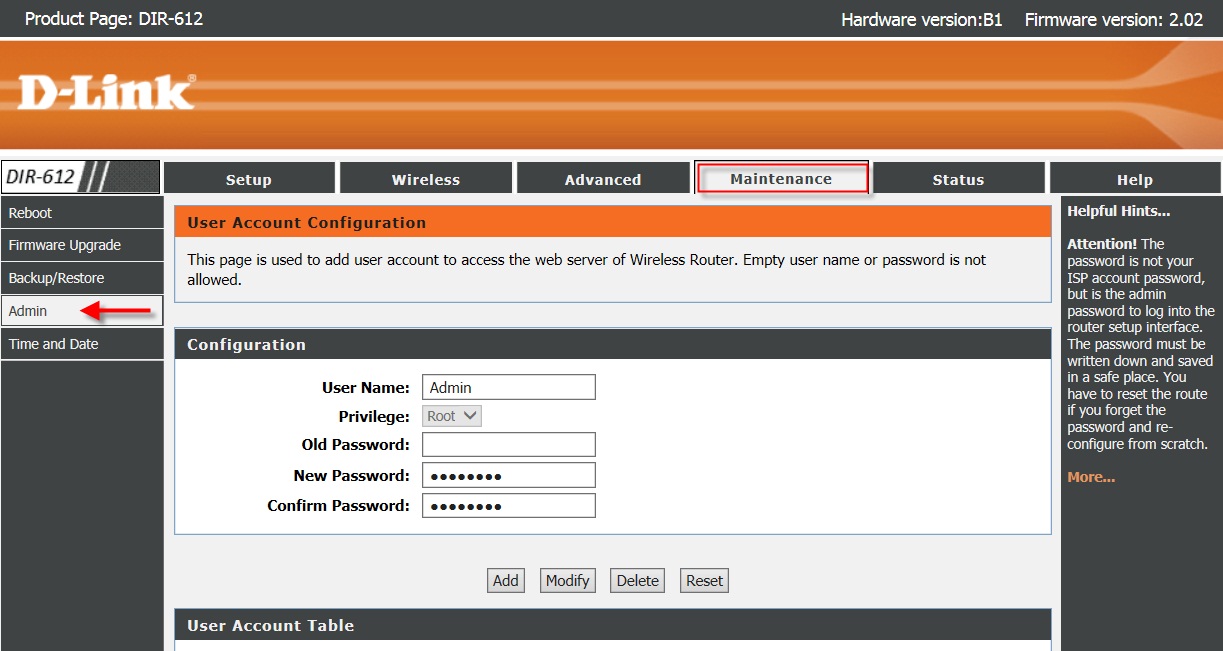
For older hardware, the process to reset password for dlink wireless router may vary by model and you will need the current admin login to set a new passphrase unless you perform a factory reset. No matter which brand you use, remember that printers, consoles, and smart home gadgets will not reconnect themselves after you save the new credentials.
Update the Wi-Fi password on printers and other devices
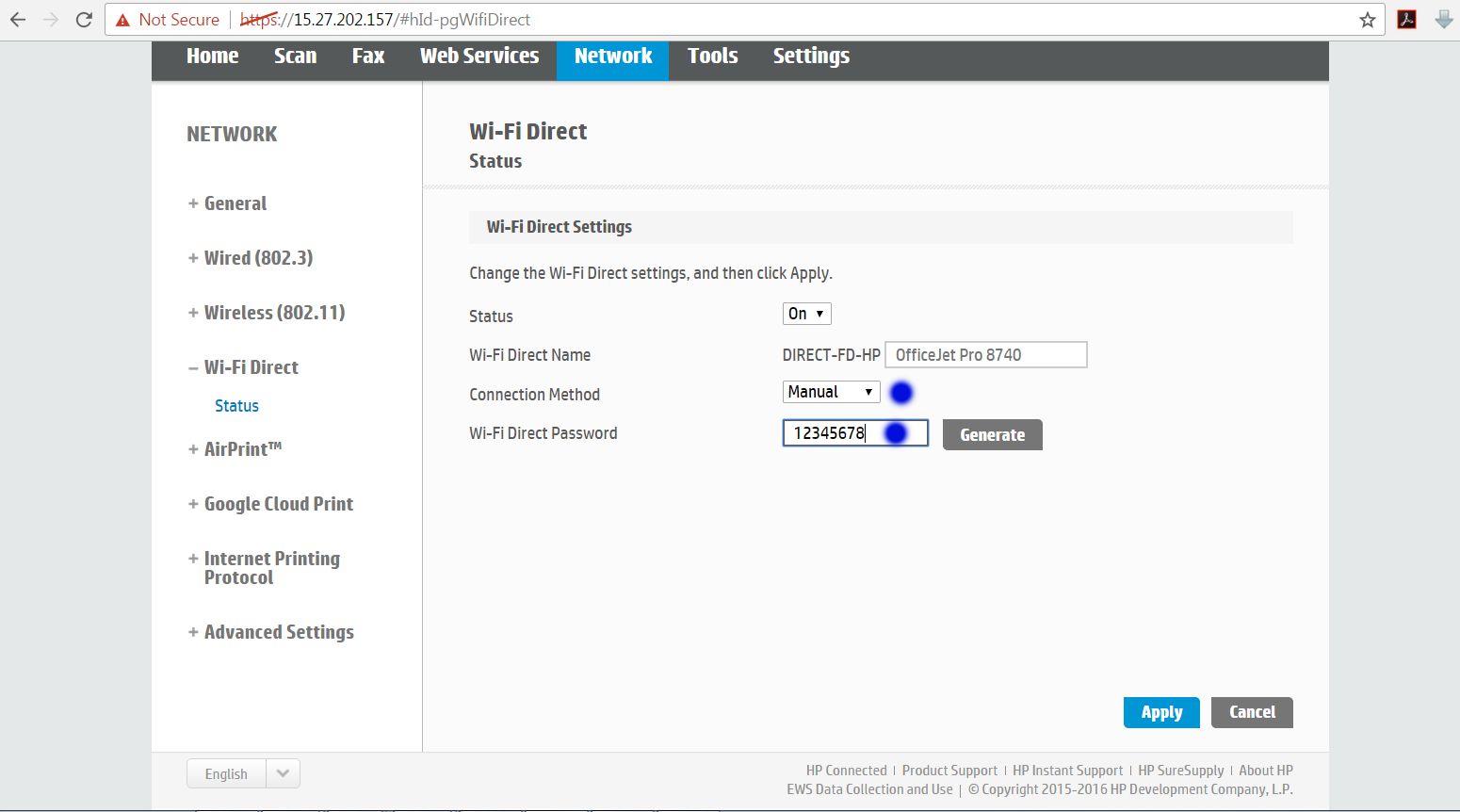
When you update your credentials, your Brother printer will not automatically pick up the new details, so you need to run its wireless setup again. The most reliable way to change Wi-Fi password on Brother wireless printer is to treat it as a fresh connection by selecting your SSID on the control panel and entering the new key when prompted. If your model and router both support it, you can bypass typing entirely by pressing the router’s WPS button and then activating WPS on the printer according to its manual. For other gadgets that lack a screen, the process to change Wi-Fi password on wireless printer often involves a temporary direct link from a phone or computer to pass the updated credentials through its companion app. Some older hardware relies on a different method entirely, where you need to enter pin in wireless router settings to authorize the device, though this is less common on modern printers. Whichever approach your equipment requires, expect every smart speaker, camera, and game console to need a similar manual update before it comes back online.
Connect to Wi-Fi in hotels, public spaces, or guest networks
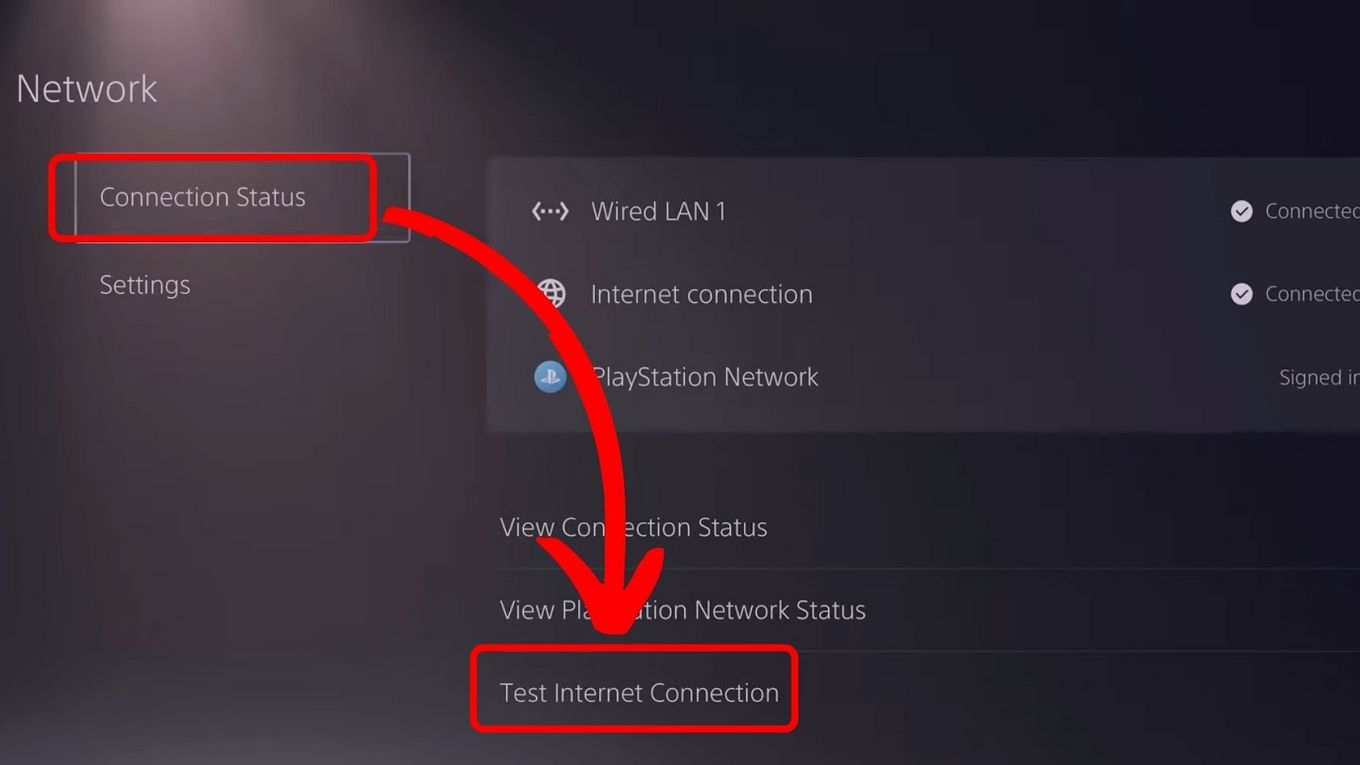
When your phone or laptop joins a hotel, airport, or café hotspot and a login page pops up, you are seeing a captive portal. These screens let the venue control access without giving you a permanent credential, but on a game console that same flow breaks because there is no browser to accept terms. This is why you often need to authenticate PS5 hotel Wi-Fi with phone: first connect your phone to the SSID and sign in through the portal, then use a method such as MAC address cloning to get the console online.
In airports and stadiums, a faster alternative is available if your device and plan support it. You can connect to Passpoint secure T-Mobile and similar carrier-backed hotspots, which skip the portal entirely by using a SIM-based handshake. This works provided you have a carrier plan that supports Passpoint, such as Metro by T-Mobile, and a device with Passpoint support.
For hosted systems you control, the setup is different. If you previously created a separate SSID for visitors but no longer need it, you can get rid of a guest wireless network from your router’s wireless settings, which removes the extra broadcast name and prevents anyone from connecting through that back channel.
When you are on the cellular side and need account access, you can sign in to Verizon wireless to manage your line, though the exact menu path varies by account type.
Manage router features and security
Before you start changing credentials, take a minute to lock down the router itself. Physical access matters more than most people realize. An unsecured gateway sitting by a window gives a neighbor an easy way to press buttons or read the default label. That physical control includes understanding what your hardware does not support. You will not find the WPS button on my T-Mobile router because T-Mobile gateways omit that feature by design. This closes one common entry point that attackers use to hack wireless network hardware through brute-force PIN attempts. If a device demands a WPS connection anyway, you need to use that gadget’s own setup method instead of hunting for a button that does not exist.
Availability is the other half of the equation. There are times when you want your home setup to stop broadcasting entirely. This might happen during extended travel or when a wired-only work arrangement makes the radios unnecessary. There is no direct setting to turn off T-Mobile home internet WiFi from the app or gateway menus. If you need to silence the radios, your simplest fallback is to unplug the gateway. Another option is to check whether a third-party router connected downstream gives you that control. Either way, remember that every smart speaker, camera, and thermostat in the house depends on the connection you are about to change. None of them will reconnect themselves after you save the new credentials.
Frequently Asked Questions
What is the default admin login for an AT&T MF279 router?
The default Admin Login is attadmin. You enter this at http://att.wirelessinternet after connecting to the network, then click Settings to change the Wi‑Fi name or password.
Where is the WPA2 key printed on a Verizon router?
The Wi‑Fi password or WPA2 key and the Wi‑Fi network name are printed on the label on the back of the router. The default password is also shown on that same sticker.
What is the factory Wi‑Fi password for a Brother wireless printer?
The factory password is model-specific. For one listed model family it is 00000000, and for another it is a code tied to the serial number beginning with 773.