A mobile network is the cellular network provided by your carrier that your phone uses for voice calls, text messages, and mobile data, operating over cellular radio rather than Wi-Fi. It is the system you manage directly on your device through settings like Cellular or Mobile Data on iPhone and Network & internet on Android, where you control data, roaming, and carrier connections.
What is a mobile network?
A mobile network is the carrier-provided infrastructure that connects your mobile device for calls, texts, and internet access using cellular radio technology. It is distinct from Wi-Fi, which connects through local routers. On your phone, you manage this network through dedicated settings: on iPhone, go to Settings > Cellular or Settings > Mobile Data; on Android, go to Settings > Network & internet or Settings > Network and Internet > SIMs. These settings let you turn mobile data on or off, manage roaming, and check your carrier settings.
How a mobile network works
When you make a call or send a data request, your mobile device transmits a signal to the nearest base station (cell tower). The base station relays that signal through the carrier’s network infrastructure, switches, routers, and servers, which routes the call or data to its destination. The process reverses to deliver the response back to your device. If service is missing, Apple documents that you should check whether your mobile line is turned on, whether Airplane Mode is off, and whether carrier settings are current. For international travel, Apple documents that data roaming must be enabled in Cellular or Mobile Data Options, and that the exact path changes for single SIM, Dual SIM, and Dual eSIM devices.
Key components of a mobile network
Mobile networks are built from three main parts, explained in plain English:
- Base stations: Also called cell towers, these are the fixed points that transmit and receive radio signals to and from mobile devices within their coverage area.
- Mobile devices: Your phone, tablet, or other portable device contains built-in transmitters and receivers that communicate with base stations to establish and maintain a connection.
- Backend network infrastructure: This includes switches, routers, servers, and data centers that manage signal routing, data processing, and network resources, connecting base stations to the wider internet and other networks.
Understanding these components helps you grasp the definition of a mobile device as a radio-equipped tool that relies on this infrastructure for connectivity.
Types of mobile networks: 2G to 5G and satellite
Mobile network technology has evolved through several generations, each improving speed and capability:
- 2G: The first digital mobile network, introduced in the late 1980s, enabling basic voice calling and text messaging using GSM technology.
- 3G: Brought faster data speeds for internet browsing, multimedia messaging, and video calls, using technologies like WCDMA or CDMA2000.
- 4G: Delivered significantly faster data for seamless video streaming, online gaming, and real-time data sharing, primarily using LTE technology. On iPhone, LTE controls are found under Settings > Cellular > Mobile Data Options, where you can turn on Enable LTE. Apple says the exact wording may vary by device and region, because some pages refer to Cellular while newer pages use Mobile Data or Mobile Service.
- 5G: The latest generation offers ultra-high speeds, low latency, and massive connectivity for advanced applications, though exact setup paths and supported devices vary by carrier.
- Satellite networks: Provide mobile connectivity in remote areas where terrestrial networks are unavailable, using satellites in space to transmit signals to and from devices.
This progression from 2G to 5G is a core part of mobile phone basics and how they have evolved to support faster, richer communication.
How to manage mobile network settings on your phone
Follow these step-by-step paths to control your device’s cellular settings:
On iPhone
- Go to Settings > Cellular (or Settings > Mobile Data on some devices).
- To turn mobile data on or off, toggle Cellular Data (or Mobile Data).
- To manage roaming, go to Settings > Cellular > Cellular Data Options > Data Roaming (or Settings > Cellular > Mobile Data Options).
- To check carrier settings, go to Settings > General > About and look for a carrier settings update prompt.
- For APN settings (if supported by your carrier), go to Settings > Cellular > Cellular Data Network (or Mobile Data Network). On iPhone, Apple documents carrier-specific network provider settings, APN settings, and cellular service setup through Settings > General > About, Settings > Cellular, and Settings > Cellular Data Network or Mobile Data Network, depending on carrier support.
On Android
- Go to Settings > Network & internet (on Pixel devices, go to Settings > Network and Internet > SIMs).
- To turn mobile data on or off, toggle the Mobile data switch.
- To manage roaming, look for Roaming options under your SIM settings.
- For advanced network settings, Google's Android help documents network settings for automatic connections, metered access, proxy settings, and similar connection controls under advanced network settings.
These settings give you direct control over how your device connects to the mobile network, including data usage, roaming, and carrier-specific configurations.
Frequently Asked Questions
What is the difference between a mobile network and Wi-Fi?
A mobile network uses cellular radio towers operated by your carrier for wide-area coverage, while Wi-Fi uses local routers for shorter-range, often faster connections. Your phone can use both, but only the mobile network works when you are away from a known Wi-Fi hotspot.
Do I need a SIM card to use a mobile network?
Yes, a SIM or eSIM is required to identify your device on the carrier’s network and enable service for calls, texts, and data. Without it, your phone cannot connect to the mobile network.
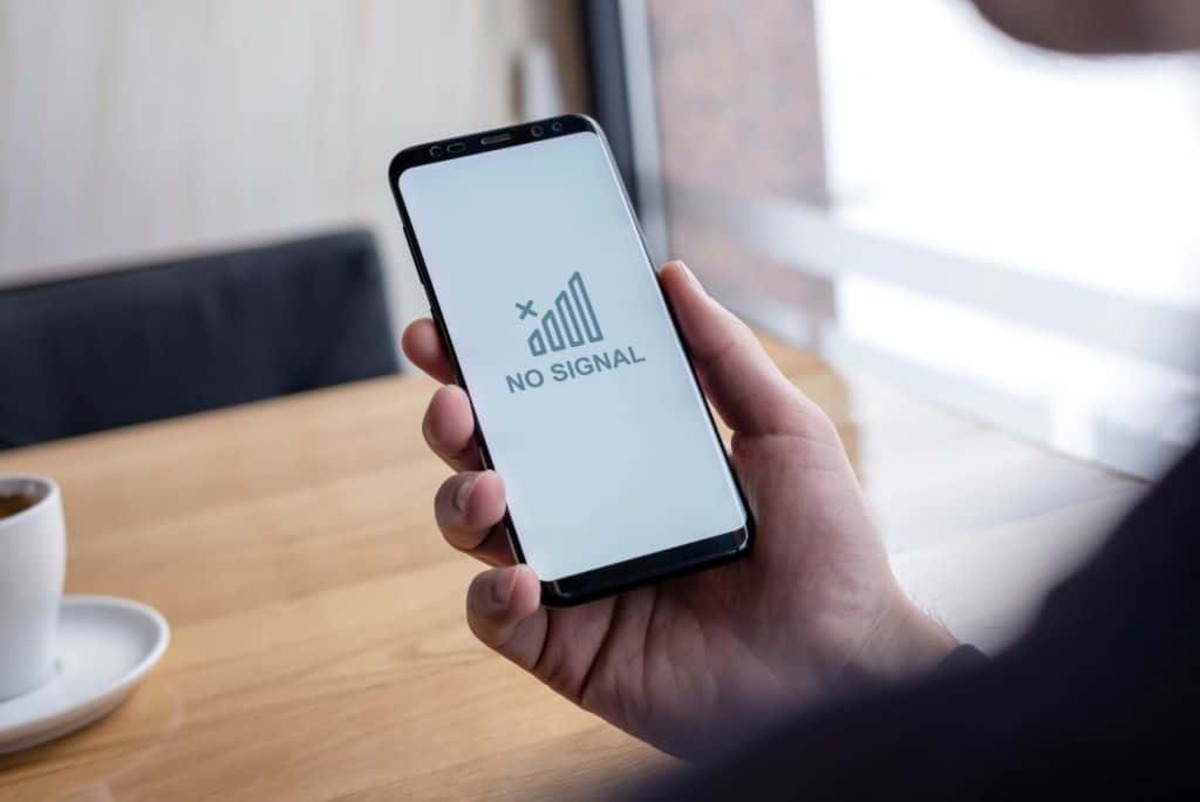
Why does my phone show "No Service" even when I am in a coverage area?
This can happen if Airplane Mode is on, your mobile line is turned off in settings, your carrier settings need an update, or you are in a location with weak signal. Checking these settings under Cellular or Network & internet usually resolves the issue.
Can I use a mobile network for internet without a data plan?
No, mobile data requires an active data plan from your carrier. Without one, you can still make calls and send texts over the voice network, but internet access will be blocked unless you connect to Wi-Fi.
For the wider topic, see mobile phone basics.