






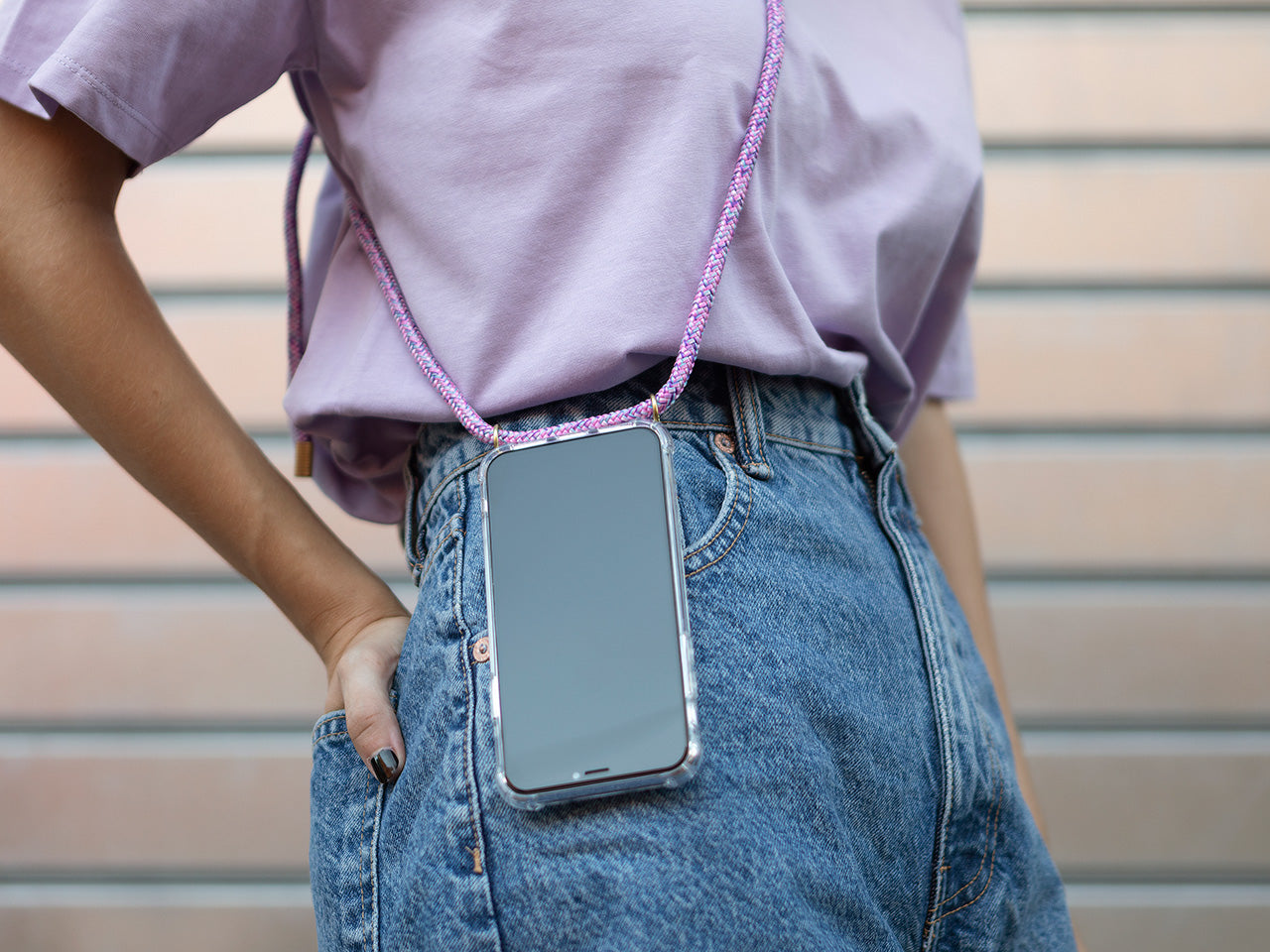
To put a lanyard on a phone case, you first need to check if your case has a built-in attachment hole or loop, the method depends entirely on the case design, not on any phone settings. This guide covers the three most common scenarios so you can securely attach a lanyard and keep your phone accessible, whether you are interested in phone accessories and maintenance or just want a hands-free solution.
Before you put a lanyard on your phone case: check what you have
Your phone case determines how you attach a lanyard. There are three possible scenarios: a case with a built-in hole or loop, a case without a hole but compatible with an adhesive or card adaptor, or a case with no attachment option at all. Consider wrist lanyards vs. neck lanyards based on personal preference and how you plan to use it. Material options for lanyards: nylon for durability, polyester for softness and comfort, paracord for strength and versatility. Some lanyards come with detachable features, such as a quick-release buckle, for easily detaching the phone case when needed.
How to put a lanyard on a phone case with a built-in hole
If your phone case has a small hole or loop, often on the side or bottom corner, follow these steps:
- Locate the lanyard hole on your case.
- Thread one end of the lanyard through the hole from the inside of the case outward.
- Pass the other end of the lanyard through the loop that the first end created.
- Pull both ends tight so the lanyard is securely fastened to the case.
Most lanyards have an adjustable slider or buckle near the attachment point; use it to shorten or lengthen the strap to your preferred fit. For lanyards without an adjustable slider, you can tie a small knot in the cord near the attachment point to keep the desired length and prevent slippage.
What to do if your phone case has no lanyard hole
If your case lacks a built-in attachment point, you can use an adhesive lanyard loop or a card adaptor. An adhesive loop sticks directly to the back of your case and provides a secure anchor for the lanyard. A lanyard card adaptor slides into a card slot or adheres to the back and works with most cases that have back coverage. For example, the RHINOSHIELD Lanyard Card Adaptor is compatible with all RHINOSHIELD and most third-party cases with back coverage, but it is not compatible with RHINOSHIELD CrashGuard, CrashGuard NX, and MOD NX in the bumper case mode. Compatibility varies by case model and, in the RHINOSHIELD example, by bumper-versus-back-cover case type.
How to test your lanyard attachment
Before using the lanyard to carry your phone, give it a gentle tug to confirm it is secure. If the attachment feels loose or the lanyard detaches easily, recheck the threading or consider a different attachment method. Excessive force could damage the attachment points or the case itself.
Frequently Asked Questions
Why should I use a lanyard with my phone case?
It adds an extra layer of security and convenience, helps prevent accidental drops, and provides a hands-free option for carrying your phone.
Can I use any lanyard with my phone case?
Most lanyards will work as long as they fit through the case’s hole or attach to an adaptor. However, check that the lanyard’s connector is compatible with your specific case design, some lanyards have larger clasps that may not fit small holes.
Will a lanyard interfere with wireless charging?
It depends on the lanyard and case design. If the lanyard or adaptor does not block the charging coil area, wireless charging should still work. Test it with the lanyard attached before relying on it regularly.
What if my phone case has no attachment option at all?
You may need to switch to a case that supports lanyard attachment.

















