Understand your phone water damage resistance
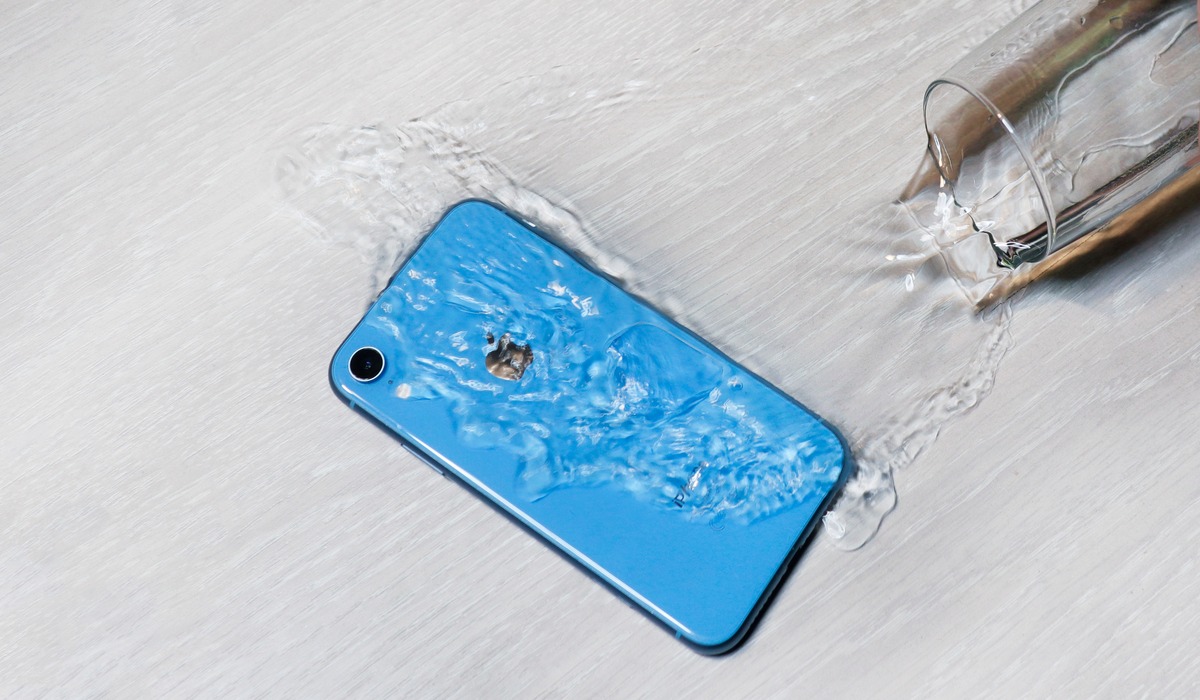
When phone water damage strikes, it helps to know exactly what the manufacturer promises, and what they don’t. The iPhone X water resistance rating sits at IP67 under lab conditions, meaning it survived submersion in fresh water for 30 minutes at one meter, though Apple warns that resistance drops with normal wear and is not a permanent state. On the Android side, checking the Samsung phone waterproofing timeline reveals that almost all newer Galaxy phones now carry IP68, with many tested for 30 minutes at 1.5 meters, while foldable models like the Z Fold6 and Z Flip6 carry their own water resistance ratings. If you add a case, the IP waterproof rating of the Lifeproof phone case in the FRĒ Series is also IP68, certified for up to two meters of fresh water for one hour, offering a useful buffer during an accidental drop. Even with strong ratings, you may still encounter moisture alerts on waterproof Android phones when the charging port detects liquid, and the system blocks charging to prevent shorted pins, a safeguard that can persist for hours until the connector is fully dry.
Interpret the warning signs
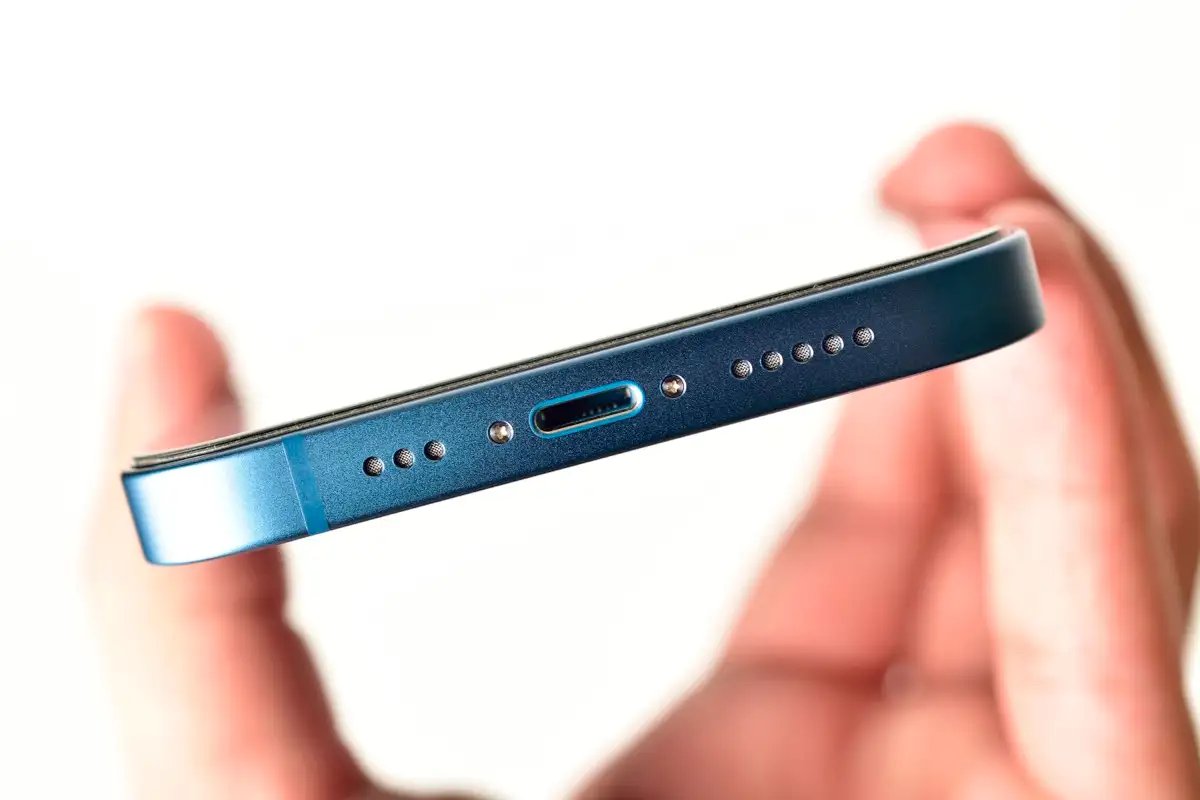
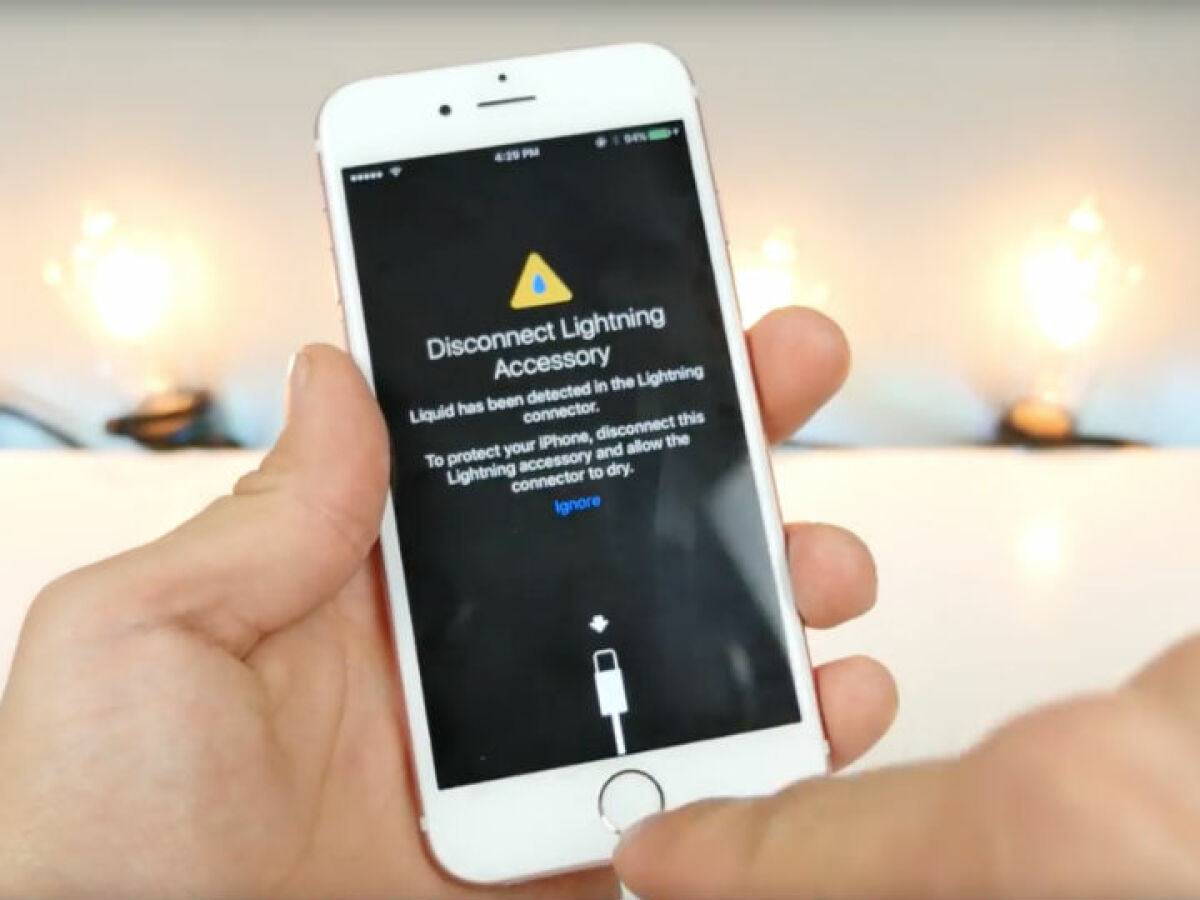
When your iPhone flashes the alert asking what does it mean when it says liquid detected in lightning connector, the answer is straightforward. The phone has sensed moisture in the charging port or on the cable itself. It has disabled charging and accessory use to protect the internal pins from shorting out. This safeguard appears on iPhone XS, iPhone XR, and later models. The fix is to unplug everything immediately. Tap the phone gently with the connector facing down. Let it air-dry in an open space before trying again. If the warning returns, patience is your best tool. A port can take time to dry completely. Forcing a charge while the alert is active can cause permanent damage that a screen replacement will not fix. Should the same cable trigger the alert repeatedly, that accessory is likely damaged and needs to be swapped out. For persistent problems after drying, or if corrosion has already set in, you can look into how AT&T introduces device protection to fix your phone through a claim filed in your device coverage section. This coverage handles the handset and standard battery when a covered loss occurs.
Eject water from ports and speakers
When a phone takes an unexpected dip, the first instinct is often to get the port dry enough to charge, but the real risk lies in forcing current across damp connector pins. For the charging port itself, the safest way to get liquid out of phone charger contacts is to tap the device gently with the port facing downward and let gravity do the work for at least 30 minutes in a dry, open space, making this the method of choice for anyone who needs to get liquid out of phone charger without causing damage. If you need to get water out of charger port Android models, the manufacturer-documented path includes gently shaking the device with the port facing down and then waiting for evaporation rather than inserting any object into the port, so readers searching to get water out of charger port Android will find that patience is the only safe solution. Sound-based techniques can also help you get liquid out of phone speaker after a spill, though Apple advises first tapping the device gently with the connector facing down to let visible water drip out naturally, which is the first step for anyone wanting to get liquid out of phone speaker effectively. For voice clarity after exposure, the approach to get water out of microphone iPhone 11 components is the same: allow the mesh to air-dry completely, since trapped liquid will continue to muffle audio until it fully evaporates, and that is the key insight for anyone trying to get water out of microphone iPhone 11. A low-frequency tone can also clean iPhone speakers & get water out of speakers by shaking droplets loose, which works best as a follow-up after the initial drying period, not as a replacement for it, making this technique essential for anyone who wants to clean iPhone speakers & get water out of speakers thoroughly.
- clean iPhone speakers & get water out of speakers
- use the hidden water eject shortcut on iPhone
- get water out of charger port Android
- get water out of microphone iPhone 11
- get liquid out of phone charger
- get liquid out of phone speaker
Dry and rescue a soaked device
When you need to fix a wet cell phone or smartphone, follow the proper sequence of steps. Start by powering off the device and unplugging everything immediately, then tap the device gently against your hand with the charging port facing down so gravity can pull moisture away from the pins. Whether you're following water damage steps for iPhone 14 models or working with an older Lightning-equipped device, position the phone so the port can drain and leave it in an open, airy space with a fan blowing cool air toward the connector. If you need to dry iPhone lightning connector contacts after a spill, resist the urge to insert anything into the port or use compressed air, as these can push liquid deeper or cause damage. The approach to get water out of iPhone 14 pro max follows the same connector-facing-down drying guidance, and the liquid-detection safeguard blocks charging until the port is genuinely dry. When you need to get water out of your iPhone 13, patience and air-drying are what Apple endorses, and the alert may persist until the port is genuinely dry. To remove water from smartwatch after a swim or rinse, wipe the exterior with a lint-free cloth and allow the device to air-dry completely before placing it back on the charger.
Handle the camera lens and physical protection
When moisture fogs the glass or leaves droplets behind the lens, the first move is to wipe the exterior with a soft, lint-free cloth and place the phone in a sealed container with silica gel packets for at least 24-48 hours. Apple’s guidance includes making sure the device is dry and dust-free before opening the SIM tray, meaning anything beyond surface wiping relies on the internal seals releasing trapped humidity on their own. While you wait, think about the next time you are near a shoreline or pool deck. A bag only works if it stays closed and close to you, and a properly secured lanyard keeps the phone from drifting away in a current even before you notice it has left your hand.
When you need to break or accessorize a phone
Sometimes water exposure isn’t an accident you rush to undo, it’s a deliberate choice, whether you’re testing the limits of an old device or preparing for a trip where your phone will be submerged daily. If you need to know how to deliberately break Nokia phone hardware for a teardown or guaranteed data destruction, physical destruction of the mainboard is more reliable than liquid alone, since even fully soaked components can sometimes be read by forensic tools. For a modern sealed device, knowing how to break a cell phone without obvious damage could involve targeting the charge port with a conductive liquid, potentially corroding the pins internally without leaving a scratch on the glass. Before you put any phone into a wet environment on purpose, switch your focus from destruction to prevention and treat the ultimate guide to choosing the best mobile accessories [Android & iPhone] as your starting point for finding a genuinely submersible dry bag rated to at least IPX8, because a phone’s built-in seals weaken with every drop and a failed port gasket will still short the pins the moment you plug in a damp cable.
Frequently Asked Questions
What does IP68 mean on a Samsung Galaxy phone?
IP68 means the phone was tested to survive submersion in fresh water for 30 minutes at 1.5 meters under lab conditions. Samsung states that most newer Galaxy phones carry this rating, though resistance is not permanent and can decrease with normal wear.
How long does the iPhone liquid detection alert stay active?
Apple says to wait at least 30 minutes before trying to charge again after unplugging everything and letting the port air-dry. If the alert returns, leave the device in a dry area with airflow for up to a full day, as complete evaporation can take up to 24 hours.
What is the water resistance rating of a LifeProof FRĒ case?
The LifeProof FRĒ Series is certified IP68, which allows submersion in up to two meters of fresh water for up to one hour. This rating also includes protection against dust infiltration, adding a buffer beyond the phone's built-in seals.
Can I use a shortcut to eject water from my iPhone speaker?
Apple does not document a built-in water eject shortcut or setting for removing liquid from speakers. The official guidance is to place the iPhone speaker side down on a lint-free cloth and let water drip out naturally while the device air-dries completely.