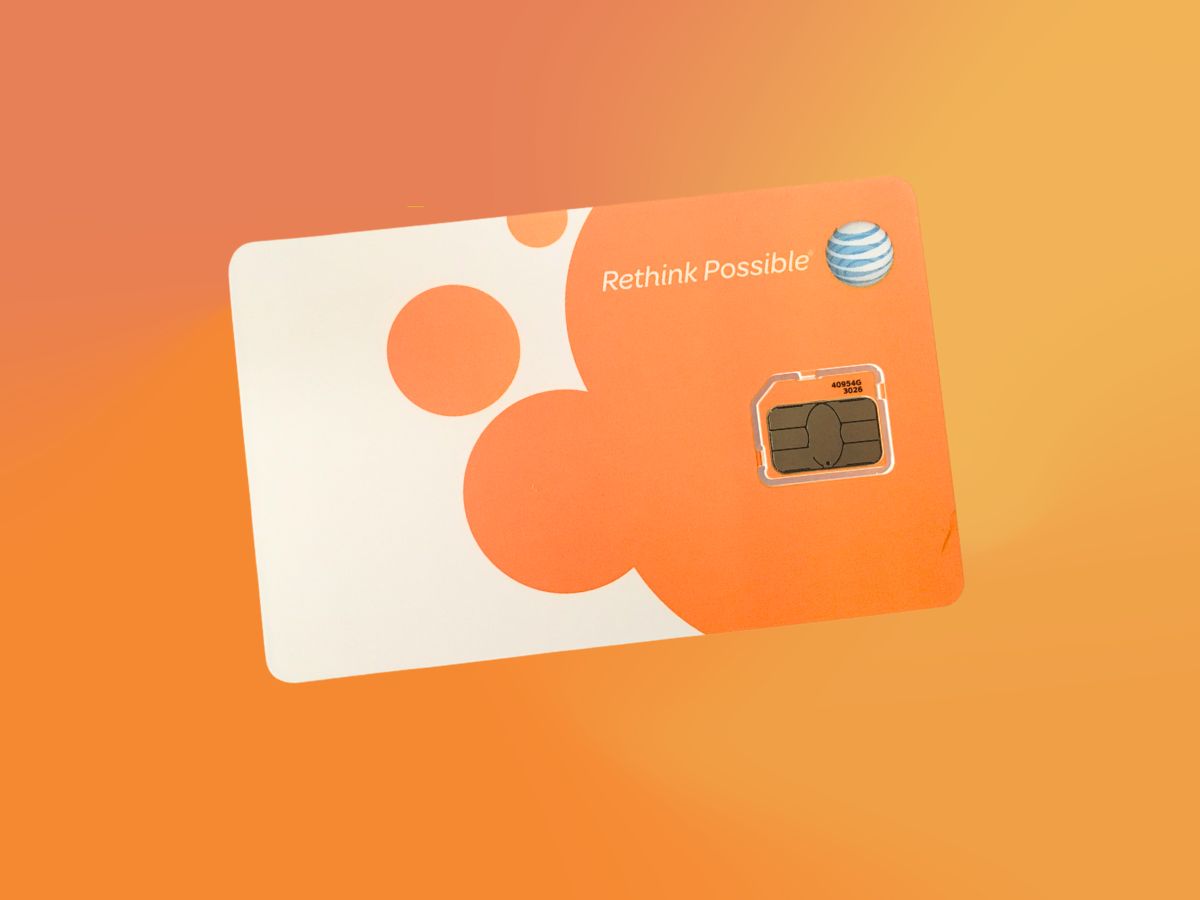
To activate your AT&T SIM card for a new line or replacement device, start with the device powered off, visit the AT&T activation site, or call 866.895.1099, then turn the device on and follow the setup prompts. For prepaid service, use the AT&T prepaid activation page instead.
Before you activate your AT&T SIM card
Only the account owner or a retail authorized user can activate a new SIM card. If you received the SIM by mail, service must be activated within 14 days of shipment or it may be canceled or interrupted; if you already accepted the terms and conditions, AT&T may activate within 7 days. Activation deadlines can vary by shipment status: within 14 days of shipment, or within 7 days if terms and conditions were already accepted. For prepaid activation, you need the SIM or eSIM ICCID and the device's IMEI number. Another AT&T prepaid device page says you need the phone number and IMEI number for activation.
Activate your AT&T SIM card online
Then follow these steps:
- Go to att.com/activations.
- Enter the required information and follow the on-screen prompts.
- Turn the device on and complete the setup instructions.
For prepaid activation, the process is different:
- Remove the SIM card from its packaging and insert it into the unlocked device.
- Turn the device on and follow the prompts, or scan the QR code on the activation card with your phone.
- Go to the prepaid activation site and follow the prompts; you may need to pay for the first month's service at the prepaid account page.
Activate your AT&T SIM card by phone
For a new line or replacement device, call 866.895.1099. For prepaid automated activation, call 877.426.0525. If you need a prepaid customer care representative, call 800.901.9878. Prepaid eSIM users must call AT&T rather than complete the process online. AT&T says prepaid eSIM on a prepaid device requires contacting AT&T, not the normal online flow.
How to activate an AT&T eSIM
For a replacement eSIM on an existing wireless account, sign in to your wireless account, select Device options, then Manage your SIM, then Get a new eSIM, then Get started. Follow the download and activation instructions. Note that you will not see Manage your SIM if your line does not already have an eSIM. AT&T says eSIM management is only available in the wireless account if the line already has an eSIM. For prepaid eSIM devices, you must contact AT&T to complete the activation.
Frequently asked questions about AT&T SIM activation
How long does activation take?
Activation typically completes in a few minutes, but in some cases it can take up to 24 hours. If it takes longer, contact AT&T customer support.
Can I transfer my existing number to a new SIM card?
Yes. For a transferred number, go to the activation site before turning on the phone. The process is called a SIM swap, and you may need to provide your current SIM card number and the IMEI of the new device.
What should I do if activation fails?
First, confirm the SIM is inserted correctly by using AT&T's Device Support path for your specific phone model. AT&T says to insert the SIM, go to Device Support, choose your device, scroll to Getting started, and select Hardware & phone details, then Insert or remove SIM card for insertion steps. Check that your device is unlocked and compatible with AT&T's network. If the issue persists, call AT&T customer care for assistance.
Can I activate an unlocked Samsung phone with an AT&T SIM?
Yes. Insert the AT&T SIM into the unlocked device, turn it on, and follow the prompts. If you are activating prepaid service, use the prepaid activation page and have the ICCID and IMEI ready. For help with inserting the SIM, use AT&T's Device Support to find steps for your specific model.
Does AT&T have a guide for activating phones and SIM cards on any carrier?
AT&T's support focuses on its own network. For devices moving to AT&T, the same activation steps apply: use the activation site or phone number for your account type, and ensure the device is unlocked and compatible.
Related reading: How Do I Activate My SIM Card On Vodafone, How Do I Get A New SIM Card From AT&T, and How To Register Your Tracfone SIM Card.