Why you need to register a Globe SIM card
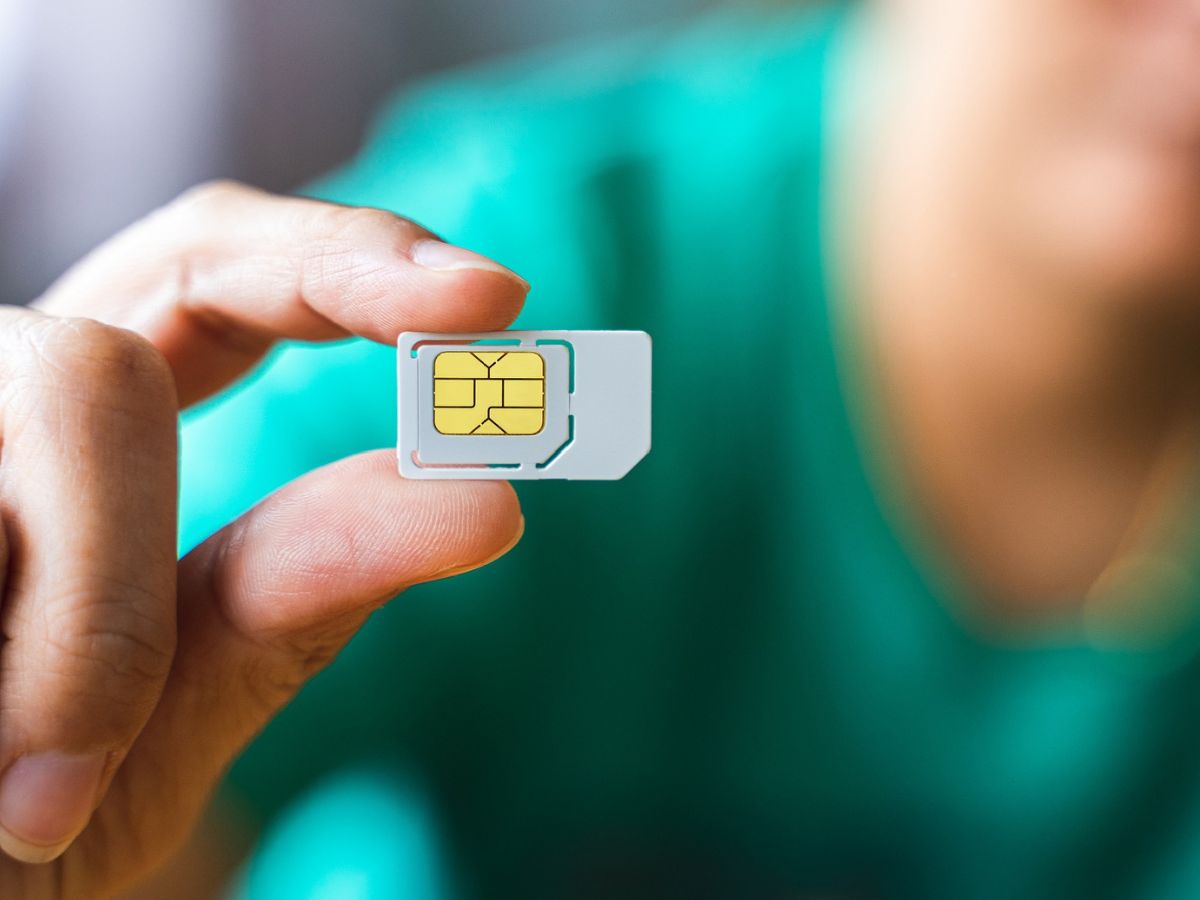
To register a Globe SIM card, you must complete the process required by the Philippine SIM Registration Act (RA 11934), which mandates that all SIM owners verify their identity to combat scams, smishing, and fraud. Failing to register a new SIM prevents its activation, making it unusable, while existing SIMs that missed the July 15, 2023 deadline (with a grace period until July 30, 2023) were deactivated permanently. This legal requirement applies to every physical SIM, eSIM, prepaid, and prepaid WiFi kit, so completing registration is the only way to keep your mobile services active for internet, calls, and texts. Registration allows you to access exclusive promotions. Registration allows you to manage your account easily through online platforms.
What you need before you register
Before you begin, gather one valid government-issued ID with a clear picture of your face and prepare to take a selfie holding that ID. Accepted IDs include a Passport, Driver's License, National ID (PVC, paper, or digital), PhilPost Postal ID, SSS ID, PRC ID, UMID Card, Voter's ID, BIR ID, OWWA ID, Senior Citizen ID, PhilHealth ID, or NBI Clearance. Ensure your ID photo is clear, readable, and unexpired, and take your selfie in a well-lit area without accessories or face filters so your face matches the ID exactly. If you are registering a SIM for a minor under 18 who lacks a valid ID, a parent or legal guardian must complete the registration on their behalf.
How to register a Globe prepaid SIM card online
To register a Globe SIM card for prepaid, use the official portal at new.globe.com.ph/simreg or simreg.globe.com.ph/digital-onboarding. This process is free, and you can complete it in minutes with your phone and ID ready. You can register via text message. You can register by visiting a Globe store. Dial *143# on your phone's keypad and press the call button, then select 'My Account' from the menu options. Follow these steps exactly:
- Visit the official Globe SIM registration portal on your device's browser.
- Enter your mobile number and click "Register" to receive a One-Time PIN (OTP).
- Enter the OTP when prompted, note that it expires in 5 minutes.
- Fill out the required personal information, including your name, birthday, gender, address, and nationality.
- Take a selfie and upload your chosen government-issued ID.
- Check the box to agree with Globe's Privacy Notice and Attestation.
- Click "Submit" and save your registration reference number for your records.
How to register using the GlobeOne app
Alternatively, you can register a Globe SIM card through the GlobeOne app, which offers the same steps as the online portal. Download the app, log in or create an account, and navigate to the SIM registration section. You will enter your mobile number, receive an OTP, provide your personal details, upload your ID and selfie, and submit, then save the reference number you receive. The app is especially useful if you prefer managing your Globe services in one place after registration.
How registration works for postpaid, eSIM, and WiFi kits
For Globe Postpaid, Platinum, and Business Postpaid customers, your data is generally deemed included, and Globe will contact you directly to confirm or complete your registration details, so you do not need to initiate the process. For eSIMs, the registration requirement is identical to physical SIMs, so you must complete the same online or app-based steps using your eSIM's mobile number. If you have a Globe At Home Prepaid WiFi SIM, you can register it through the official portal or enroll and manage the account via the GlobeOne app after inserting the SIM. Remember, each SIM card you own, even multiple SIMs under one person, must be registered individually, so repeat the process for every Globe SIM you use.
Frequently Asked Questions
Is there a cost to register a Globe SIM card?
No, Globe's online SIM registration is completely free. You only pay for your regular load or plan, but the registration itself has no fee.
What happens if I miss the registration deadline for an existing SIM?
If you missed the July 15, 2023 deadline and the grace period until July 30, 2023, your SIM was deactivated and permanently unusable. You would need to purchase a new SIM and register it immediately.
Can a minor register a Globe SIM card without a parent?
No, a minor under 18 without a valid government ID must have a parent or legal guardian register the SIM on their behalf. The guardian must provide their own ID and complete the process.
What should I do if I don't receive the OTP during registration?
If the OTP does not arrive, check that you entered your mobile number correctly and that your phone has a signal. The OTP expires in 5 minutes, so request a new one if needed, and ensure you are not using a blocked or inactive number.
Can I register multiple Globe SIM cards under my name?
Yes, you can register multiple SIMs, but each one must be registered individually. This applies to all types, including prepaid, postpaid, eSIMs, and WiFi kits, so repeat the process for every SIM you own.
For the wider topic, see international calling and plans.
Related reading: How Do I Get A New SIM Card From AT&T and How Do I Activate My AT&T SIM Card?.