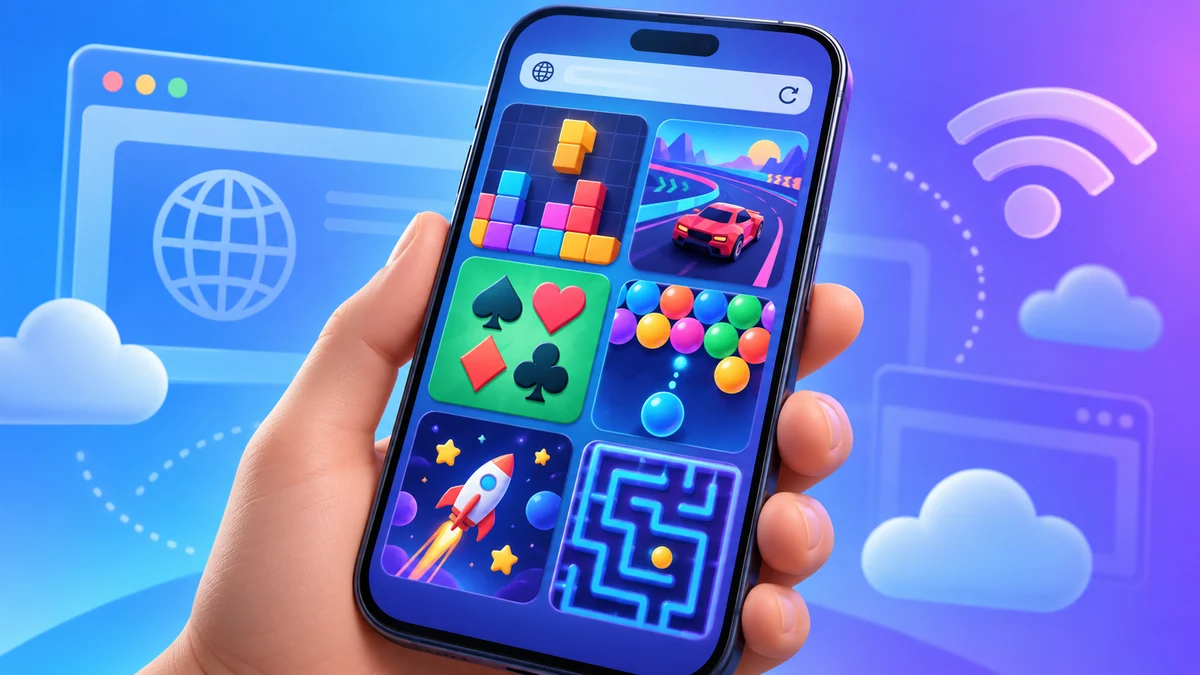
This page is for anyone who wants to play a quick game without giving up storage space, creating an account, or allowing notifications. You will find a hand-picked set of free games that run directly in your phone’s browser, using only your data or Wi-Fi. There is nothing to download, and no sign-up is required. You simply open a link, and the game loads, ready for touch input.
Every game listed here is chosen for its clean mobile layout, responsive touch controls, and pick-up-and-play nature. You can close the tab at any moment without losing progress or feeling like you wasted a download. While most of these are perfectly playable on a small screen, a few are more comfortable on a tablet or desktop. I will point those out as we go, so you know what to expect before you tap.
Card games
Card games are a natural fit for a phone because they rely on tapping and dragging, not fast reflexes. Good browser versions keep the cards large enough to read without zooming and let you undo a move with a simple tap. They also avoid cluttering the screen with ads that shift the layout mid-game. For a quick mental break, these are hard to beat.
Start with Klondike Solitaire if you want the classic single-player challenge. If you prefer a more strategic two-player trick-taking game, Hearts or Spades are excellent, but they are better with a friend on the same device. Blackjack is simple and fast, but be aware that some versions push in-app purchases; stick to the ones that are purely free. For a first try, FreeCell is more forgiving than Klondike because almost every deal is winnable, and it teaches you planning without time pressure.
Board games
Board games on a phone work well when the board is the whole screen and you can see all pieces at a glance. Good browser versions let you drag pieces smoothly and highlight legal moves. They also offer a simple AI opponent for when you are alone. The main drawback is that on a small screen, some boards feel cramped, so look for versions with a zoom feature or a landscape mode.
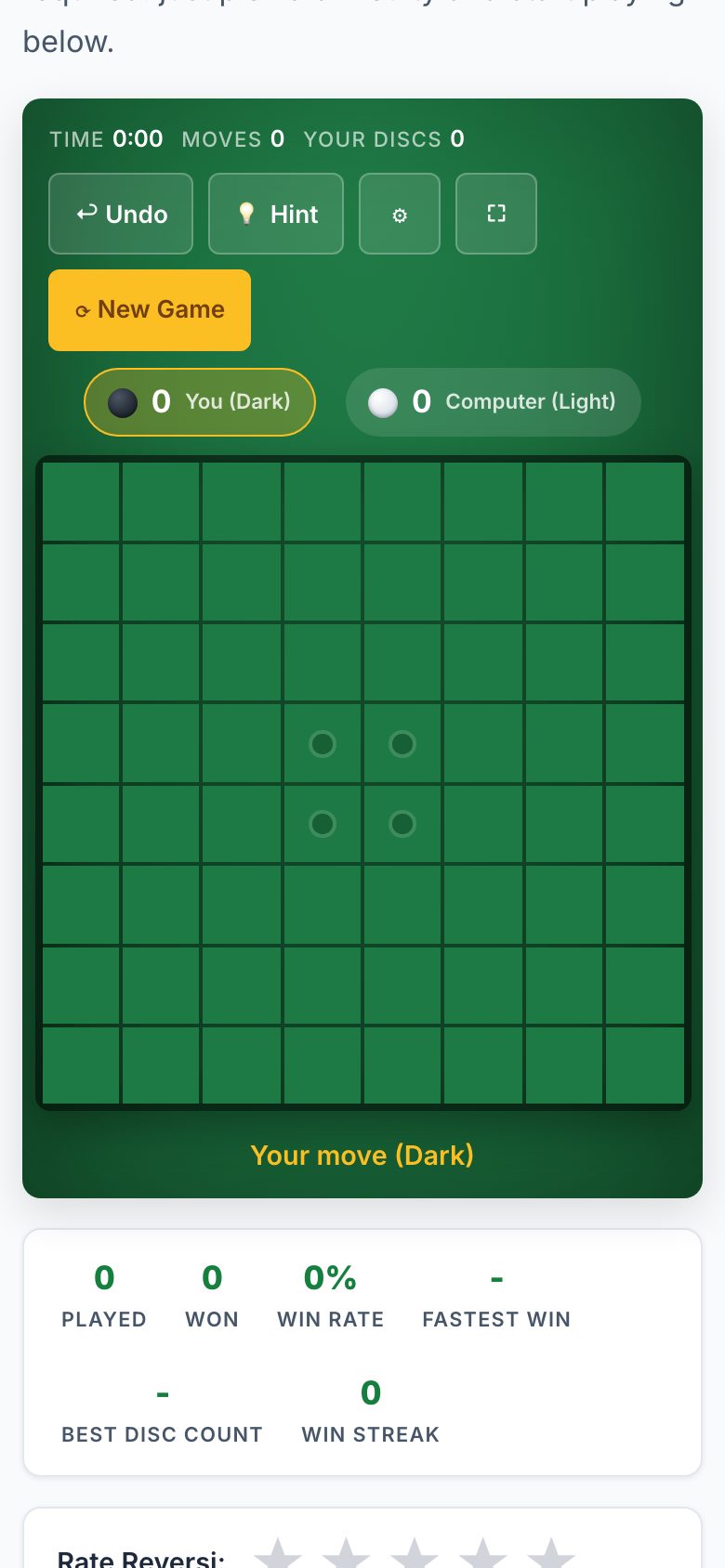
Checkers is the best starting point because the rules are simple and the board is small. Reversi (also called Othello) is a step up in strategy and plays well on a phone since it is just taps. Ludo is fun but can feel chaotic with four players; try it with two. Tic Tac Toe is almost too simple, but it is perfect for a minute-long wait. For a more thoughtful game, Chess With a Free Online Clock is listed separately, but the browser version here is designed for touch, so you can play a full game without a board.
Puzzle games
Puzzle games are ideal for a phone because they are turn-based and do not require fast reactions. The best browser versions use a grid that fits your screen without scrolling, and they let you tap to place numbers or flags. They also avoid timed pressure unless you want it. The key is that the controls are precise enough for a fingertip, not a stylus.
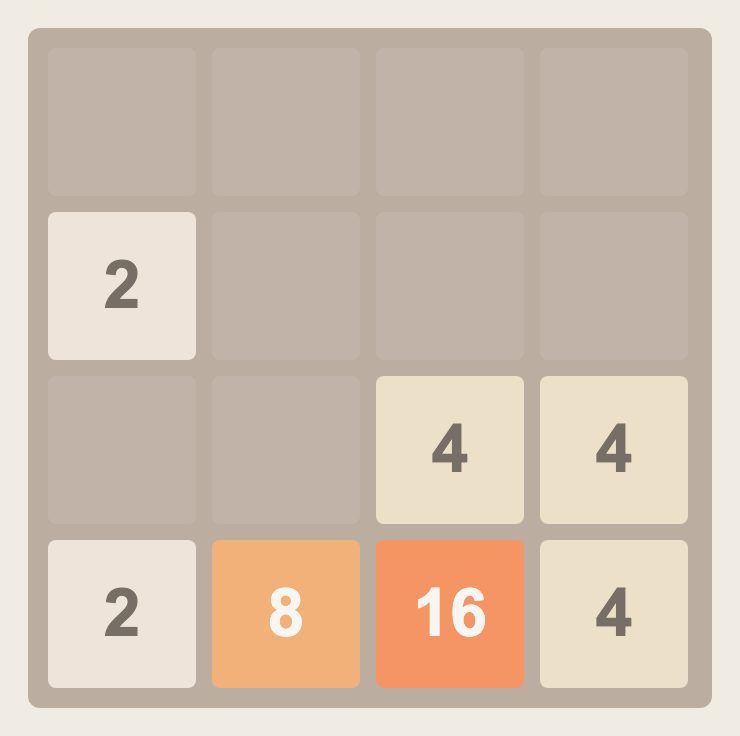
Start with Sudoku if you like logic; most browser versions highlight the selected row and column, which helps on a small screen. Minesweeper is a classic, but the tap-to-reveal and long-press-to-flag need to be responsive, so test the controls first. 2048 is a great time-filler because you only swipe, and it works perfectly on a phone. Slide Puzzles are fine, but they can be frustrating if the tiles are too small; try a 3x3 first. Nonograms (also called Picross) are excellent for a longer session, and Lights Out is a quick logic puzzle that is easy to learn but hard to master.
Tile games
Tile games rely on pattern recognition and careful planning, and they translate well to a touchscreen because you can drag tiles directly. Good browser versions keep the tiles large enough to read the symbols, and they offer a hint system for when you are stuck. They also allow you to undo moves, which is essential for learning.
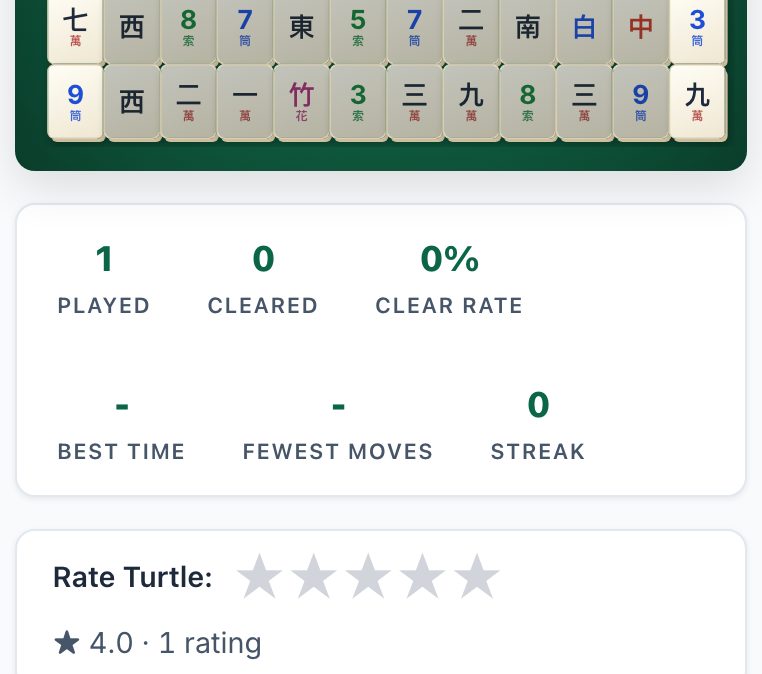
Mahjong Solitaire is the best starting point because it is a single-player game with a clear goal: match all tiles. The browser version should let you zoom in on a crowded board. Dominoes is more social, but you can play against a computer. It is a good choice if you want a slower, more methodical game. Both are perfect for a phone because you can play a few moves and then lock the screen without losing your place.
Dice games
Dice games are pure chance mixed with a little strategy, and they are perfect for a phone because they require no fine motor skills. The best browser versions show the dice clearly and let you tap to hold or re-roll. They also keep score automatically, so you do not have to do math in your head. The main thing to avoid is any version that tries to sell you extra dice or coins.
Yahtzee is the classic choice; it is easy to learn and fun to play in short bursts. The browser version should let you tap the dice you want to keep and then tap “roll” again. Craps is more about betting, and while it can be fun, it is less about skill. For a pure dice game, stick with Yahtzee. It is a great way to pass ten minutes without any pressure.
Arcade classics
Arcade games are all about quick reactions and high scores, but they are the hardest to play on a phone because they need precise controls. Good browser versions use on-screen buttons that are large and responsive, and they do not hide important parts of the play area behind your thumb. They also offer a pause button, which is essential for when you are interrupted.
Tetris is the best arcade game to start with because the controls are simple: tap to rotate, swipe to move, and tap down to drop. It works well on a phone, but you will need to adjust to the smaller screen. Pac-Man is a bit trickier because you need to swipe in the direction you want to move, and that can be imprecise. Both are fun, but if you have a larger phone, they are more enjoyable. On a small phone, you might find yourself getting frustrated with the controls, so do not be afraid to skip these and come back when you are on a tablet.
For over-the-board play
This last group is for people who want a serious game of chess against another human, not a computer. The browser version here is designed for touch, with large pieces and a simple tap-to-select, tap-to-move interface. It also includes a free online clock, so you can play a timed game without needing a physical board or a chess app. The key is that it does not require an account, and it does not store your games unless you want it to.
This is the one game on this list that is genuinely better on a bigger screen, because you need to see the whole board to plan your moves. However, it is still playable on a phone if you rotate to landscape and zoom in. If you are new to chess, start with a longer time control, like 15 minutes per player, so you are not rushed. If you are experienced, you will appreciate the clean interface and the lack of distractions. This is the only game here that truly benefits from a tablet, but it is worth trying on your phone first.
Card games: every guide
- Play Klondike Solitaire on Your Phone Browser, No App
- Play FreeCell on Your Phone Browser - No App Needed
- Play Hearts on Your Phone Browser - No App Needed
- Play Spades on Your Phone Browser - No App Needed
- Play Canasta on Your Phone Browser - No App Needed
- Play Rummy and Gin Rummy in Your Phone Browser, No App
- Play Blackjack on Your Phone Browser - No App Needed
Board games: every guide
- Play Checkers on Your Phone Browser - No App Needed
- Play Reversi and Othello on Your Phone Browser, No App
- Play Ludo on Your Phone Browser - No App Needed
- Play Tic Tac Toe on Your Phone Browser - No App Needed
Puzzle games: every guide
- Play Sudoku on Your Phone Browser - No App Needed
- Play Minesweeper on Your Phone Browser - No App Needed
- Play 2048 on Your Phone Browser - No App Needed
- Slide Puzzles and Nonograms in Your Phone Browser, No App
Tile games: every guide
- Play Dominoes on Your Phone Browser - No App Needed
- Play Mahjong Solitaire on Your Phone Browser, No App
Dice games: every guide
Arcade classics: every guide
- Play Tetris on Your Phone Browser - No App Needed
- Play Pac-Man on Your Phone Browser - No App Needed
For over-the-board play: every guide
Every game in one table: Browser Games That Work on a Phone: The Directory.