






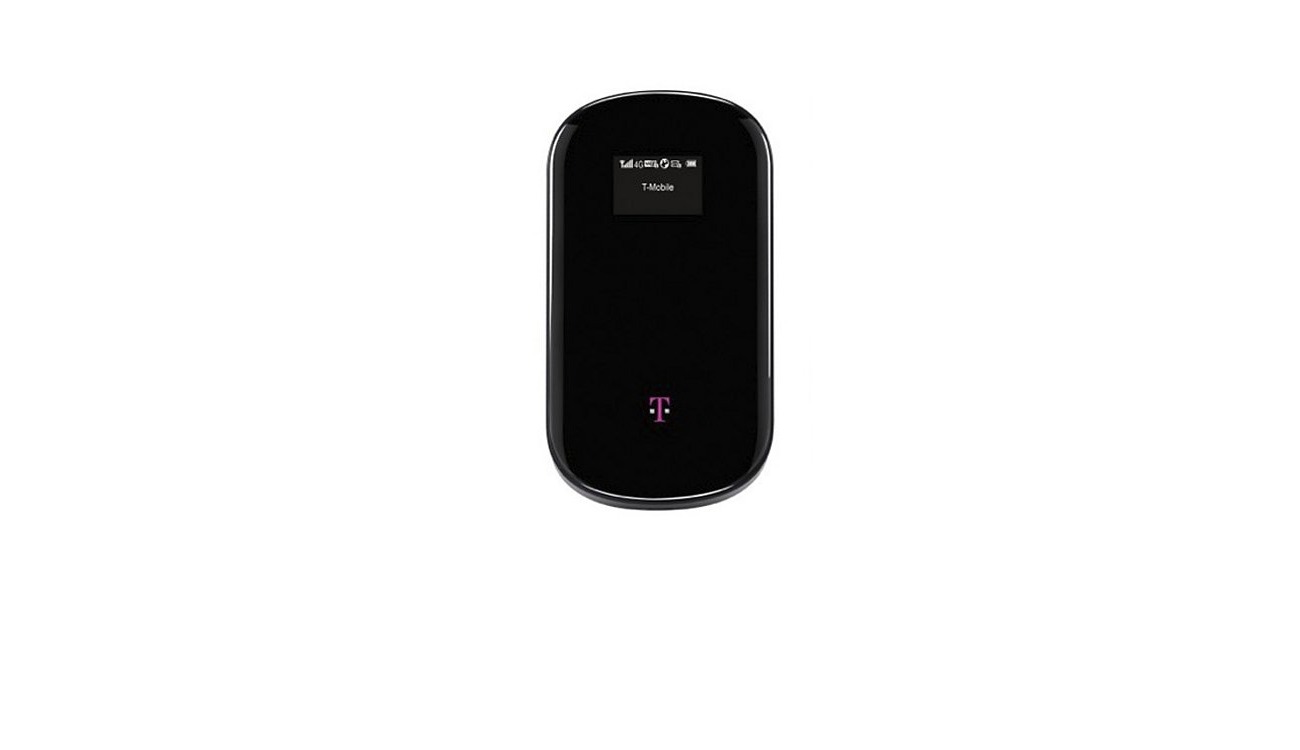
To check how much hotspot data you have left on your T-Mobile account, log into T-Mobile.com from a browser, go to "Usage," then "Data," and view the Mobile Hotspot data used for a specific line. In the T-Life app, select the "Account" tab, choose the line you want to check, and tap "Data used" to see your hotspot usage details.
How to check how much hotspot do I have T-Mobile
Checking your remaining high-speed hotspot data takes just a few steps through either T-Mobile's website or the T-Life app. Both methods show the same real-time information pulled from your account.
- Via T-Mobile.com: Log in to your account, navigate to the "Usage" section, select "Data," and then look for the Mobile Hotspot data used for the specific phone line you want to check. The remaining balance is shown alongside your total plan allowance.
- Via the T-Life app: Open the app, tap the "Account" tab, choose the line you need to review, and then select "Data used." The app displays a breakdown of your data consumption, including hotspot usage.
You can also check your hotspot data usage by dialing a specific shortcode on your phone. To enable Mobile Hotspot on an Android phone: Go to "Settings," tap "Connections" (or "Network & internet"), select "Mobile Hotspot and Tethering" (or "Hotspot & tethering"), then "Mobile Hotspot," and toggle the switch to turn it on. To enable Personal Hotspot on an iPhone: Go to "Settings," tap "Personal Hotspot" (or "Cellular > Personal Hotspot"), and toggle "Allow Others to Join" to turn it on. Both methods update in real time, so you always see your current hotspot data allowances as of that moment.
Understanding your T-Mobile hotspot data limit
Mobile Hotspot (also called Wi-Fi Sharing or tethering) is included with many T-Mobile plans, but the amount of high-speed data varies by plan. T-Mobile offers both capped and unlimited hotspot plans. Capped plans have a specified limit on the amount of data you can use, while unlimited plans provide high-speed data up to a certain threshold, after which your speeds may be reduced. Most plans include a set amount of high-speed tethering data; after you use that allotment, hotspot speeds are reduced to a maximum of 600 kbps (3G speeds) for the rest of your billing cycle. The T-Mobile Essentials plan is different, it provides tethering at a maximum speed of 600 kbps from the start, with no high-speed hotspot bucket. Plans like Go5G and Experience plans include a specific high-speed hotspot allowance that resets each billing cycle. Your device must have a plan that includes Mobile Hotspot, and it will only function in T-Mobile's 5G and 4G LTE coverage areas.
What happens when you run out of hotspot data
If you exceed your plan's high-speed Mobile Hotspot allotment, your hotspot speed is reduced until the end of your billing cycle. When you reach your data limit on a capped plan, your hotspot speeds may be throttled, which means your connection will slow down significantly. T-Mobile sends free text messages to notify you when you reach 80% and 100% of your data usage, including hotspot data. If you need more high-speed hotspot data before your cycle resets, T-Mobile offers Mobile Hotspot Data Passes. T-Mobile also offers the option to purchase additional hotspot data if you find yourself needing more than your plan provides. These passes provide additional high-speed on-network data for Go5G and Experience plans, and you can add them multiple times per month (though only one pass can be active at a time).
Dedicated T-Mobile hotspot devices
Standalone T-Mobile Hotspot devices (not smartphones), such as those provided to students, have a separate limit. These devices typically offer 100GB of high-speed data per month, after which speeds are reduced to 256 kbps. This is a different throttle speed and data allowance than what applies to phone-based hotspot usage, so check your specific device plan for details.
Frequently Asked Questions
Can I track my hotspot usage in real time?
Yes. Both T-Mobile.com and the T-Life app update your hotspot data usage in real time, so you can see exactly how much high-speed data you have left at any moment during your billing cycle.
Can I share my hotspot data with other devices?
Yes. You can share your phone's internet connection with up to 10 other Wi-Fi-enabled or tethered devices simultaneously. Keep in mind that using Mobile Hotspot drains your phone's battery faster and consumes data more quickly than normal on-device browsing.
Can I use my T-Mobile hotspot while traveling internationally?
T-Mobile offers international hotspot capabilities, but you should check with T-Mobile regarding the specific countries and plans that support international hotspot usage. International roaming charges may apply, so review your plan details before using your hotspot outside your home country.

















