To turn on wireless charging on a Motorola phone, you do not need to find a software toggle or setting, because wireless charging is a hardware-based feature that works automatically when you place a supported device on a compatible charger. If you are searching for a "wireless charging Motorola" setting menu, the direct answer is that no such menu exists, on supported models, the phone begins charging the moment it makes proper contact with a Qi, Qi2.2, or Motorola-compatible charging pad.
Does your Motorola phone support wireless charging?
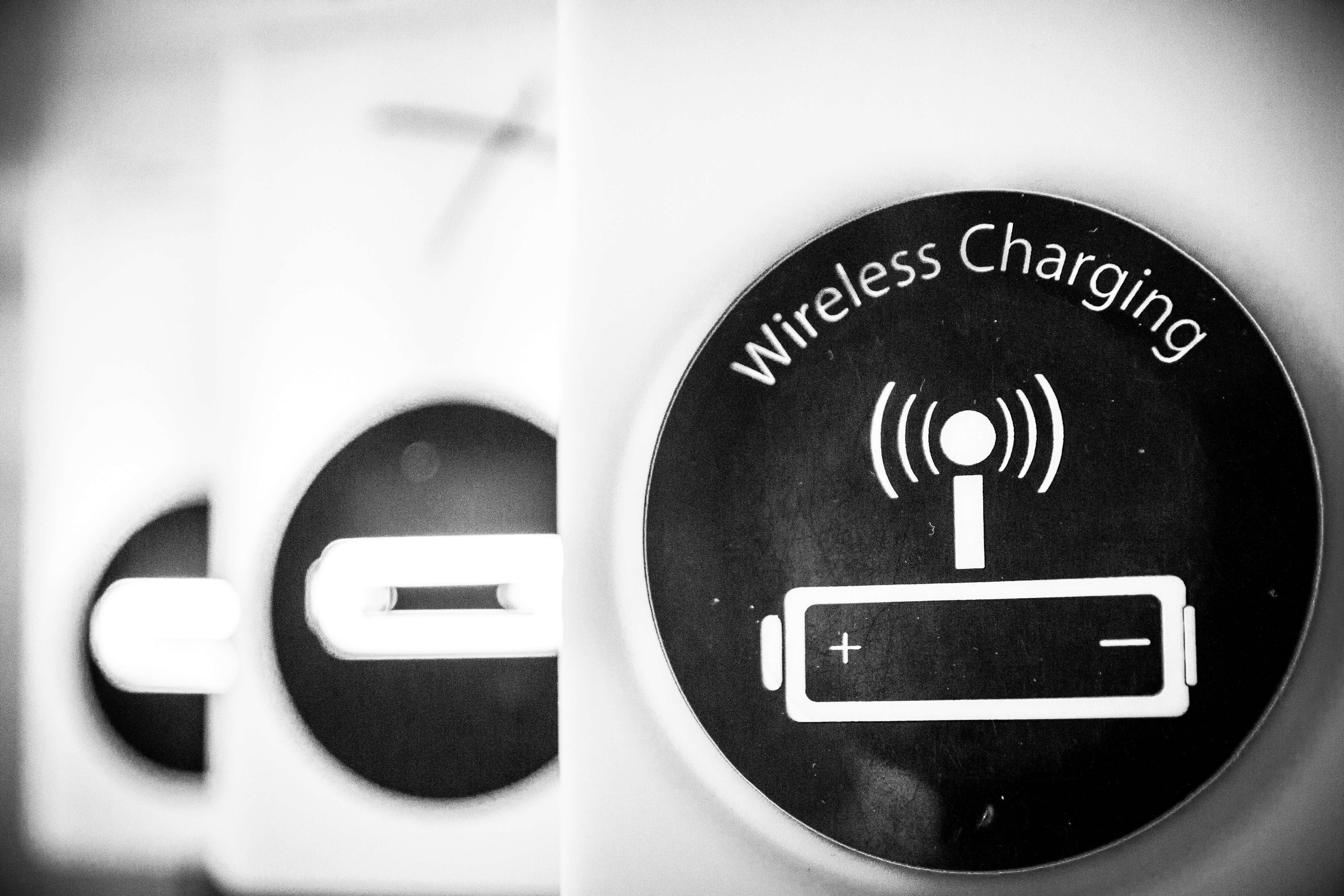
Wireless charging is not a feature you can enable through software; it depends entirely on your phone's hardware. Check for the wireless charging symbol or logo on the back panel or near the charging port to confirm Qi support. To determine if your specific model supports it, check Motorola’s official charger compatibility list or your device’s technical specifications. Some Motorola devices may require an additional accessory, such as a wireless charging adapter or receiver, to enable wireless charging. If your phone is not listed as compatible, there is no documented workaround to add wireless charging capability.
How wireless charging works on Motorola phones
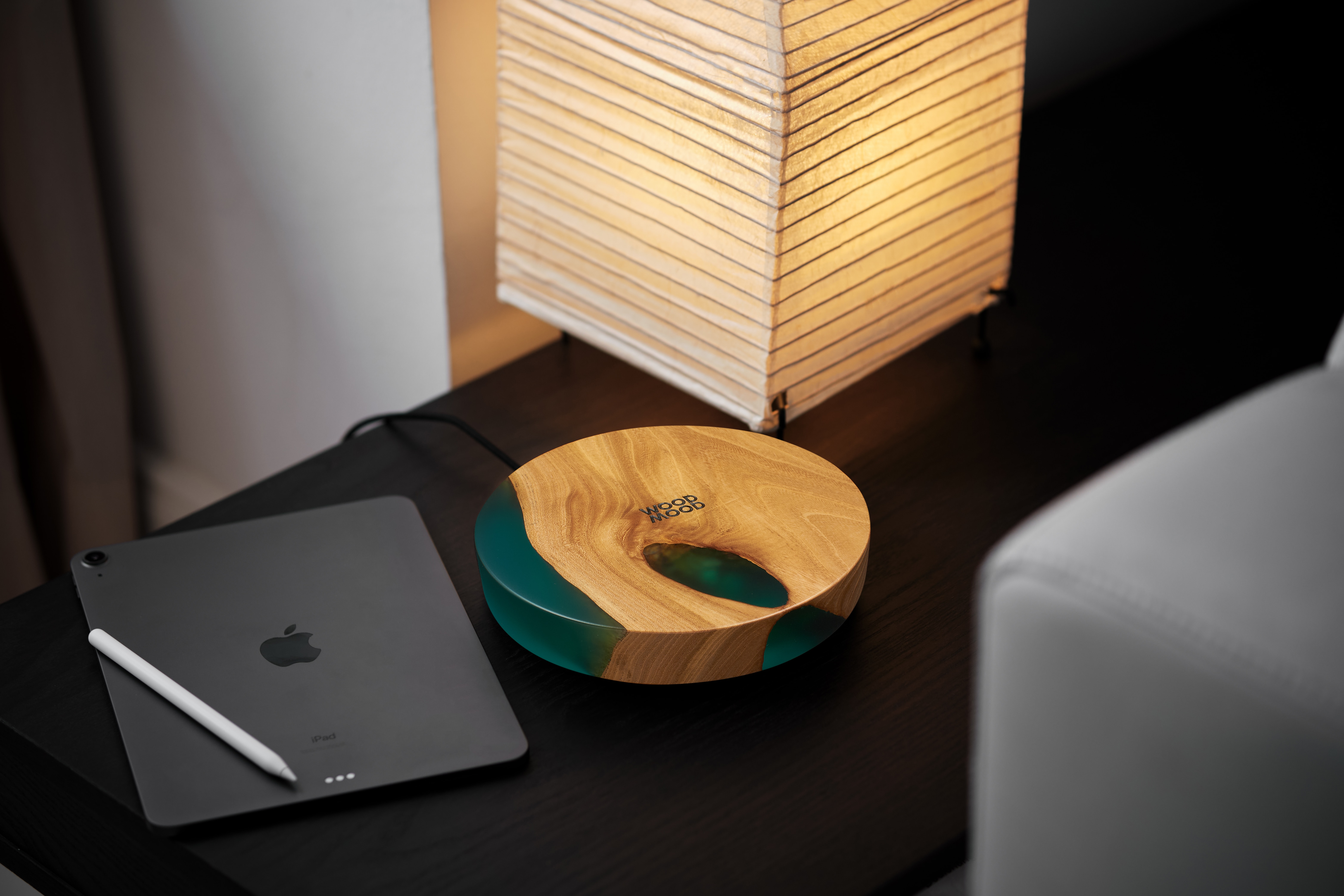
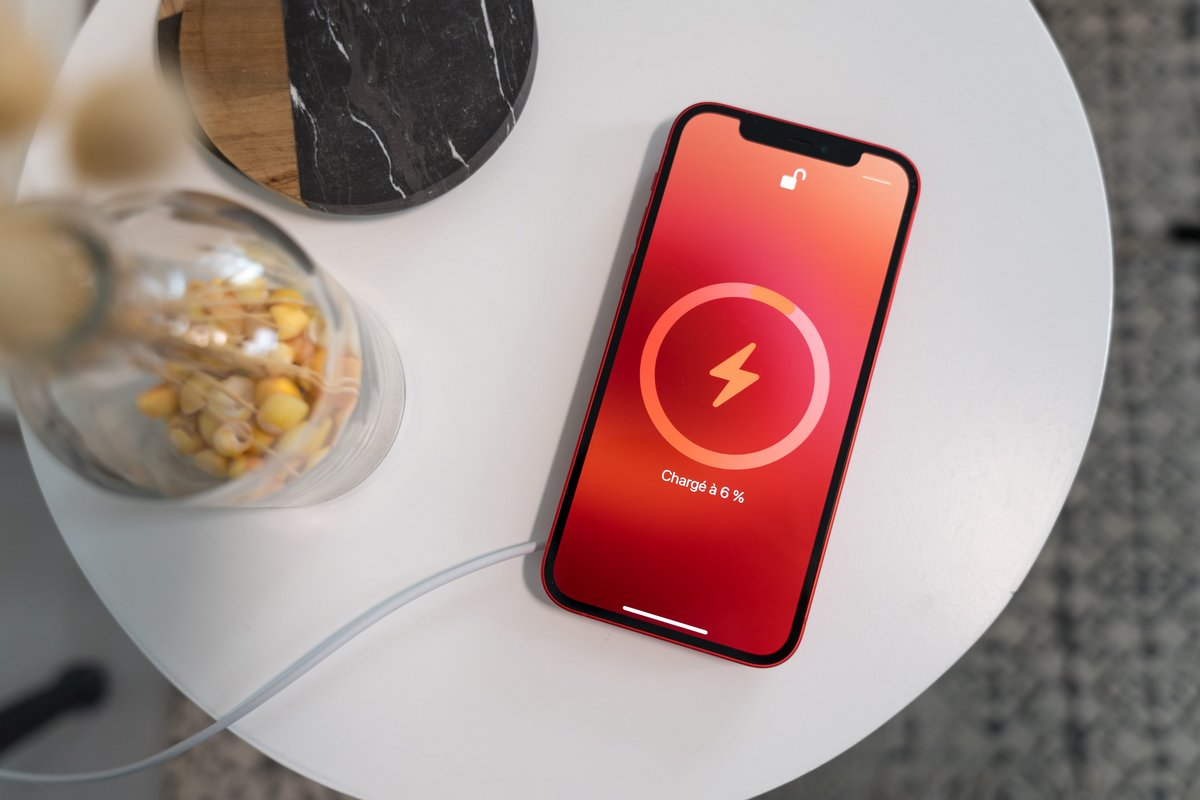
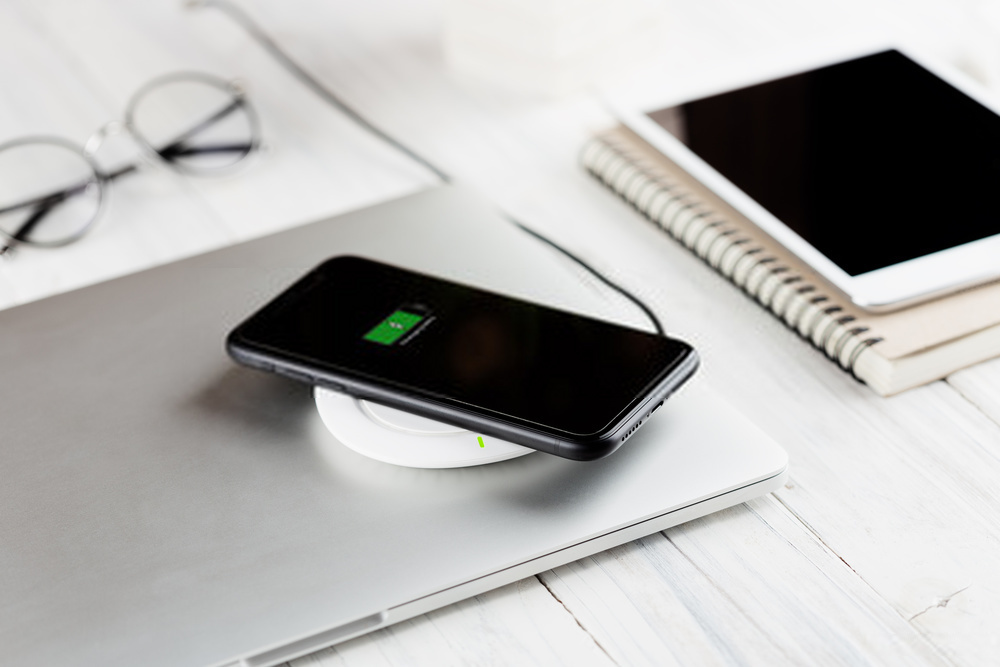
On supported Motorola models, wireless charging starts automatically when you place the phone on a compatible wireless charger. There is no settings menu to activate, simply align the center of the phone’s back with the charger’s charging area. The technology uses electromagnetic fields to transfer energy, and the phone will indicate charging has begun (often with a sound or on-screen notification). This process is the same whether you use a Qi standard charger, a Qi2.2 charger, or a Motorola-branded charger.
Motorola wireless charging speeds and requirements
Motorola’s documented charging limits depend on the charger and phone combination. For the Motorola snap wireless charger, charging up to 25W requires a Qi2.2-compatible device, and up to 30W requires a compatible Motorola phone in the EMEA region. Magnetic charging requires a Qi-compatible phone with magnets built in. Your actual charging speed will also depend on the charger’s output and the phone’s battery management. For your phone wireless charging setup, always verify that both the phone and charger support the same standard to achieve the fastest possible rate.
What to do if wireless charging isn't working
If your Motorola phone does not start charging wirelessly, first confirm that the phone is on the charger’s supported device list. Restart your device to fix minor software glitches that may affect wireless charging. Update your device software to resolve compatibility issues with wireless charging. Check for debris on the charging pad or phone back, remove thick cases, and ensure proper alignment. If the phone is supported and still not charging, try a different compatible charger to isolate the issue.
Frequently Asked Questions
Does every Motorola phone support wireless charging?
No. Only certain Motorola models include the necessary hardware.
Is there a setting to enable wireless charging on Motorola phones?
No. It works automatically on supported hardware.
What are the documented wireless charging limits for Motorola phones?
Up to 25W for Qi2.2-compatible devices, and up to 30W for compatible Motorola phones in the EMEA region. Magnetic charging requires a Qi-compatible phone with built-in magnets.
Can I use a third-party wireless charger with my Motorola phone?
Yes, as long as the charger is Qi-compatible and your Motorola phone supports wireless charging, third-party chargers will work.
Where can I find model-specific compatibility information?
Motorola’s official charger pages list compatible devices for each charger model. For a complete list, check the charger’s product page or your phone’s technical specifications on Motorola’s website.
For the wider topic, see phone wireless charging setup.
Related reading: What Motorola Phones Have Wireless Charging.