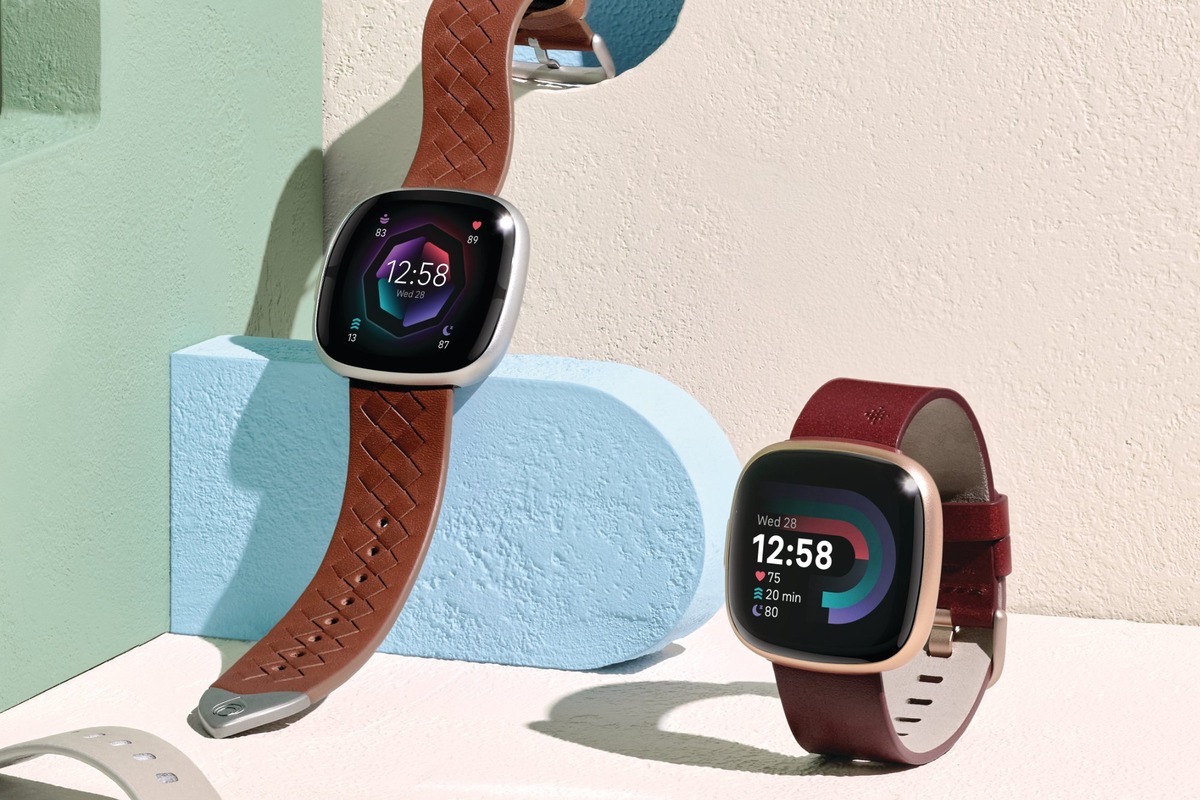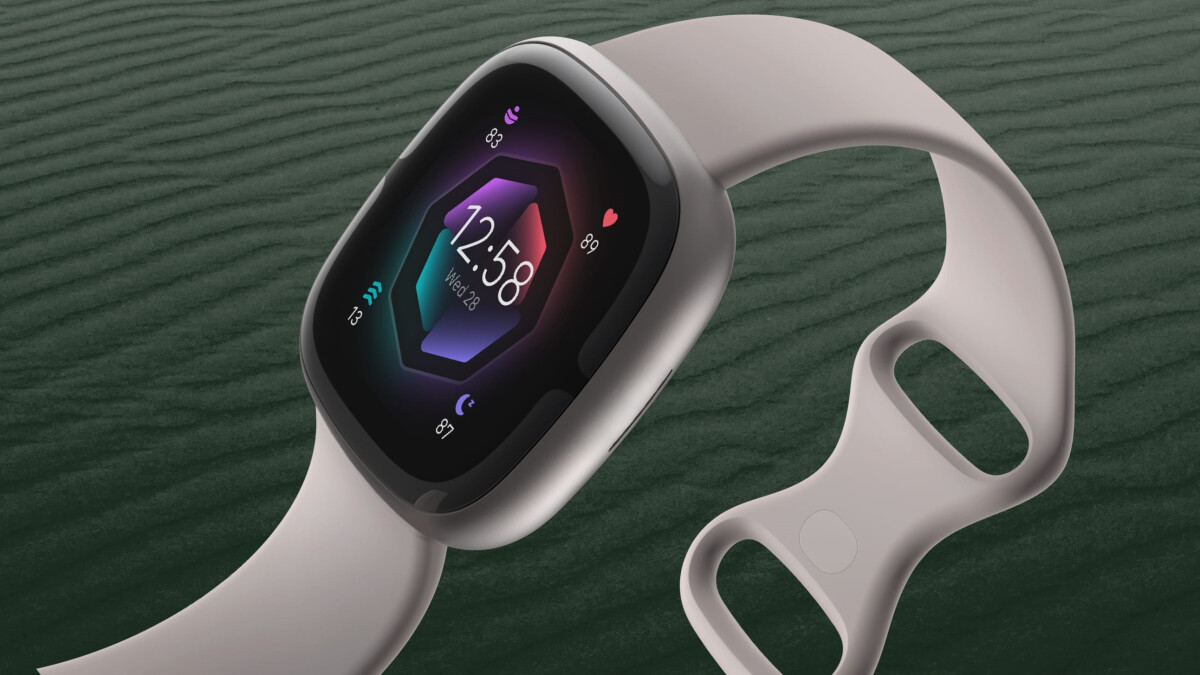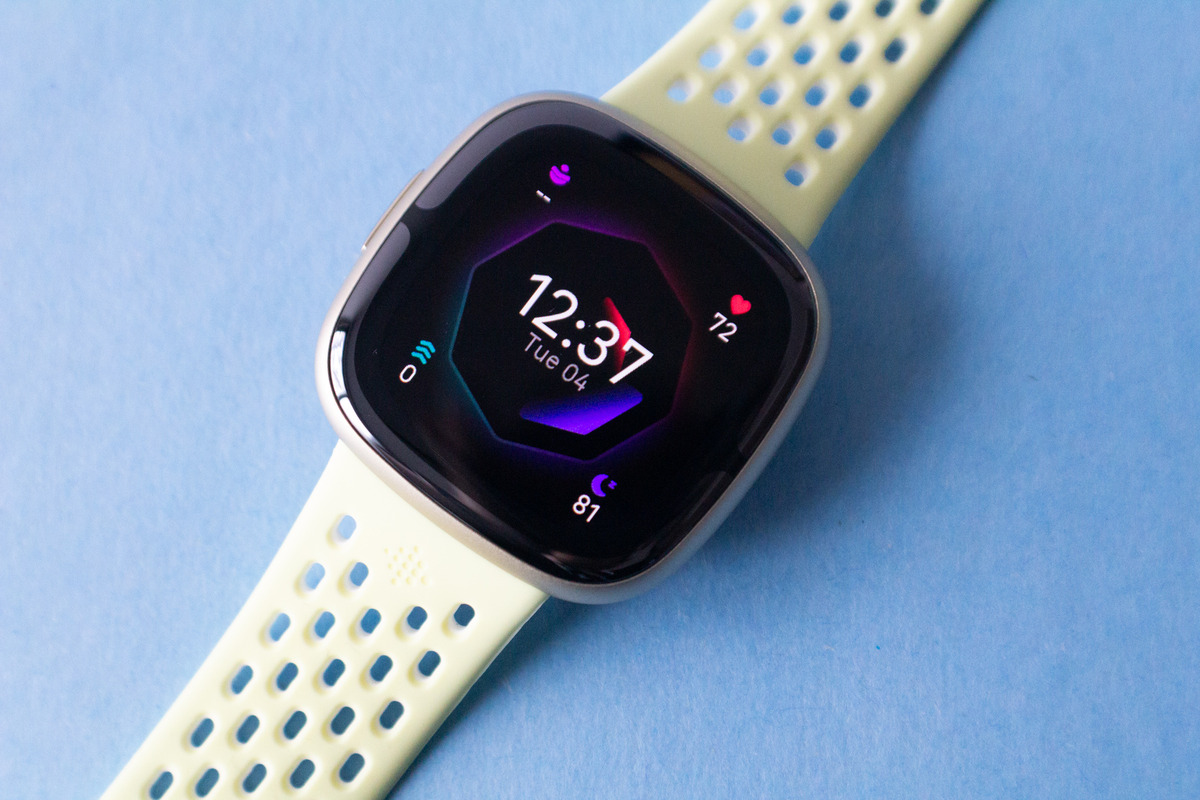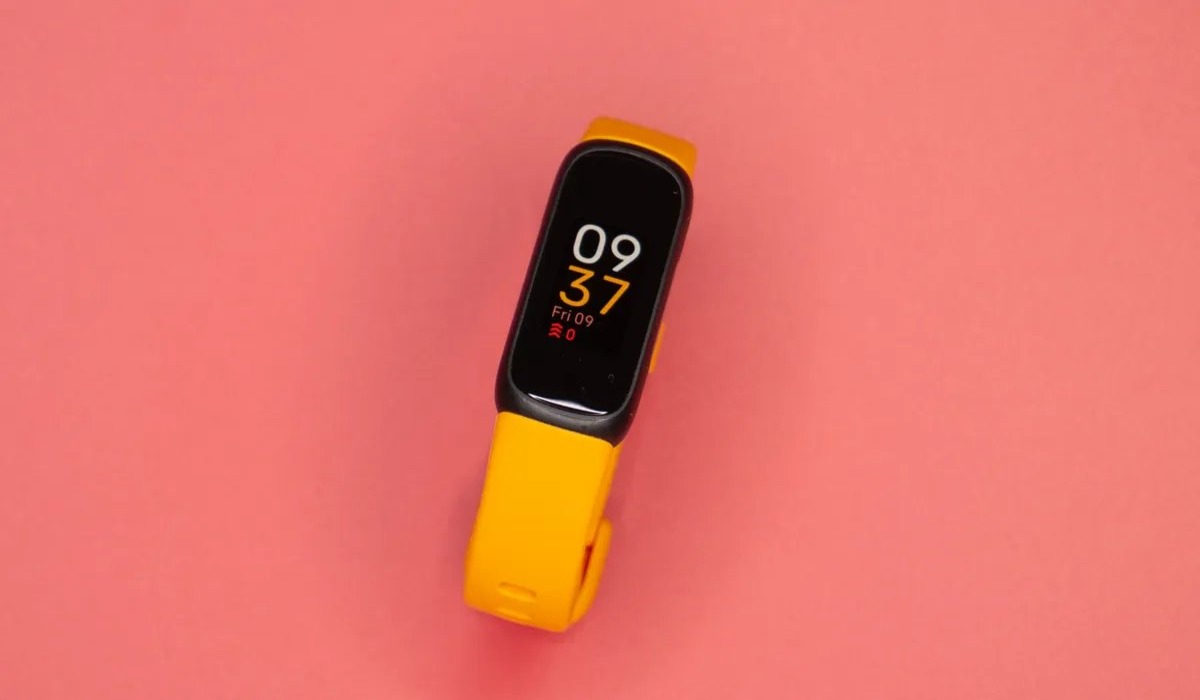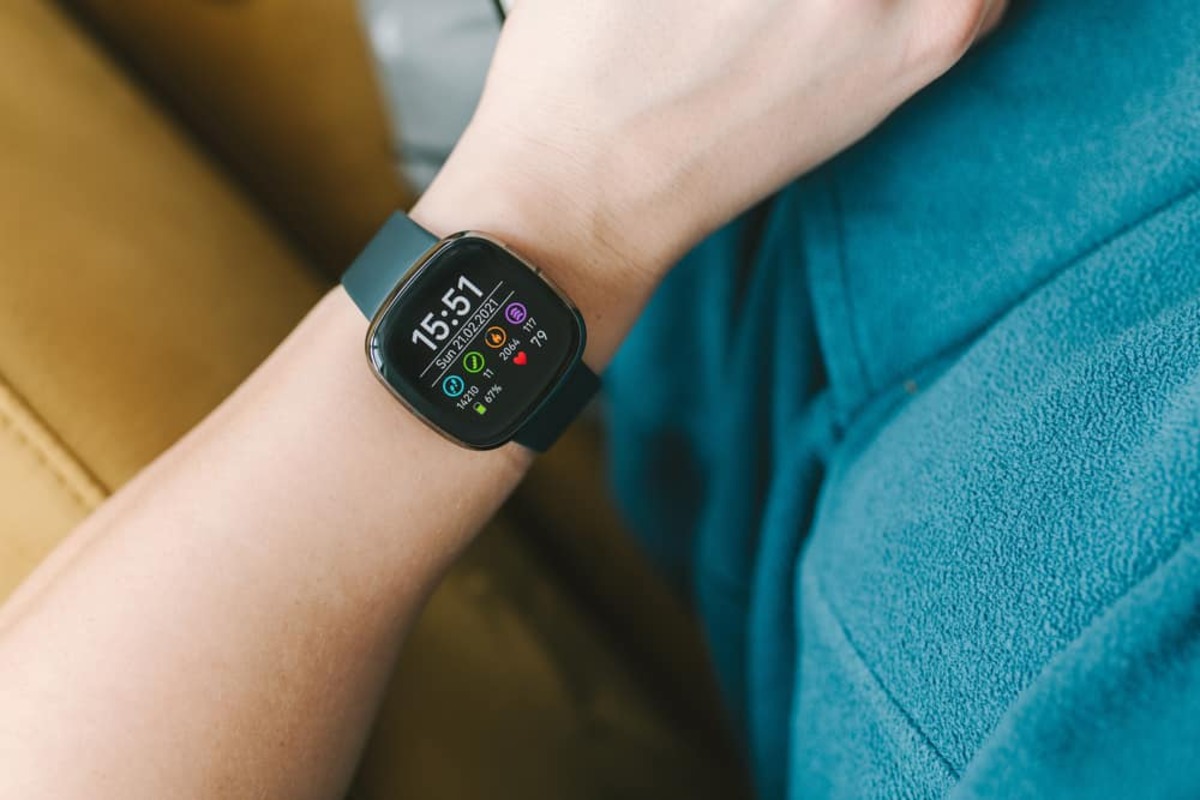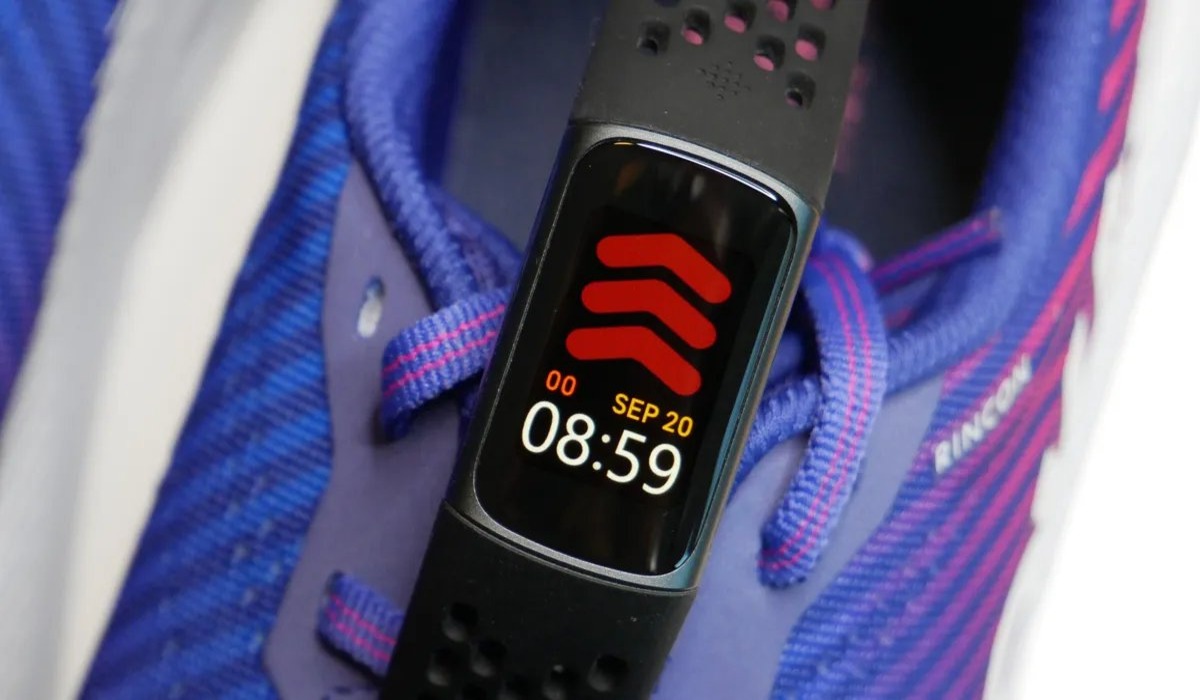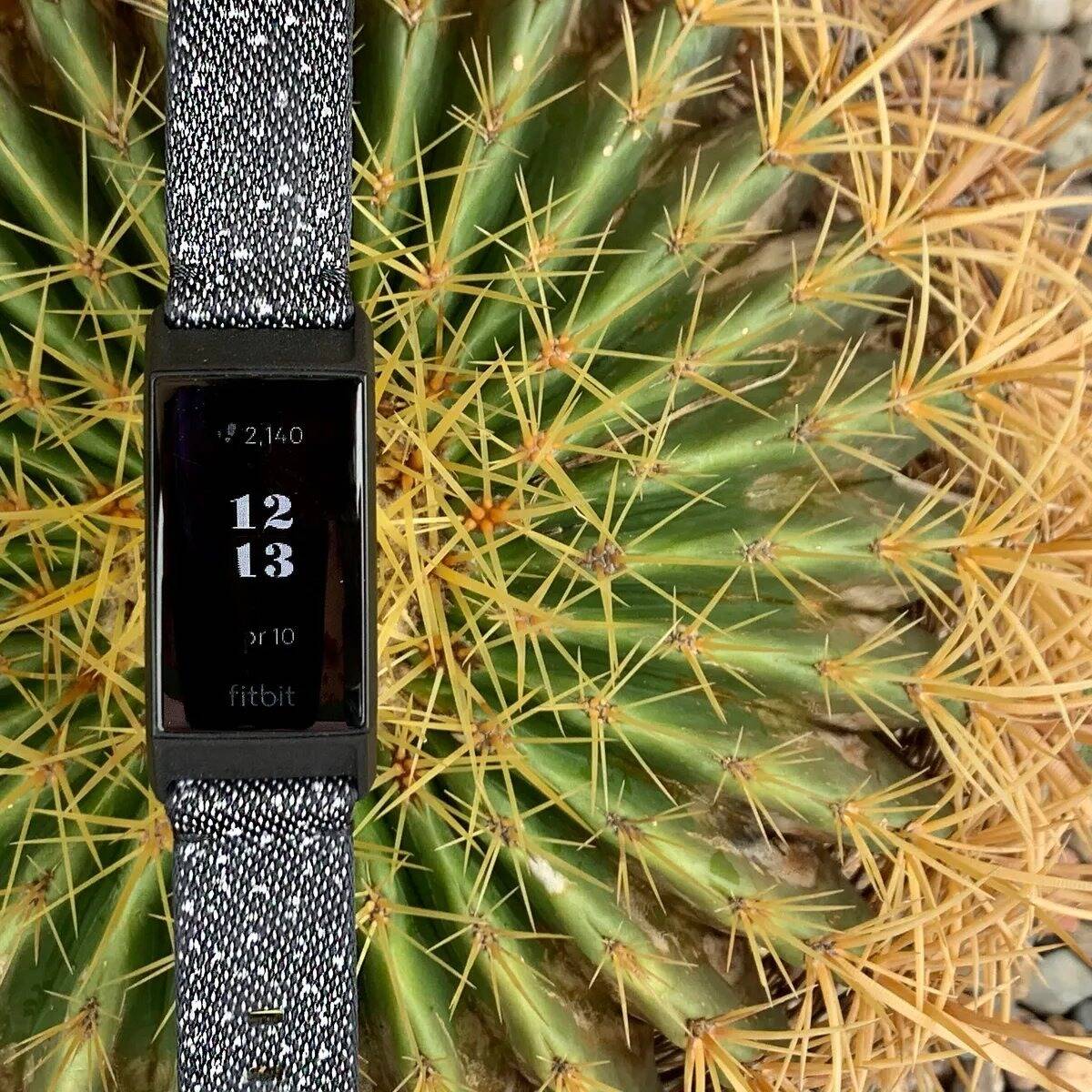
If you're wondering what Fitbit has GPS, the direct answer is that built-in GPS comes standard on the Charge 4, Charge 5, Charge 6, Sense, Sense 2, Versa 3, Versa 4, and the Google Pixel Watch series, allowing you to track outdoor workouts without carrying your phone. All other Fitbit models rely on phone-connected GPS, which uses your paired phone's location services to record your route, pace, and distance.
Which Fitbit models have built-in GPS
These devices have GPS antennas built directly into the hardware, so they can accurately track outdoor runs, walks, hikes, and bike rides independently. You can leave your phone at home or in your locker and still get precise distance, pace, and route mapping for your workout.
This is the key distinction for anyone comparing models: built-in GPS means the tracker itself receives satellite signals. It gives you the most reliable tracking for outdoor activities and is the feature to look for if you want to train without your phone nearby.
Which Fitbit models use phone-connected GPS
The complete verified list of Fitbit devices that require a paired phone for GPS tracking includes the Blaze, Charge 2, Charge 3, Inspire HR, Inspire 2, Inspire 3, Luxe, Versa, Versa 2, and Versa LE. These trackers do not have a GPS receiver inside, so they depend on the GPS chip in your smartphone to record location data.
For connected GPS to work, your phone must stay nearby throughout the workout, Bluetooth must be turned on, and the Fitbit app must have permission to use your phone's GPS or location services. If you walk out of Bluetooth range or your phone loses signal, the tracker will not be able to record your route or accurate distance for that portion of the activity.
How to set up phone-connected GPS on your Fitbit
Setting up connected GPS requires a few phone-side settings before you start your workout. The requirements are the same across all connected GPS models, though the exact menu paths on your phone will vary by operating system.
- Turn on Bluetooth on your phone and make sure your Fitbit is paired to the app.
- Open the Fitbit app and allow it to access your phone's GPS or location services.
- On Android 12.0+ the Fitbit app needs precise location turned on for connected GPS.
On the Inspire HR, the device manual documents a specific setting: open Settings on the tracker and then select Phone GPS. The same setting name appears in the Charge 4 and Charge 5 service guide. On these devices, you must enable Phone GPS on the tracker itself after confirming your phone's Bluetooth and location permissions are active. The Inspire HR manual says to open Settings and then Phone GPS on the device, after turning on Bluetooth and GPS on the phone and allowing the Fitbit app to use GPS or location services.
What to do if built-in GPS won't connect
If your Charge 4 or Charge 5 has built-in GPS but cannot connect to satellites, there is a documented fallback. End the exercise, change the GPS mode to Phone GPS, and start the exercise again. This switches the tracker from its internal GPS receiver to your phone's location services, so you can still record the workout even in an area with poor satellite reception, such as near tall buildings or under heavy tree cover.
This same approach applies to other models with built-in GPS if you find satellite acquisition is slow or fails entirely. The tracker will use your phone's GPS data instead, giving you a reliable route and distance for that session. If you want to keep using built-in GPS on your next workout, you can switch the GPS mode back before you start.
Alternative Options for GPS Tracking with Fitbit
If a device does not have built-in GPS, GPS data can be recorded with the Google Health app.
Frequently Asked Questions
Can I use GPS on my Fitbit without my phone?
If your device uses connected GPS, the phone must stay nearby for the entire workout.
Which Fitbits have built-in GPS?
Every other Fitbit model relies on connected GPS from your phone.
Does Fitbit track GPS indoors?
GPS signals are designed for outdoor use and are generally unreliable indoors. For indoor workouts like treadmill runs, your Fitbit uses its accelerometer to estimate distance, so GPS tracking is not needed or used.
What if my Fitbit isn't tracking distance accurately?
First confirm your device has built-in GPS or that connected GPS is set up correctly with Bluetooth on and location permission granted. If distance is still off, try switching the GPS mode to Phone GPS and starting a new exercise, which can resolve satellite connection issues on Charge 4 and Charge 5 devices.
For the wider topic, see Fitbit features and metrics.
Related reading: What Is The Difference Between Fitbit Versa 3 And 4 and How To Turn GPS On Fitbit.