






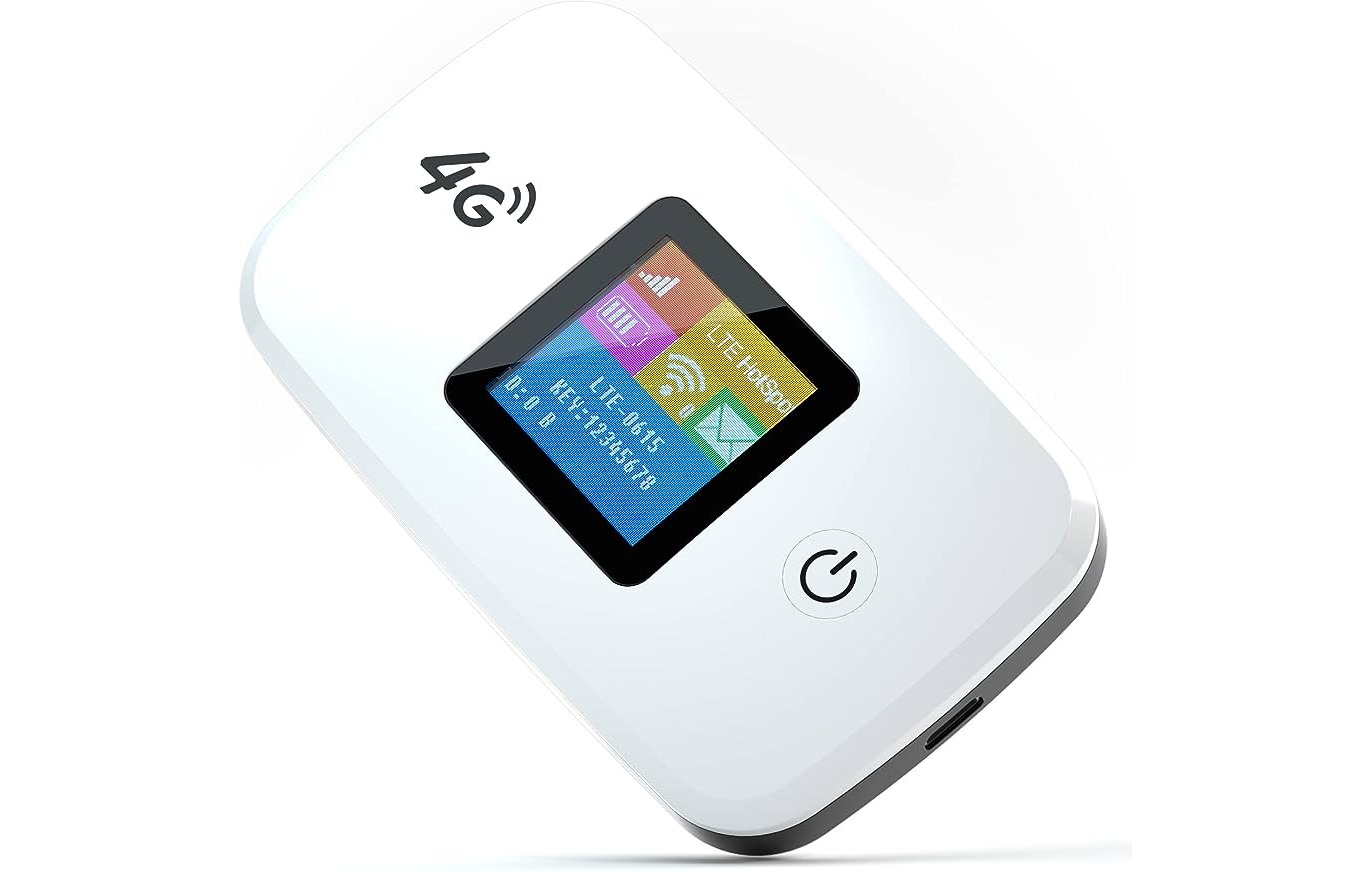
Finding a reliable internet connection on the go is a common frustration, and a personal hotspot is the most direct solution for creating your own secure Wi-Fi network anywhere with cellular service. This curated list of 8 amazing personal hotspot options for 2024 will help you choose the best dedicated device or smartphone feature for portable, reliable internet access.
Best personal hotspot picks for 2024
Unreliable public Wi-Fi can ruin your workflow, streaming, or travel plans. A personal hotspot solves this by turning cellular data into a private Wi-Fi network for your laptop, tablet, and other devices. The following eight entries represent the top dedicated hotspot devices and smartphone hotspot capabilities available this year, with key specs and a verdict on who each is best for.
Top 8 personal hotspot devices and features
1. Netgear Nighthawk M6 Pro
Key specs: 5G support, up to 16 hours battery life, connects up to 32 devices. Best for: Power users and remote work teams needing the fastest possible speeds and multiple simultaneous connections.
2. Inseego MiFi X Pro 5G
Key specs: 5G support, up to 24 hours battery life, connects up to 30 devices. Best for: Travelers who want a long-lasting battery and a simple interface to monitor usage.
3. GlocalMe G4 Pro
Key specs: 4G LTE support, up to 16 hours battery life, connects up to 10 devices. Standout feature: Built-in eSIM with coverage in over 140 countries, allowing you to get personal hotspot data plans without a physical SIM. Best for: International travelers who need instant connectivity without roaming fees.
4. Verizon Jetpack MiFi 8800L
Key specs: 4G LTE support, up to 24 hours battery life, connects up to 15 devices. Best for: Verizon subscribers who want a reliable, no-fuss hotspot with excellent coverage in the US.
5. AT&T Nighthawk M6
Standout feature: Works on both AT&T's 5G and 4G LTE networks with a simple setup process. Best for: AT&T customers looking for a future-proof 5G hotspot with strong performance.
6. T-Mobile Inseego MiFi M2000
Standout feature: A large color display that shows signal strength, data usage, and connected devices. Best for: T-Mobile users who want a high-capacity hotspot for streaming and gaming on the go.
7. iPhone personal hotspot
Key specs: 5G support (on compatible models), battery life depends on phone usage, connects up to 5 devices via Wi-Fi. Standout feature: No extra device needed; it uses your existing iPhone's cellular connection. Best for: Anyone who needs an occasional or emergency connection for a laptop or tablet without carrying a separate gadget.
8. Samsung Galaxy S24 personal hotspot
Standout feature: One UI's hotspot features include a one-tap connection and the ability to set a data limit to avoid overage. Best for: Samsung users who need a quick, integrated hotspot with good management tools.
How to set up an iPhone personal hotspot
To share your iPhone's internet connection, follow these steps:
- Open the Settings app and tap Personal Hotspot (or tap Cellular, then Personal Hotspot).
- Enable the switch for Allow Others to Join.
- Set a strong Wi-Fi password that is at least eight characters long and uses only ASCII characters (uppercase and lowercase English letters, numbers 0-9, and some punctuation).
- To change the hotspot name, go to Settings > General > About > Name and edit the device name, the hotspot will use this name.
What to know before using your personal hotspot
Before relying on a personal hotspot, understand these key limitations. Connecting devices to a personal hotspot can be done via Wi-Fi, Bluetooth, or USB. Certain iPhone features, such as iCloud backup and uploading photos to iCloud Photo Library, may pause while the hotspot is active. Personal hotspot functionality requires a cellular data plan that includes hotspot access, and your wireless carrier may apply additional fees.
Factors to consider when choosing a personal hotspot
Selecting the right hotspot depends on your specific needs. Coverage area is critical, check your mobile carrier's network in the places you travel. Evaluate data plans carefully, noting any limitations or extra charges for exceeding your limit. Battery life matters for extended use away from power. Connectivity speeds (4G vs. 5G) determine download and upload performance, with 5G offering much faster speeds where available.
Frequently Asked Questions
Can I use any device as a personal hotspot?
No. You need a device specifically designed for this purpose, such as a dedicated mobile hotspot device or a smartphone with hotspot capabilities built into its settings.
Do I need a separate data plan for a personal hotspot?
Yes. You will need a data plan from your mobile carrier that includes hotspot access. Some carriers may require you to add a hotspot feature to your plan or charge extra for hotspot usage.
Is there a limit to the number of devices I can connect to a personal hotspot?
Can I use a personal hotspot while traveling internationally?
It depends on your mobile carrier and their international coverage. Some carriers allow international hotspot usage, but additional fees or limitations may apply. Contact your carrier to confirm.
What is the difference between 4G and 5G personal hotspots?
4G hotspots use the fourth generation of cellular technology, offering good speeds and wide coverage. 5G hotspots use the fifth generation, providing significantly faster speeds where 5G networks are available.
Can I connect a device without Wi-Fi capabilities to my hotspot?
Yes. Many personal hotspots offer the option to connect via USB or Ethernet, allowing you to connect devices that lack Wi-Fi capabilities directly.
Introducing the "8 Amazing Personal Hotspot for 2023". In this fast-paced digital era, staying connected at all times is no longer a luxury but a necessity. Whether you are constantly on the go, traveling, or simply needing a reliable internet source, personal hotspots have become a popular choice. With technology evolving rapidly, the year 2023 brings forth a new wave of innovation in personal hotspot devices. In this comprehensive guide, we will explore and unveil the top 8 personal hotspots that will redefine the way we stay connected, ensuring seamless internet access wherever we may be.
SIMO Solis Lite 4G LTE WiFi Mobile Hotspot

The SIMO Solis Lite 4G LTE WiFi Mobile Hotspot is a portable Wi-Fi hotspot that provides Superfast 4G LTE Wi-Fi with Multi-Carrier access. It offers both local and international coverage, allowing you to stay connected domestically or abroad. With its built-in 4700 mAh power bank, you can enjoy 16+ hours of battery life and keep all your gadgets charged on-the-go. The hotspot features SIMO's patented Virtual SIM technology, eliminating the need for a physical SIM card. It also allows you to share your Wi-Fi connection with up to 10 devices simultaneously. The device comes in an orange color and the Solis Lite size. Overall, it offers flexibility, affordability, and reliable mobile data for unlimited productivity.
Key Features
Specifications
Pros
Cons
Portable 4G LTE Mobile Hotspot Device
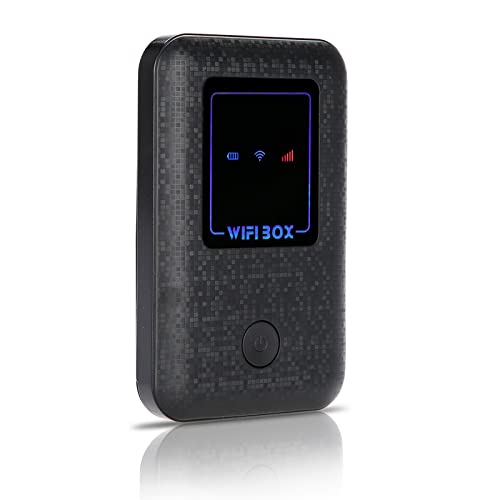
The 4G LTE Mobile Hotspot Device is a compact and portable WiFi box that offers high-speed internet connectivity. With a built-in 2100mAh battery, it can connect up to 10 users simultaneously, making it suitable for mobile phones, laptops, and other devices. This device features USB charging, allowing you to conveniently power it up. With its small dimensions of 3.78Lx2.44Wx0.59H, it is highly portable and can fit in your pocket. However, customer reviews have been mixed, with some users finding it difficult to set up and use. The device has received a customer rating of 2.4/5. While it offers the convenience of on-the-go internet, it may not be the most reliable option for all users.
Key Features
Specifications
Pros
Cons
CradlePoint PHS300 Personal Hotspot
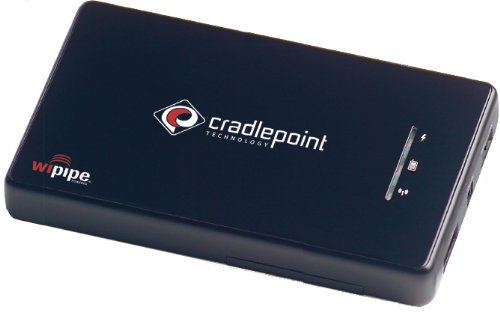
The CradlePoint PHS300 Personal Hotspot is a wireless access point that allows you to create a Wi-Fi network anywhere by tethering to select smartphones or over 200 USB modems. It offers a compact size that you can take with you wherever you go, and provides up to 150 feet of Wi-Fi range. The hotspot comes in a black color and has dimensions of 9.70Lx6.10Wx2.50H. It has received an average customer rating of 3.7 out of 5. The CradlePoint PHS300 offers features such as easy configuration and setup, a portable design with its own battery power supply, and a sophisticated firewall and Quality of Service. However, it lacks Bluetooth support and has a limit of 8 connected devices.
Key Features
Specifications
Pros
Cons
Portable Wi-Fi Hotspots

Stay connected on the go with Personal Hotspots. These portable devices allow you to create your own Wi-Fi network wherever you are. Whether you're traveling for work or leisure, Personal Hotspots provide a convenient way to access the internet on your smartphone, tablet, or laptop. Simply connect your device to the hotspot and enjoy fast and reliable internet connectivity. With long battery life and easy setup, Personal Hotspots are a must-have for anyone who needs internet access outside of traditional Wi-Fi zones. Stay connected and productive wherever you go with Personal Hotspots.
Key Features
Specifications
Pros
Cons
Travelpro Maxlite 5 Softside Lightweight Underseat Carry-On Travel Tote
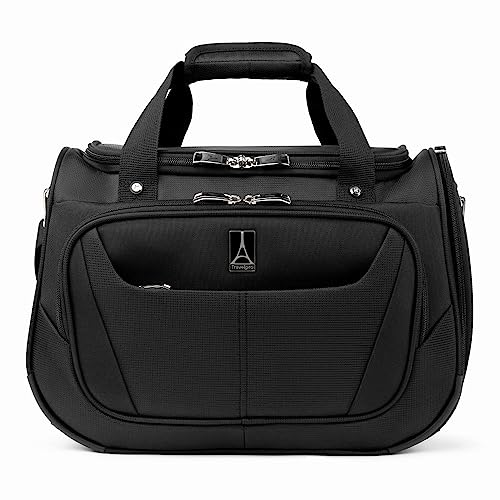
The Travelpro Maxlite 5 Softside Lightweight Underseat Carry-On Travel Tote is a compact and lightweight travel bag designed for easy storage and convenience. It easily fits in any domestic or international overhead bin and under the seat, allowing you to focus on the weight of your contents rather than the weight of the bag itself. With a capacity of 28.0L and dimensions of 11x18x8 inches, it provides ample space for your essentials. The bag weighs only 1.6 pounds, making it extremely lightweight. It comes in a sleek black color and is made of high-quality materials. However, some customers have found that the actual dimensions are smaller than advertised. Overall, the Travelpro Maxlite 5 Softside Lightweight Underseat Carry-On Travel Tote is a great option for those looking for a compact and lightweight travel bag.
Key Features
Specifications
Pros
Cons
Portable Wi-Fi Network for On-the-Go Connectivity

The Personal Hotspot is a portable device that allows users to create a Wi-Fi network wherever they go. It provides internet connectivity for up to 10 devices simultaneously, making it convenient for groups or families on the move. With a compact design and long battery life, it is perfect for travel or emergencies. The Personal Hotspot also supports high-speed 4G LTE connections, ensuring fast and reliable internet access. Whether you need to connect your laptop, tablet, or smartphone, this device has you covered.
Key Features
Specifications
Pros
Cons
Portable Hotspot

The Personal Hotspot is a portable device that allows you to create a wireless internet connection wherever you go. It offers fast and reliable internet speeds, making it ideal for remote work, travel, and sharing internet with multiple devices. With easy setup and a long battery life, it ensures uninterrupted connectivity. Stay connected and productive with the Personal Hotspot.
Key Features
Specifications
Pros
Cons
Portable Wi-Fi Hotspot

The Personal Hotspot is a portable device that allows you to create your own Wi-Fi network wherever you go. It is perfect for those who need reliable internet access on the go, whether for work or leisure. With fast 4G LTE connectivity, you can connect multiple devices and enjoy high-speed internet wherever you are. The Personal Hotspot is lightweight and compact, making it easy to carry in your bag or pocket. It has a long battery life, so you can stay connected for hours without worrying about running out of power. Get the Personal Hotspot today and stay connected wherever you go!

















