The best age progression app for most people is FaceApp, which offers a realistic aging filter in both its free and Pro versions.
Which age progression app is best for you?
FaceApp is the top recommendation because its aging filter is documented to work without a paid subscription, making it accessible to anyone curious about their future self. The list below covers universal apps first, then Android-only and iOS-only choices, so you can find the right fit for your device and preferred features.
Top age progression apps for Android and iOS
FaceApp
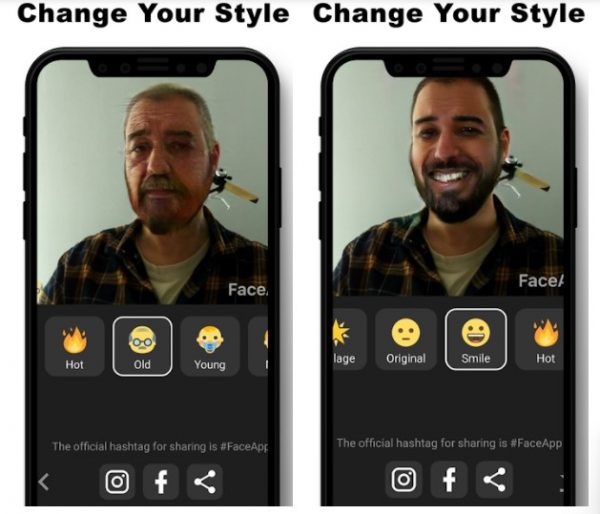
FaceApp is the app behind many viral age-filtered selfies. Its aging filter is confirmed to be available in both the free and Pro versions, letting you see an older version of yourself without paying. The app also includes younger looks, hairstyle changes, and expression adjustments, effectively replacing many standalone photo editing and collage apps. FaceApp got its share of privacy concerns in the past years, though, no surprise because it works on photos of faces. Thankfully, the maker of the age progression app acted on the privacy policy to back up its claims, which cleared some experts’ and users’ skepticism.
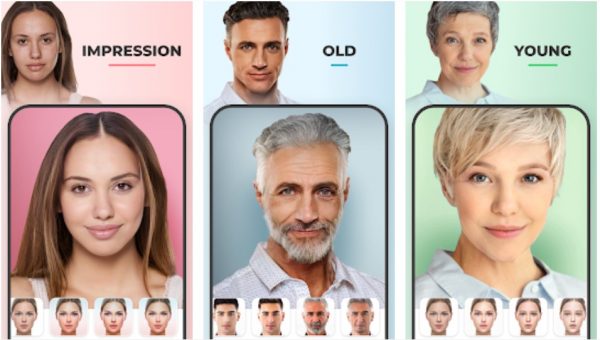
YouCam Makeup (Time Machine feature)
YouCam Makeup’s Time Machine feature uses Generative Adversarial Network technology to produce hyper-realistic aged photos. The interface lets you pick a specific age range, giving you control over how far into the future you want to see.
Snapchat
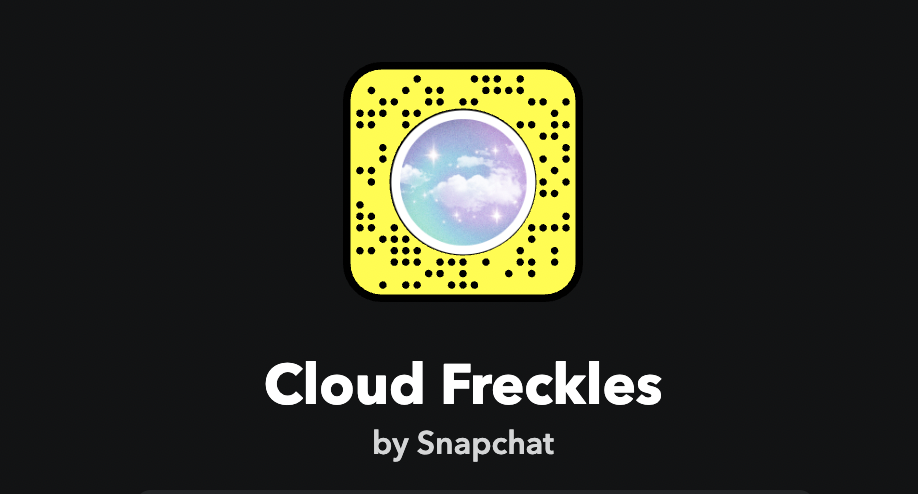
On it, navigate to the smiley face beside the camera button, then click the explore icon to pick the filter you prefer.
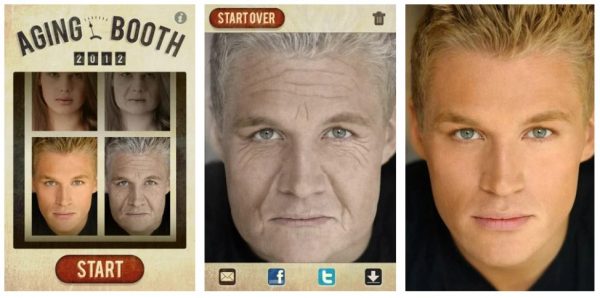
AgingBooth
AgingBooth detects your face even when you are offline and lets you compare your original photo with the aged version by shaking your smartphone. This comparison feature is useful for seeing the transformation side by side.
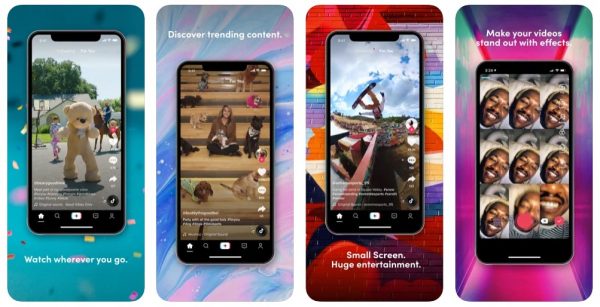
TikTok (2078 Aging Filter)
TikTok’s 2078 Aging Filter shows what you would look like in the year 2078. You can find it by searching for it in the Effects gallery within the app. The #2078 and #agechallenge hashtags have made old-age videos popular on the platform.
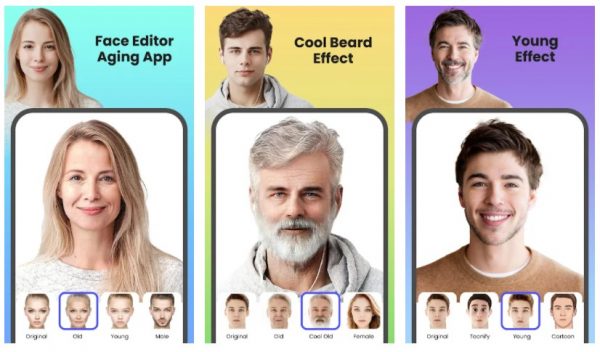
FaceLab Photo Editor
FaceLab Photo Editor combines age progression with gender swapping, so you can see yourself as an older person of the opposite gender. It also includes preset cartoon and beauty filters for further editing.
Old Face Camera, Funny Masks
Old Face Camera overlays exaggerated aged facial features and accessories, such as old-school glasses and curled mustaches, directly onto the live camera view. This makes it more suitable for pranks and fun rather than realistic renders.
Face Up, Face Editor
Face Up is an all-in-one app that supports age progression, gender swapping, beauty filters, and funny distortions in live camera mode. You can also add stickers and emoticons before snapping your photo.
Android-only age progression apps
FaceLab Photo Editor
FaceLab Photo Editor is available exclusively on Android and combines age progression with gender swapping. It lets you transform selfies and apply preset cartoon or beauty filters in just a few taps.
Old Face Camera, Funny Masks
Old Face Camera works on the live camera view, allowing you to see exaggerated aged effects before you snap the photo. Its “Funny Masks” approach focuses on comedic overlays rather than realistic aging.
Face Up, Face Editor
Face Up supports live camera mode and includes age progression, gender swapping, and distortion effects. It is a free app with digital purchases for additional features.
iOS-only age progression apps
Oldify, Old Face App
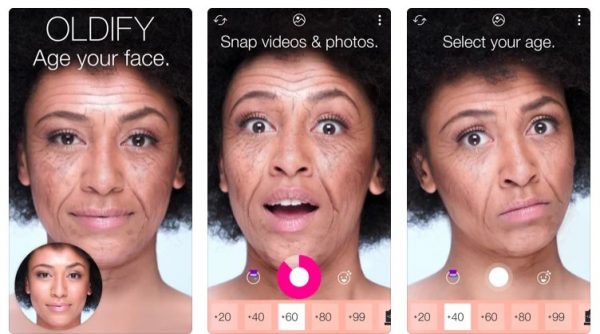
Oldify lets you see your future self in both photo and video formats. You can select the snapshot age and style, and add animations and voice recordings to make video clips more convincing.
Face Story, AI Photo Editor
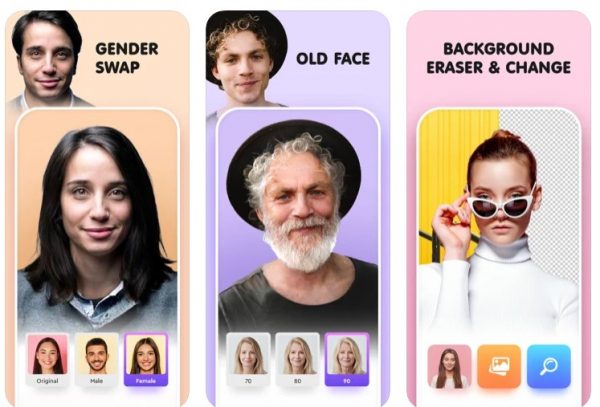
Face Story works as a photo editor that removes backgrounds and adds effects, and also offers age progression and gender swapping. Its unique feature is showing what your future child might look like and identifying your celebrity doppelganger.
What Will I Look Like Old Face
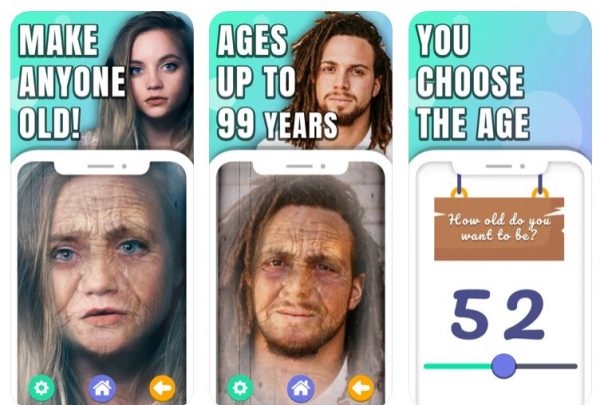
What Will I Look Like Old Face provides fast results by letting you snap or upload a photo and toggle an age range slider. The maximum age is 99. The maximum age is 99, and the output appears instantly.
What to expect from an age progression app
These apps are designed for fun and curiosity, not scientific accuracy. The results are guesses based on algorithms, so do not take them too seriously. Exact features, menu paths, and device compatibility may change with updates, and official documentation is not available for every app. Enjoy the experience and laugh off any unexpected results.
Frequently Asked Questions
Can age progression apps work on any photo?
Most apps work best with a clear, front-facing photo where your face is well-lit and unobstructed. Group photos or images with heavy shadows may produce less accurate results.
Do age progression apps save my photos to their servers?
Privacy policies vary by app. FaceApp, for example, updated its policy after past concerns, but it is always wise to review an app’s privacy settings before uploading personal photos.
Why do some age progression apps look cartoonish instead of realistic?
Apps like Old Face Camera prioritize humor over realism by using exaggerated masks and accessories. For more realistic results, choose apps that use AI or GAN technology, such as FaceApp or YouCam Makeup.
Can I use age progression filters on videos?
Some apps, such as Oldify and TikTok, support video aging. Most photo-only apps do not offer video functionality, so check the app description if you want moving results.
Related reading: 15 Best Gender Swap Apps for Android and iOS (Free and Working) and 20 Best FREE Photo Collage Maker Apps [EASY Edits].


![20 Best FREE Photo Collage Maker Apps [EASY Edits]](/wp-content/uploads/2019/11/image8-3.jpg)
![What Is The Canva App: An Easy Guide [Mobile Photo Editing Steps Included]](/wp-content/uploads/2020/04/canva_logo.jpg)
![26 Best Android Camera Apps [Updated 2022]](/wp-content/uploads/2019/10/angela-compagnone-4Iyg6cNU7sI-unsplash.jpg)