






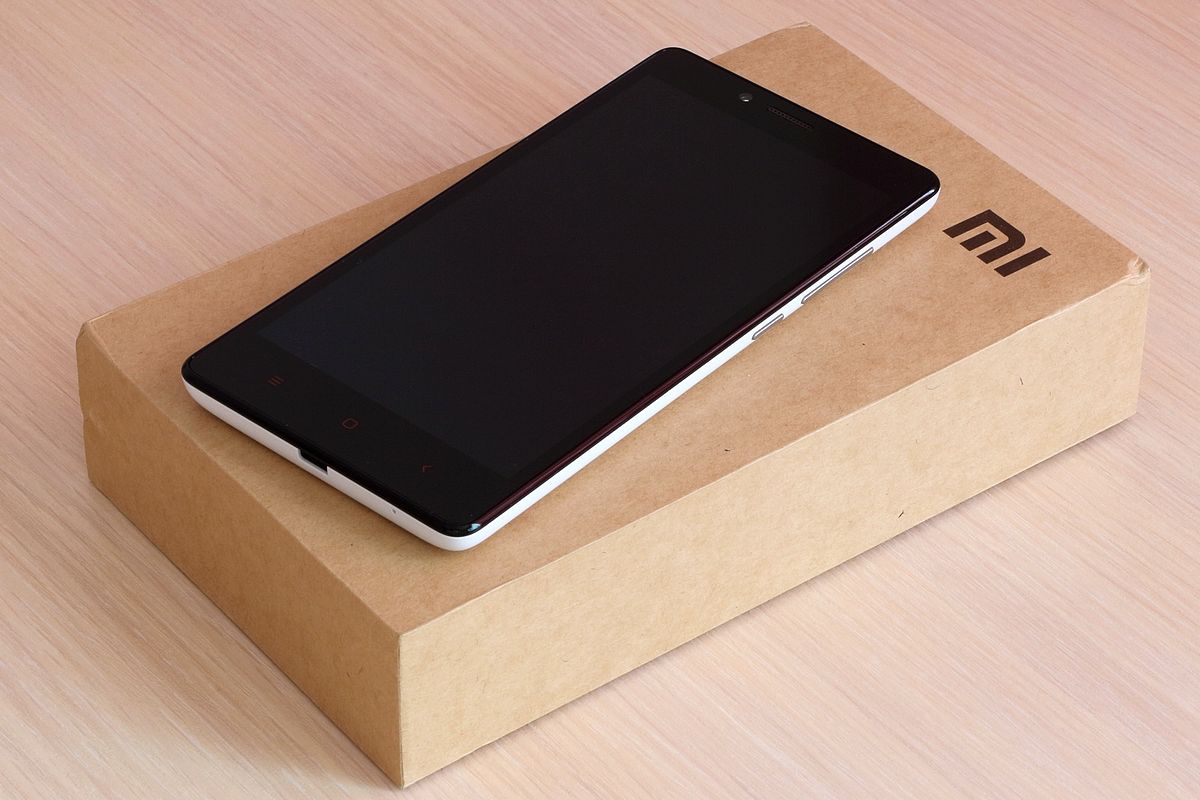
You cannot update Redmi Note 4 to Android 10 through any official method. Xiaomi never released an Android 10 update for this model, and official support has ended for both variants.
Can you update Redmi Note 4 to Android 10 officially?
The direct answer is no. Verified Xiaomi support documentation confirms that the Redmi Note 4 family never received an official Android 10 build. The Snapdragon variant (codenamed mido) reached MIUI 11.0.2.0.NCFMIXM based on Android 7.0 Nougat, and the MTK variant (codenamed nikel) reached MIUI 10.2.1.0.MBFMIXM based on Android 6.0 Marshmallow. Both pages explicitly state that support has ended and no newer MIUI releases are expected. No Xiaomi-provided Android 10 package, rollout, or eligibility list exists for this device.
Identify your Redmi Note 4 variant before proceeding
You must know which version of Redmi Note 4 you own before attempting any update, because only the Snapdragon variant has a documented path to Android 10. The Snapdragon model is known as mido (also sold as Redmi Note 4 global), while the MediaTek model is known as nikel (Redmi Note 4 MTK). To check your variant, go to Settings > About phone and look at the processor or baseband information. If you see MediaTek Helio X20, you have nikel. This distinction matters because the MTK variant will not receive MIUI 11 or any documented Android 10 upgrade path, while the Snapdragon variant can run Android 10 through unofficial means only.
What you need before starting
These prerequisites apply only to the Snapdragon (mido) variant. Before proceeding with the unofficial Android 10 installation, you must complete the following steps:
- Back up all important data, including contacts, photos, videos, and documents, to cloud storage or an external device. The installation process will wipe your phone.
- Charge your battery to at least 50% to prevent interruptions during the process.
- Unlock the bootloader using Xiaomi's official unlock tool.
- Download TWRP recovery image for Redmi Note 4 mido.
- Download an Android 10 AOSP custom ROM zip file for mido from a trusted source.
- Download a compatible GApps file for Android 10.
- Copy the ROM zip, GApps file, and TWRP image to your phone's internal storage.
How to install Android 10 on Redmi Note 4 (mido) via custom ROM
This process uses TWRP custom recovery to flash an Android 10 AOSP custom ROM. It is not an official Xiaomi method, and it carries risks including voiding your warranty and potential data loss. The non-official Android 10 guide retrieved says to boot into TWRP Recovery mode, but it does not come from Xiaomi support documentation. Follow these steps in order:
- Boot your Redmi Note 4 into recovery mode by pressing and holding the Power button and Volume Up button simultaneously until the TWRP menu appears.
- In TWRP, select Wipe and perform a factory reset. Wipe both the data and cache partitions to ensure a clean installation.
- Return to the main TWRP menu and select Install.
- Navigate to the Android 10 ROM zip file you copied to internal storage and select it. Swipe to confirm the flash.
- After the ROM installation completes, select Install again and navigate to the GApps file. Swipe to flash it.
- Once both files are flashed, go back to the main menu and select Reboot > System.
- The first boot may take several minutes. Do not interrupt the process.
After the device reboots, you will be running Android 10 on your Redmi Note 4 mido. Note that this is a custom ROM, not an official Xiaomi build, and future updates will depend on the ROM developer.
What about Redmi Note 4 MTK (nikel) users?
If you own the MTK variant (nikel), there is no documented Android 10 path. Verified sources show that the latest official firmware for this variant is MIUI 10.2.1.0.MBFMIXM based on Android 6, and Xiaomi has confirmed that this device will not receive MIUI 11 or any newer Android version. The guide says Redmi Note 4 “mido” only. Your best option is to stay on the latest official MIUI 10 firmware. Proceed at your own risk, and understand that your device may not have the same community support as the Snapdragon variant.
Frequently Asked Questions
Can Redmi Note 4 officially get Android 10?
No. Verified official documentation shows that Xiaomi never released an Android 10 build for any Redmi Note 4 variant, and support has ended for both mido and nikel models.
What is the latest official firmware for each Redmi Note 4 variant?
Will a custom ROM improve performance on Redmi Note 4?
Custom ROMs can offer a more modern Android experience, but they are not guaranteed to improve performance. If you are experiencing slowdowns, you may benefit from phone troubleshooting and reset steps such as clearing cached data, closing background apps, and keeping your current firmware updated with the latest security patches before attempting a custom ROM.
How can I check if there are any remaining official updates for my Redmi Note 4?
Go to Settings > About phone > System update and tap Check for updates. If no update appears, your device has reached its end of support. Verified sources confirm that no further MIUI or Android updates are expected for either variant.















