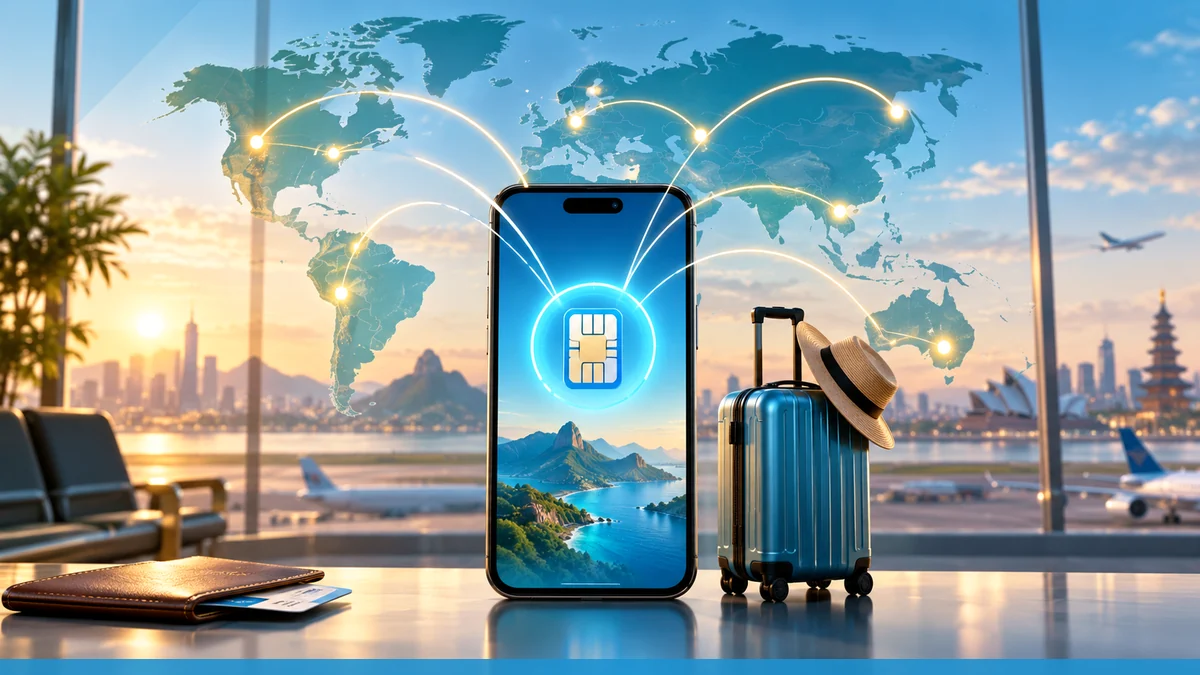
A travel eSIM is a downloadable SIM profile you add to a phone for use while traveling, often as a data-only line that sits alongside your home number. On iPhone, Apple says you can use a Travel eSIM only or use it together with your current eSIM, and if you use both, the travel eSIM is used for data while your home eSIM may still incur roaming fees.
What a travel eSIM is
GSMA describes eSIM as a new way to load the SIM into devices by securely downloading it into a Secure Element embedded in the device. That makes an eSIM a digital profile rather than a removable card, which is the basis for travel plans sold as data-only profiles or short-term roaming plans.
Apple's international eSIM guidance says travel eSIMs can come from wireless carriers or worldwide service providers that support eSIM, and many of these plans are prepaid data plans for international travel. Apple also notes that many carrier travel plans come with a local phone number, while worldwide service providers may offer prepaid data plans for more than 190 countries or regions.
uPhone eSIM plans are presented on uPhone’s site as travel eSIM offerings, but the pages provided here do not document their supported countries, prices, or plan limits.
How installation and activation work
Apple says an iPhone must be connected to Wi-Fi or a hotspot to activate eSIM in general, although some eSIM-only iPhone models can activate without Wi-Fi in some countries or regions. Apple says carriers and service providers can give activation steps digitally, such as with a QR code or carrier app.
For travel eSIM specifically, Apple says to open the Settings app, tap General, then tap About to find carrier information and determine whether your device and plan support international eSIM use. Apple also says you can purchase a prepaid plan from a carrier’s website or app before travel, or in person after arrival at a carrier kiosk, store, or other location.
The published documentation provided here does not give a universal step-by-step install flow for Google Pixel devices, and Samsung’s page excerpts provided here do not document a travel-eSIM-specific activation flow beyond carrier support and transfer behavior.
How the travel line works with your home line
Apple says that if you choose Travel eSIM and Current eSIM, the travel eSIM is used for data. Apple also says you might still incur roaming fees from your home eSIM.
Apple says international roaming with an eSIM works the same as roaming with a physical SIM. It also says some countries or regions may be included in your home plan, and travelers should check whether their carrier includes international roaming on select data plans without additional fees.
Apple says to open Settings, then tap Cellular, then tap Cellular Data, and select which line you want to use. The page also says to tap Turn On Travel eSIM, choose Travel eSIM Only or Travel eSIM and Current eSIM, then tap Continue.
iPhone behavior and supported models
Apple says iPhone XS, iPhone XS Max, iPhone XR, or later support the international travel eSIM flow described on its page. Apple also says you can have two eSIMs active at the same time on supported iPhone models.
Apple states that in China mainland, only iPhone 18 Pro, iPhone 18 Pro Max, iPhone 17e and iPhone Air support eSIM. Apple also notes that iPhone models that are eSIM only can activate without a Wi-Fi network in some countries or regions.
For travelers, Apple’s page is the clearest documented path: use Settings, General, About to confirm device and line details, then choose whether the travel eSIM or the current eSIM should handle data in Settings, Cellular, Cellular Data.
Pixel, Samsung, and carrier-locked phones
The provided first-party pages do not document a Pixel-specific travel eSIM workflow or menu path, so that detail is not documented here.
Samsung says eSIM support depends on the country of origin, even when a device appears on the supported list. Samsung also says eSIM transfer from an iOS device to a Galaxy device can be done without contacting the network carrier only for supported carriers; otherwise, the carrier must help move the eSIM to the new device.
Samsung’s support excerpt for Galaxy devices shows the path “Settings” > “Connections” > “SIM Manager” in one locale, and other Samsung pages give the same SIM Manager path in local language variants. The provided Samsung pages do not document a travel-data-only choice equivalent to Apple’s Travel eSIM screen.
What to check before you buy
- Whether the phone model supports eSIM in the country where it was sold, because Samsung says support can vary by country of origin.
- Whether the carrier or provider supports eSIM and international roaming on the plan you want, because Apple says support and included roaming vary by carrier and by country or region.
- Whether the plan is data-only or includes a local phone number, because Apple says many carrier plans come with a local phone number while provider data plans may be data-only.
- Whether the phone is locked to a carrier, because Apple’s page requires a wireless network provider or worldwide service provider that supports eSIM, and activation depends on the carrier’s support for the device and line.
Bottom line
A travel eSIM is a downloadable mobile profile that lets a phone add a separate travel line, often for data use while keeping a home line available. On iPhone, Apple documents the clearest travel setup: turn on Travel eSIM, choose Travel eSIM Only or Travel eSIM and Current eSIM, then pick the line for Cellular Data in Settings.
For a provider-specific next step, review what an eSIM is.
For additional first-party detail relevant to this topic, consult GSMA's eSIM overview.
More eSIM resources: Browse our eSIM guides and troubleshooting resources for compatibility, setup, travel-data and account-safety advice.
Related reading: Complete eSIM Guide: Compatibility, Setup, Travel and Troubleshooting, How to Install a Travel eSIM on iPhone and Android Before You Fly, and Travel eSIM vs International Roaming: Which Costs Less?.