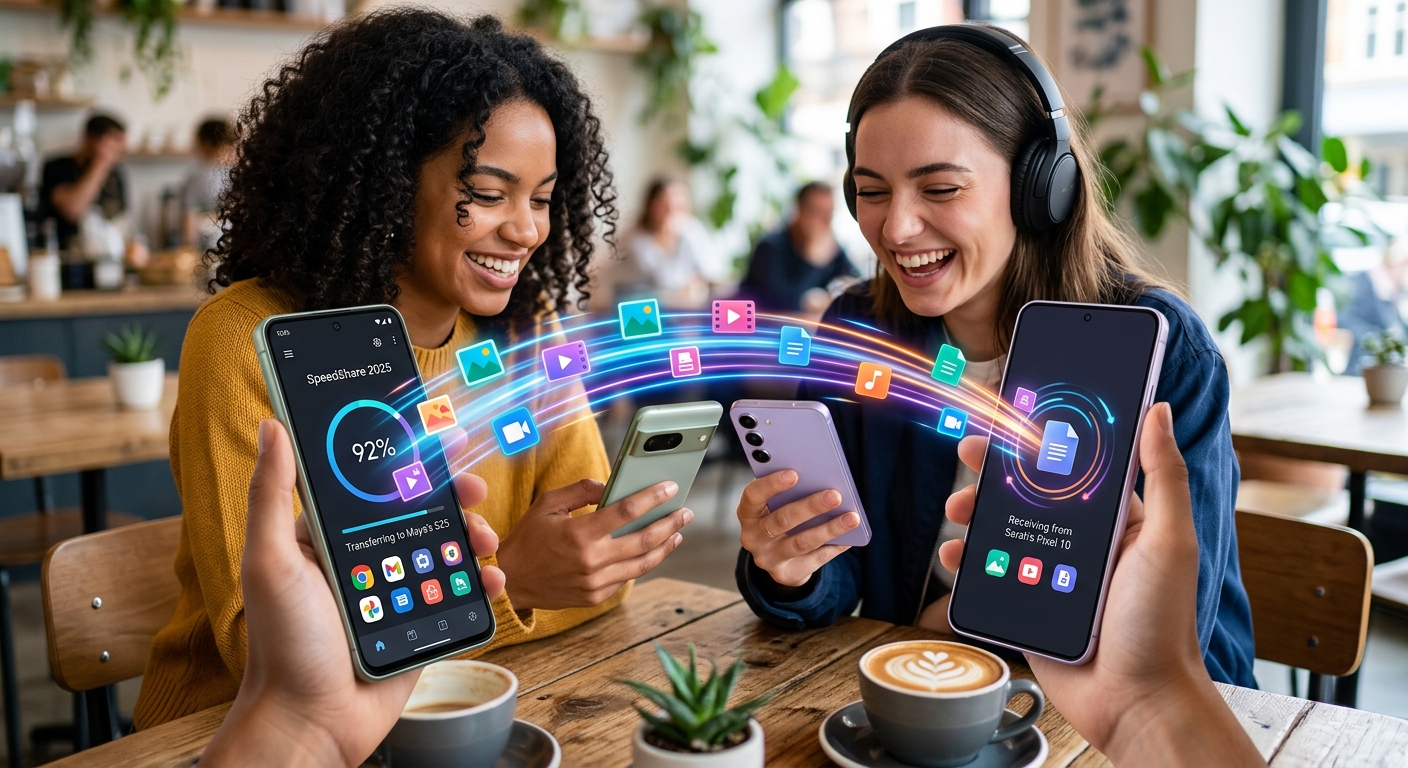
Your friend just handed you their old Android phone and you need to pull over a thousand photos before they reset it. Your new device is sitting right there in your pocket. No cable handy, no interest in burning through mobile data with a cloud upload, and no time to waste. A handful of well-built apps have turned this exact scenario into a one-minute job. They work wirelessly, they handle large files without complaining, and you do not need any technical background to use them.
What You Need to Know Before Downloading
- SHAREit, Files by Google, and Xender lead the pack for cable-free Android transfers with proven speed and reliability.
- Most of these apps use Wi-Fi Direct technology to hit transfer speeds far above standard Bluetooth.
- Your best pick depends on file size, how often you transfer, and whether the other person uses Android or a different platform.
Why Wired Transfers Have Become a Last Resort
Plugging in a USB cable used to be the default way to move large files between phones. That made sense years ago when Bluetooth was the only wireless option and Bluetooth file transfers were painfully slow. The picture has changed significantly. Modern apps use Wi-Fi Direct, a peer-to-peer standard that lets two devices communicate directly without routing traffic through a router. According to the Wi-Fi Direct standard, the technology supports connection speeds of up to 250 Mbps, which is fast enough to move a 4 GB video in under three minutes.
This shift has made cable-free transfers the practical choice for most Android users. The apps below take full advantage of that speed, and each one brings something slightly different to the experience.
SHAREit: Speed That Stands Out Even After Years
SHAREit has been around long enough that some users assume newer apps have left it behind. That assumption does not hold up. The app still delivers some of the fastest peer-to-peer transfer speeds available, and it handles everything from large photo libraries to full-length movies without stuttering mid-transfer. The interface has been updated several times, but the core reliability has stayed consistent.
Getting started does require a moment of attention, particularly when pairing two devices for the first time. The shareit for Android setup guide walks through the installation and first-time configuration on both the sending and receiving device, which prevents the kind of fumbling that happens when one phone is not properly set up to receive. Once both devices are configured, the process is seamless. You select your files, the app creates a temporary local hotspot, and the receiving phone connects automatically.
SHAREit also supports transfers to iOS and Windows, which is a genuine advantage if your contacts use mixed devices. The free version includes advertisements, which is worth factoring in before you install.
Files by Google: The Option Already on Your Phone
Files by Google ships pre-installed on many Android devices, and a large number of users never think of it as a file transfer tool. It is, and a very capable one. The app includes a built-in nearby sharing feature that uses Bluetooth and Wi-Fi together to connect two Android phones and move content between them. There is no account login required, no third-party server involved, and no setup beyond granting a quick permission.
Raw transfer speed is not quite as high as SHAREit, but for everyday sharing it is more than adequate. Moving a folder of 200 photos typically takes between 30 and 60 seconds depending on file size. The real advantage here is simplicity. Both users need the app installed, which is usually already the case on any phone released in the past three years.
Files by Google also functions as a storage manager between transfers, helping you clear duplicates and cached files. It earns its place on your phone beyond the one task of moving files.
Xender: Cross-Platform Sharing With a Broader Reach
Xender built its audience by supporting file sharing across Android, iOS, and Windows in one package. That cross-platform reach is still its strongest argument in 2025. If you regularly transfer files to contacts who use iPhones, or move content to a Windows laptop, Xender handles those scenarios without asking you to switch tools.
Transfer speeds are competitive with SHAREit, and the supported file types are broad. Photos, videos, music, documents, and APK files all transfer without restriction. The app also includes a built-in media player that lets you preview files before sending, which is genuinely useful when selecting specific clips from a large library rather than moving everything at once.
The free version includes ads and the interface can feel a little crowded, but the file transfer functions remain clean and dependable behind that promotional layer.
Send Anywhere: A Security-Focused Alternative
Send Anywhere takes a different approach from the other apps here. Rather than creating a direct device connection immediately, it generates a six-digit code that the receiving device enters to accept the transfer. That verification step adds a layer of confirmation that the other apps skip entirely.
This makes Send Anywhere the natural pick for transfers in public spaces where you want to be certain the right device receives your files. The app also generates temporary download links for files, which work across platforms without any special software on the receiving end. You can send a link via text and the recipient downloads the file through a browser.
Speeds in direct device-to-device mode are somewhat lower than SHAREit and Xender, but the security model and link-based flexibility make it the better choice in specific situations.
How the Top Apps Compare Side by Side
Android File Transfer Apps: Feature Breakdown for 2025
| App | Transfer Speed | Internet Required | Platform Support | Ads in Free Version |
|---|---|---|---|---|
| SHAREit | Very Fast | No | Android, iOS, Windows | Yes |
| Files by Google | Fast | No | Android only | No |
| Xender | Very Fast | No | Android, iOS, Windows, Mac | Yes |
| Send Anywhere | Moderate | Optional | Android, iOS, Windows, Web | Yes |
Setting Up Any File Transfer App the Right Way
No matter which app you land on, a small amount of preparation prevents mid-transfer problems. These five steps work reliably across all the apps listed above:
- Install the same app on both the sending and receiving phone before starting anything else.
- Enable Wi-Fi on both devices. You do not need to connect to a router. The app needs the radio active to create or join its own peer-to-peer connection.
- Grant the app storage and location permissions on both devices. Skipping this step causes transfers to fail silently on certain Android versions.
- Select all files you want to transfer before tapping send. Batching everything into one transfer is faster than sending folders separately.
- Keep both screens on and both phones within roughly three meters of each other until the transfer bar reaches 100%.
Nearly every failed transfer that users report traces back to one of these steps being skipped. Following the process once makes everything after it feel automatic.
Choosing the Right App for How You Actually Share Files
All four apps covered here handle the core job well. The differences show up in the details. Files by Google is the best starting point for anyone who wants a clean, ad-free experience and only transfers between Android devices. SHAREit and Xender are stronger picks when you need maximum speed or cross-platform support. Send Anywhere fits best when you need to transfer to someone in a public setting or deliver files via a link rather than a direct connection.
There is no single app that wins on every point. Most Android users end up keeping two of these installed: one for routine transfers with people they know, and one for occasional cross-platform or security-conscious situations. All four are free to download. Testing a couple of them to find your preference costs nothing beyond a few minutes.
Move Files Your Way, Not the Hard Way
Phone-to-phone file sharing in 2025 is genuinely straightforward with the right app in place. The technology behind these tools has matured to the point where a thousand photos or a large video collection can move from one device to another in a matter of minutes, no cable, no data plan, no cloud storage account required. Pick the app that matches your situation, spend five minutes on the setup, and you will have a reliable system ready every time you need it.