Phone as key and on-the-go power with the mobile connector
The Tesla mobile connector isn't the only essential accessory, before you can think about plugging in your car, set up the key you already carry in your pocket. You will want to add phone key Tesla so you can unlock and drive without a physical key fob. Download the Tesla mobile app and log in with your account credentials. Next, enable mobile access on the vehicle’s touchscreen. Turn on Bluetooth in your phone’s settings for the app. The car will then secure itself and grant entry automatically as you approach. With the digital key active, keep your device topped up on the road. The front console provides an integrated wireless pad. To charge your phone in a Tesla, lay a Qi-enabled device flat on one of the two charging surfaces. If you need to charge phone in Tesla model 3, the system delivers up to 15 W of power whenever the touchscreen is on and you are inside the vehicle. It stops when you exit unless you run Camp Mode or Sentry Mode. Remove any metal objects or NFC cards from behind the phone to ensure the connection works. While you might see rumors about a dedicated handset, there is currently no official flow to order Tesla phone through the app or website. The mobile experience relies entirely on the device you already own.
Charging your car with the mobile connector
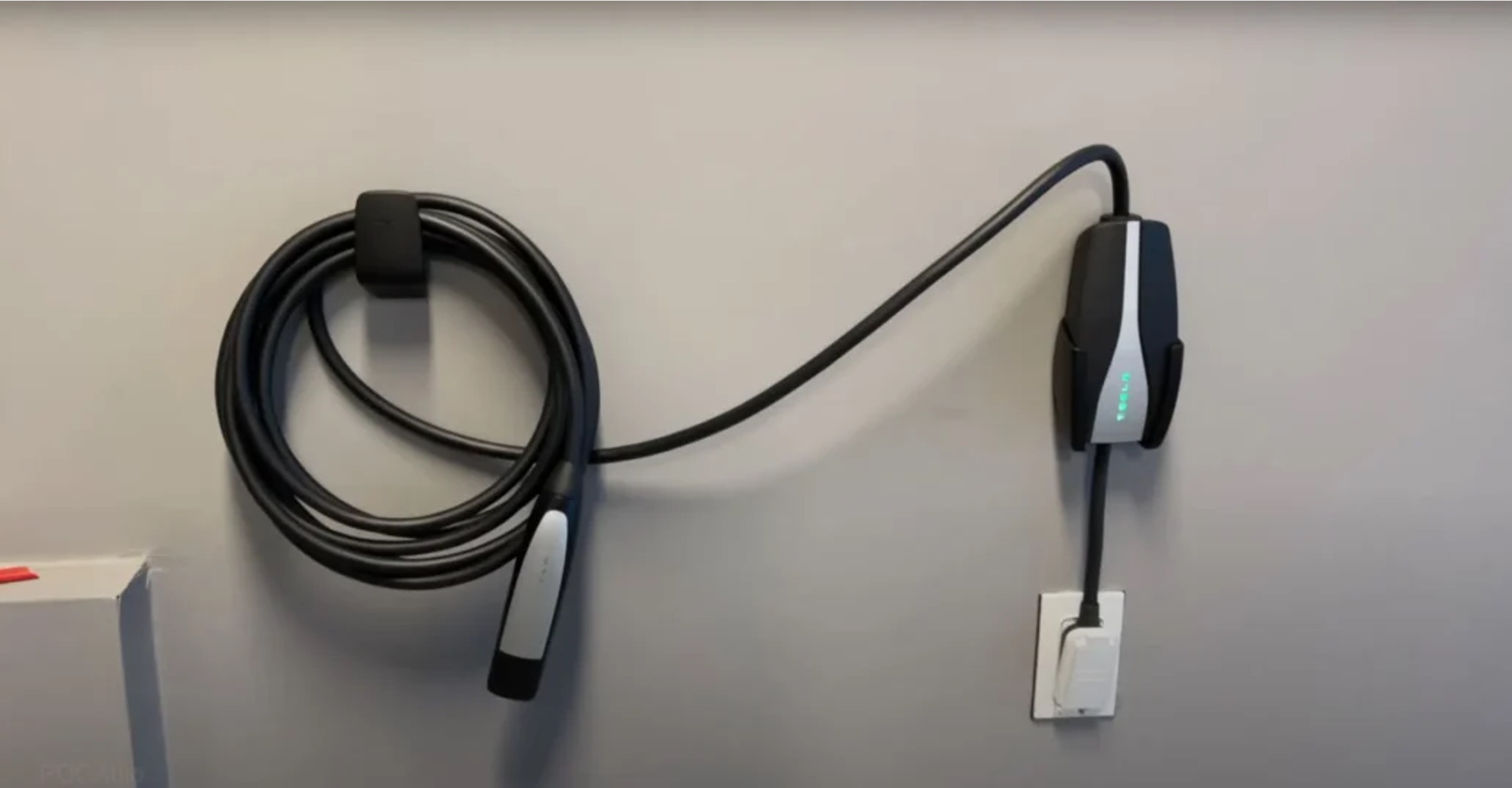
Before you rely on the mobile unit as your primary home charger, it helps to understand the physical constraint that shapes every session: the Tesla Mobile Connector cable length is 20 feet with the adapter installed, which dictates how close you must park to an outlet. Tesla recommends installing any new receptacle within approximately 4 meters of the vehicle’s charge port. A regular wall outlet will add roughly 3 miles of range per hour, while a 240-volt circuit can deliver up to 30 miles per hour depending on your model.
The hardware is designed exclusively for vehicles that do not require ventilation during charging, and the bundle includes the connector, a standard household adapter, and a cable organizing bag. If the charging indicator ever turns red instead of green, open the Tesla app, tap the Diagnose button, sign in, and work through the preliminary checks before the system connects you to a technical support agent.
- Tesla charging connector type — What Charging Connector Does Tesla Use
- use Tesla mobile connector — How To Use Tesla Mobile Connector
Upgrading to a wall connector
If you find yourself plugging in the Mobile Connector every night and wishing for faster, more robust daily charging, upgrading to a Tesla Wall Connector unit is the logical next step. This permanently mounted hardware replaces the portable cable with a dedicated station. It can deliver up to 11.5 kW at 240 volts on a 60-amp breaker in North America. That adds range significantly quicker than the 3 to 30 miles per hour you get from household outlets. The physical decision to install Tesla wall connector hardware begins with your home’s electrical panel. The device can be configured for breakers as low as 15 amps if your current service cannot support the full 48-amp maximum output. Before you schedule the work, consult a licensed electrician about the Tesla Wall Connector installation cost. The final figure depends heavily on the distance from your panel to the parking spot and whether your existing service requires an upgrade. Once it is on the wall, the hardware’s Tesla Wall Connector amp rating translates to a real-world routine. You simply plug in and wake up to a full battery, completely bypassing the 20-foot tether and lower current limits of the mobile kit. While the car does not need a data plan for this, you might also consider Tesla Premium Connectivity value around the same time. Features like live traffic visualization and video streaming make that daily cabin experience feel more complete while you wait.