Welcome to the iOS tag on CellularNews. This collection is for anyone who uses an iPhone or iPad and wants to get more out of their device, from casual gamers to power users looking to tweak their system. The articles here are focused on two main areas: helping you find the best apps and games to download, and guiding you through common settings and fixes when things don't work as expected.
If you're looking for something new to play, you'll find extensive lists covering a huge variety of genres. Whether you are into strategy with the 15 Best City Building Games, competitive action with the Top 20 Fighting Games, or relaxing puzzles with 20 Mobile Games Like Candy Crush, these articles help you discover top-rated titles. For those needing practical tools, guides like 26 Best Productivity Apps and 16 Best VPN for Android & iOS help you choose the right software for work and privacy. Beyond just finding apps, the tag also solves technical problems. You can learn how to fix your software with the guide on How to Downgrade iOS Using SHSH2 Blobs, or explore system modifications with the Jailbreak iOS guide and the article on Cydia Impactor. Other topics, such as How to Find Someone's Location by Cell Phone Number and How to Use TikTok App, provide clear steps for specific tasks you might need to accomplish.
To read live data from OBD2, you need an OBD2 adapter and a compatible app that supports live PID data, then connect the adapter to your vehicle's port and pair...
To enable picture-in-picture (PiP) on your iPhone for YouTube, you need an iPhone running iOS 15.0 or later and the YouTube app with the PiP setting turned on. What you...
To make your phone ring only for specific contacts, you need to silence all incoming calls and then create an allowlist using Do Not Disturb (Android) or Focus mode (iOS),...
To cast your phone to a Fire Stick, both devices must be on the same Wi-Fi network and your Fire TV Stick must support screen mirroring. For Android phones running...
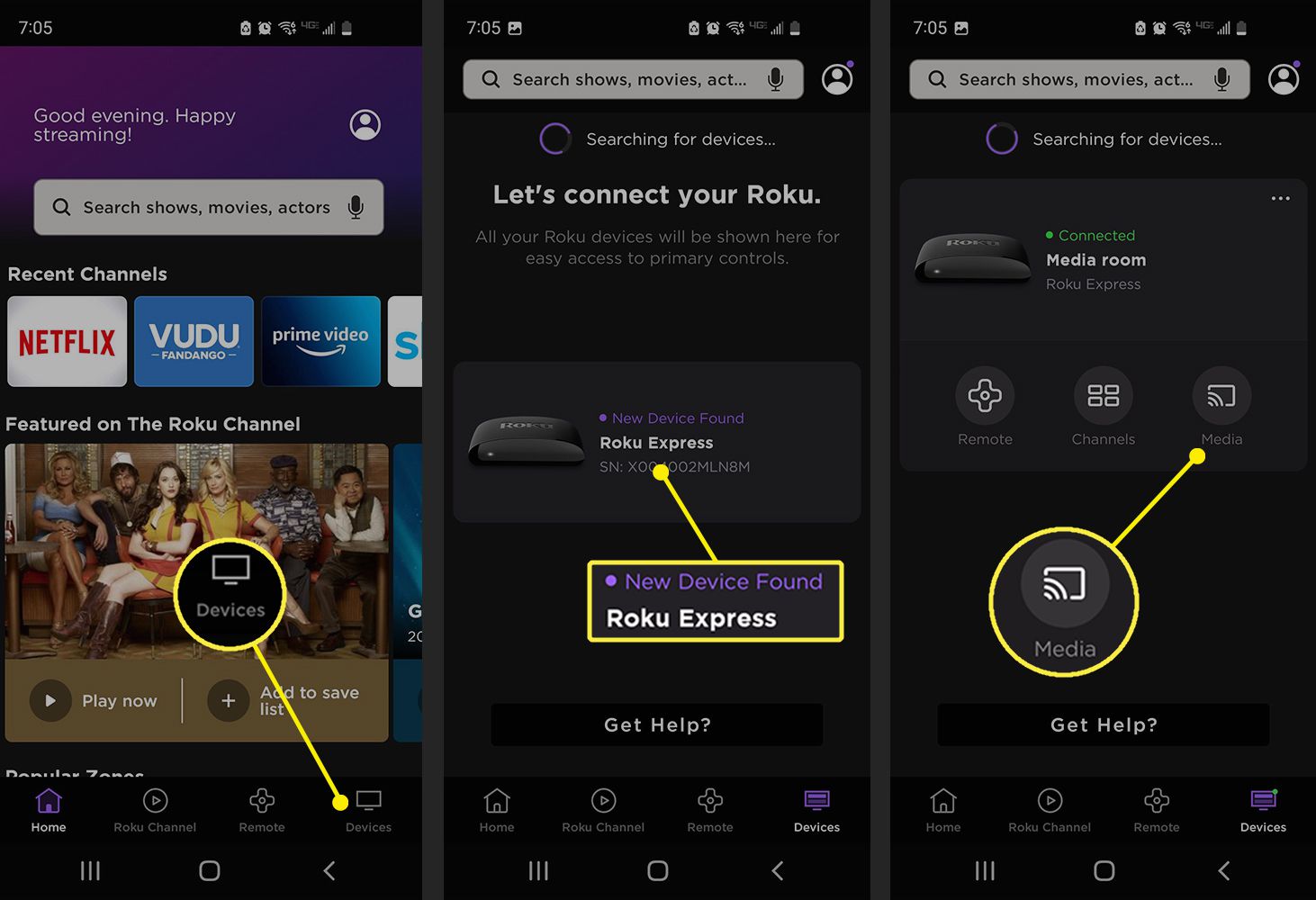
You can stream Roku from a phone to TV using three main methods: casting from supported apps, playing personal media through the Roku mobile app, or mirroring your entire phone...
TikTok's STEM feed issues mean that while the app offers a dedicated space for science, technology, engineering, and mathematics content, it fails to solve the platform's most persistent problems, including...
To use Shazam on iPhone, the fastest way is through the Control Center shortcut built into iOS. This method lets you identify a song playing around you with a single...
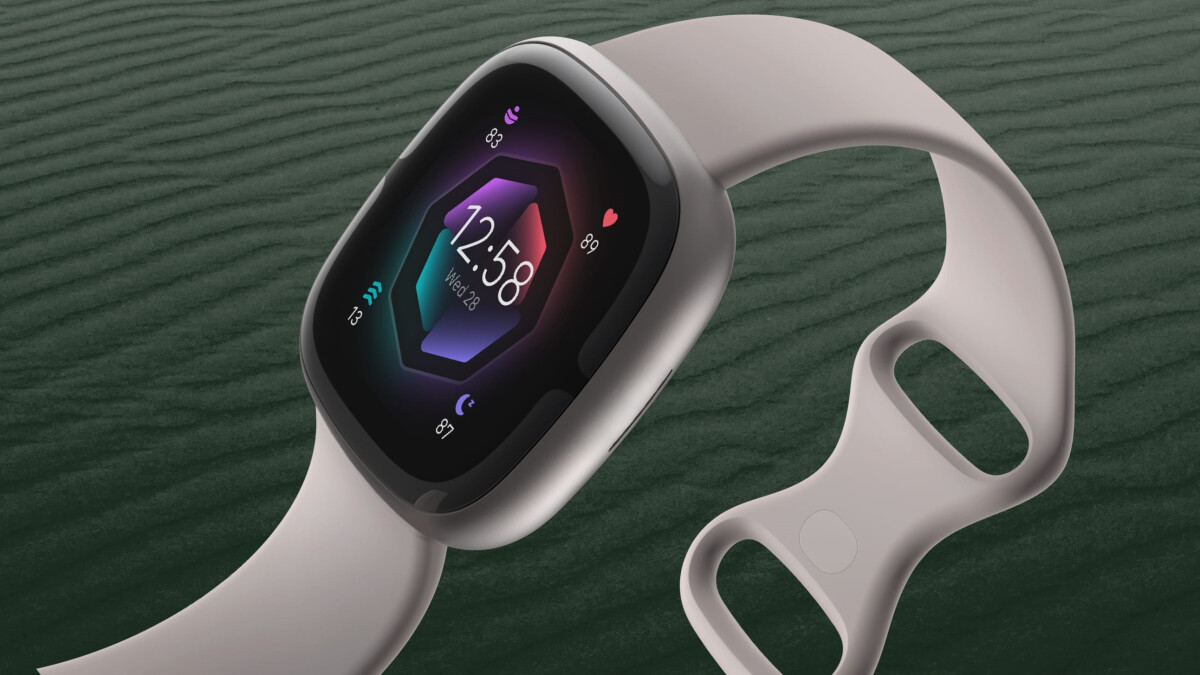
To change your Fitbit Sense clock face, open the Fitbit app and tap the Today tab, then the devices icon, then your device, then Gallery > Clocks, browse the faces,...
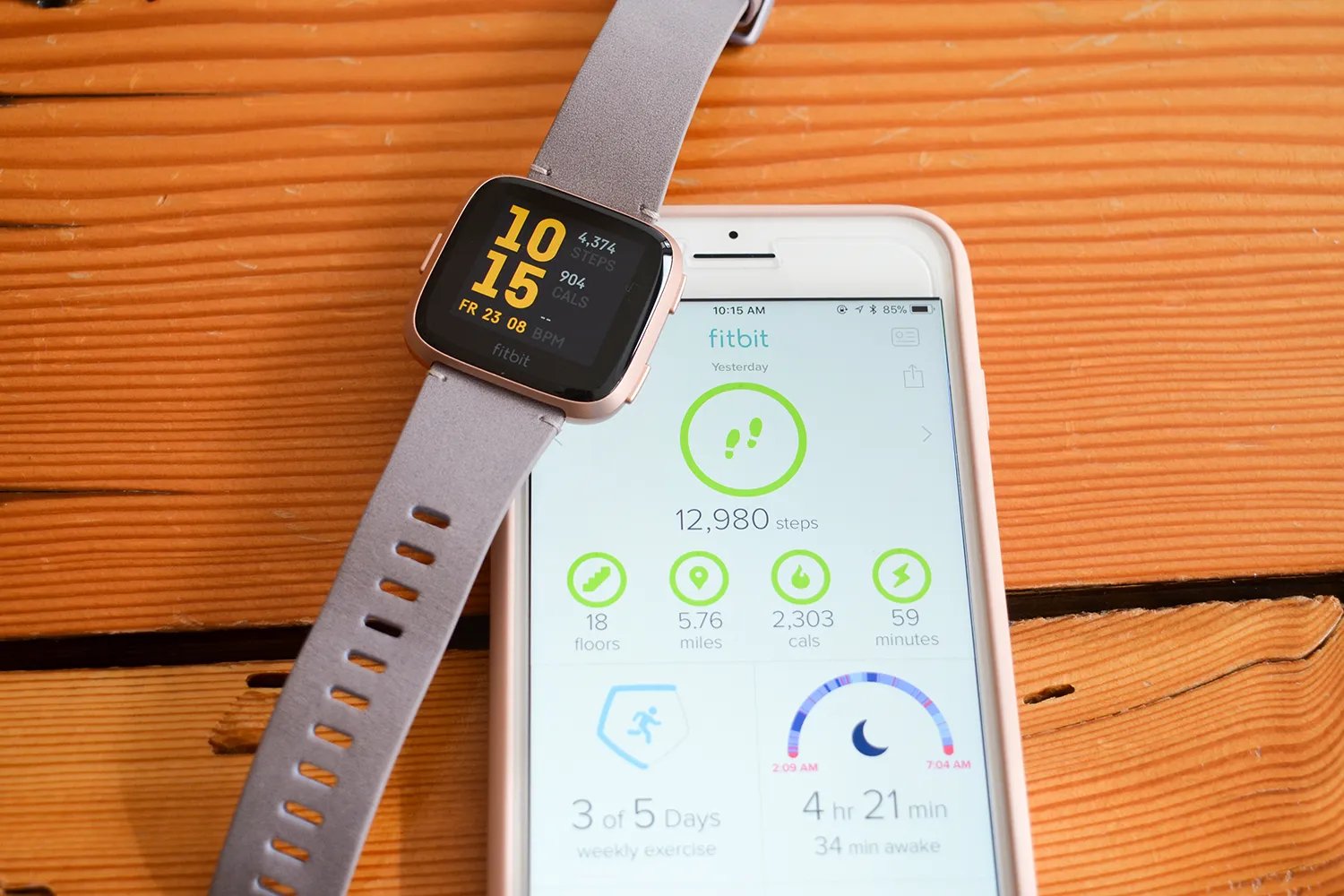
To reconnect Fitbit Versa 2 to your phone, the fastest and most reliable method is to use the Fitbit app's on-screen pairing instructions, this is the official process documented by...
To add activities to Fitbit manually, open the Fitbit app and go to the Today tab. Tap the + icon in the lower right under Activity, then choose a recent...
The only official timing-related instruction for how long should it take to sync Fitbit is to sync manually from the Fitbit app and wait for the progress bar to fill...
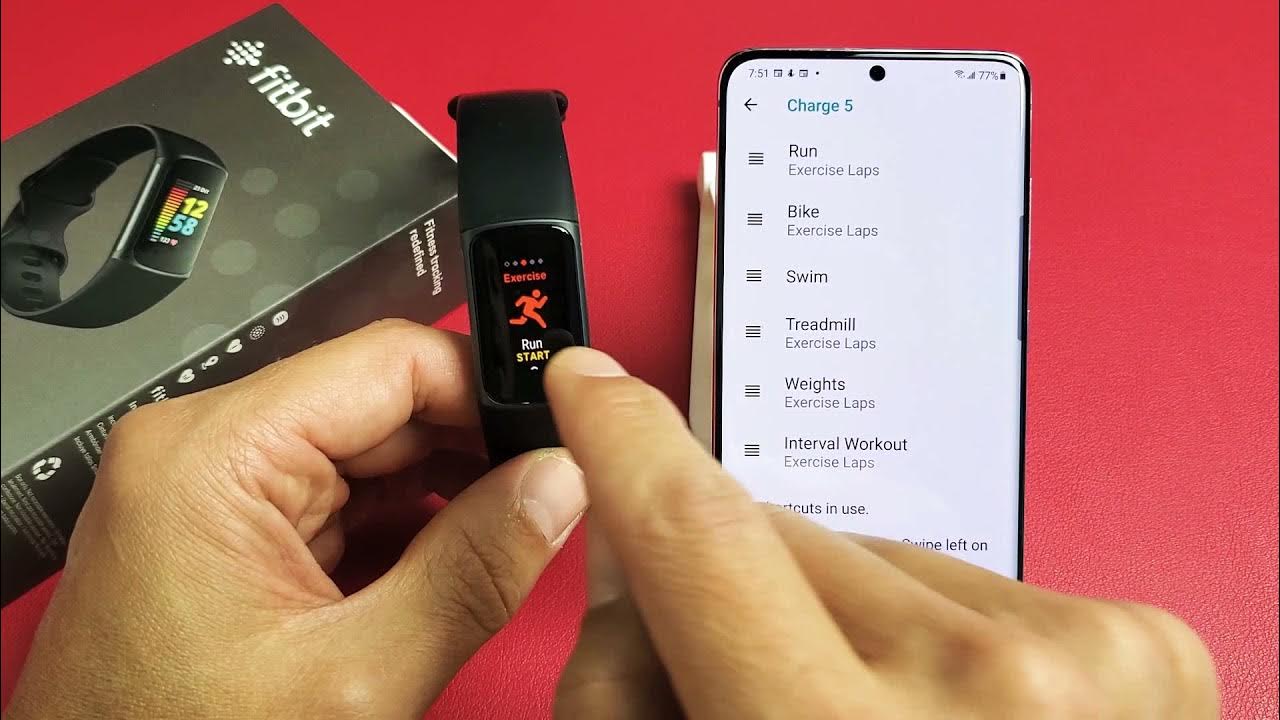
To turn on GPS on your Fitbit, you enable it per-exercise either in the Fitbit app or directly on the device, depending on your model. The GPS setting is used...