Welcome to the iOS tag on CellularNews. This collection is for anyone who uses an iPhone or iPad and wants to get more out of their device, from casual gamers to power users looking to tweak their system. The articles here are focused on two main areas: helping you find the best apps and games to download, and guiding you through common settings and fixes when things don't work as expected.
If you're looking for something new to play, you'll find extensive lists covering a huge variety of genres. Whether you are into strategy with the 15 Best City Building Games, competitive action with the Top 20 Fighting Games, or relaxing puzzles with 20 Mobile Games Like Candy Crush, these articles help you discover top-rated titles. For those needing practical tools, guides like 26 Best Productivity Apps and 16 Best VPN for Android & iOS help you choose the right software for work and privacy. Beyond just finding apps, the tag also solves technical problems. You can learn how to fix your software with the guide on How to Downgrade iOS Using SHSH2 Blobs, or explore system modifications with the Jailbreak iOS guide and the article on Cydia Impactor. Other topics, such as How to Find Someone's Location by Cell Phone Number and How to Use TikTok App, provide clear steps for specific tasks you might need to accomplish.
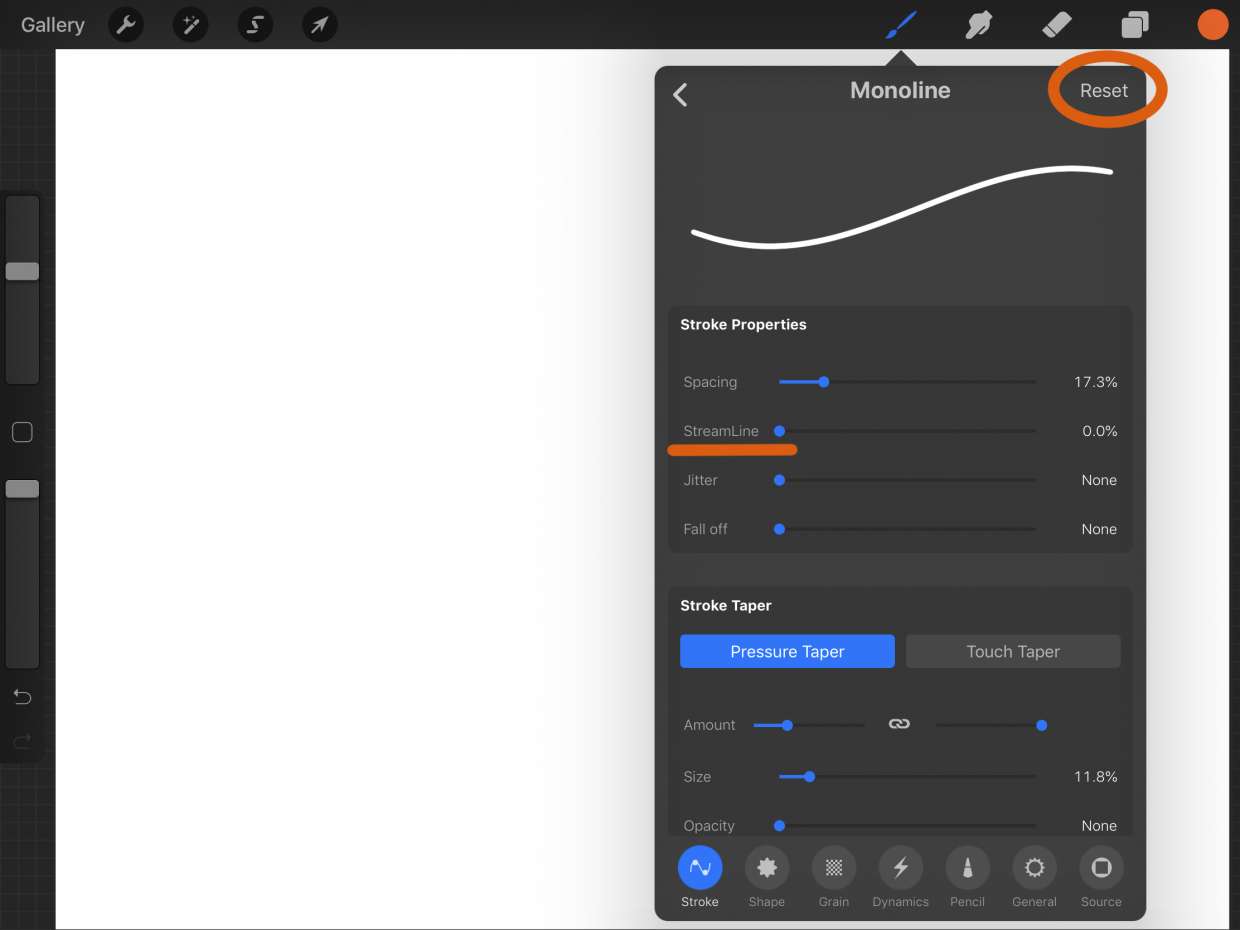
To reset Procreate when it misbehaves, you should quit and relaunch the app or restart your iPad, because Procreate does not have a dedicated reset button or factory reset menu....
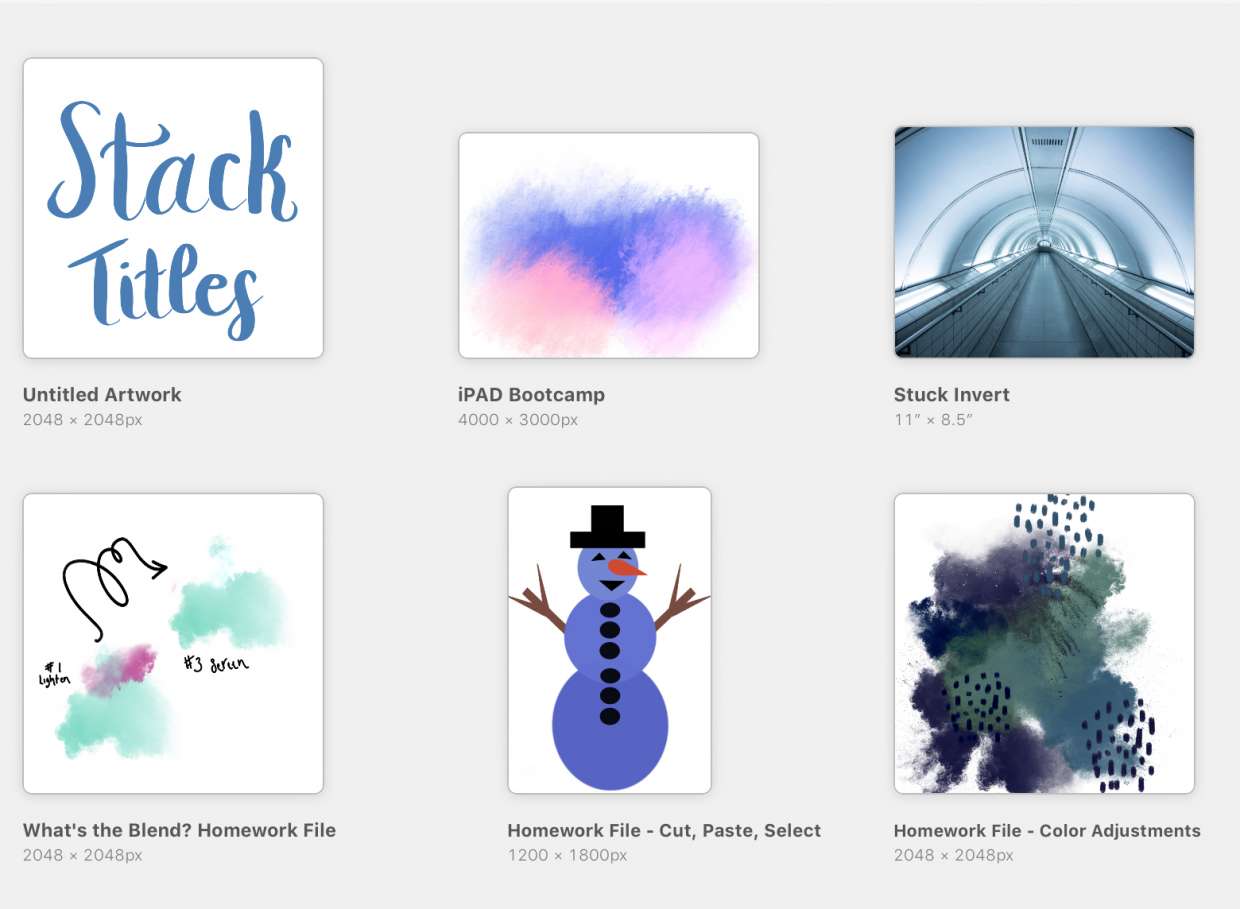
To name art in Procreate, tap the title under the artwork thumbnail in the Gallery, type a new name, and press Return. Alternatively, open the piece, go to Actions →...
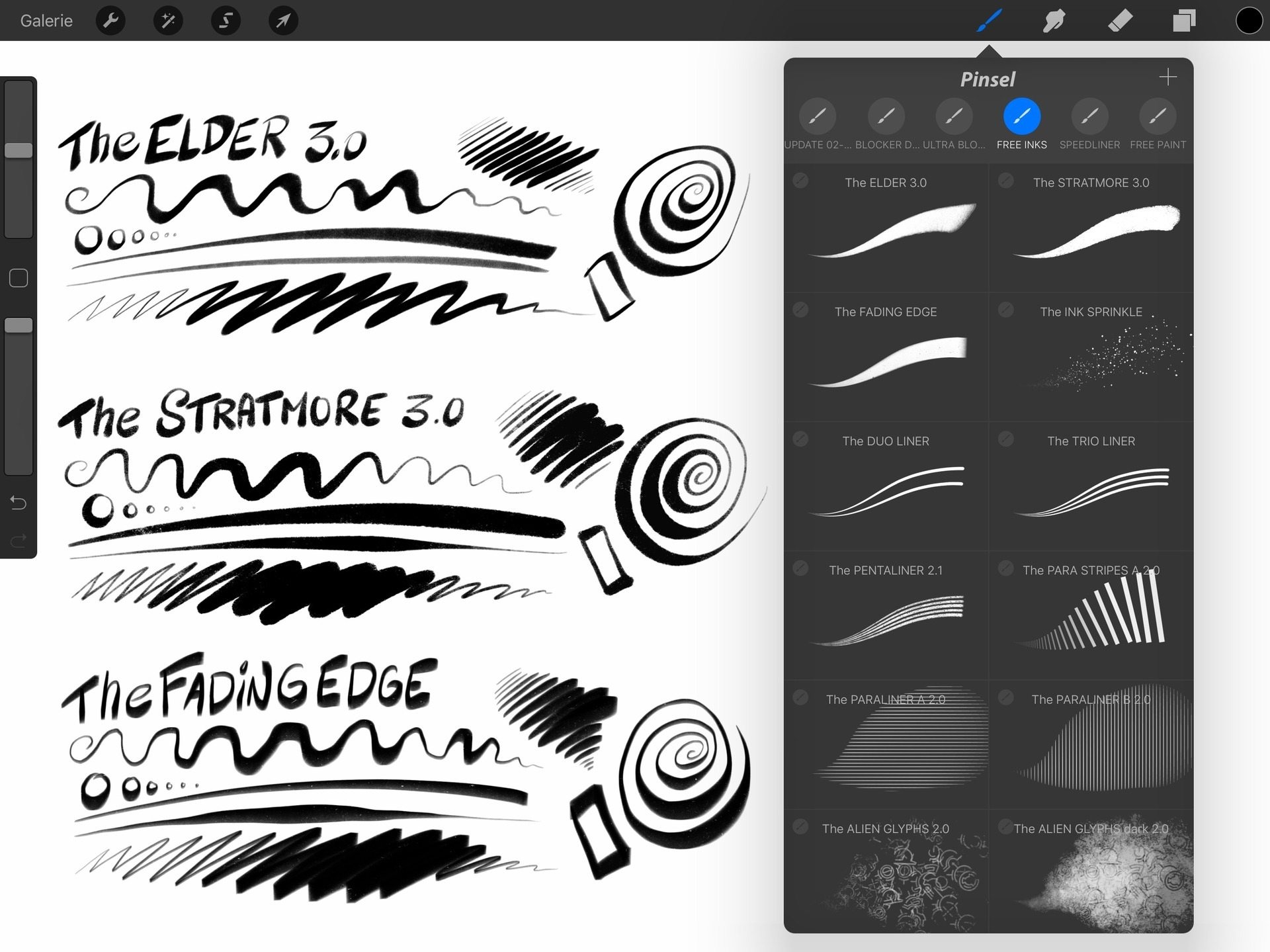
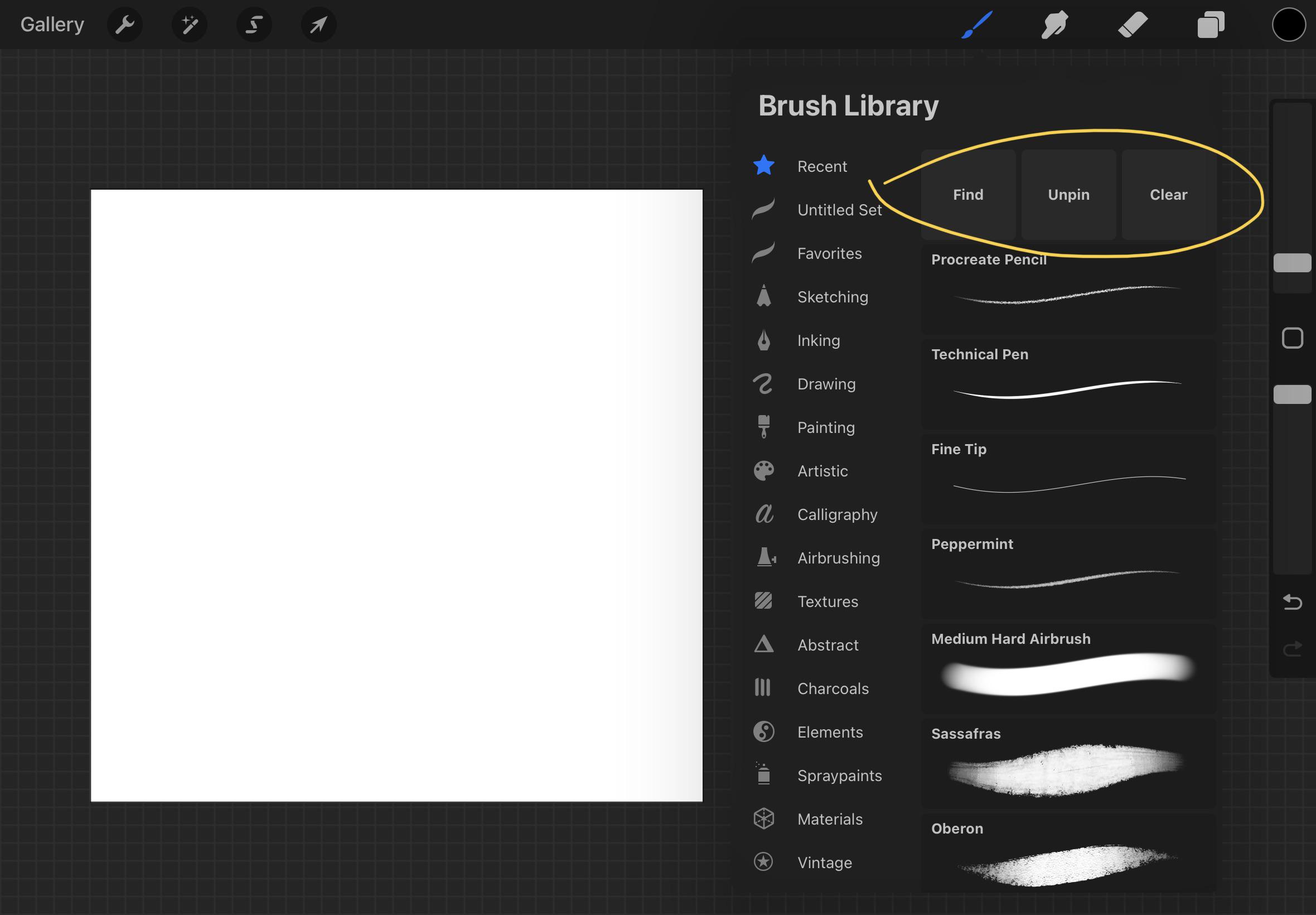
To rename a brush in Procreate, tap and hold the brush in the Brush Library, select Rename from the menu, type the new name, and tap Done. This is the...
To restore Procreate drawings, you must have a pre-existing backup, because Procreate has no built-in recovery folder or undo option for deleted artwork. The only reliable way to restore Procreate...
To undo in Procreate, tap the canvas with two fingers. This reverses your last drawing action, not a Gallery stack, Procreate does not have a separate "undo stack" feature. What...
The fastest built-in way to duplicate a brush in Procreate is to swipe left on the brush in the Brush Library and tap Duplicate. You can also tap and hold...
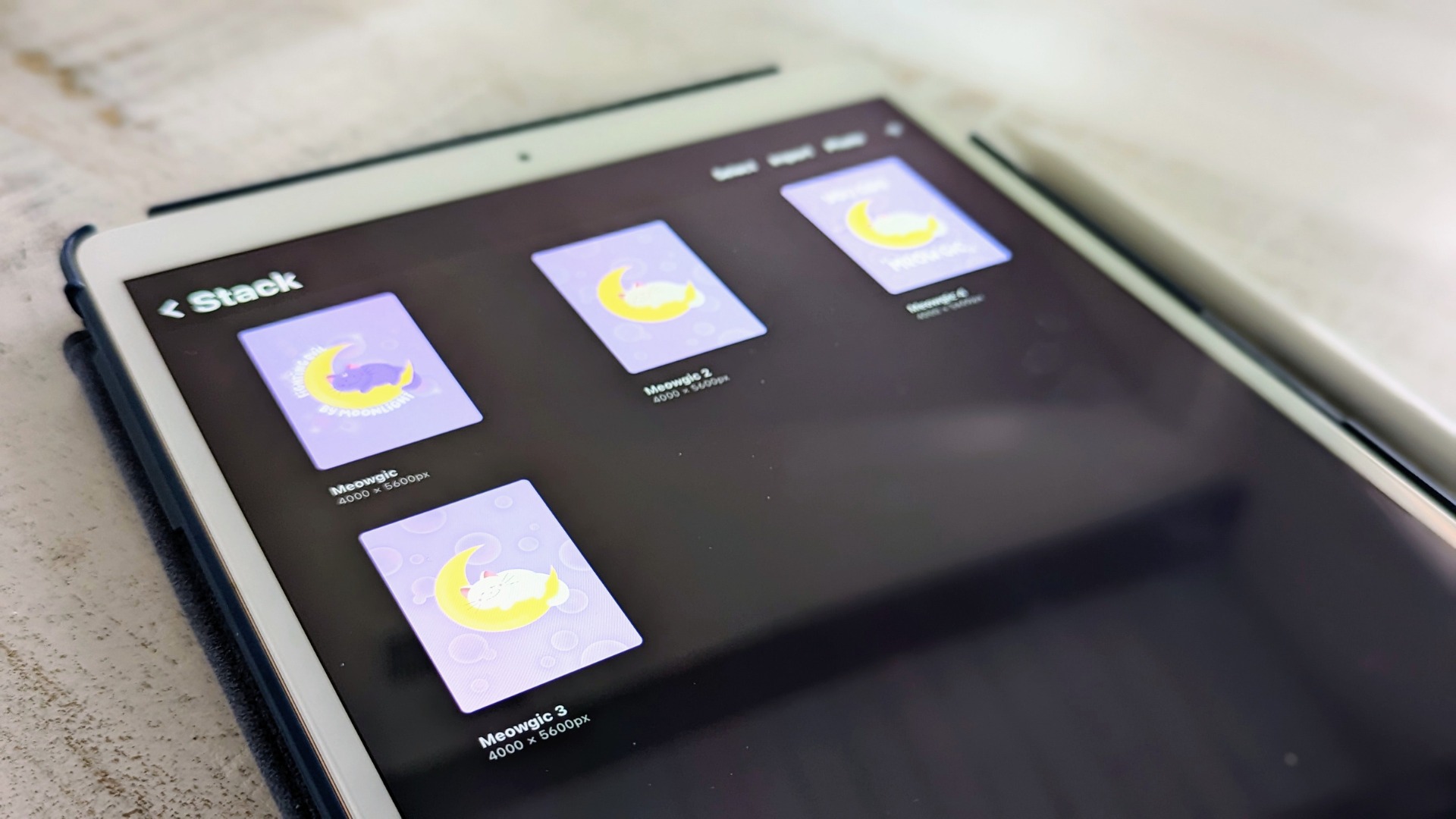
To make a folder in Procreate, you create a Stack, which is Procreate's term for a folder that groups artwork thumbnails in the Gallery view. Unlike folders inside a canvas,...
The quickest way to undo in Procreate Pocket is to tap the canvas with two fingers. This gesture instantly reverses your last action, and a notification at the top of...
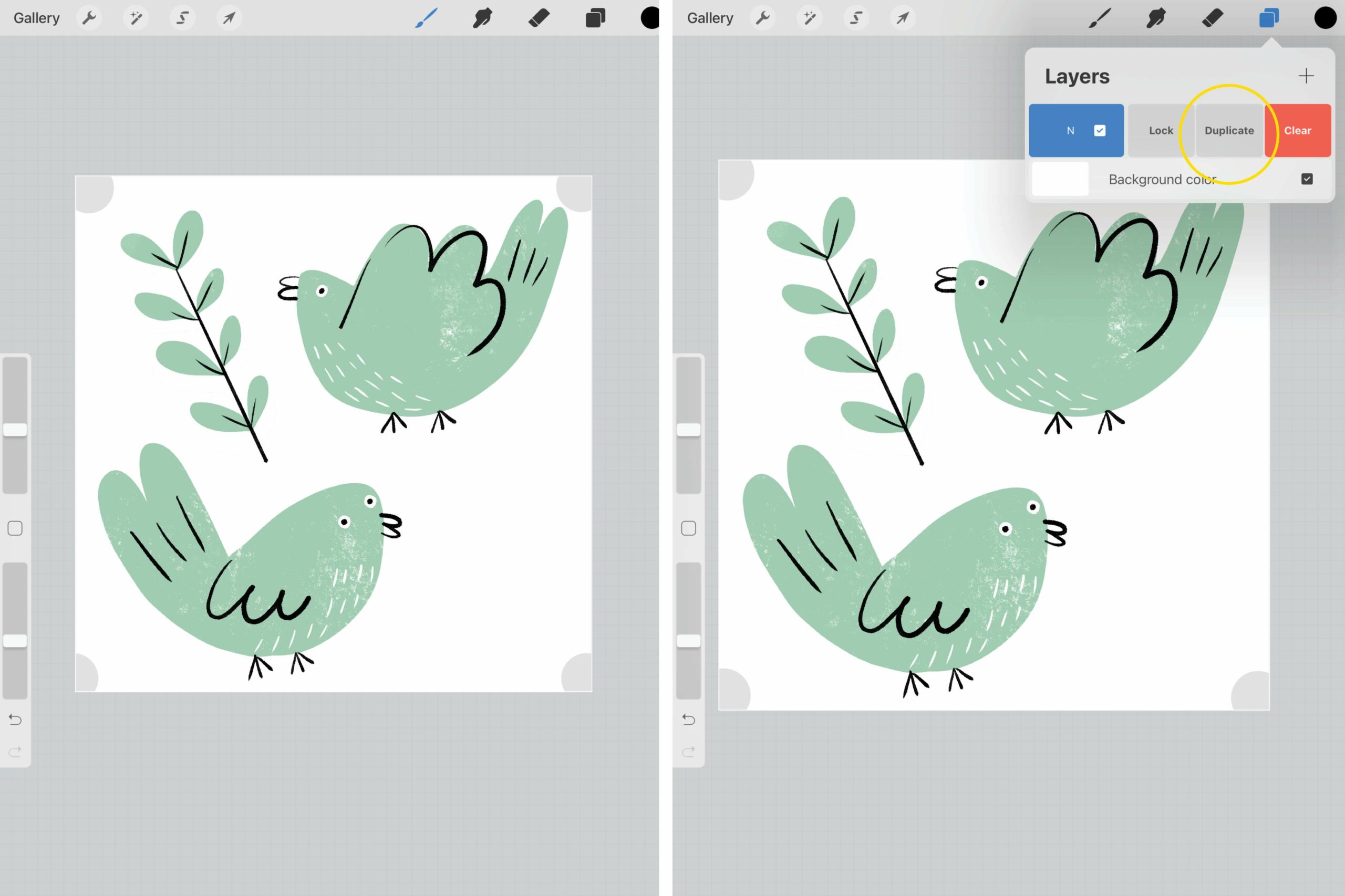
Procreate is a powerful digital art and illustration app that has gained immense popularity among artists and designers. One of the standout features of Procreate is its ability to clone...
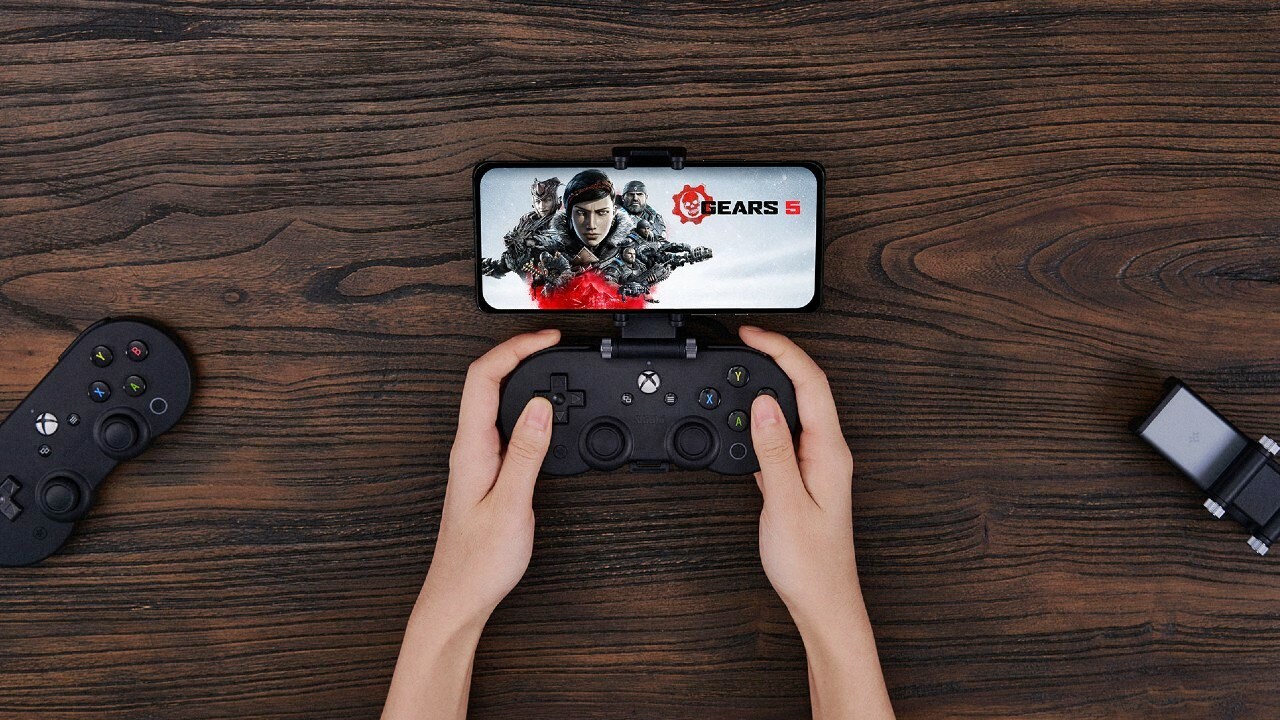
You can play Xbox games on your phone by using an Xbox Game Pass Ultimate subscription to stream titles directly to your iPhone or Android device through a supported web...
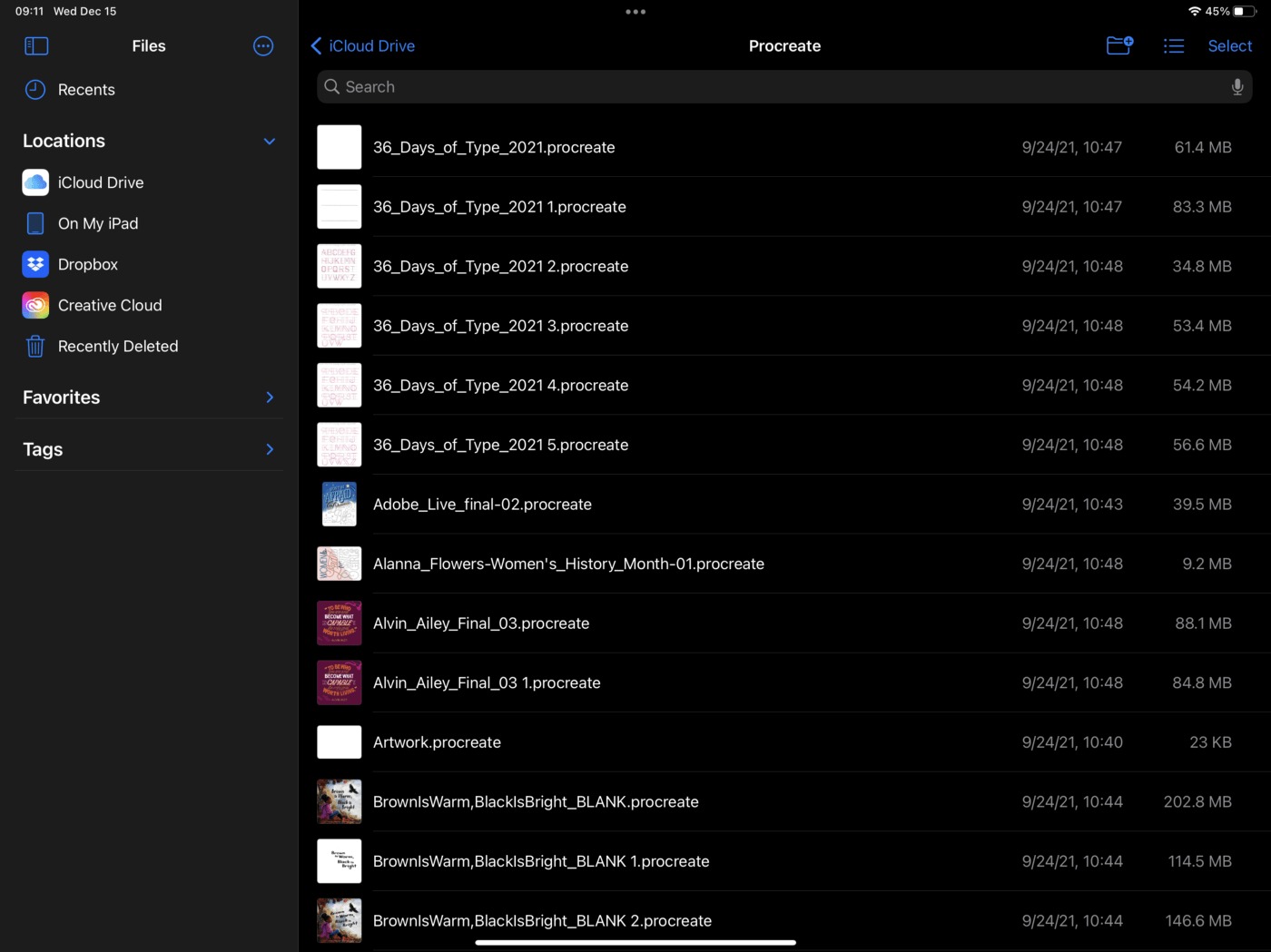
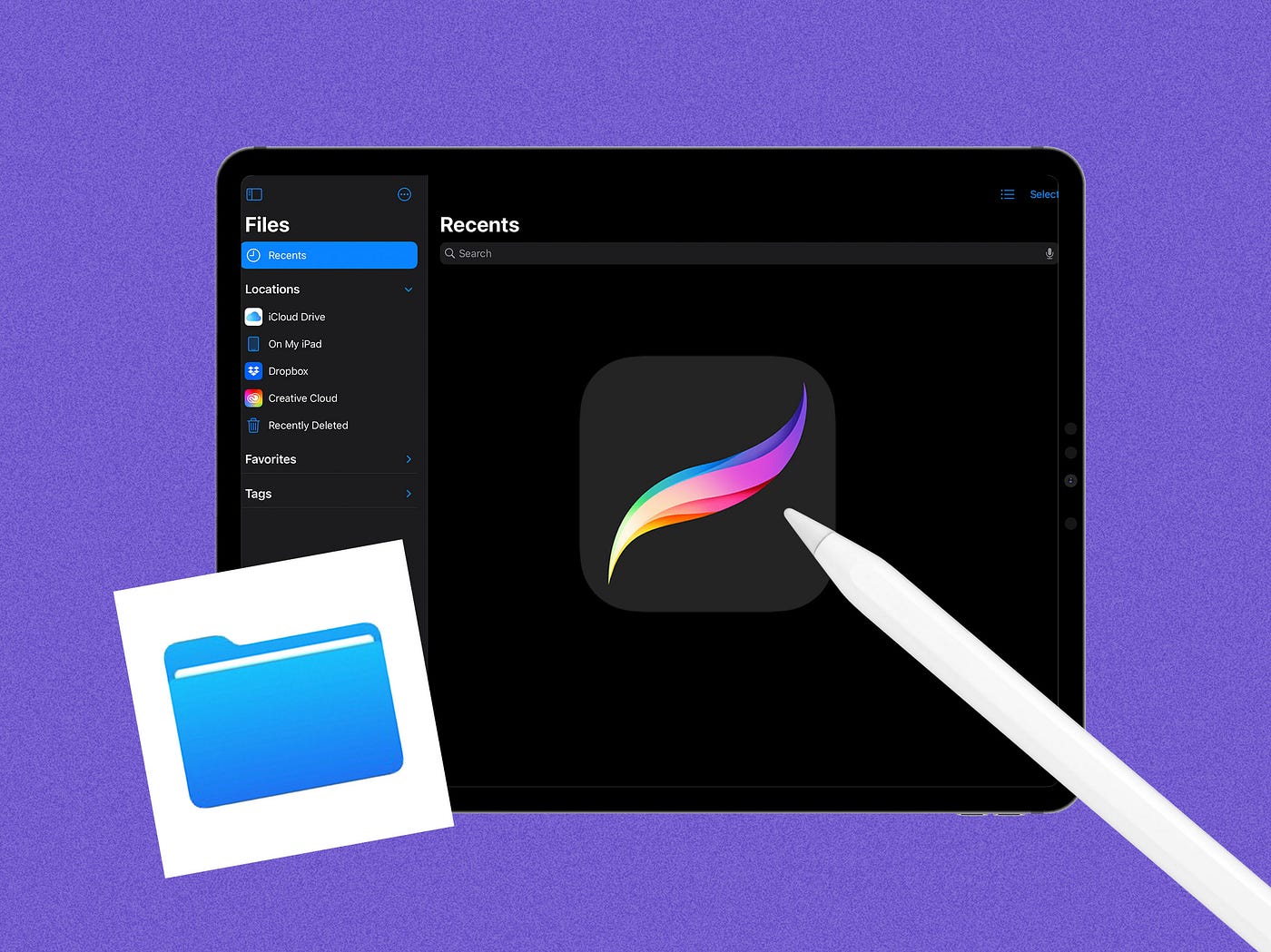
To back up Procreate files, you must manually export them as .procreate files because the app does not provide automatic iCloud syncing. This manual process preserves your layer information, settings,...
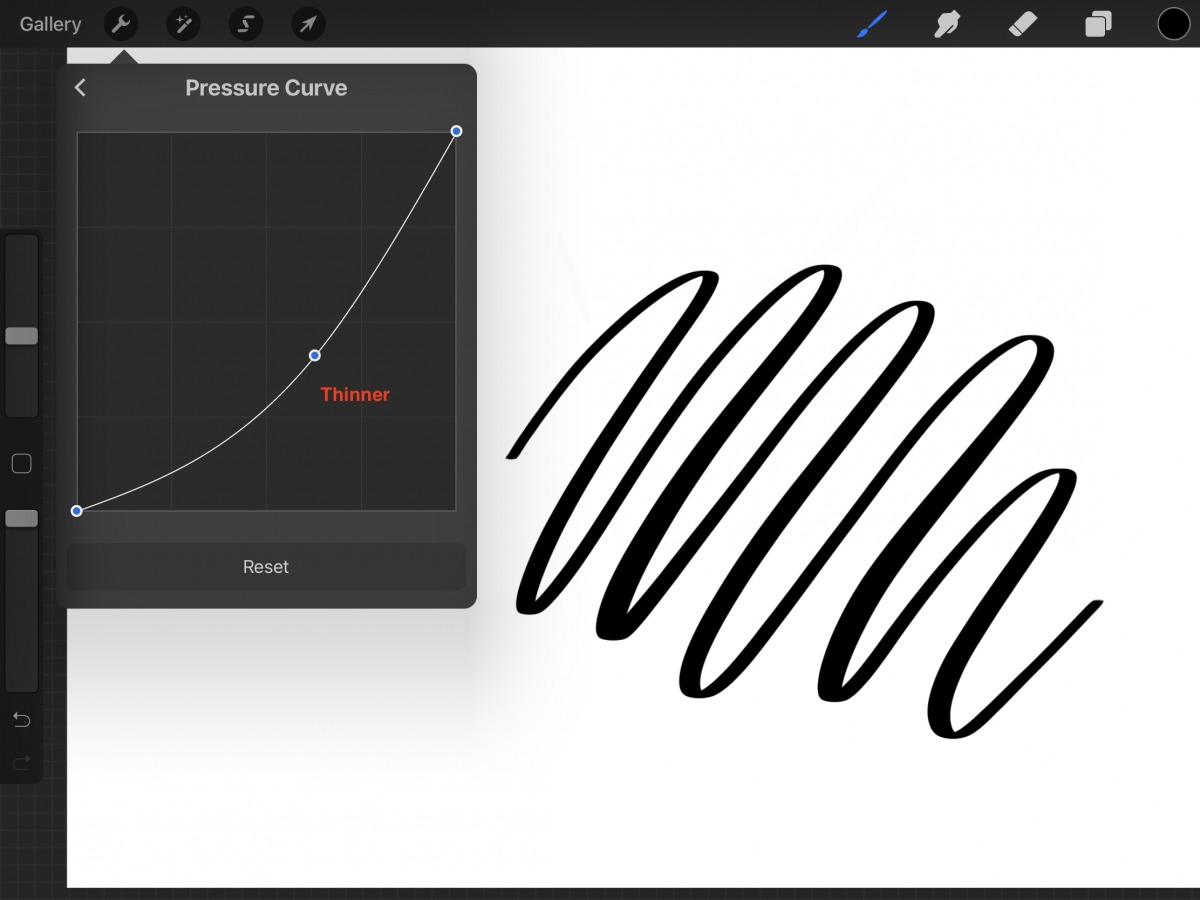
To turn off pressure sensitivity in Procreate, open the Actions menu (wrench icon) and go to Prefs > Pressure & Smoothing. Flatten the App Pressure Sensitivity curve into a straight...