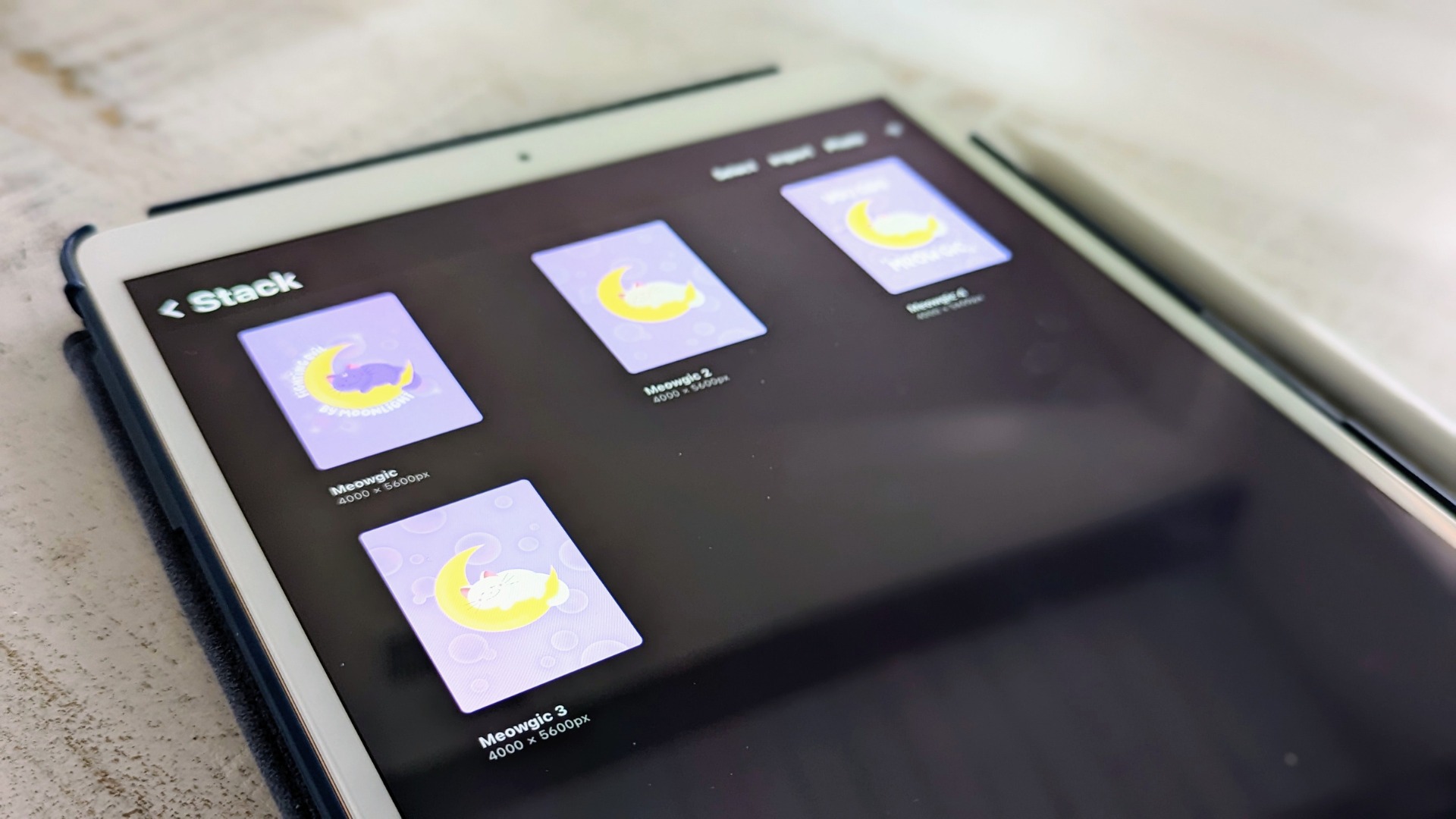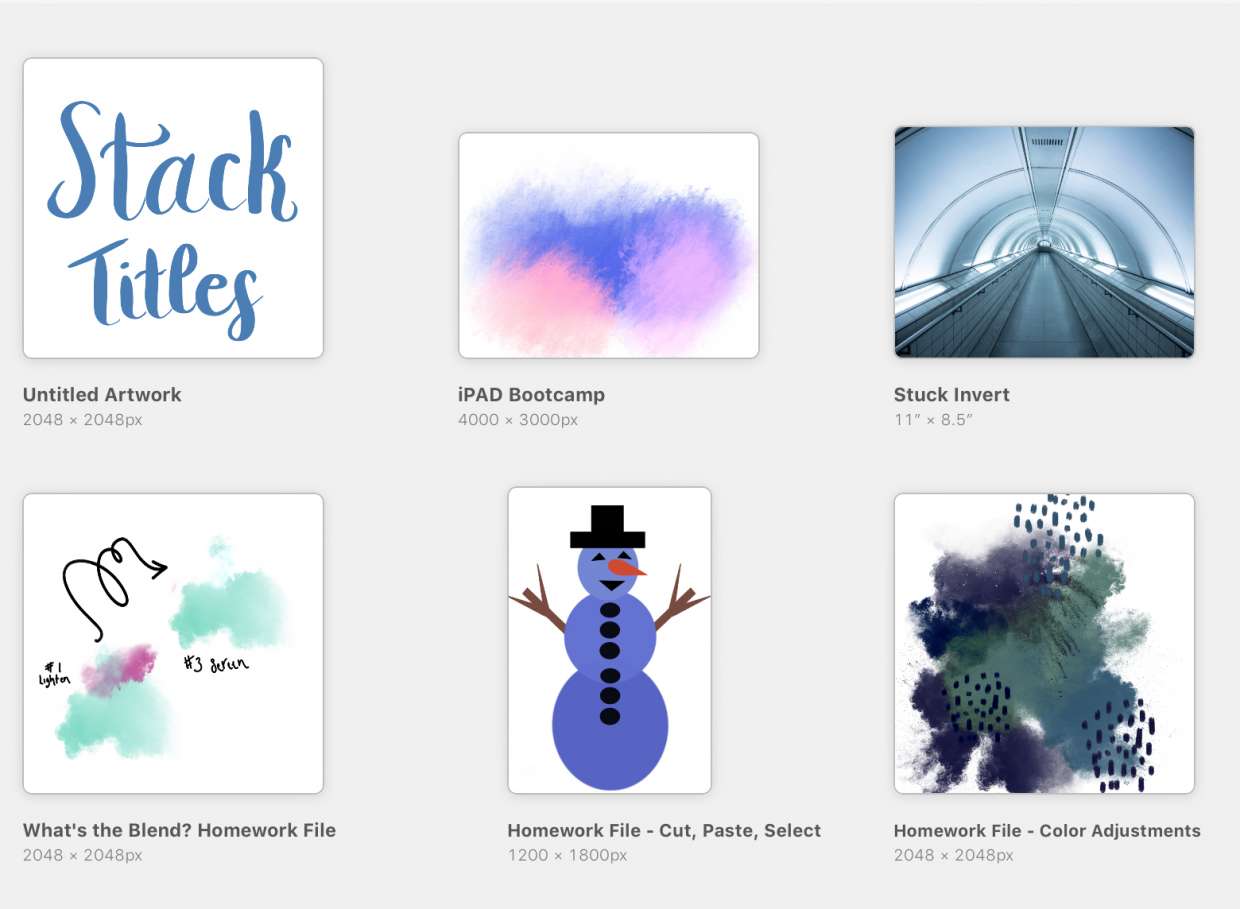
To name art in Procreate, tap the title under the artwork thumbnail in the Gallery, type a new name, and press Return. Alternatively, open the piece, go to Actions → Canvas → Canvas information, tap the title, and enter a new name.
How to name art in Procreate: the quick answer
Renaming artwork in the Procreate digital art app is done in two places: directly from the Gallery by tapping the existing title under a thumbnail, or from inside the canvas using the Canvas information menu. Both methods instantly update the file name, helping you keep your Procreate tools, layers and file management organized.
Rename your artwork from the Procreate Gallery
This is the primary method for renaming any artwork without opening it.
- Open the Gallery.
- Under the artwork thumbnail, tap the title.
- Type the new name on the keyboard.
- Tap Return to finish.
Rename your artwork from inside the canvas
Use this method when you are already working on a piece and want to change its name without returning to the Gallery.
- Open the artwork.
- Tap Actions → Canvas → Canvas information.
- Tap the artwork title.
- Enter a new name.
Default artwork names and what to expect
New artworks are named Untitled Artwork by default. No documented character limit exists for artwork titles in Procreate. Procreate is available on iPad and iPhone, including Procreate Pocket, but not on Android. To find your device model name, go to Settings → General → About → Model Name.
Tips for choosing a memorable artwork title
Pick descriptive, searchable names that help you find work later in the Gallery. Consider the subject, mood, or dominant colors of the piece. Keep titles concise so they display fully under thumbnails. Using specific keywords related to the artwork's style or theme makes searching faster when you use the Gallery's magnifying glass.
Frequently Asked Questions
How do I name art in Procreate?
You can also open the piece, tap the wrench icon, and select Canvas to access Canvas information, then tap the title to rename it.
Can I rename multiple artworks at once in Procreate?
No, you must rename each artwork individually by tapping its title in the Gallery or using the Canvas information menu. Procreate does not support batch renaming.
Are special characters allowed in artwork titles?
Yes, special characters and spaces are allowed. However, keeping names simple avoids potential issues when exporting or sharing files.
How do I search for a named artwork in the Gallery?
Tap the magnifying glass icon in the top right of the Gallery view, then type the artwork name or a keyword. Procreate will display matching results.
What is the default name for new Procreate artworks?
Every new artwork is automatically named Untitled Artwork until you rename it.
Can I rename artwork on Procreate Pocket the same way?
Yes, the renaming steps are identical on Procreate Pocket: tap the title in the Gallery or use Actions → Canvas → Canvas information.
Related reading: How To Back Up Procreate Files and How To Rename A Brush In Procreate.