The iPhones tag page on CellularNews collects articles specifically for iPhone users, from casual owners to those who like to tinker with their devices. This tag is for anyone who wants to get more out of their phone, whether that means fixing a common glitch, finding a new app, or understanding a key feature.

The articles here solve real-world problems grouped around a few clear themes. One major theme is troubleshooting and network fixes, with guides on resetting network settings, fixing cellular network errors, and using Wi-Fi calling. Another theme is customization and app management, covering how to transfer apps to a new iPhone, schedule text messages, and recover deleted texts and WhatsApp messages. A third theme focuses on entertainment and productivity, including lists of the best Apple Arcade games, free movie apps, and text to speech readers.

These articles help the reader do practical things: fix a phone that won't make calls, learn how to screen record mobile games, recover deleted messages, and choose the best phone case or mobile accessory. They also explain technical topics like what an IPA file is and how to jailbreak an iPhone without a PC, giving clear steps for specific tasks.
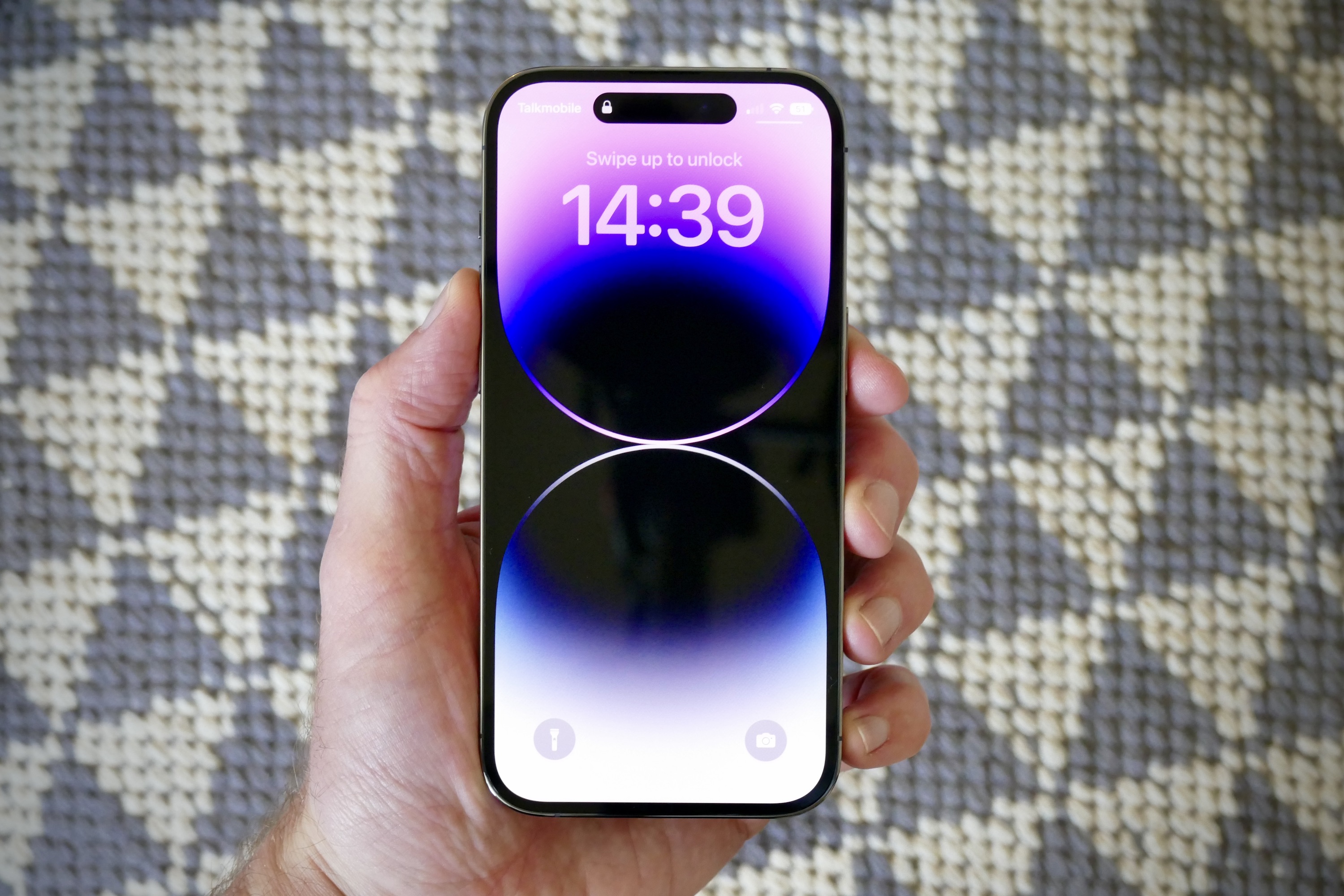
How To Make Phone Brighter

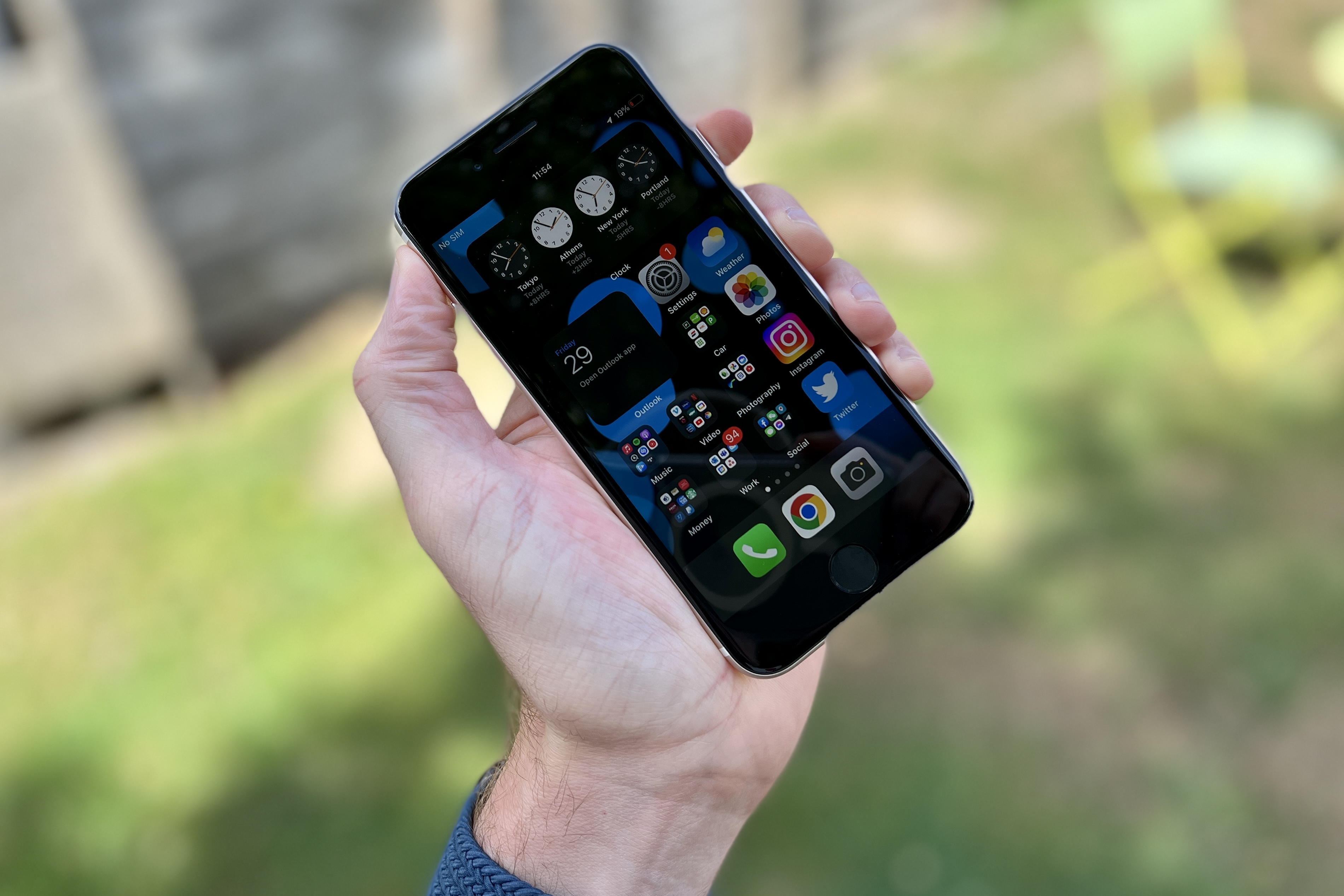
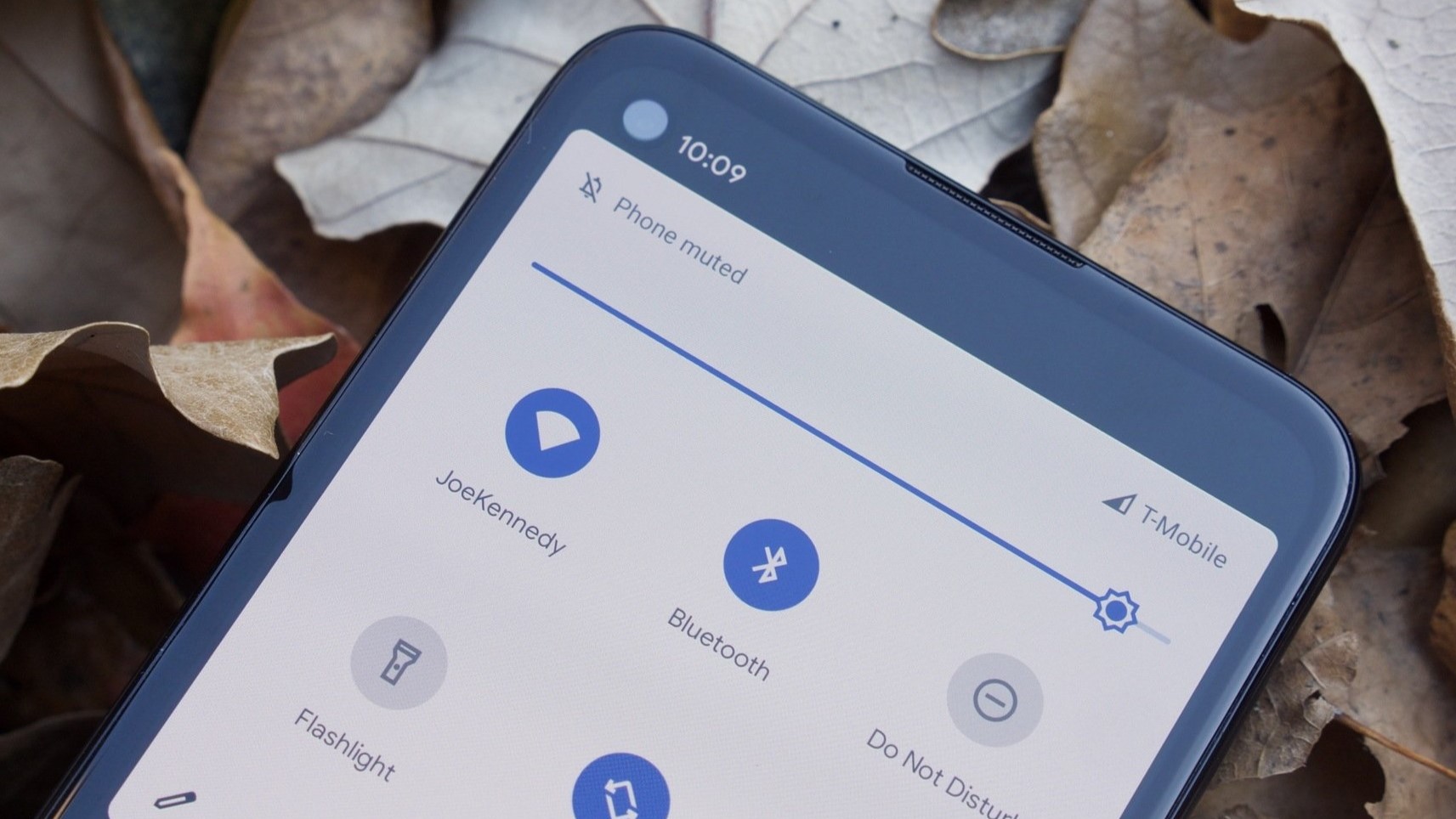
To make your phone brighter right now, open the Control Center on an iPhone and drag the brightness slider up, or on an Android phone, swipe down from the top...

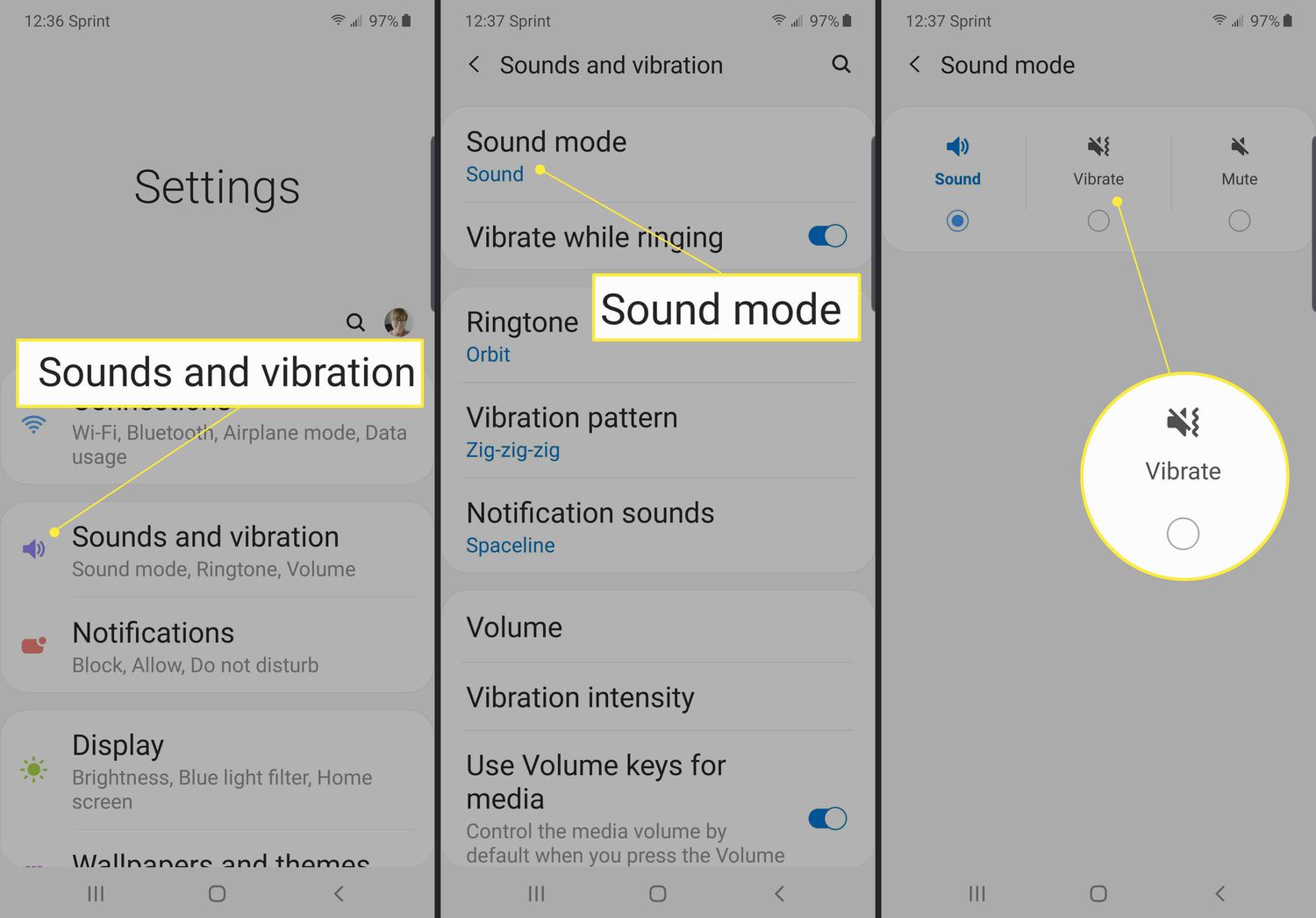
How To Make Your Phone Vibrate Non Stop

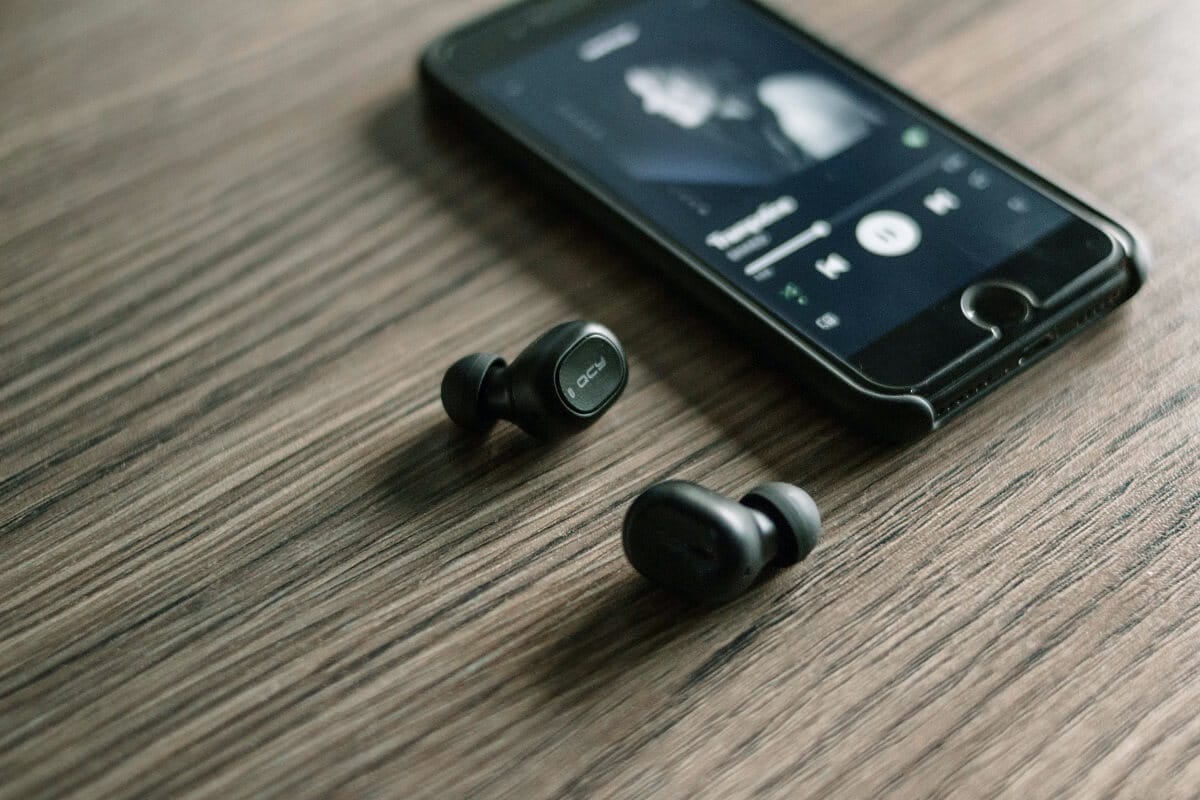
There is no official setting to make your phone vibrate non-stop continuously. Whether you want to prank a friend, create a DIY massager, or set up a persistent notification alert,...

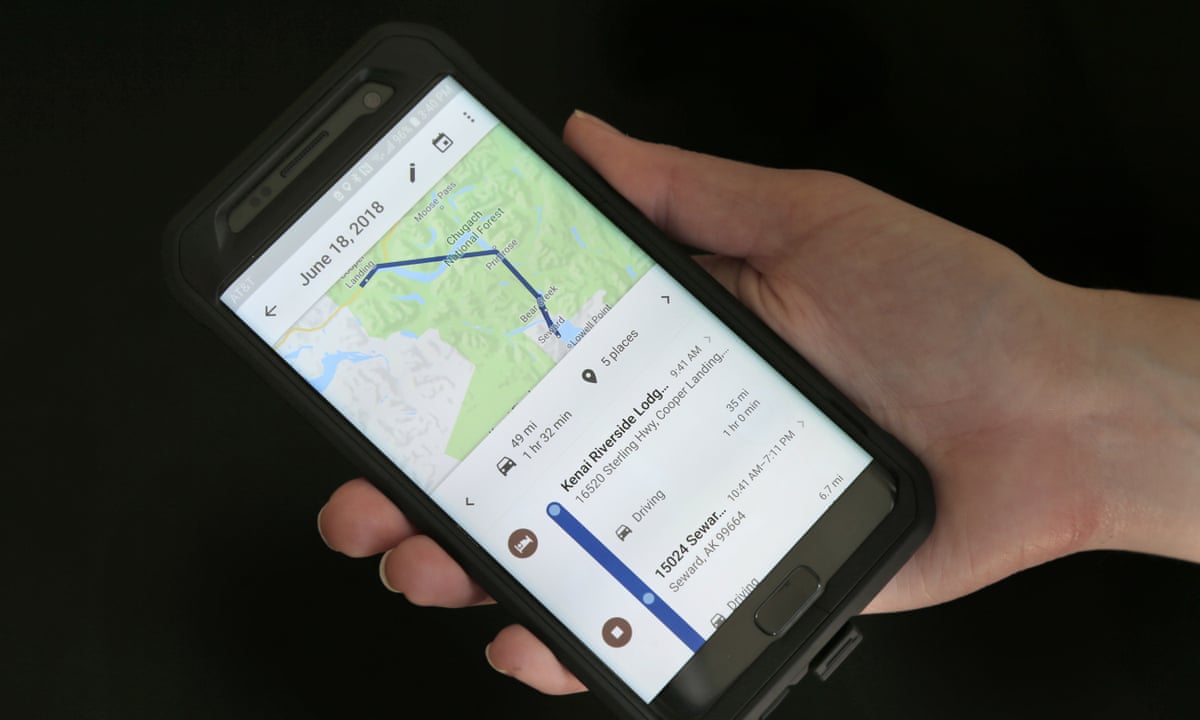
How To Measure A Mile On Your Phone

To measure a mile on your phone, use the Google Maps app on either iPhone or Android. The app's built-in Measure distance tool lets you plot a route and displays...

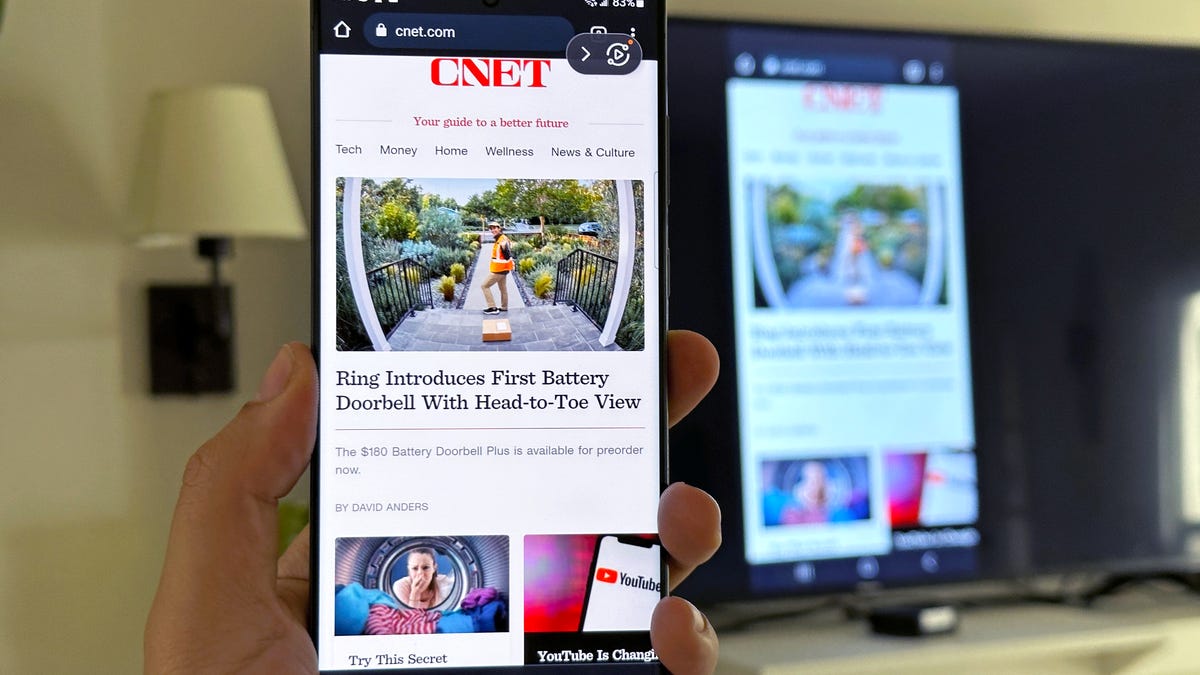
How To Mirror A Cell Phone

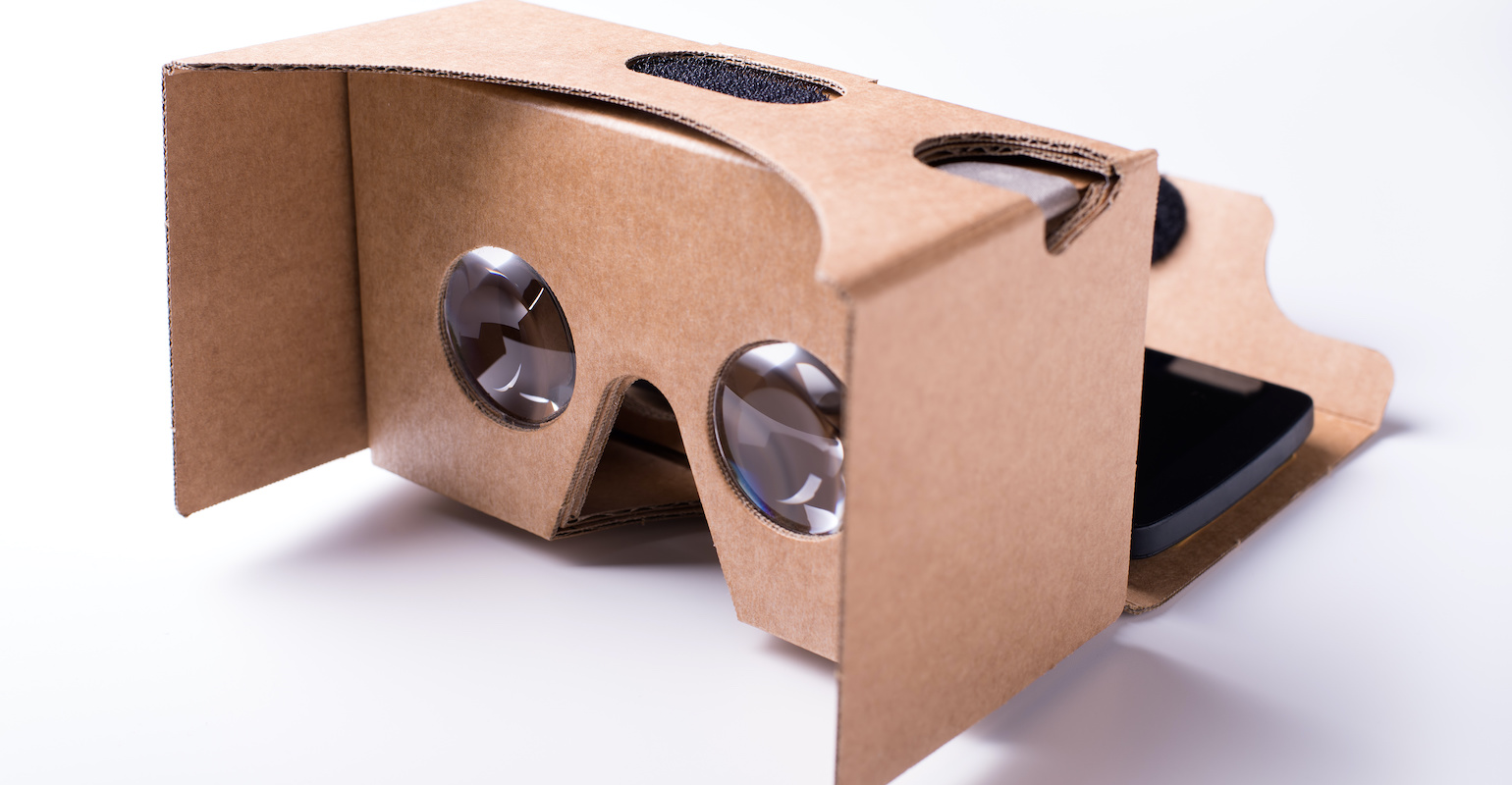
To mirror a cell phone, you need both your phone and the receiving display to be connected to the same Wi-Fi network, and the receiving device must be compatible, like...

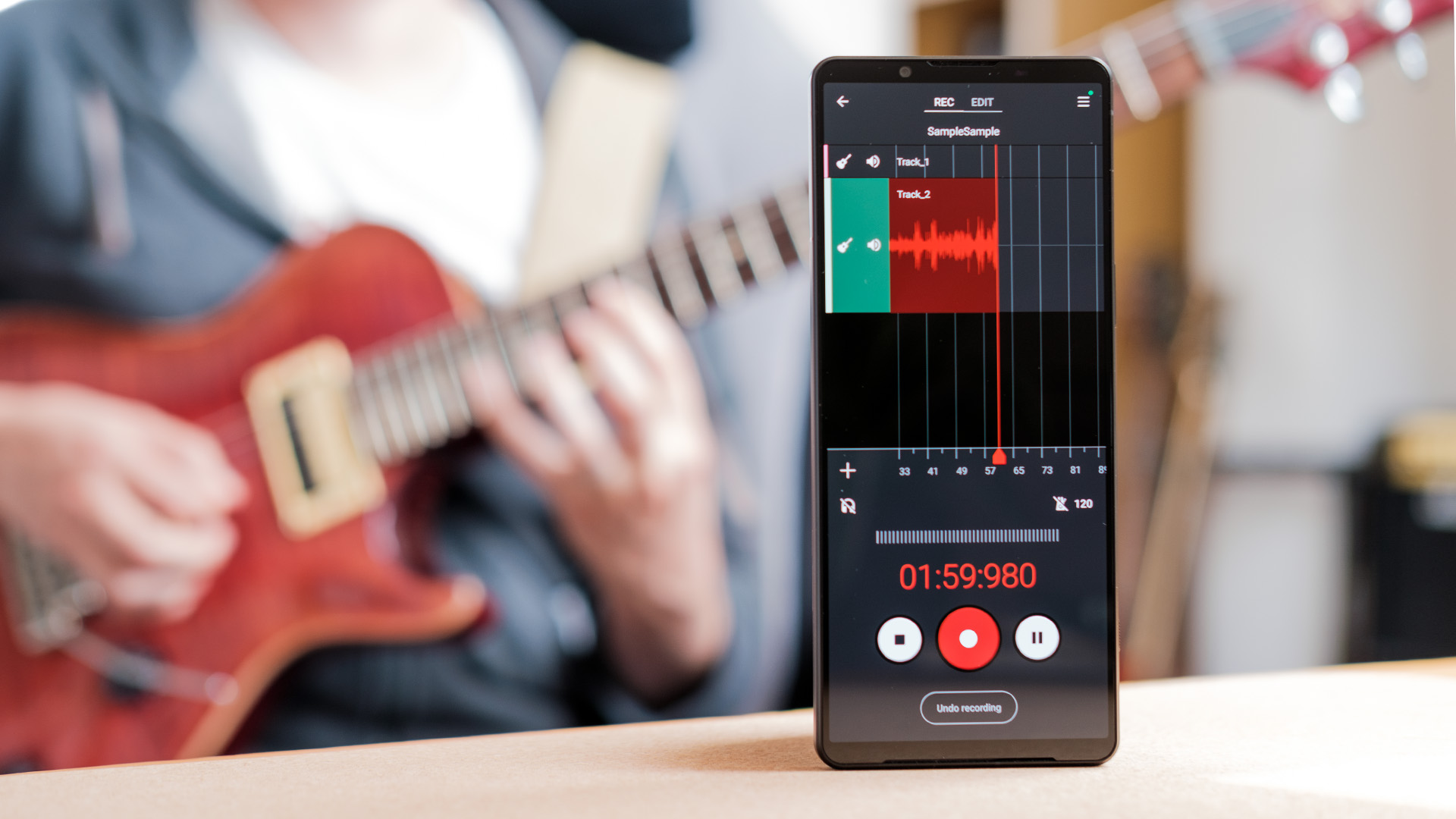
How To Record Songs On Your Phone

To record songs on your phone, you can use the official app built into your device: Apple's Voice Memos on iPhone or Google's Recorder on Pixel. These apps let you...

How To Test Wireless Connection

To test your wireless connection on a phone or laptop, you check signal strength and speed using your device's built-in diagnostics or settings menus. The fastest way to get a...

How To Boost Your Verizon Wireless Signal

To boost your Verizon wireless signal, Verizon’s official guidance focuses on three fixes: turn on Wi‑Fi Calling, confirm your device is supported, and, if needed, use a Network Extender for...

How To Turn Back On Wireless Capability

To turn back on wireless capability, you need to enable cellular data (mobile data) on your specific phone, not Wi-Fi. The exact steps depend on whether you use an iPhone,...

How To Reset Wireless Network Connection

To reset wireless network connection, start by power cycling your router and modem. This simple step clears temporary glitches and restores a stable connection for most home Wi‑Fi problems. How...