The iPhones tag page on CellularNews collects articles specifically for iPhone users, from casual owners to those who like to tinker with their devices. This tag is for anyone who wants to get more out of their phone, whether that means fixing a common glitch, finding a new app, or understanding a key feature.

The articles here solve real-world problems grouped around a few clear themes. One major theme is troubleshooting and network fixes, with guides on resetting network settings, fixing cellular network errors, and using Wi-Fi calling. Another theme is customization and app management, covering how to transfer apps to a new iPhone, schedule text messages, and recover deleted texts and WhatsApp messages. A third theme focuses on entertainment and productivity, including lists of the best Apple Arcade games, free movie apps, and text to speech readers.

These articles help the reader do practical things: fix a phone that won't make calls, learn how to screen record mobile games, recover deleted messages, and choose the best phone case or mobile accessory. They also explain technical topics like what an IPA file is and how to jailbreak an iPhone without a PC, giving clear steps for specific tasks.
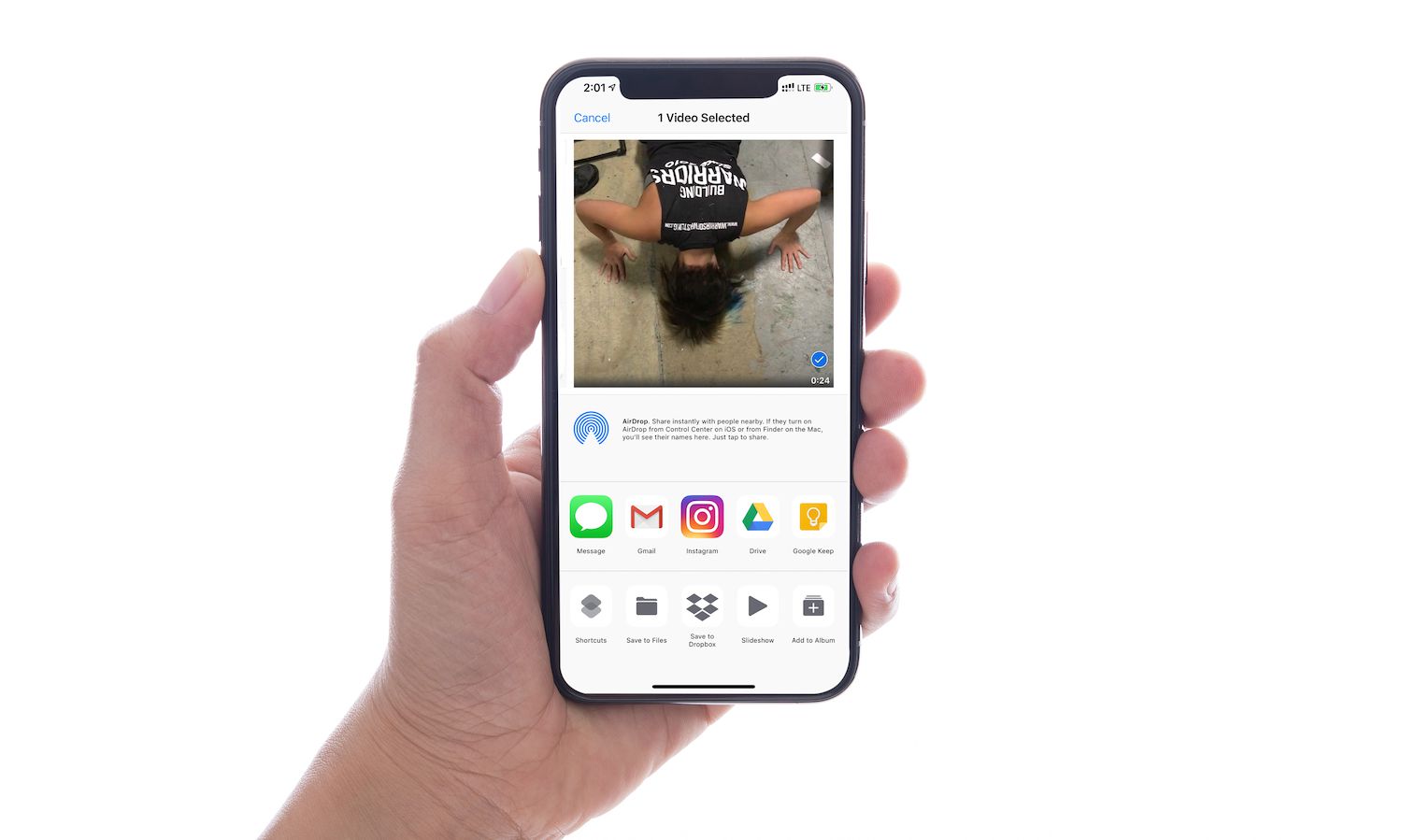
How To Send Long Videos On Phone

To send long videos on phone, you need a method that bypasses the file size limits built into messaging apps. For iPhone users, Apple documents three verified ways to share...

How To Carry Cell Phone Without A Pocket

To carry cell phone without a pocket, the only documented hands-free method from a major phone manufacturer is Apple’s Crossbody Strap, which attaches to select Apple iPhone cases. This official...

How To Connect A Xbox Controller To Phone

To connect an Xbox controller to your phone, you pair a Bluetooth-capable Xbox controller with your Android or iPhone through the standard Bluetooth settings menu. This lets you play mobile...

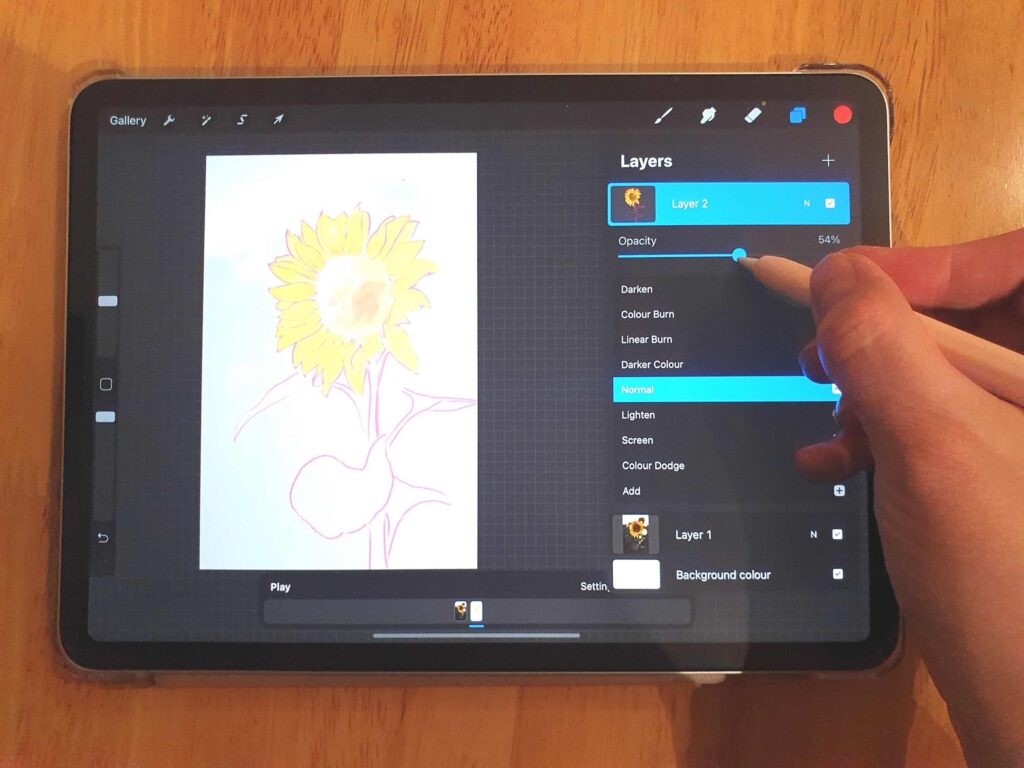
How To Turn Down Opacity On Procreate

To turn down opacity on Procreate, you can adjust a layer's transparency using the Layers panel or the Adjustments menu on iPad, and the same controls are available on iPhone...

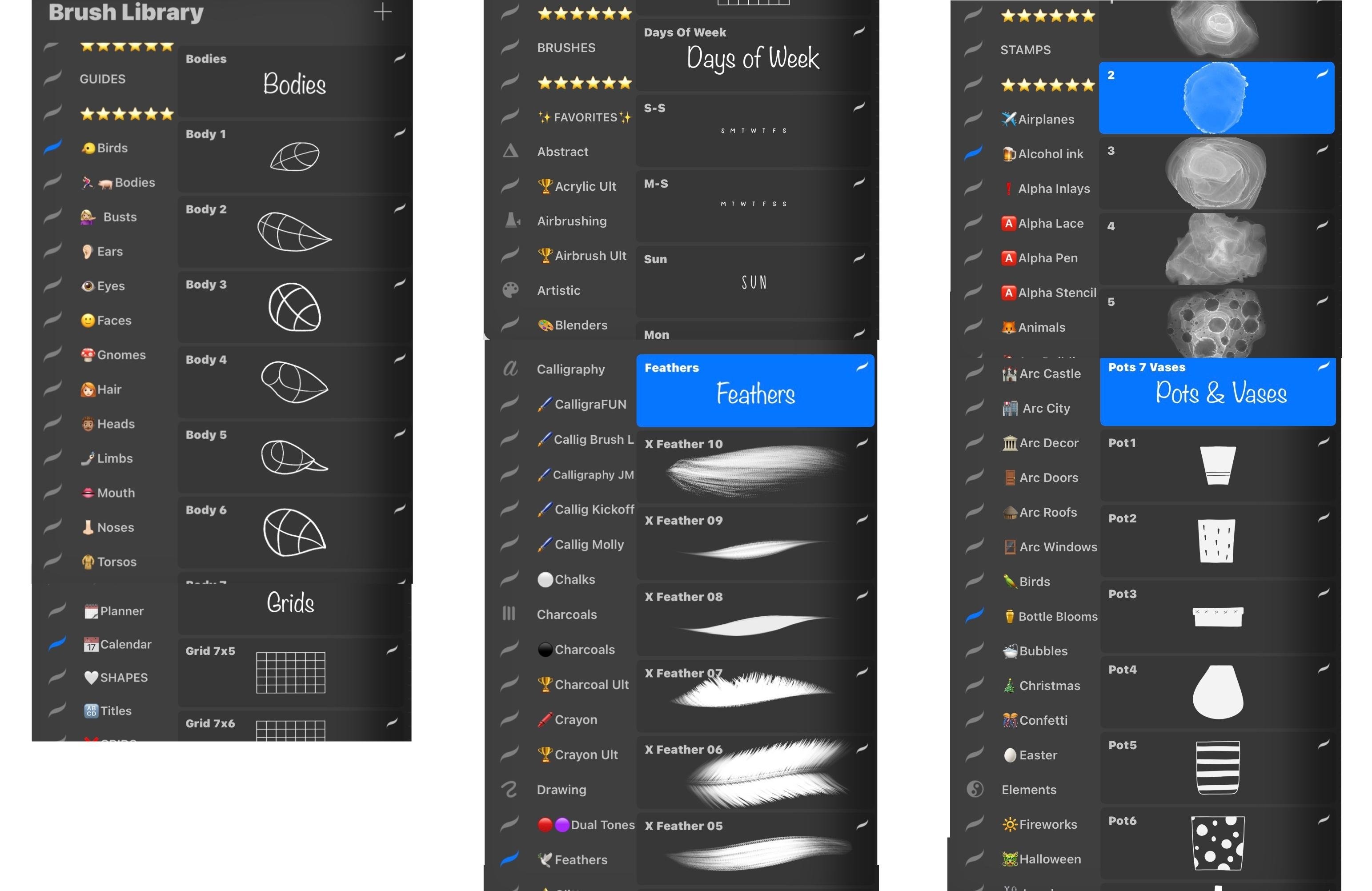
How To Organize Brushes In Procreate

To organize brushes in Procreate on iPad, use the official drag-and-drop method inside the Brush Library or create custom brush sets by managing folders in the Files app. These are...

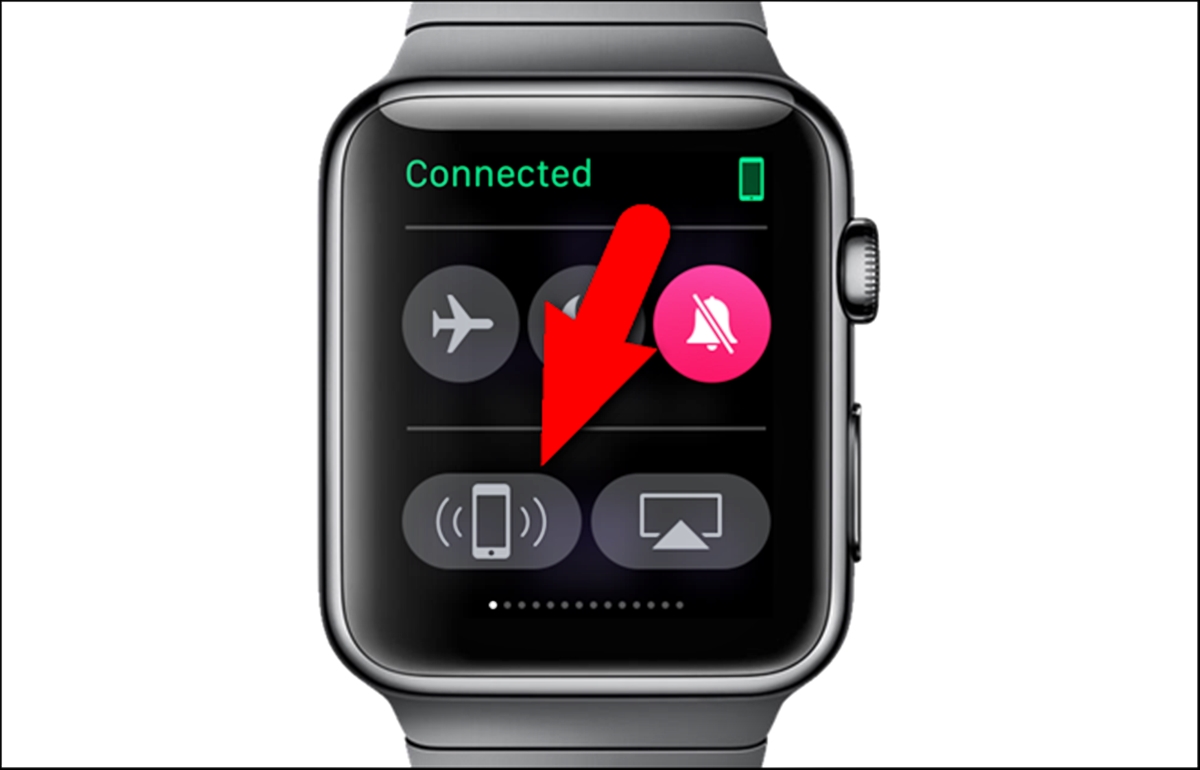
How To Ping My Phone From My Watch

To ping your phone from your watch, you use a built-in feature that makes your paired phone ring or play a sound so you can find it quickly. The exact...

How To Play VRchat On Phone

You can play VRChat on your phone using the official VRChat mobile app, available for iPhone and Android devices. This lets you join virtual worlds and chat with friends directly...

How To Change DPI On Procreate

To change DPI on Procreate for iPad, open the Actions menu, tap Canvas, select Crop and Resize, and enter the new DPI value. For Procreate Pocket on iPhone, the path...

How To Make A GIF On Procreate

To make a GIF on Procreate, you build your animation from layers, with each layer becoming a single frame and the bottom layer playing first. This method works on both...

How To Sample Color In Procreate

To sample color in Procreate, tap and hold anywhere on your canvas to invoke the Eyedropper, drag to the exact hue you want, and release your finger to select it....