The iPhones tag page on CellularNews collects articles specifically for iPhone users, from casual owners to those who like to tinker with their devices. This tag is for anyone who wants to get more out of their phone, whether that means fixing a common glitch, finding a new app, or understanding a key feature.

The articles here solve real-world problems grouped around a few clear themes. One major theme is troubleshooting and network fixes, with guides on resetting network settings, fixing cellular network errors, and using Wi-Fi calling. Another theme is customization and app management, covering how to transfer apps to a new iPhone, schedule text messages, and recover deleted texts and WhatsApp messages. A third theme focuses on entertainment and productivity, including lists of the best Apple Arcade games, free movie apps, and text to speech readers.

These articles help the reader do practical things: fix a phone that won't make calls, learn how to screen record mobile games, recover deleted messages, and choose the best phone case or mobile accessory. They also explain technical topics like what an IPA file is and how to jailbreak an iPhone without a PC, giving clear steps for specific tasks.
How To Ungroup In Procreate

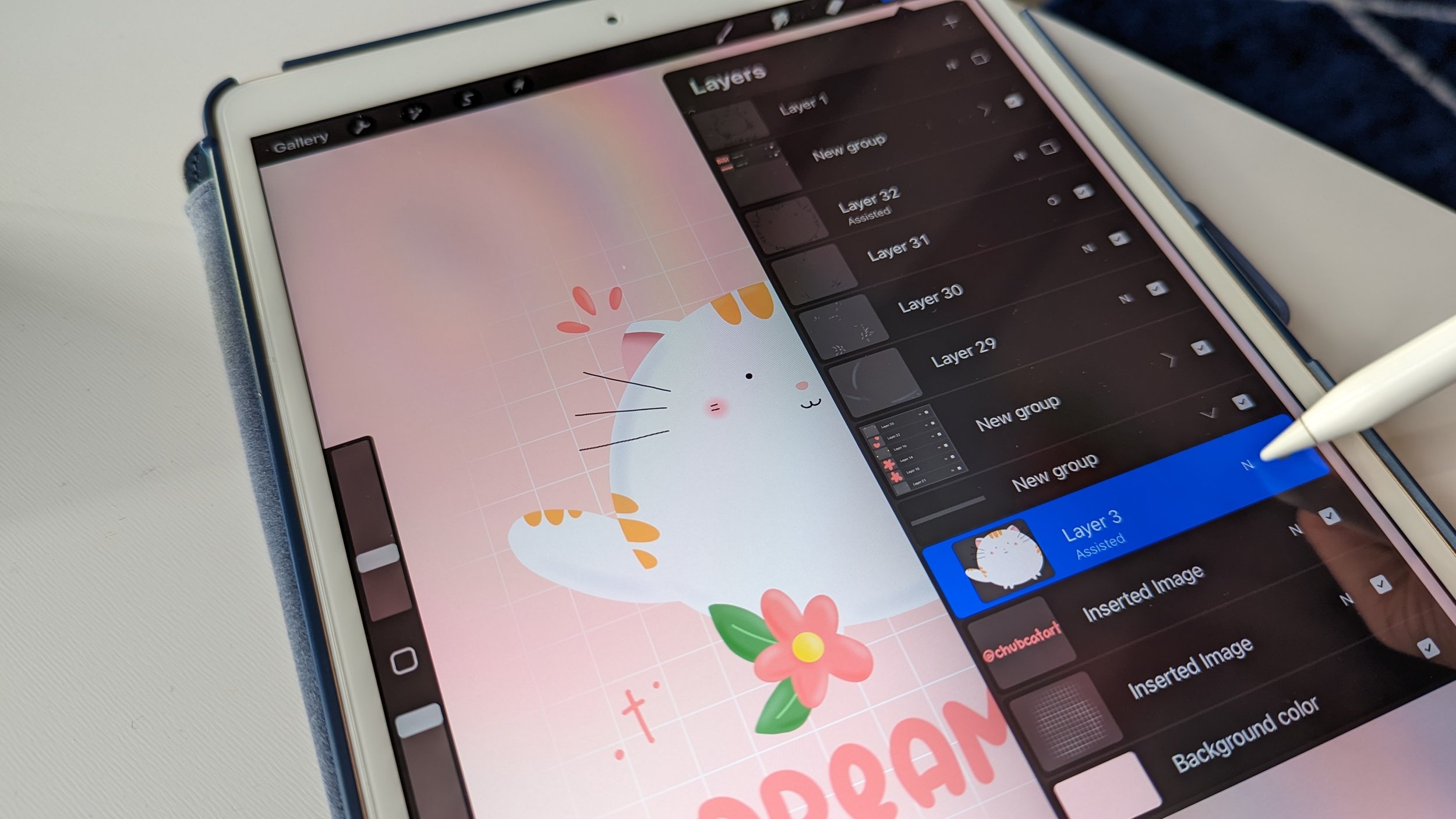
To ungroup in Procreate, open the Layers Panel, tap the group name, then tap Ungroup in the pop-up menu. This is the only documented method for separating grouped layers so...

How To Turn On Grayscale In Procreate

To turn on grayscale in Procreate, you must use your iPad or iPhone's system-wide accessibility setting, as the app itself does not have a documented built-in grayscale toggle. If your...

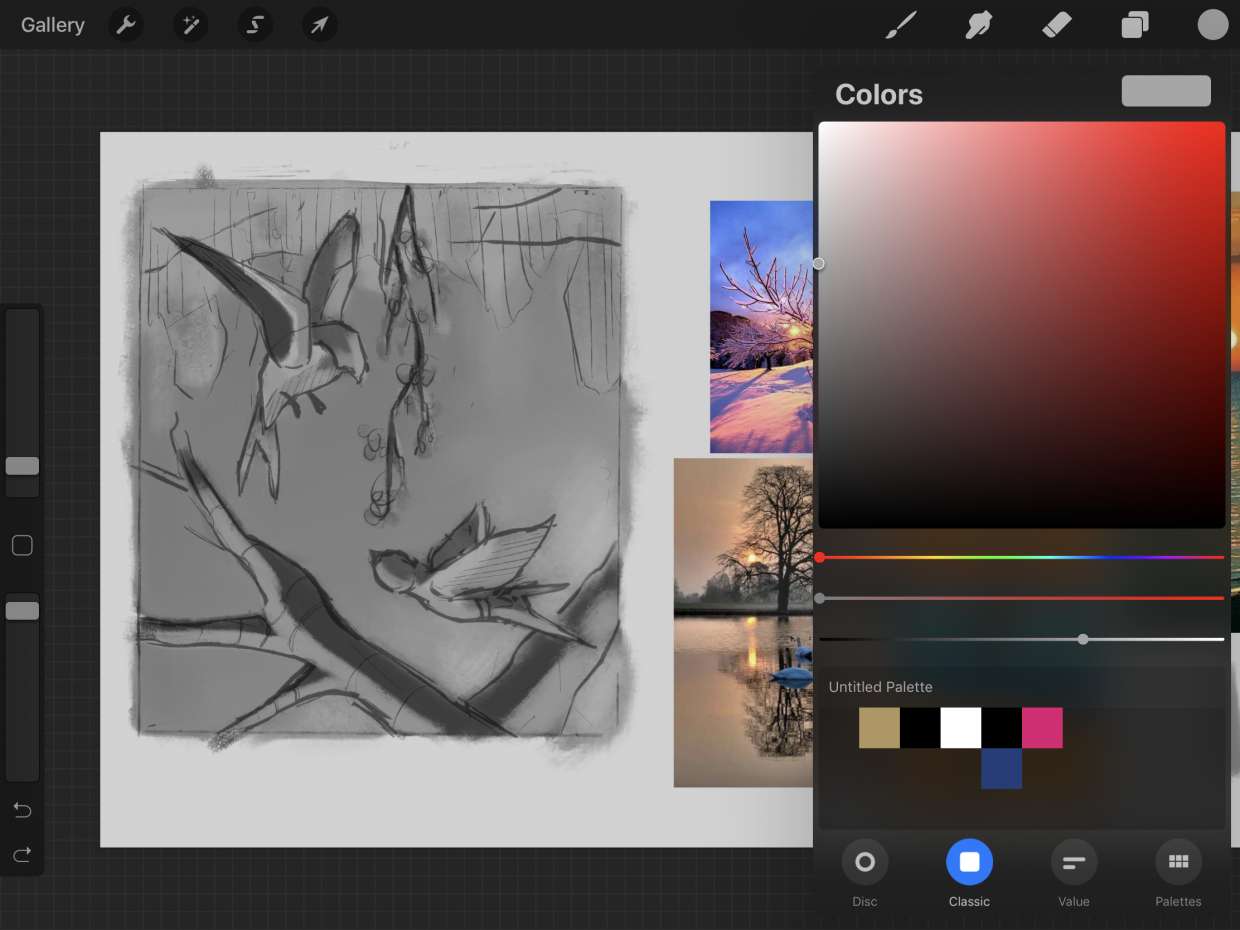
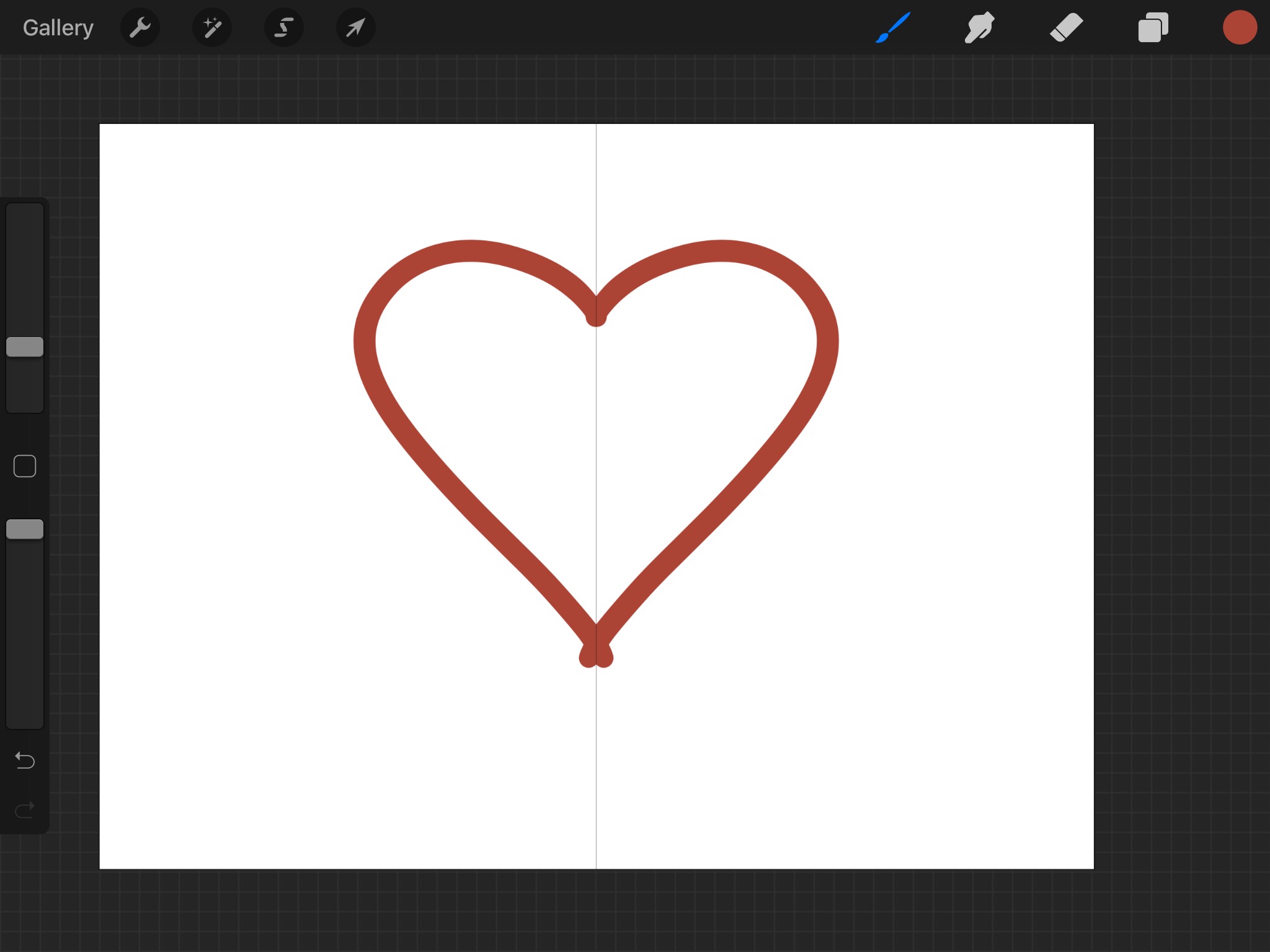
How To Make Symmetry In Procreate

Symmetry in Procreate is a Drawing Guide feature that mirrors your brushstrokes across one or more axes, letting you draw perfectly balanced designs in real time. You turn it on...

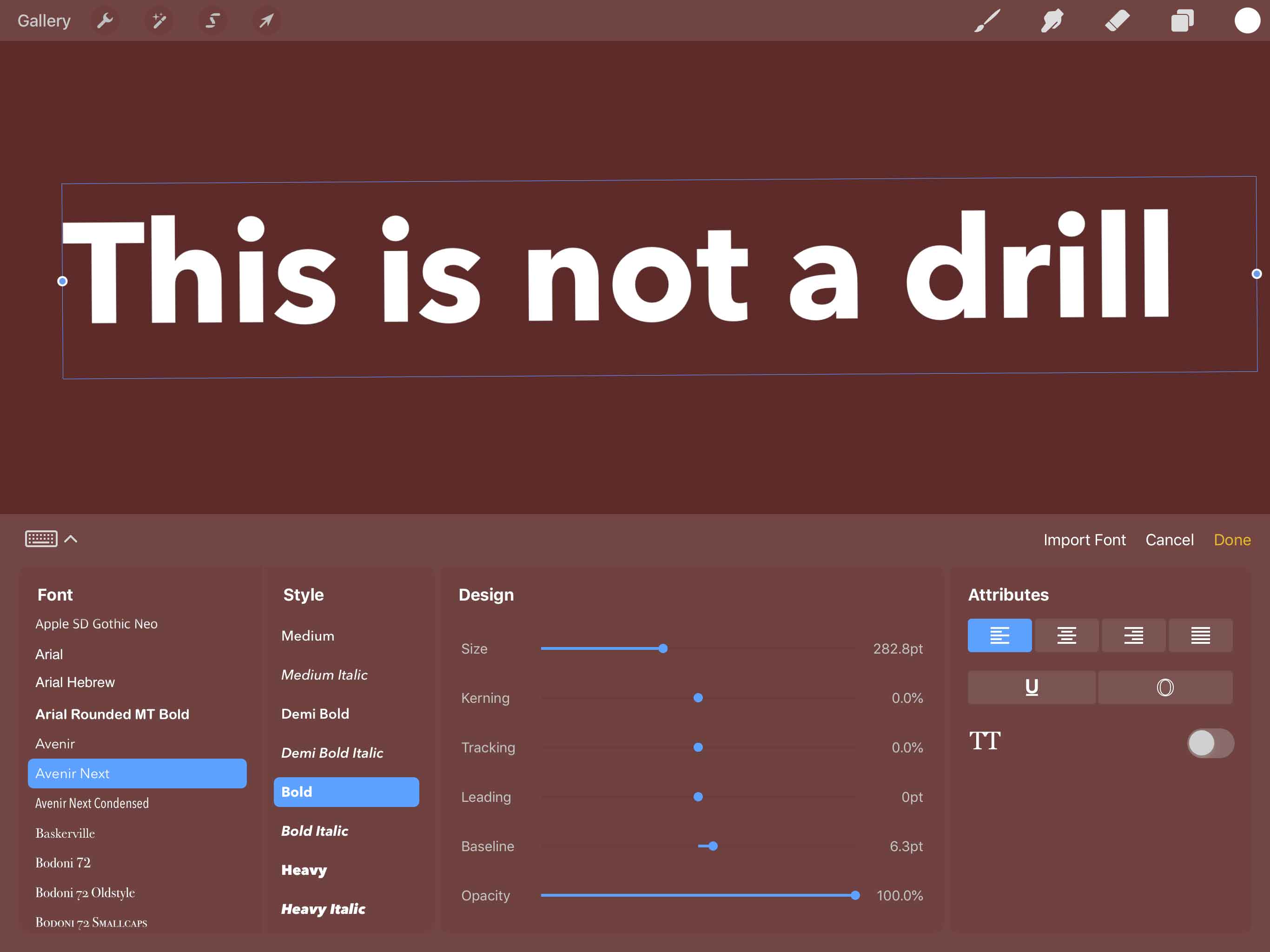
How To Do Text In Procreate

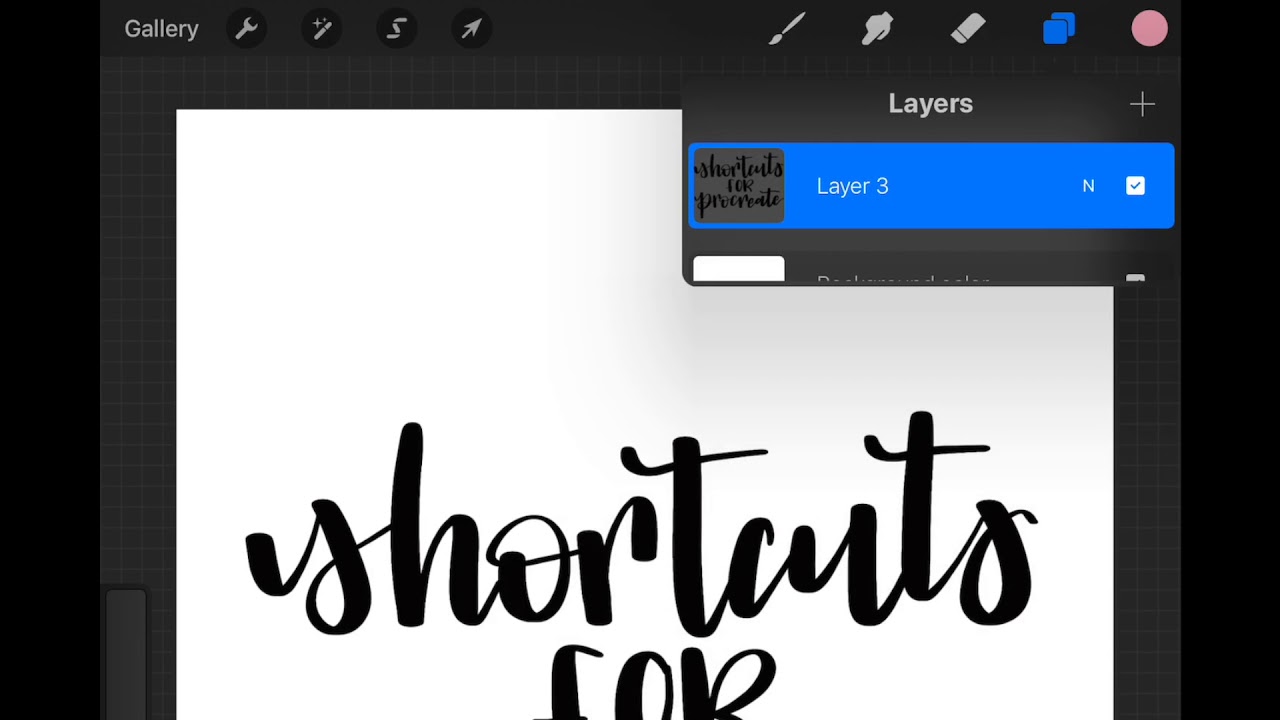
To add text in Procreate, open your document and tap Actions > Add > Add Text on iPad, or on iPhone in Procreate Pocket use Modify > Actions > Add...

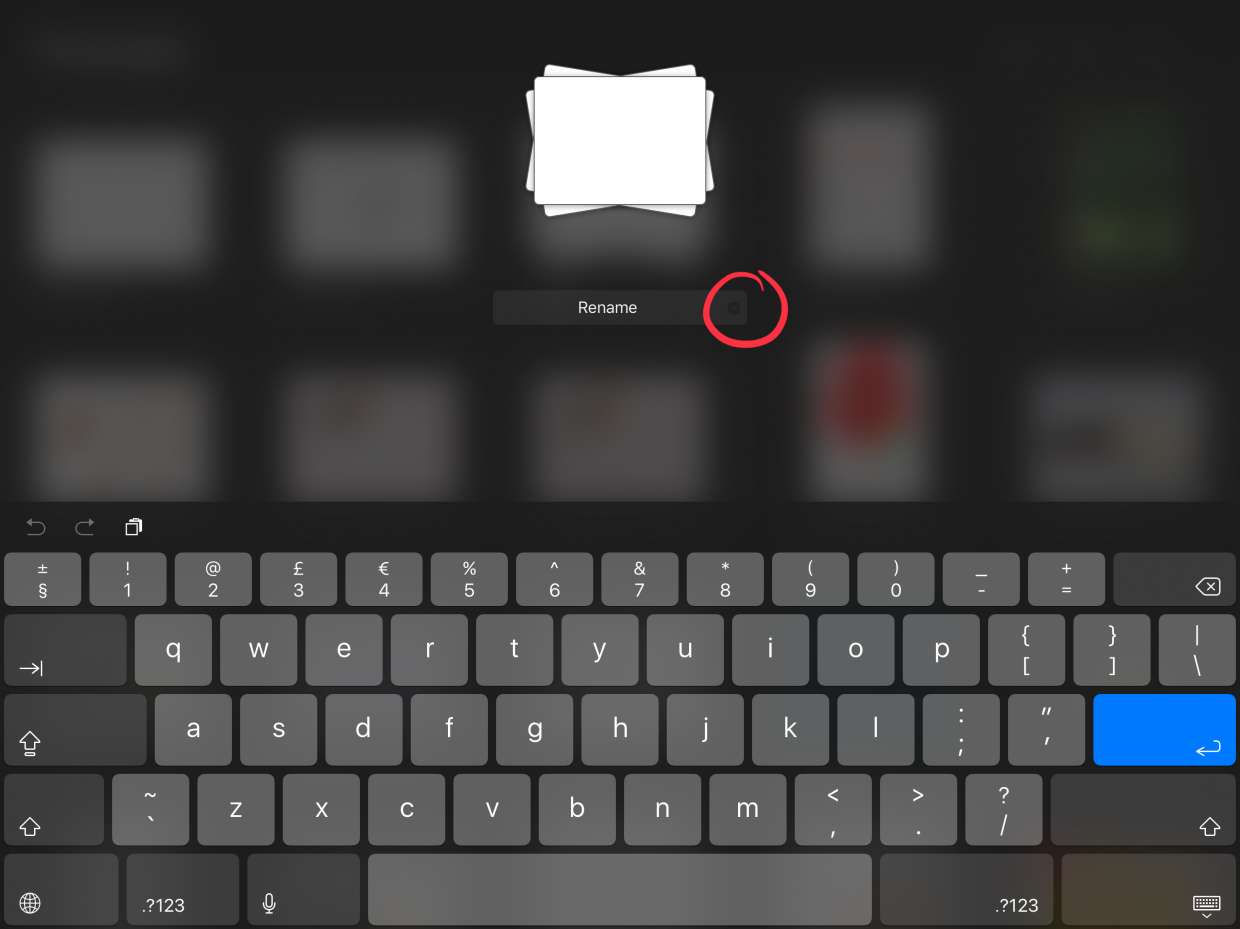
How To Rename A Stack In Procreate

To rename a stack in Procreate, open the stack from the Gallery and tap its title at the top of the screen to show the keyboard, then type the new...

How To Crop An Image On Procreate

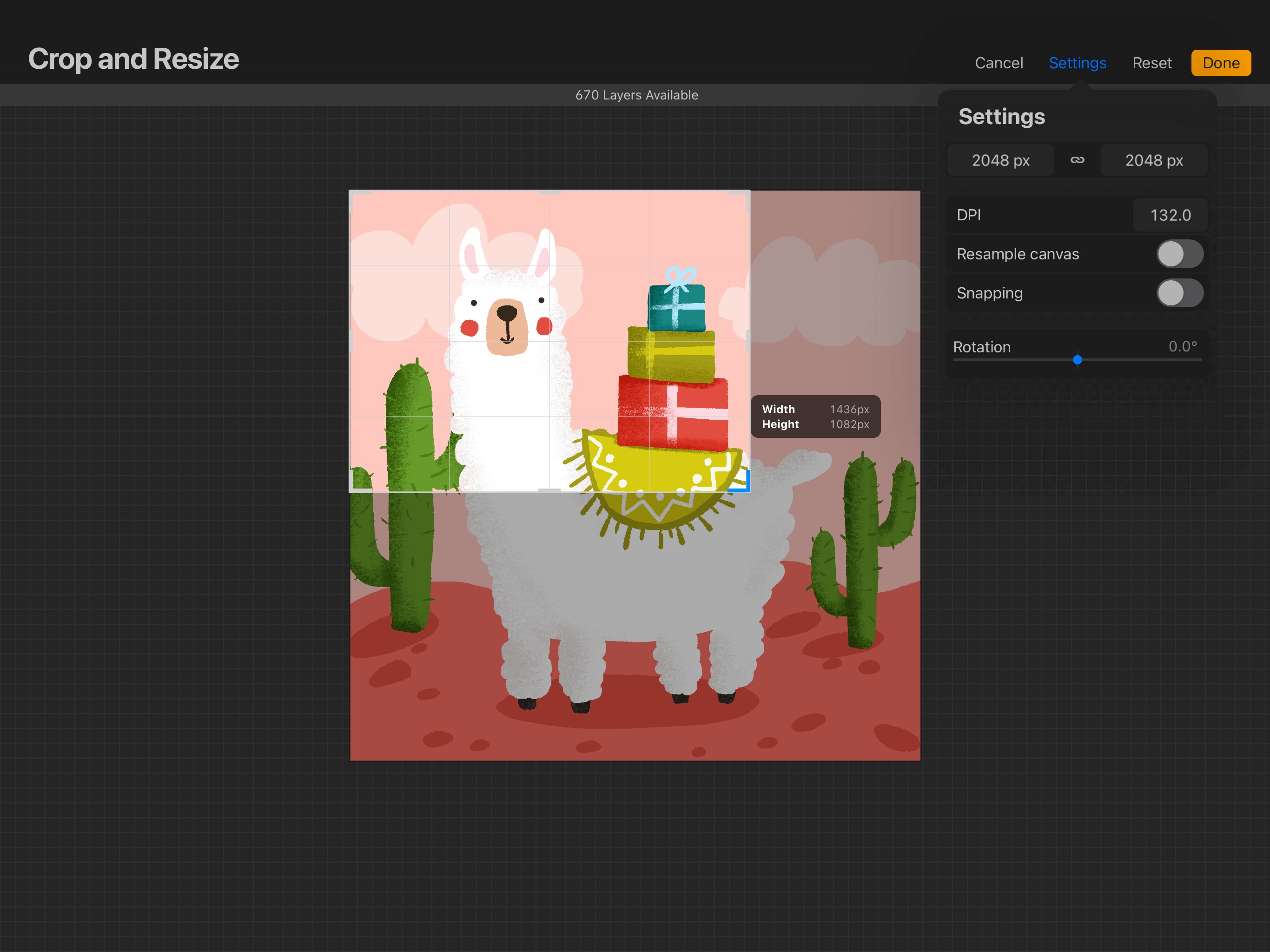
To crop an image on Procreate, open your artwork and tap Actions (wrench icon), then Canvas, then Crop & Resize. Drag the boundary handles or corner points to adjust the...

How To Merge Layers In Procreate

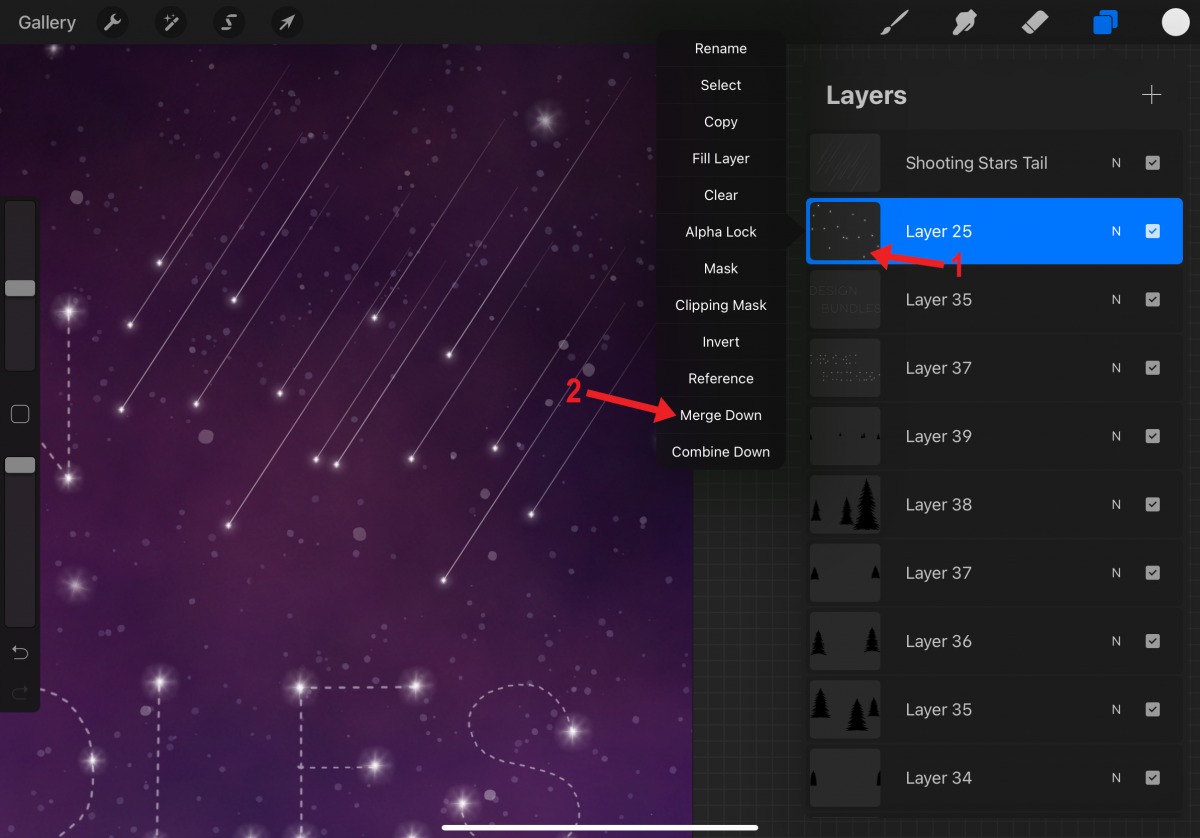
To merge layers in Procreate on iPad, use the Merge Down command from the Layer Options menu to combine the active layer with the layer directly below it, or pinch...

How To Remove Dust From Phone Speaker

To safely remove dust from phone speaker grilles and restore muffled or distorted sound, use a clean, dry, small, soft-bristled brush on the speaker opening. This is the only physical...

How To Make A Sticker On Procreate

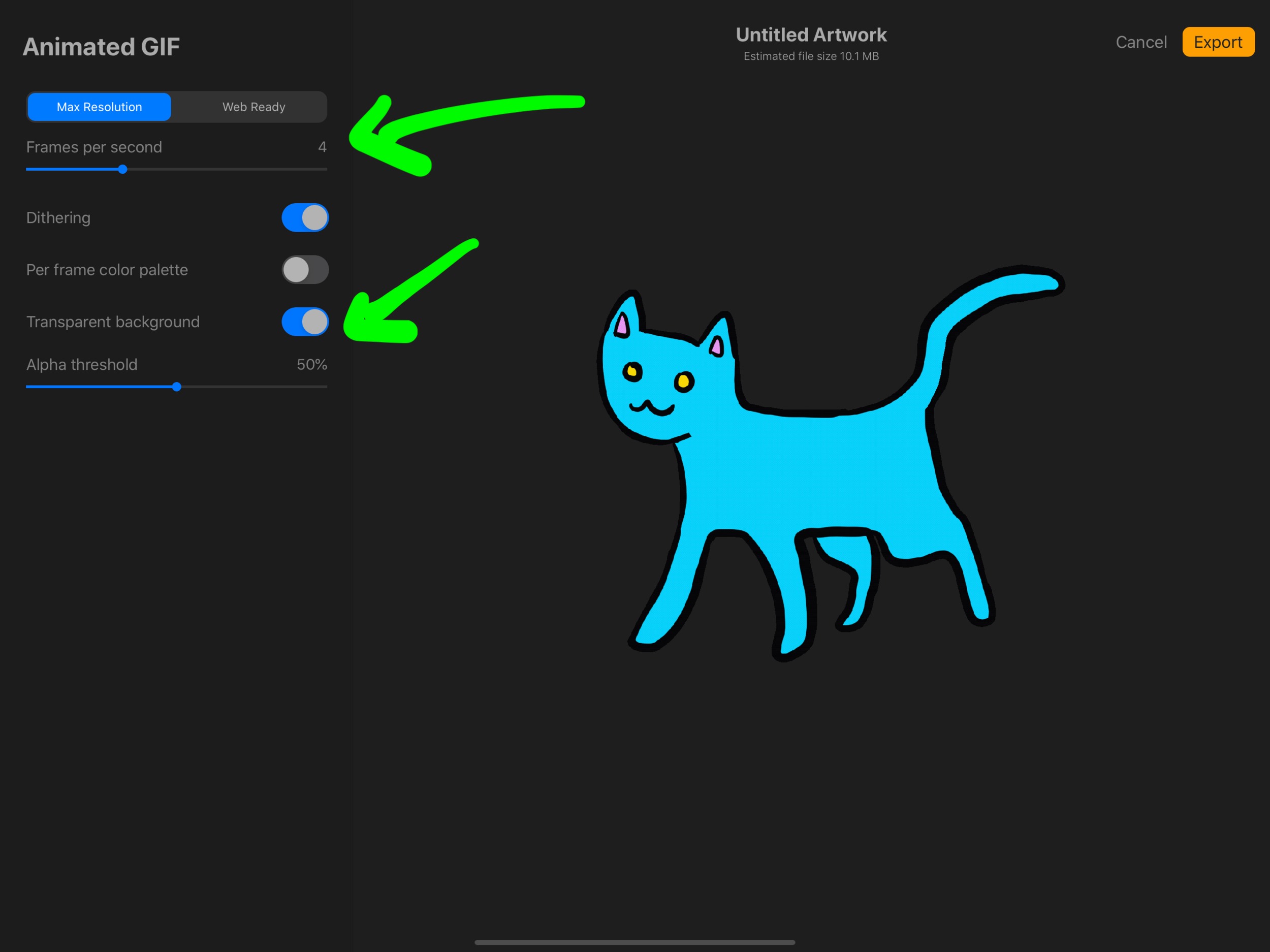
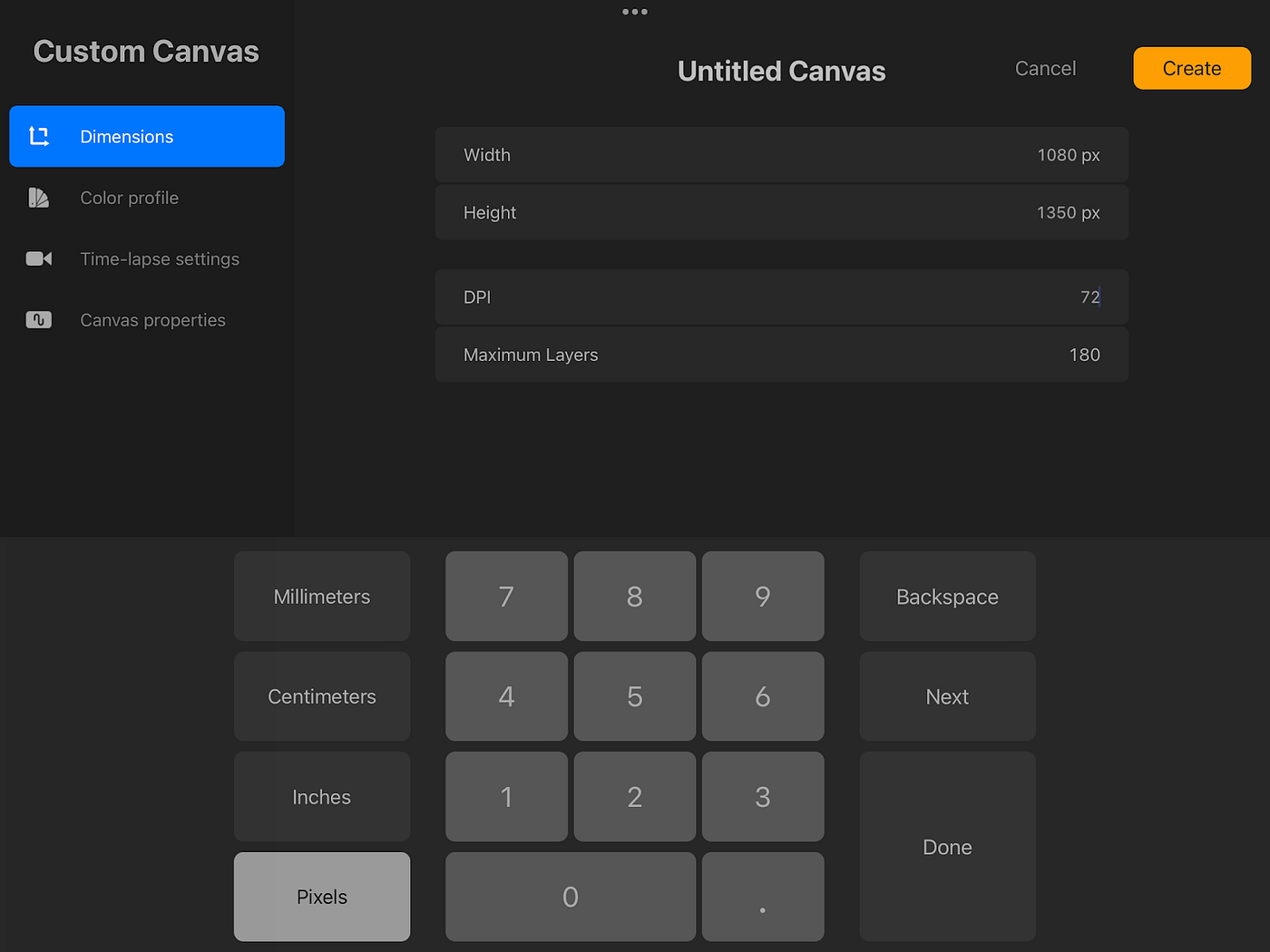
To make a sticker on Procreate, you create a new canvas, draw your design, turn off the background layer for transparency, and export as a PNG file. What you need...

How To Remove Trash From Phone

To remove trash from your phone, you need to clear app caches, delete junk files, and empty trash folders within apps like Google Photos and Files by Google on Android,...

How To Send Pictures From Switch To Phone

To send pictures from your Switch to your phone, use the built-in wireless QR code method. This is the quickest way to transfer screenshots and gameplay captures directly to your...