The Screen Time tag on CellularNews collects practical guides and straightforward answers for anyone trying to manage how they, or their family, use a phone. Whether you are a parent setting up your child’s first device, a student juggling school and a smartphone, or just someone trying to cut back on endless scrolling, these articles are written for you. They focus on the real-world controls available on both Android and iPhone, as well as the conversations around why those controls matter.

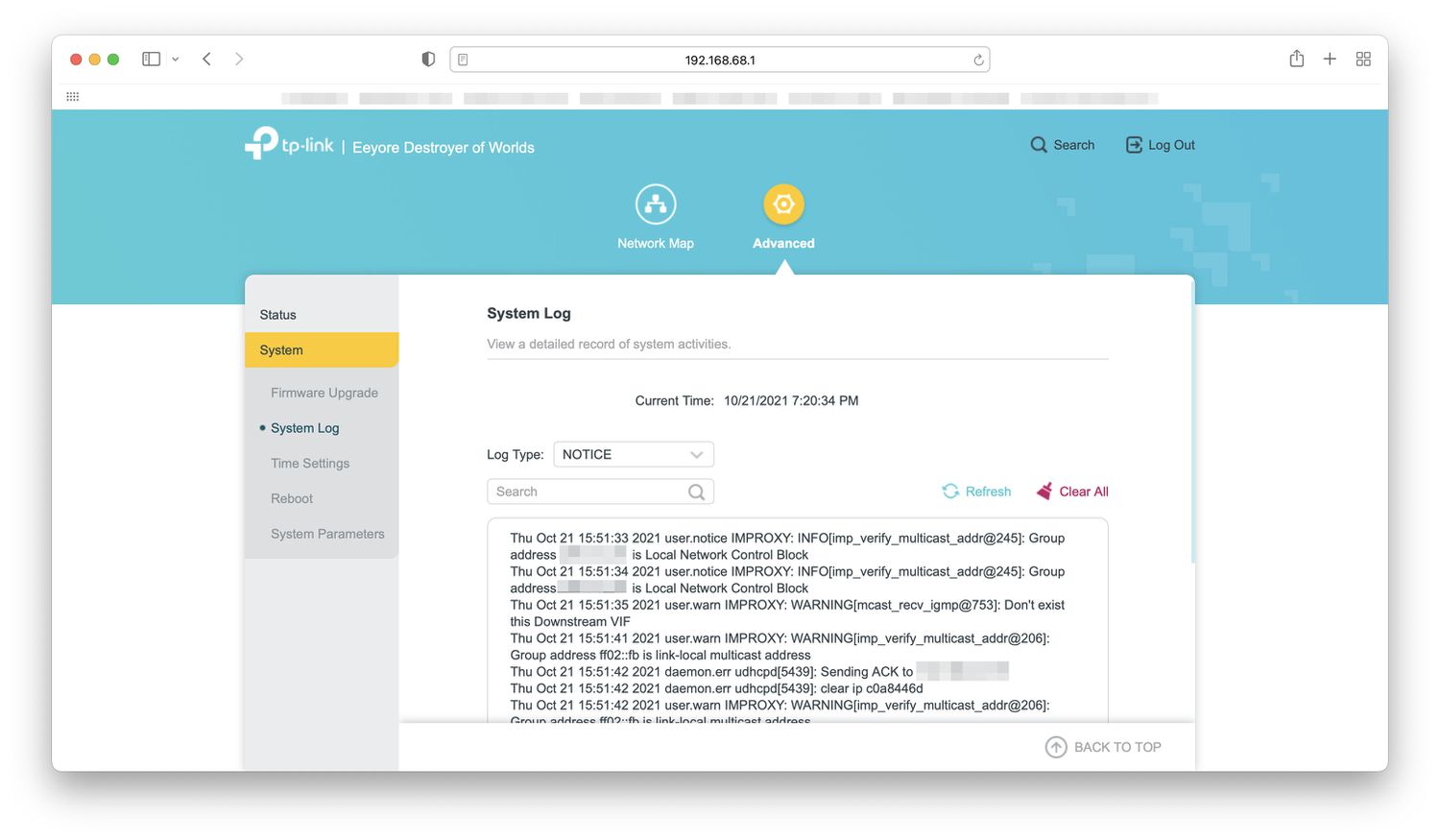
The articles fall into two clear groups. One set helps you monitor and limit usage: you can learn how to check your own Android phone usage or iPhone usage history, set screen time limits on Android, block specific apps like YouTube, or even track websites visited across your home wireless network. The other group tackles the bigger questions that come with those controls, how many hours you should actually use a phone, what negative impacts mobile phones can have, and at what age a child should get a cellphone. There is also a piece on why a phone icon might turn grey, which solves a specific, frustrating visual glitch.

These articles help you do specific things: set up Verizon Smart Family to monitor kids, decide whether to allow cellphones in school, find the safest phones for kids, or understand how long you can safely wear blue light glasses. They are here to give you the steps and the reasoning, without the fluff.
Why Is My Phone Icon Grey?

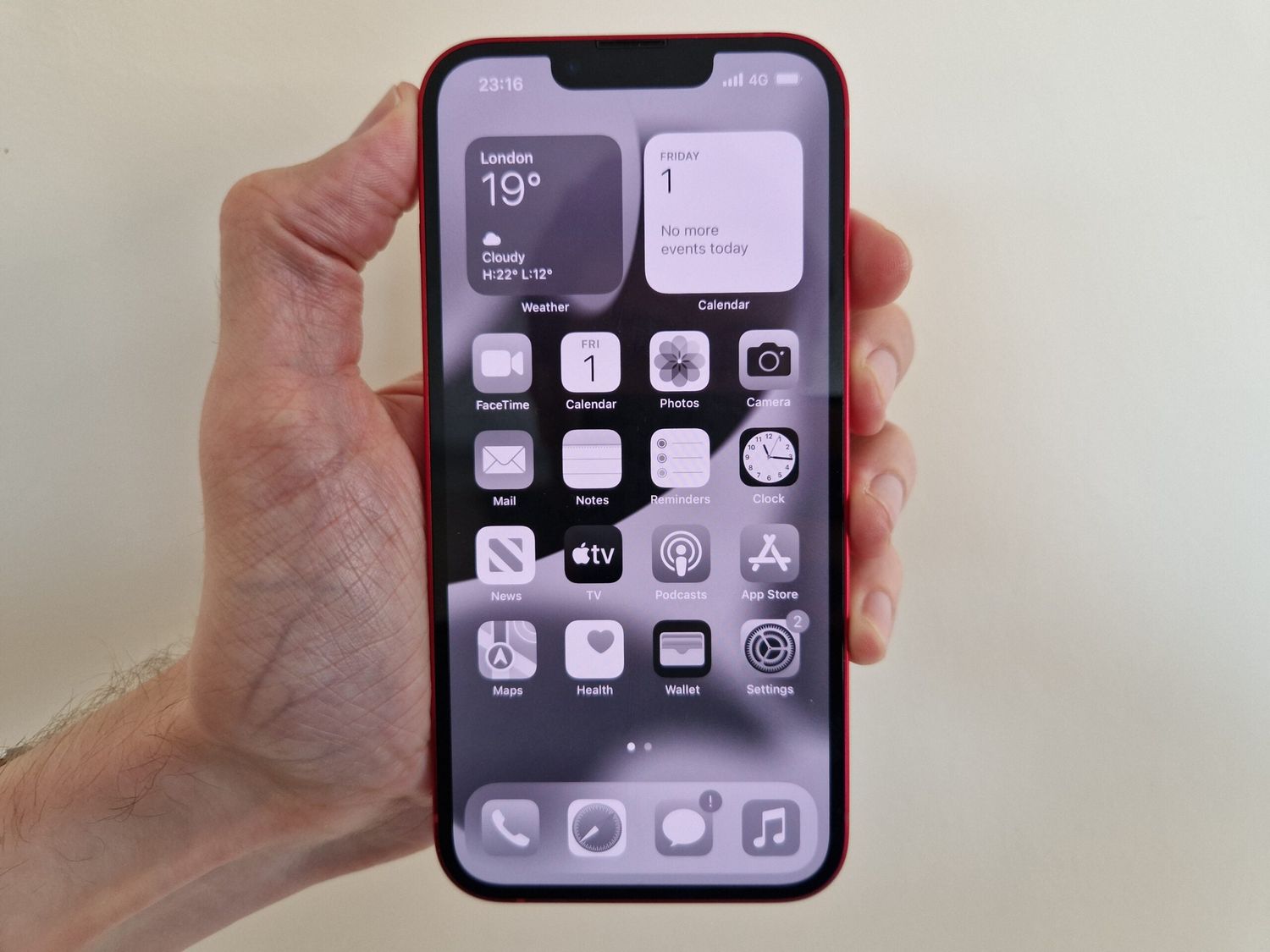
Your phone icon is grey because Low Power Mode or Battery Saver is turned on, or because an app restriction in Screen Time or Digital Wellbeing has disabled it. These...

The Safest Phones For Kids

The safest phones for kids are not defined by hardware durability or camera specs but by robust, documented parental controls that let you manage screen time, filter content, and block...

How To Check Screen Time On Realme

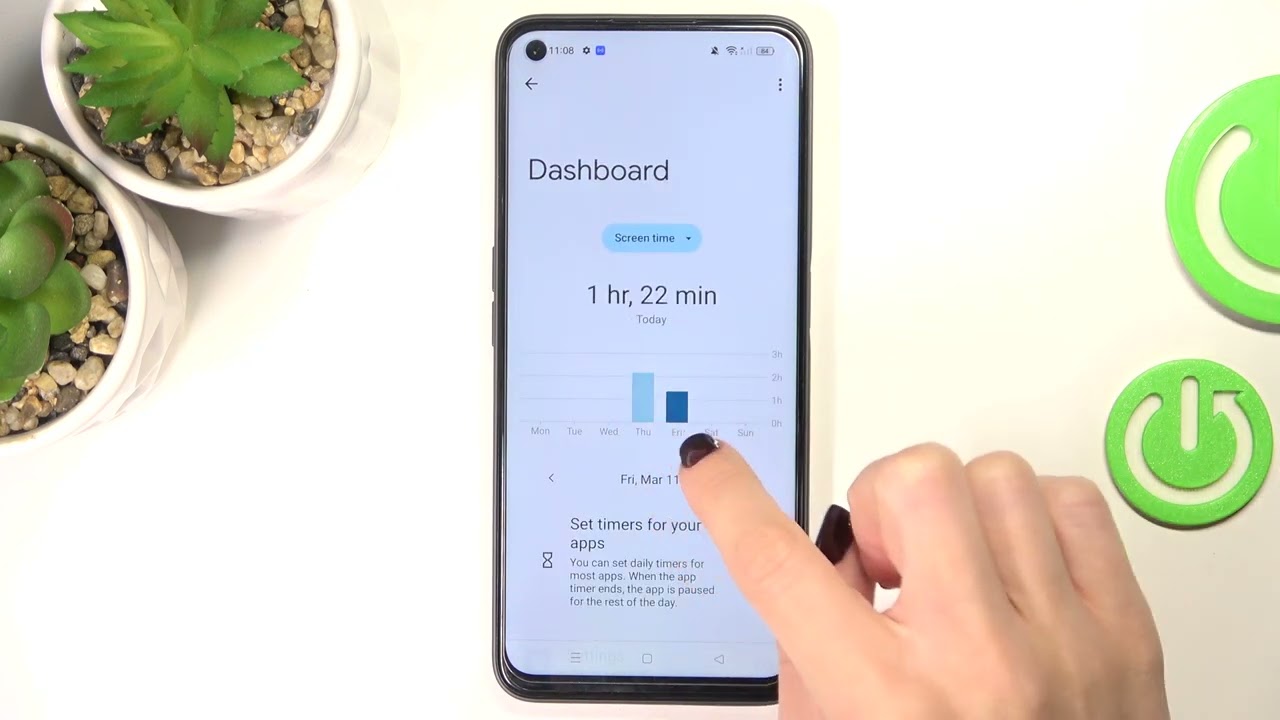
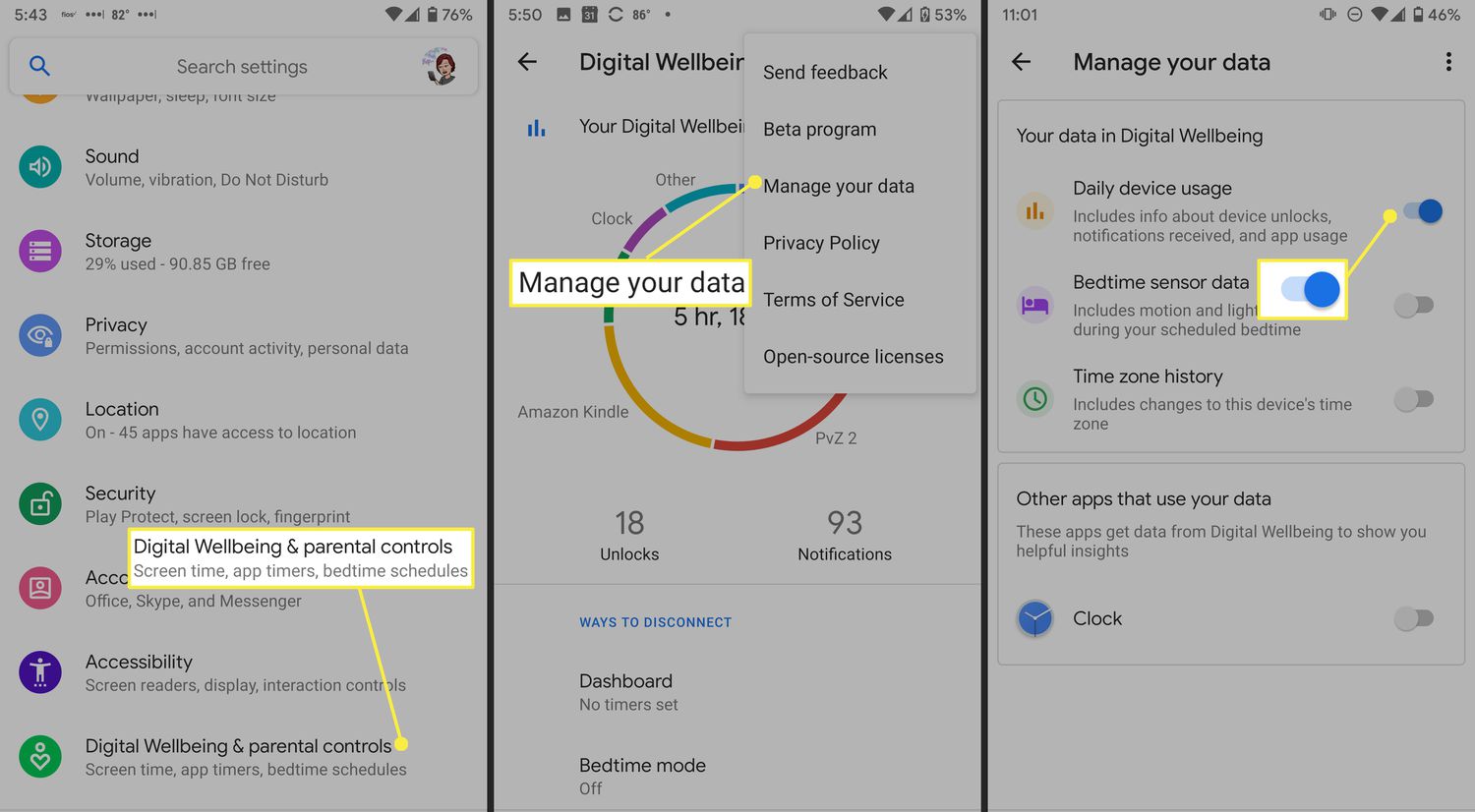
To check screen time on Realme, open your phone's Settings and tap Digital Wellbeing and parental controls (or simply Digital Wellbeing, depending on your device). The dashboard at the top...

How To Check IPhone Usage History

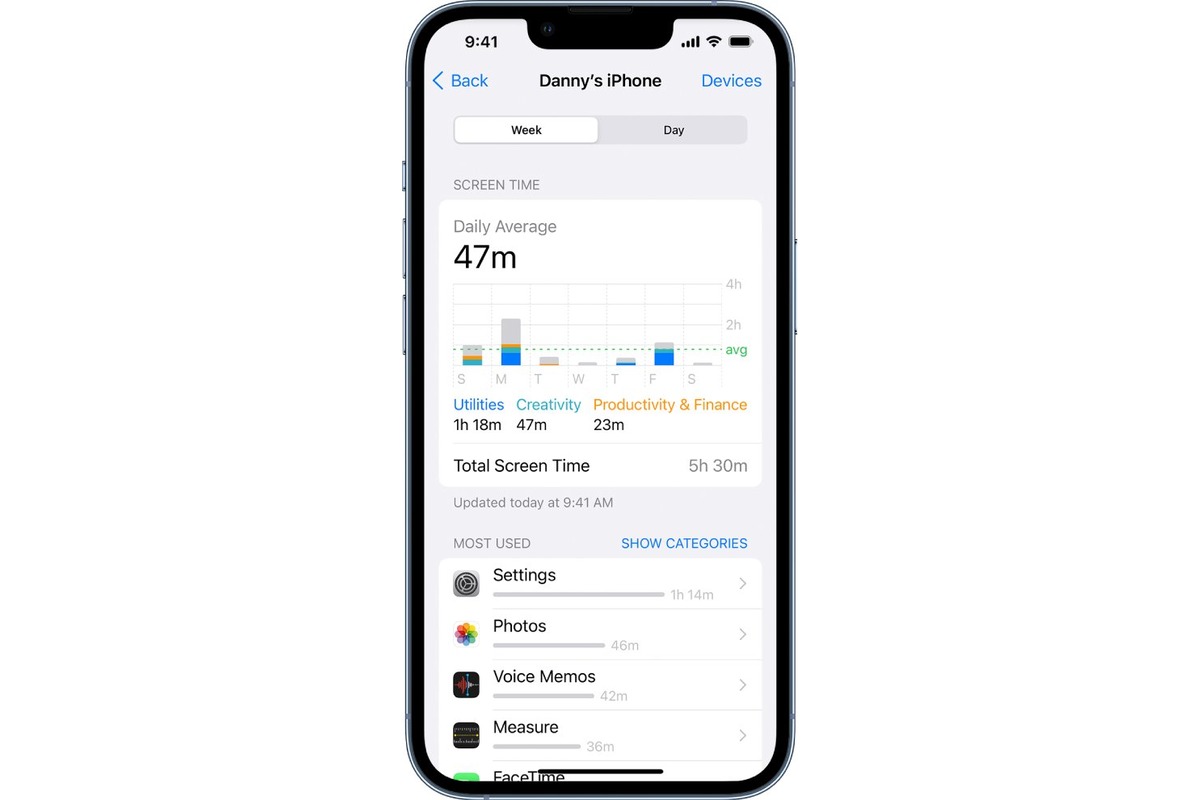
To check iPhone usage history, you need to know that Apple does not offer a single feature called "usage history"; instead, you must use separate tools depending on whether you...

How To Block Youtube On Your Phone

To block YouTube on your phone, use your device's built-in parental controls rather than third-party apps, as Apple and Google provide official tools for restricting app and web access. On...

How To Block An App On Android

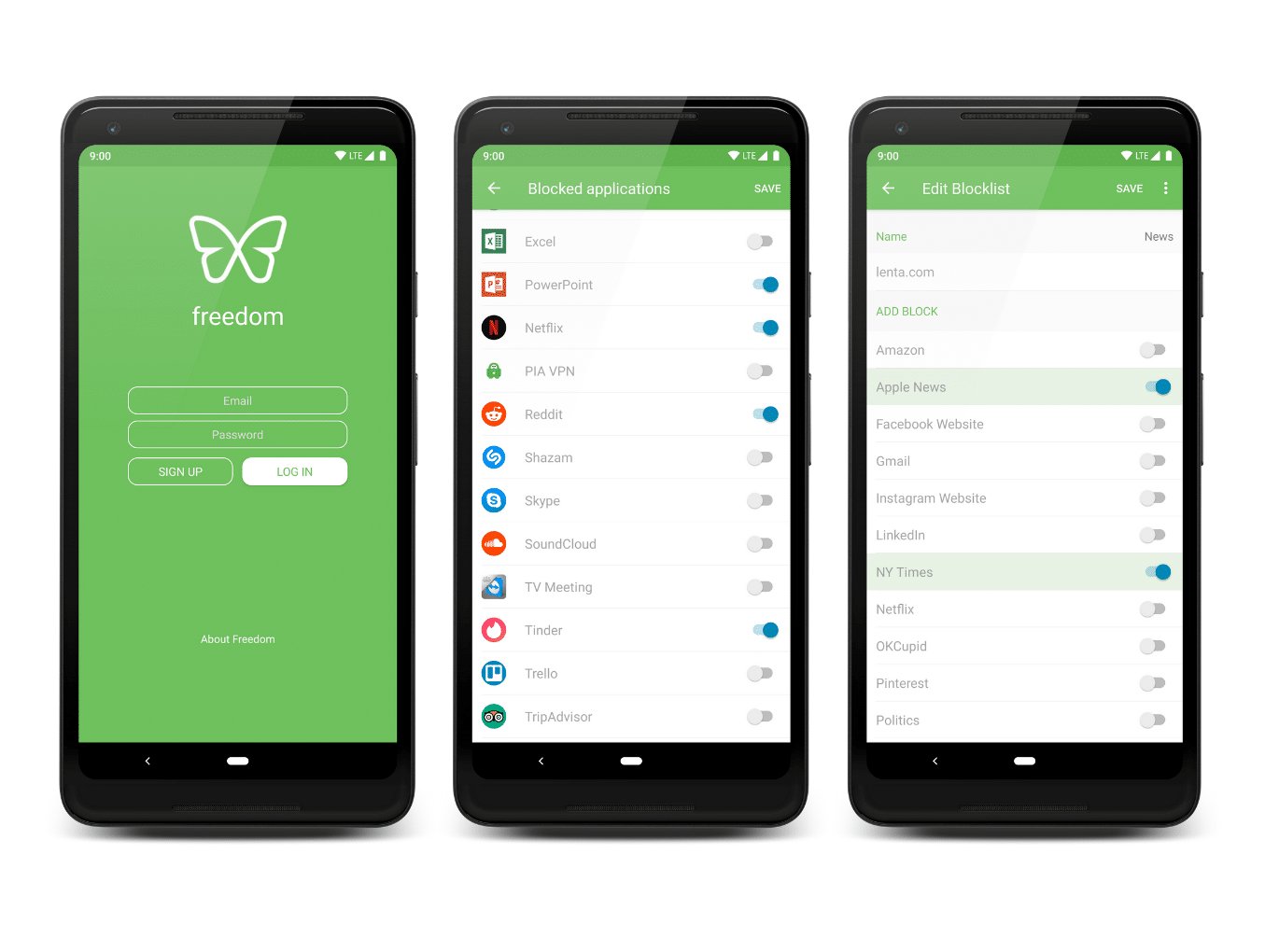
To block an app on Android, you use Google Family Link, which is the only documented official method for restricting access to specific apps or setting individual time limits. This...

How To Set Screen Time On Android

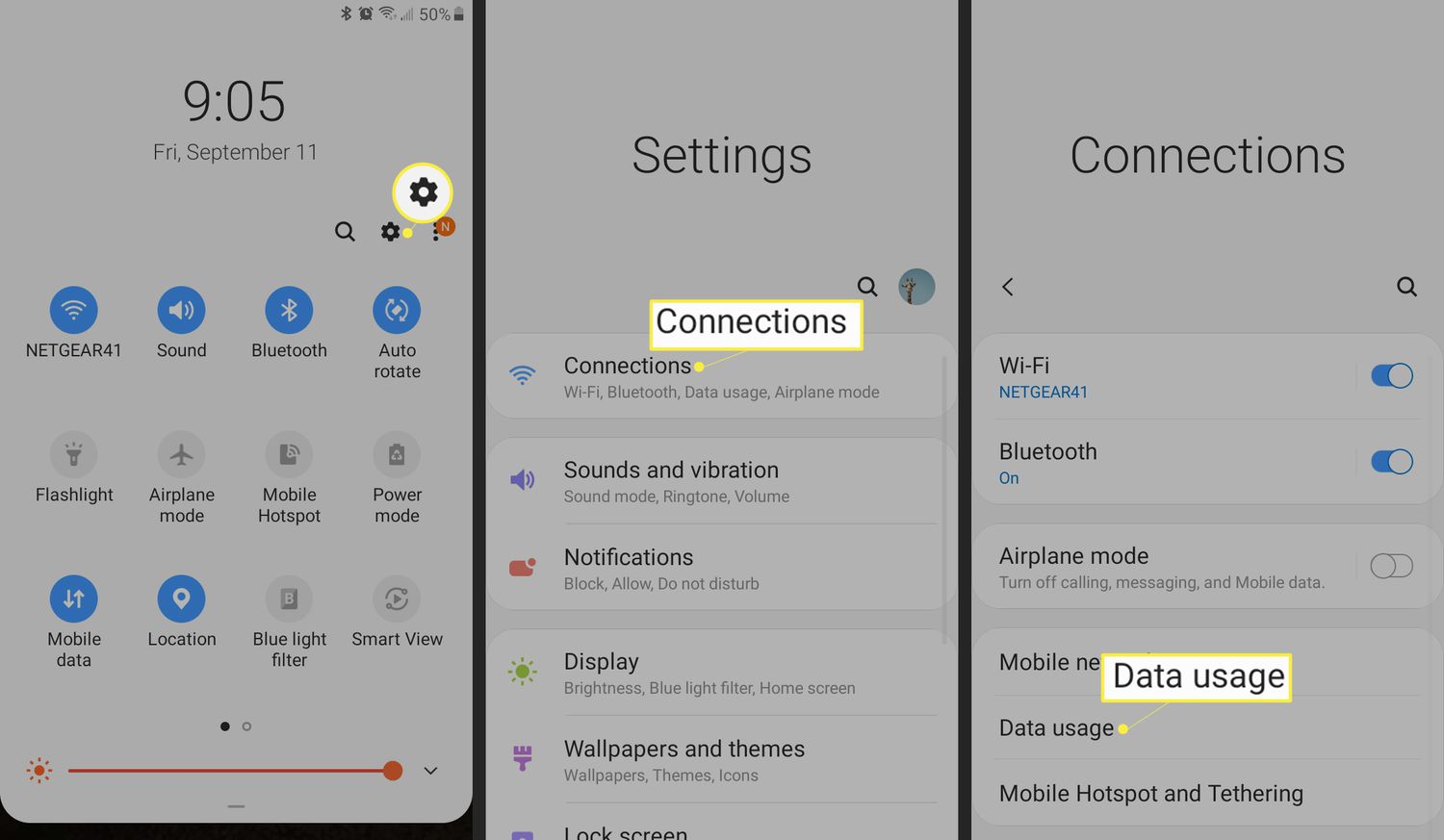
Android's screen time management is called Digital Wellbeing, not Screen Time, which is Apple’s term. Setting digital wellbeing app timers lets you control how long you can use specific apps...

How To Check Android Phone Usage

To check Android phone usage, open the Settings app and tap Digital Wellbeing & parental controls (or the equivalent usage screen on supported phones). This built-in tool shows how often...

Why Should Cellphone Be Allowed In School

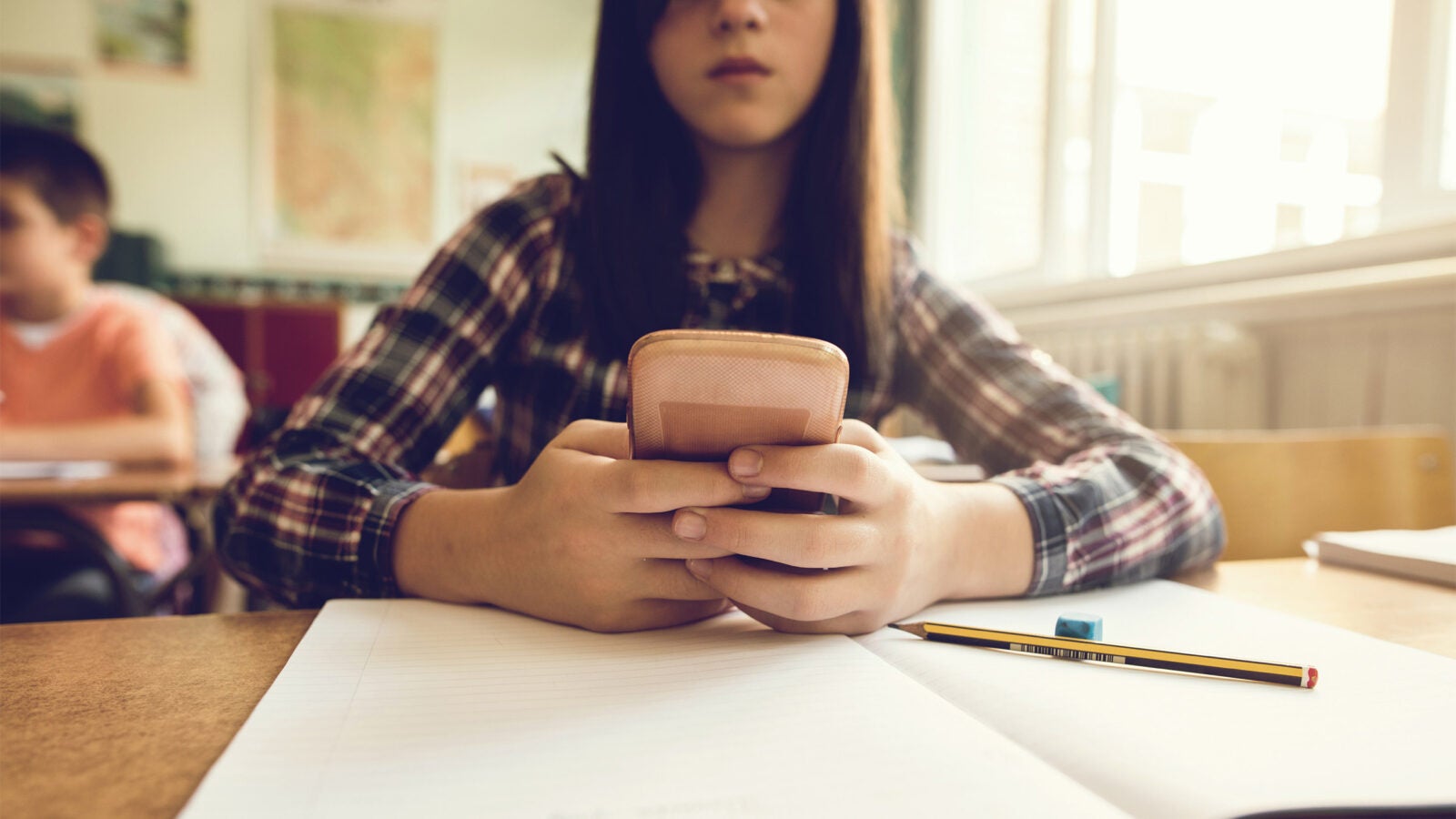
Why should cellphone be allowed in school? The practical case is straightforward: phones enable essential parent-student communication, provide access to digital learning tools, and ensure emergency readiness, all while official...

What Age Should A Child Get A Cellphone

There is no single magic number for what age a child should get a cellphone, but experts recommend waiting until at least 8th grade (around ages 13-14) for a smartphone,...