Guides and fixes for anyone using a Windows PC alongside their phone, accessories, or other devices. Whether you're a gamer, a remote worker, or just trying to get your laptop and phone to talk to each other, these articles are built around practical, step-by-step solutions for common frustrations.
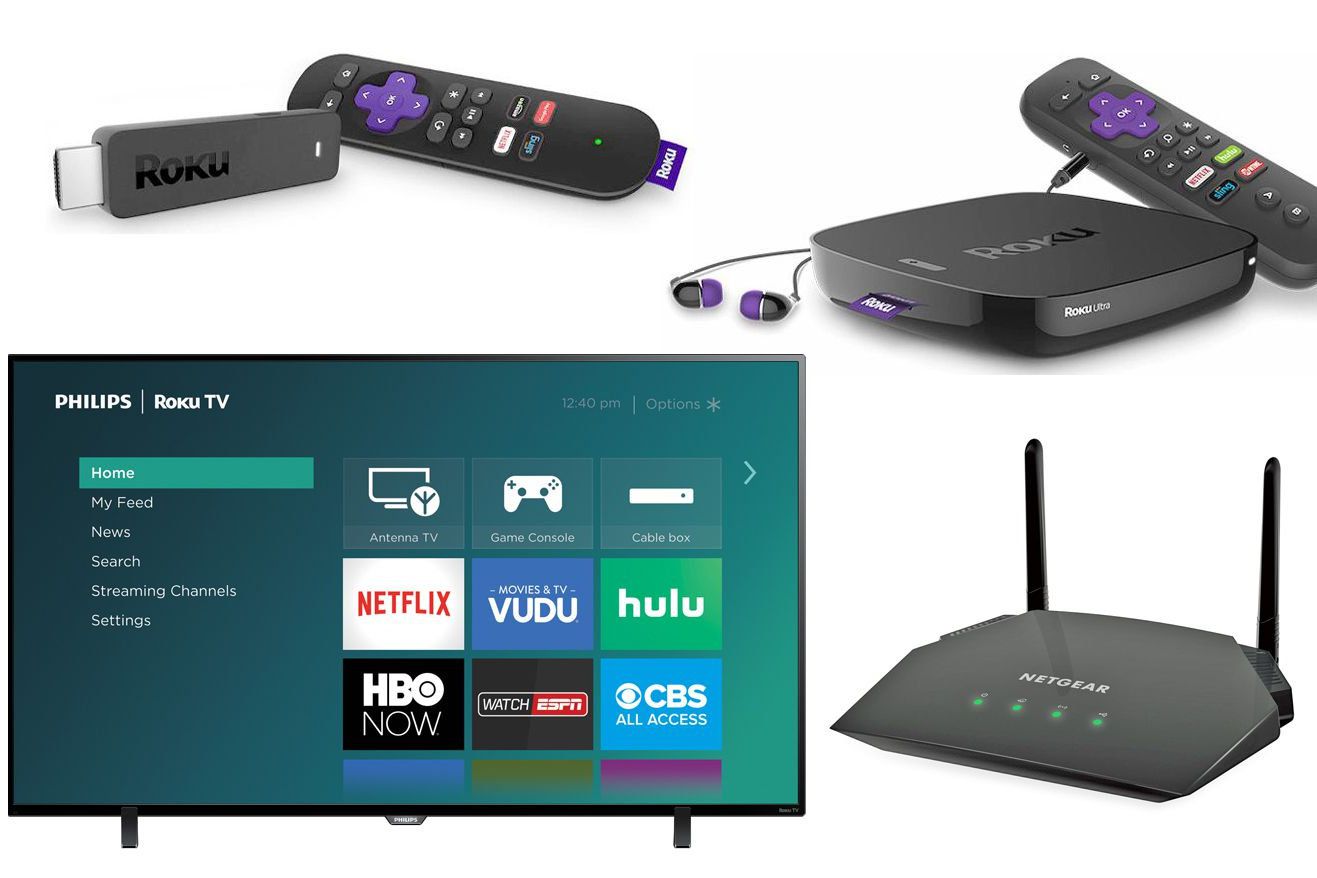
The articles here solve problems you can group into a few clear themes. One major theme is connecting your PC to other screens and peripherals: you can learn how to use an iPad as a second monitor, set up a Miracast dongle, or connect your computer to a Roku TV wirelessly. Another strong focus is gamepad and joystick setup, with guides for connecting a PS3 controller, an 8BitDo gamepad, or a Mocute gamepad to your PC, as well as how to use a gamepad in specific games like Skyrim or Resident Evil 7. A third theme covers everyday fixes and hardware tweaks, such as turning off the touchscreen on a Lenovo, HP, or Asus laptop, fixing a corrupted flash drive, or using a docking station.
These articles help you do specific things: transfer photos from your phone to your computer, check your PS5 controller battery on PC, launch Steam VR, or even just type an apostrophe from the basic keyboard layout. They also cover using Discord on both phone and PC at the same time, and how to use cellular data on your laptop. Each guide is a direct answer to a real question, with no fluff.