To call a UK mobile from the USA, dial 011 (the US international access prefix), then 44 (the UK country code), and then the UK mobile number without its leading 0. This three-step sequence is the complete and correct method for reaching any UK mobile number from a US phone.
How to call a UK mobile from the USA in 3 steps
- Dial 011, the international exit code for the United States.
- Dial 44, the country code for the United Kingdom.
- Dial the UK mobile number without the leading 0. For example, if the number is 07700 900123, you dial 7700 900123.
This sequence works on any phone, landline or mobile, and is the standard method for placing an international call from the US to a UK mobile. Consider the time zone difference between the USA and the UK to ensure you are not calling at an inconvenient hour.
Formatting the UK mobile number correctly
UK mobile numbers are typically 10 digits in length. UK mobile numbers are written domestically with a leading 0 (for example, 07700 900123). For international calls, you must drop that leading 0 and replace it with the UK country code +44. The correct international format for that same number is +44 7700 900123. When dialing from the USA using 011, you enter 011 44 7700 900123. If you keep the leading 0, the call will not connect.
How to dial from an iPhone
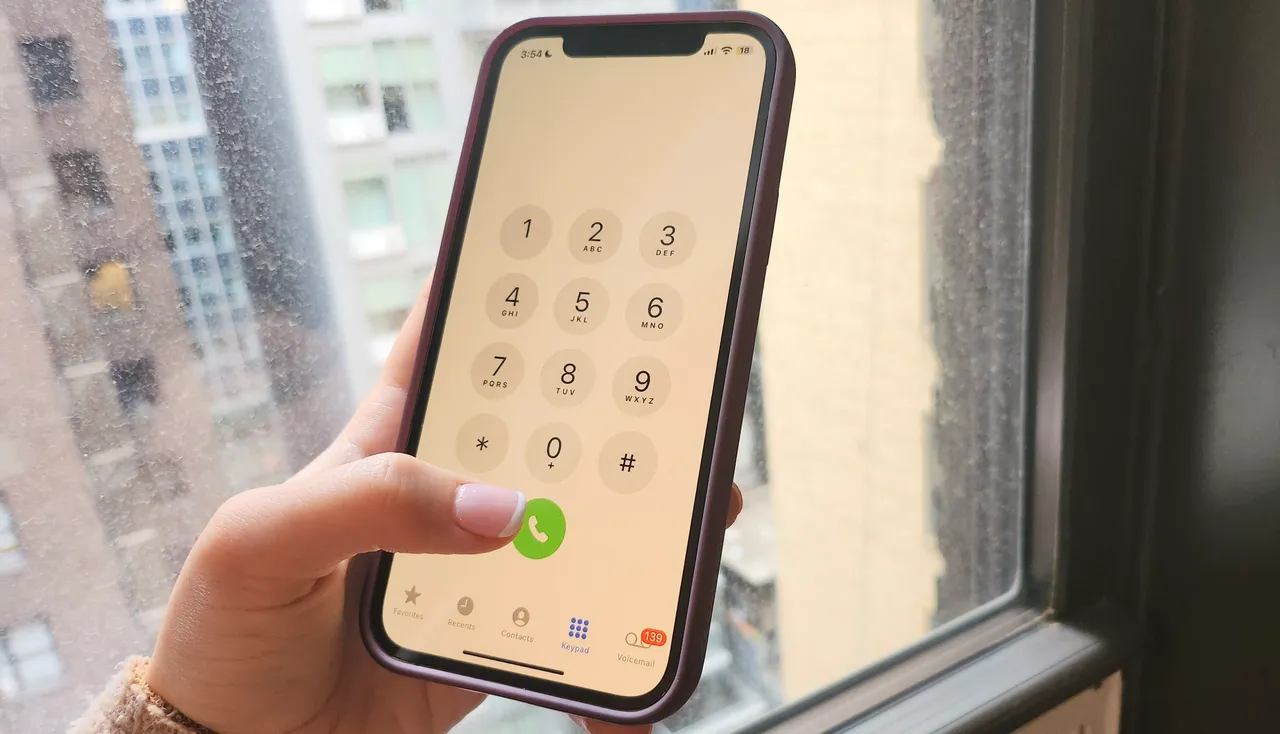
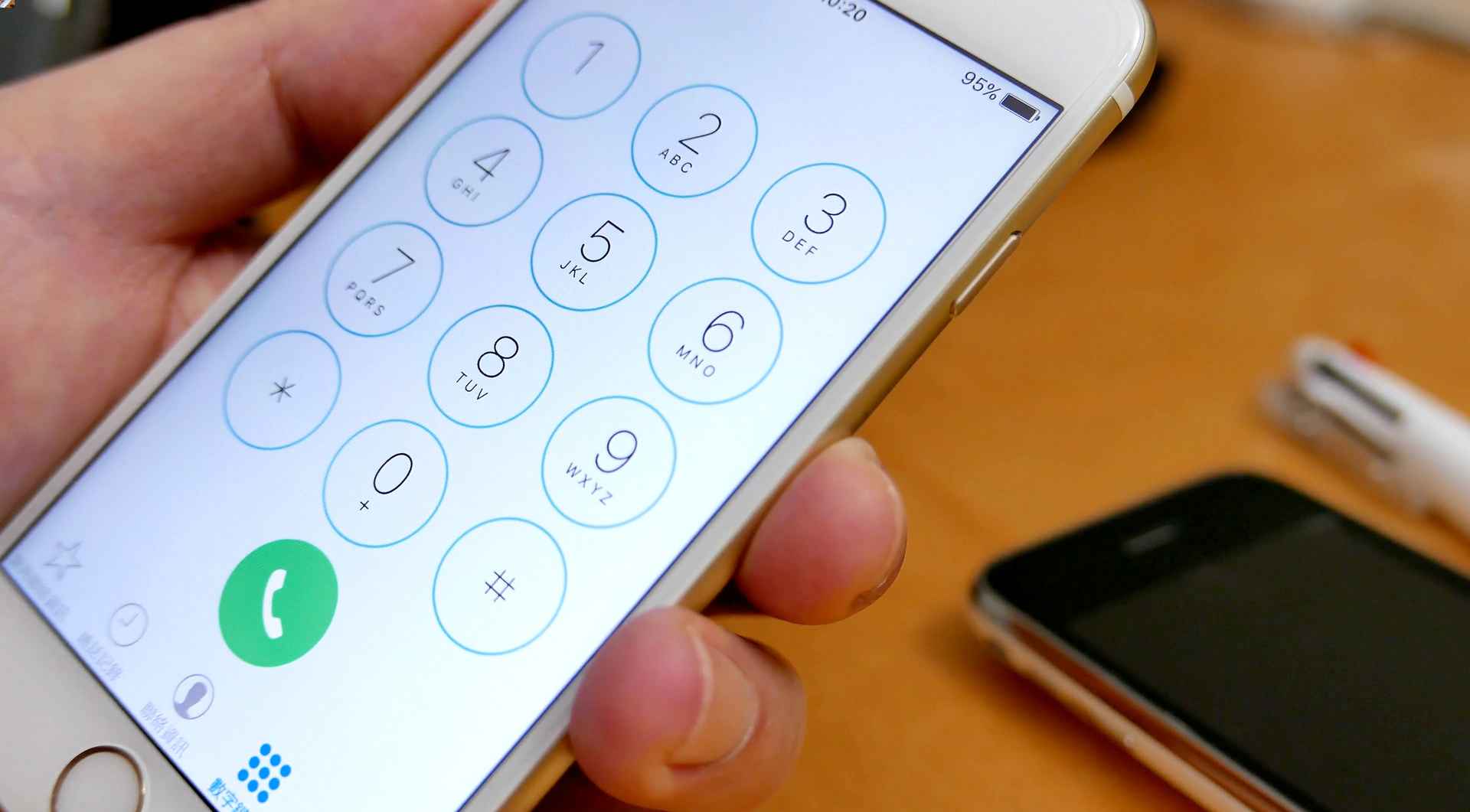
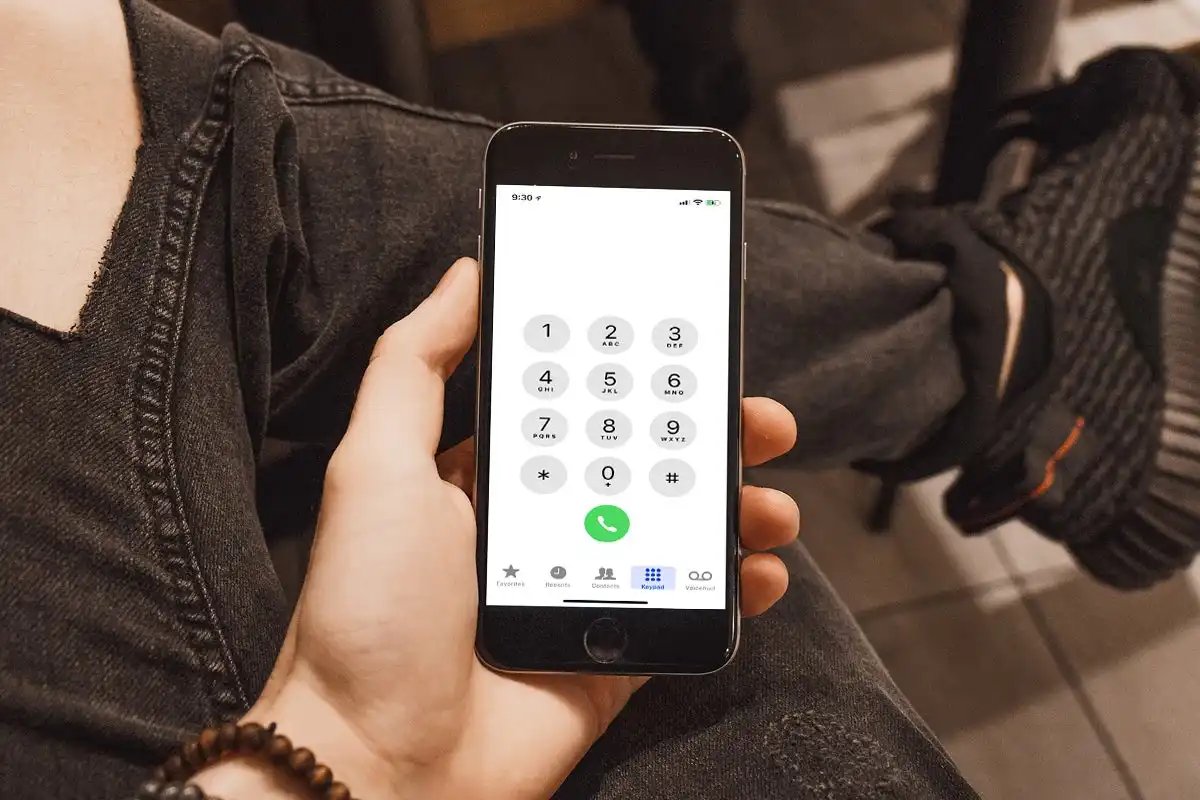
On an iPhone, you have two options. The first is to enter the same 011 44 format manually using the keypad. The second is to use the international format by touching and holding the 0 key until the + symbol appears, then entering +44 followed by the rest of the UK mobile number (without the leading 0). When entering the UK mobile number for international dialing, omit any leading symbols such as the plus sign (+) or double zeros (00) that are commonly used for international calls. To have your iPhone automatically add the correct prefix when calling contacts and favorites, go to Settings > Apps > Phone > Dial Assist and turn on Dial Assist. This feature works on GSM networks and applies when calling contacts and favorites; for international calling rates and other charges, contact your carrier.
How to dial from an Android phone
The same 011 44 format works on Android phones. No specific Android menu path, version requirement, or carrier app steps are documented in official sources for this exact task. Simply open the dialer, enter 011 44, then the UK mobile number without the leading 0, and place the call.
Cost-effective ways to call
Instead of using your carrier’s standard international calling plan, you can use apps like WhatsApp or Skype to call UK mobile numbers over Wi-Fi or mobile data. These services often offer lower rates or free calls to other app users. Check your carrier’s international rates, such as T-Mobile’s international calling plans, to compare costs before dialing directly.
Frequently Asked Questions
Do I keep the first 0 of the UK mobile number?
No. When calling from the USA, you must remove the leading 0 and use +44 or 011 44 before the rest of the number. For example, 07700 900123 becomes +44 7700 900123 or 011 44 7700 900123.
Do I need 001 or 011?
Use 011. The documented international dialing prefix for calls from the USA is 011, not 001.
Can iPhone add the prefix automatically?
Yes, if Dial Assist is turned on in Settings > Apps > Phone and your carrier supports it, your iPhone can automatically add the correct international or local prefix when calling contacts and favorites.
What if the call does not connect?
Verify that you have dialed 011 44 followed by the UK mobile number without the leading 0, and that your carrier supports international calls to the UK. Contact your carrier for assistance if the call still fails.
For the wider topic, see international calling codes and dialing.
Related reading: How Do I Call An American Mobile Number.