






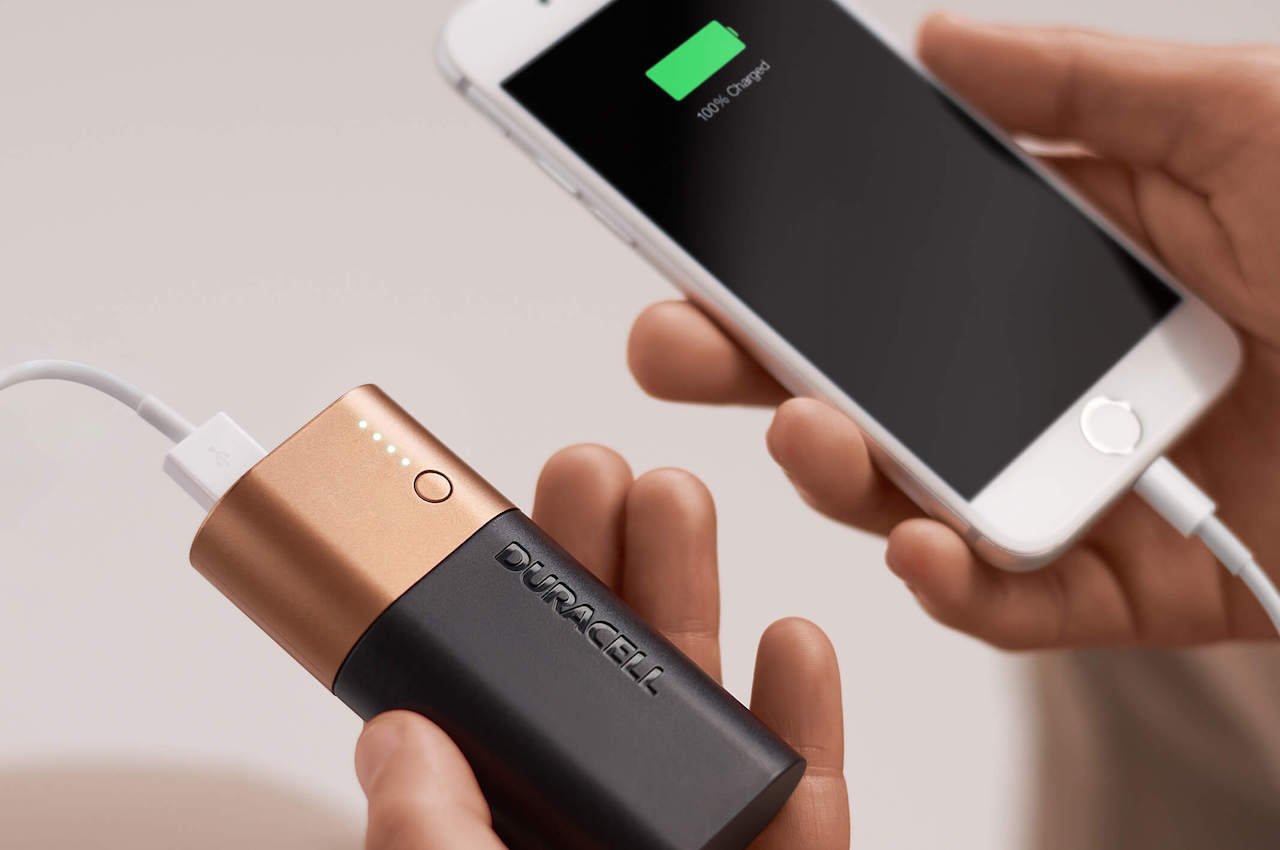
When deciding what to look for in a power bank, the first step is to check your specific phone's charging standard rather than just the shape of its connector. A good power bank should match the phone’s charging standard, provide the right ports and cable options, fit the size and weight you will actually carry, and include protections against heat and overcharging.
What to look for in a power bank: start with your phone
The charging standard your phone supports determines which power bank will actually fast charge it. For example, Apple iPhones use USB Power Delivery (USB-PD) over a USB-C connection for fast charging, while Samsung Galaxy phones use USB-C PD as their default fast-charge standard on many models. Checking this before you buy ensures you get a power bank that delivers the speed your phone is designed to accept, rather than one that simply fits the port.
Check iPhone fast-charging requirements before you buy
Apple states that fast charging on iPhone requires a USB-C cable and a USB-C power adapter that supports USB Power Delivery. For iPhone 15 and later, that cable can be the USB-C cable that came in the box. For earlier iPhone models, Apple says to use a USB-C to Lightning cable. If you want wireless fast charging, iPhone 16 and later need a MagSafe Charger and a 30W or greater USB-C power adapter, while iPhone 15 and earlier can fast charge wirelessly up to 15W with a MagSafe Charger and a 20W or greater adapter.
What Samsung Galaxy owners need in a power bank
Samsung also includes a phone-side setting called Protect battery, which limits charging to 85% when enabled. You can find it at Settings > Battery and device care > Protect battery. This feature works alongside power bank safety to help extend battery lifespan.
Ports and multi-device charging
Multiple output ports matter if you need to charge a phone plus earbuds or a second phone at the same time. A USB-C output is especially important for modern phones that use that port for fast charging. Having at least one USB-C output ensures you can use the same cable your phone came with and get the charging speed your device supports.
Wireless charging and MagSafe compatibility
Wireless charging makes sense when you want to avoid cables or charge a phone that supports it without plugging in. If your power bank has a wireless pad, check that it matches your phone's wattage needs for the best speed.
Safety features that protect your phone
Overcharge protection, short circuit protection, and temperature control are built-in safeguards that prevent damage to your devices during charging. Pass-through charging allows you to charge your devices while simultaneously recharging the power bank. Look for a power bank with LED indicators that display the remaining battery level. Check if the power bank is certified by regulatory bodies such as FCC and CE. Opt for power banks that use high-quality lithium-ion batteries for stability and durability. On the phone side, Samsung's Protect battery feature (Settings > Battery and device care) limits charging to 85% as a complement to power bank safety. Together, these protections reduce the risk of heat buildup and overvoltage that can shorten battery life.
Frequently Asked Questions
How do I choose the right power bank?
Match the power bank's output standard to your phone's fast-charge protocol, such as USB-C PD for iPhone and Samsung Galaxy devices. Then consider the capacity you need based on how many full charges you want, and check that the ports fit your devices.
What is the ideal capacity for a power bank?
Capacity depends on your device's battery size and how many charges you need. A power bank with a capacity slightly higher than your phone's battery rating will give you at least one full charge, accounting for energy loss during transfer.
Are all power banks compatible with all devices?
No. A power bank must support the charging standard your device uses, not just fit the connector. For example, a power bank without USB-C PD output will not fast charge an iPhone or a Samsung Galaxy phone that relies on that standard.
Can I bring a power bank on an airplane?
Yes, but airlines restrict allowed power bank sizes on flights. Power banks with a capacity below 100 watt-hours are generally allowed in carry-on luggage. Power banks with a capacity exceeding 100Wh are not allowed in carry-on luggage and must be packed in checked luggage. Check with your airline for specific limits before traveling.
How long does it take to charge a power bank?
Charging time depends on the power bank's capacity and the input speed it supports. A power bank with higher input wattage will recharge faster, but the exact time varies by model. Refer to the manufacturer's specifications for the estimated duration.
For the wider topic, see power bank usage and selection.















