






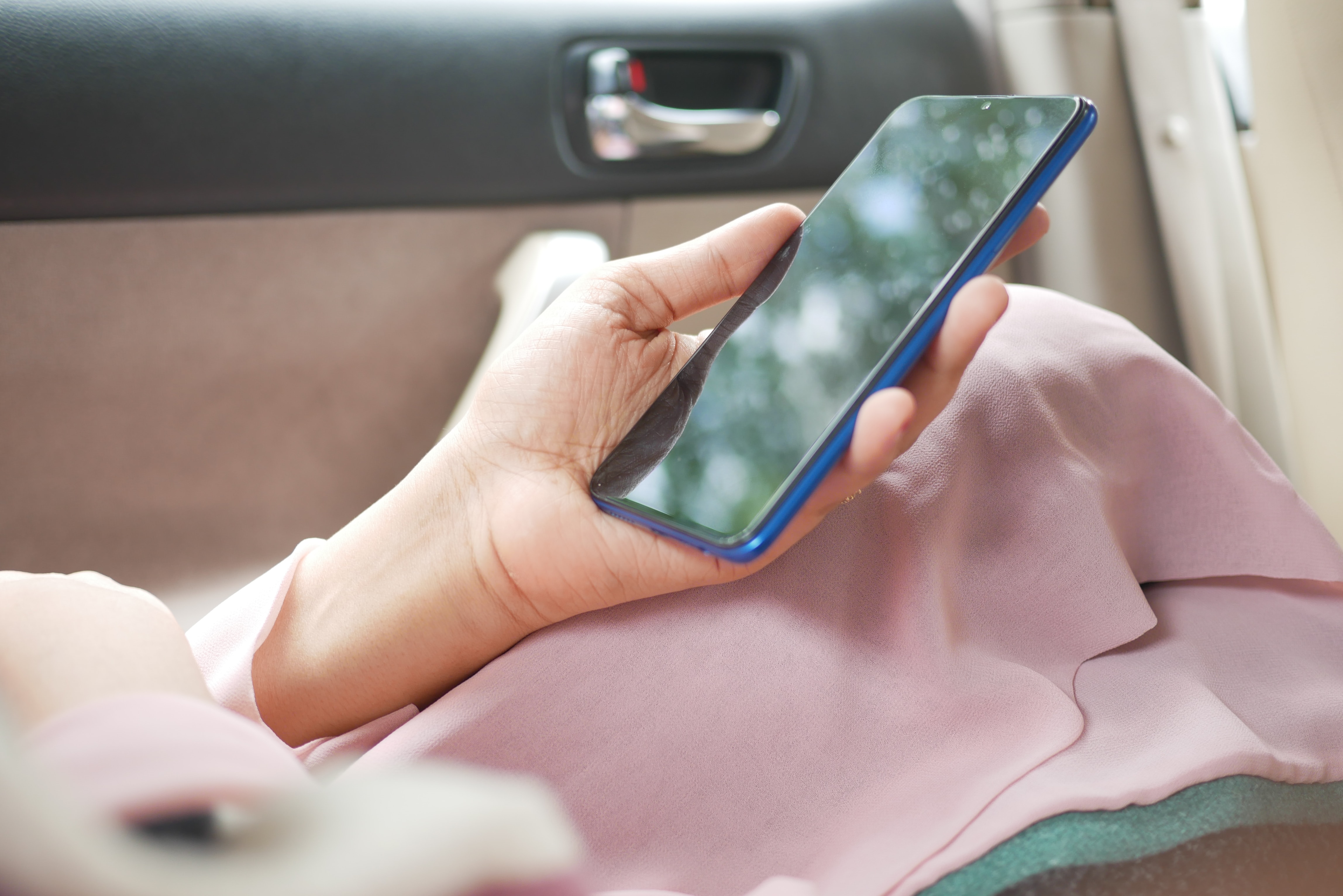
To put on a glass screen protector without bubbles, you need to master two things: dust removal and precise alignment.
Prepare your workspace and device
Work in a clean, well-lit area free of drafts, and wipe down your work surface to remove dust and dirt. Wash your hands thoroughly with soap and water, then dry them completely with a clean, lint-free towel to avoid transferring dirt, grime, or lint to the screen. Power off the device completely before you begin.
Clean the screen to a perfect finish
Follow this three-step cleaning process to ensure no particles remain between the glass and your screen.
- Use the provided wet wipe (often alcohol-based) to remove oils, fingerprints, and smudges from the entire screen.
- Dry the screen completely with the microfiber cloth, ensuring no streaks or moisture remain.
- Use dust removal stickers or tape to lightly dab and pick up any remaining microscopic dust particles from the screen, working systematically across the entire surface.
Choosing the right glass screen protector
Thickness: Glass screen protectors come in different thicknesses, typically measured in millimeters. Thicker protectors offer additional durability and can withstand more impact, while thinner ones provide a sleek and barely noticeable look. Hardness: Look for a glass screen protector with a high hardness rating. The most common hardness scale for phone screen protectors is the Mohs scale, which ranges from 1 to 10. A higher rating signifies better scratch resistance. Aim for a screen protector with a hardness rating of at least 9H for optimal protection against everyday scratches and scuffs. Oleophobic Coating: An oleophobic coating helps repel fingerprints and smudges, keeping your screen clean and pristine. This coating provides a smooth touch experience and makes it easier to wipe away any marks with a microfiber cloth.
Align and apply the protector
If your screen protector kit includes an alignment frame (e.g., EZ Fit, Easy Align), insert your phone into the frame as instructed, as these are designed for precise, bubble-free application. Carefully peel off the protective film from the adhesive side of the screen protector, typically marked with a "1" or "back" tab, without touching the adhesive surface with your fingers. Slowly lower the screen protector onto the device screen, often starting from one end (e.g., top to bottom) or by pressing lightly in the middle to allow the adhesive to spread outwards.
Applying the glass screen protector
Let it set: Finally, give the screen protector a bit of time to fully adhere to the screen. It's best to avoid using your phone for about 24 hours to let the adhesive properly set.
Remove air bubbles and finalize
Use a squeegee or a microfiber cloth (wrapped around a credit card) to gently push out any air bubbles from the center of the screen towards the edges. If your smartphone has an in-display fingerprint reader, re-register your fingerprint after installing the screen protector to ensure proper functionality. For persistent issues, see our guide on how to fix bubbles on screen protector. To avoid problems from the start, follow the full process for how to apply screen protector without bubbles.
Frequently Asked Questions
Can I reuse a glass screen protector after removing it?
No, do not reuse a glass screen protector. Removing it for reinstallation can damage its adhesive properties, and the protector will not adhere properly a second time.
How do I handle persistent edge bubbles after installation?
If edge bubbles remain after smoothing, gently lift the nearest corner of the protector with a piece of tape, then lower it back down while pressing the bubble outward. Avoid using excessive force, as this may damage the screen protector or the device.
Why does my screen protector have bubbles even after cleaning?
Microscopic dust particles that were not removed during cleaning are the most common cause. Use dust removal stickers systematically across the entire screen before applying the protector to prevent this.
Should I use a phone case with a glass screen protector?
Yes, but choose a case-friendly screen protector if you use a case, as full-coverage protectors may lift or interfere with the edges of some cases.
How long should I wait before using my phone after installation?
Allow the adhesive to set for a few minutes before normal use. For in-display fingerprint readers, re-register your fingerprint immediately after installation for proper functionality.
For the wider topic, see screen protector application and repair.


















