To check hotspot usage at&t, log into your account at att.com and navigate to the wireless usage center, select your wireless number, and open the Data tab. The hotspot usage shown there is the amount of cellular data used for hotspot, but keep in mind it can take two to five days for data use to post online, so the amount may lag behind your current use.
How to check hotspot usage at&t
AT&T documents hotspot usage in the wireless usage center. The confirmed path is: go to the wireless usage center, sign in if asked, select the wireless number you want to check, then choose the Data tab. This is the only method AT&T officially documents for checking hotspot data allowances.
Check hotspot usage on the AT&T website
Follow these steps to check your hotspot usage through the AT&T website:
- Go to att.com and sign in to your account.
- Navigate to the wireless usage center.
- Select the wireless number you want to check.
- Open the Data tab.
Under the Data tab, you will see your hotspot usage listed if applicable to your plan. AT&T notes that online usage can lag by two to five days, so the figure you see may not reflect your most recent activity.
Can I check hotspot usage in the AT&T app?
The pages only document the website-based wireless usage center for checking hotspot data use. While the app may show general data usage, AT&T’s official support materials do not provide a dedicated path within the app to view hotspot usage specifically. For the most reliable information, use the website method described above.
Check hotspot usage by contacting customer service
AT&T’s usage help pages document checking usage through the account and usage center, and they document star codes for data balances generally. If you need assistance, you can reach AT&T support by phone or chat to ask about your hotspot usage, but no documented star code exists for hotspot-only inquiries. Dial *3282# from a mobile device to receive a text message with current data usage, including hotspot usage.
Why your hotspot usage may not match current use
AT&T says online usage can take two to five days to post, so the amount shown in the wireless usage center may lag behind your actual current use. AT&T defines hotspot usage as the amount of cellular data used for hotspot. This means only data consumed while your device is acting as a hotspot counts toward this figure; regular on-device data usage is separate.
Set usage alerts to avoid overages
You can configure data usage alerts in your AT&T account to receive notifications before you reach your limit. To set these up, sign in to your account on the AT&T website, navigate to the usage or alerts section, and specify the data threshold at which you want to be notified. AT&T will then send you alerts when your usage approaches that level, helping you avoid unexpected charges or throttling.
Frequently Asked Questions
How often should I check my AT&T hotspot usage?
It is recommended to check your hotspot usage regularly, especially if you have a limited data allowance or share your hotspot with multiple devices. Because online usage can lag by two to five days, checking once a day or once a week can help you stay aware of your consumption.
What should I do if I exceed my hotspot limit?
If you exceed your hotspot limit, monitor your data usage closely to identify unnecessary data-consuming activities. Consider connecting devices to Wi-Fi networks whenever possible to reduce hotspot usage, and contact AT&T customer support to discuss possible solutions or plan options for your situation.
Can I check AT&T hotspot usage in my iPhone or Android settings?
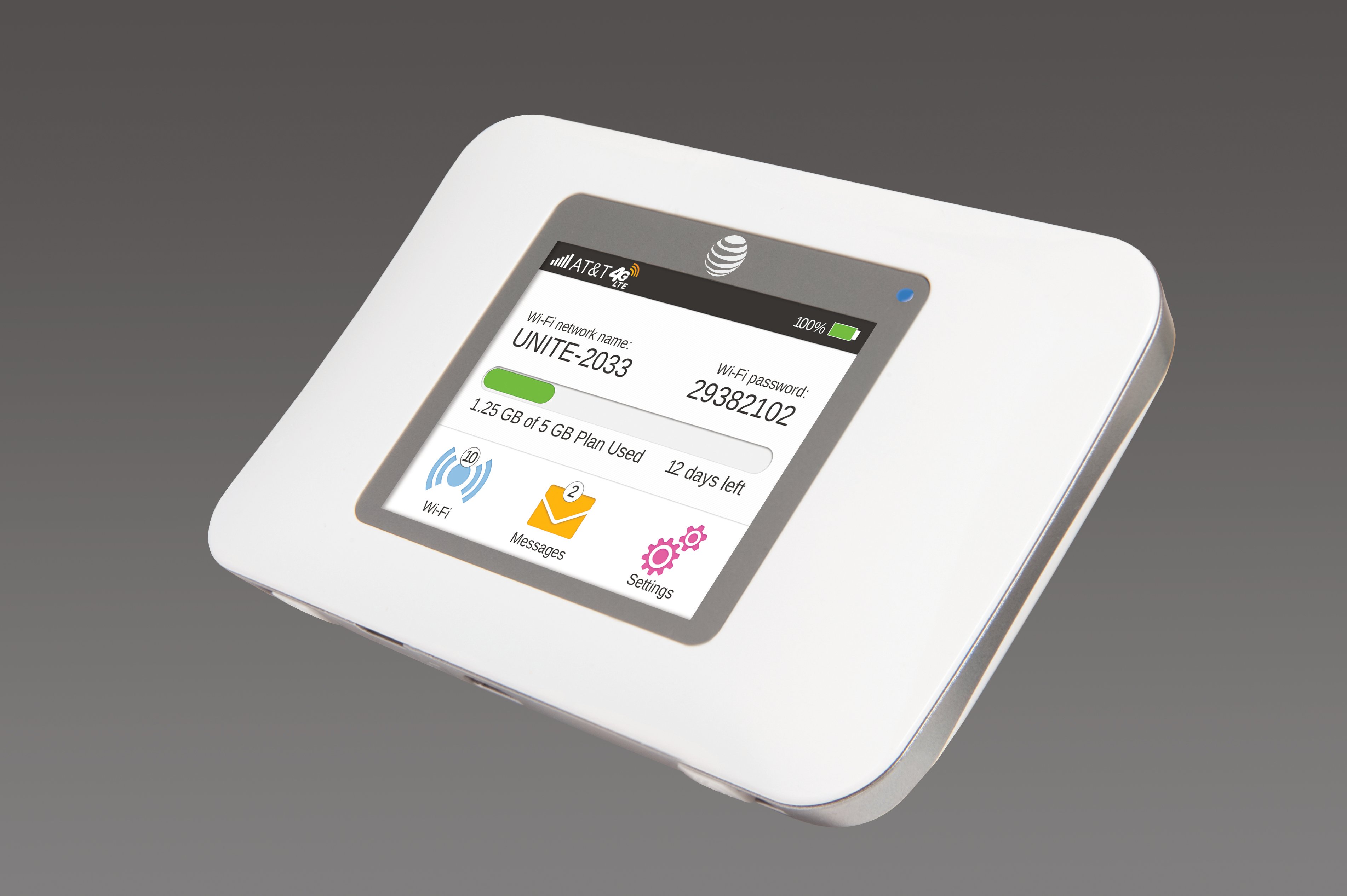
For Android, the retrieved AT&T page for a Netgear mobile hotspot device shows checking data usage through Settings > Connections > Data usage > Mobile data usage, but that path is for a hotspot router, not a phone. AT&T’s own usage page is the confirmed method for checking hotspot data.
Can I receive alerts or notifications for my AT&T hotspot usage?
Related reading: How Do I Check My Hotspot Usage On Straight Talk.