






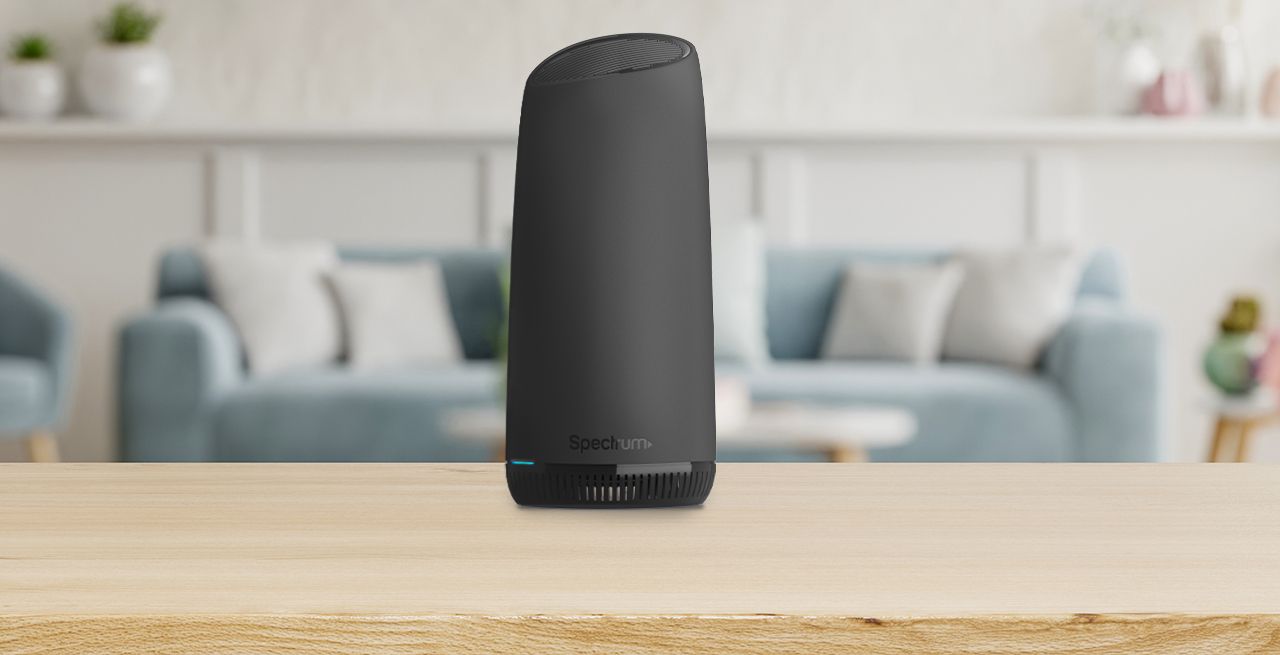
Your Spectrum Mobile hotspot turns your phone into a portable Wi-Fi network, letting you connect a laptop, tablet, or other device to the internet using your plan’s cellular data. This spectrum mobile hotspot feature is included with eligible plans, so you don’t need to buy a mobile hotspot or sign up for a separate plan.
What is a Spectrum Mobile hotspot?
A Spectrum Mobile hotspot uses your compatible phone or tablet as a personal Wi-Fi router. It shares your device’s cellular data connection with other gadgets, such as laptops, tablets, or gaming consoles. The feature is built into eligible Spectrum Mobile plans, meaning you can get personal hotspot without any extra fees or additional equipment.
Spectrum Mobile hotspot data limits
Your hotspot data allowance depends on which Spectrum Mobile plan you have. The Residential Unlimited plan includes up to 5 GB of hotspot use per line per billing cycle. The Residential Unlimited Plus plan includes up to 10 GB per line per billing cycle. After you use your full hotspot allowance, the speed is reduced to 600 Kbps for the rest of that billing cycle. There are no additional charges for using the hotspot feature itself.
How to set up Spectrum Mobile hotspot on your phone
The exact steps vary by phone model and operating system, but the general process is the same on most devices. Spectrum does not publish specific menu paths for every phone, so use these steps as a guide and look for similar options on your device.
- Open the Settings app on your phone.
- Find and tap Network & Internet (on Android) or Connections (on Samsung devices).
- Select Hotspot & Tethering or Mobile Hotspot.
- Toggle the switch to turn the hotspot on.
- Tap Set up Wi-Fi hotspot or Configure to change the network name (SSID) and set a password. Choose a strong password to keep your connection secure.
How to connect devices to your Spectrum Mobile hotspot
Once the hotspot is active, connecting another device takes just a few seconds.
- On the device you want to connect (laptop, tablet, another phone), open the Wi-Fi settings.
- Look for the network name (SSID) you set for your hotspot and tap it.
- Enter the password you created when you set up the hotspot.
- Tap Connect or Join. The device will show a Wi-Fi icon once it is connected.
Managing your hotspot connection
You can monitor and adjust your hotspot from your phone’s settings. Check which devices are connected by opening the hotspot settings and looking for a list of connected devices. To keep your network secure, change the password regularly in the same hotspot configuration menu. You can set up WPA2 security, or WEP if your devices require it (though it is less secure). To avoid hitting the 600 Kbps throttle, check your data usage in your phone’s settings or the Spectrum Mobile account page to see how much hotspot data you have left in your billing cycle. You can customize the sleep time or disable Power Saving Mode if you prefer your hotspot to be always active. You may have the option to select the band (2.4 GHz or 5 GHz) for your hotspot's Wi-Fi network to improve performance and reduce congestion. Advanced settings may include port forwarding, firewall settings, or DNS configurations. Regular firmware updates ensure your hotspot is running smoothly and securely.
Frequently Asked Questions
Can I connect multiple devices to my Spectrum Mobile hotspot at the same time?
Yes, you can connect several devices simultaneously. The exact number depends on your phone model and network conditions, but connecting multiple devices will share your available hotspot data and may slow speeds.
Does my Spectrum Mobile hotspot work internationally?
The hotspot feature is designed for use within the United States. International hotspot use may be limited or unavailable, and roaming data rates may apply. Check your plan details or contact Spectrum Mobile before traveling.
Where can I find the exact menu path for my specific phone model?
Spectrum does not list every phone model’s menu path. If you cannot find the hotspot option, search your phone’s Settings for “hotspot,” “tethering,” or “personal hotspot.” You can also check your phone manufacturer’s support site for device-specific instructions.
Will using my hotspot slow down my phone’s data speed?
Using the hotspot does not slow your phone’s own data speed, but the hotspot data is drawn from your plan’s dedicated hotspot allowance. Once that allowance is used, hotspot speeds are reduced to 600 Kbps, while your phone’s regular data continues at normal speeds.
Is there a limit to how many devices can connect at once?
Spectrum does not publish a specific device limit. Most modern phones allow between 5 and 10 simultaneous connections, but performance will vary based on your phone, network signal, and the number of active devices.















