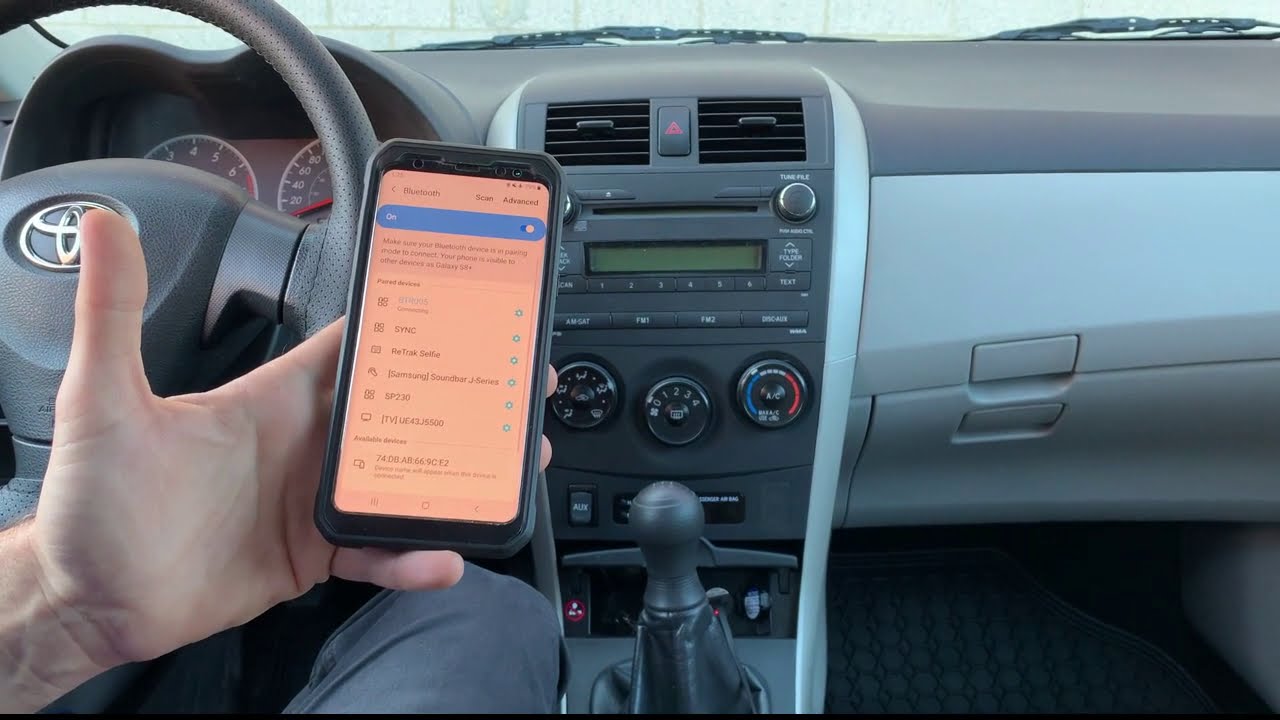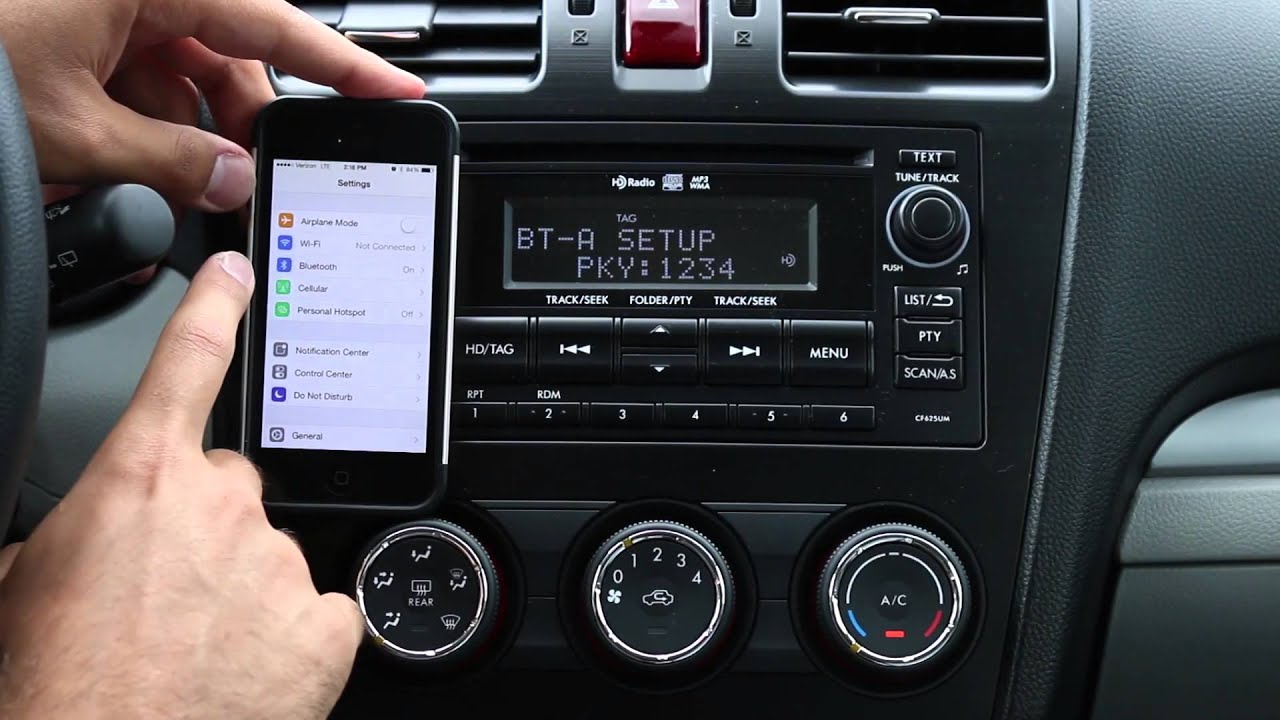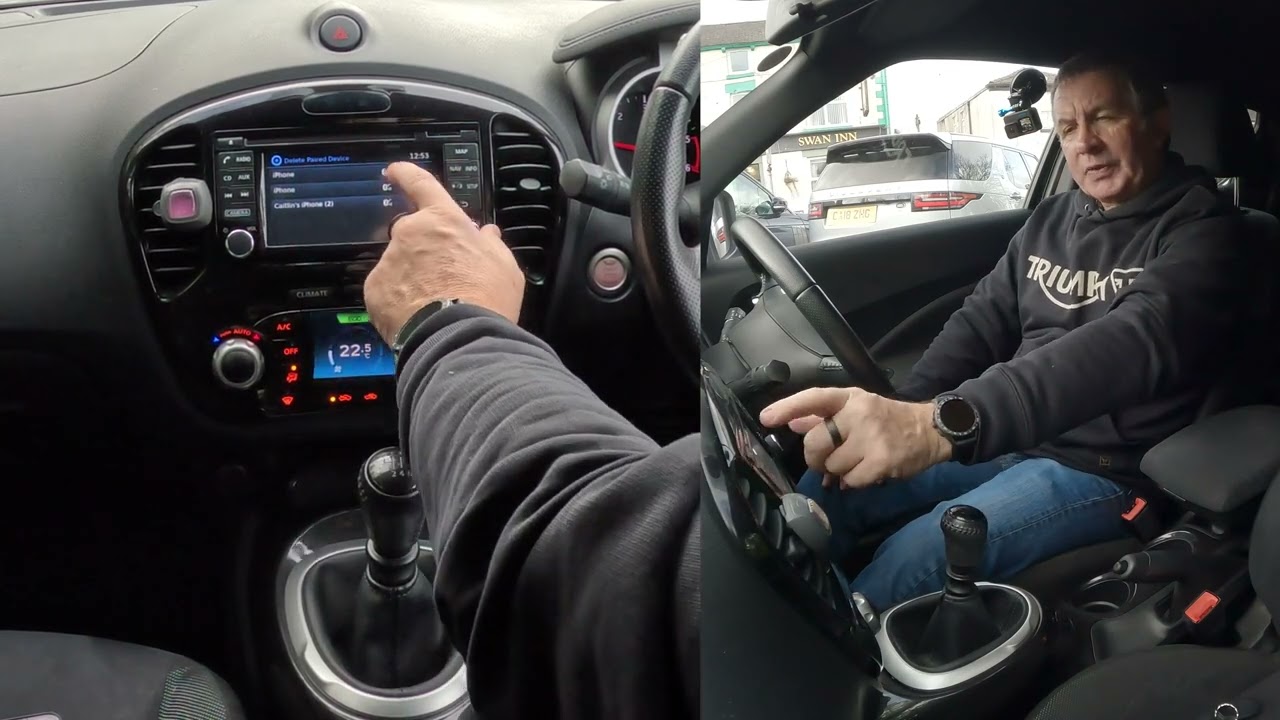
To delete phone from Nissan Bluetooth, you need to remove it from both the car's system and your phone's Bluetooth list. This two-sided deletion ensures the pairing is fully cleared, which is useful when selling the car, switching to a new phone, or stopping a specific device from automatically connecting.
Delete a phone from Nissan Bluetooth in 2 steps
Removing a paired phone requires action on both the car and the phone. Follow the steps below to complete the process on your Nissan's touchscreen and then on your iPhone or Android device.
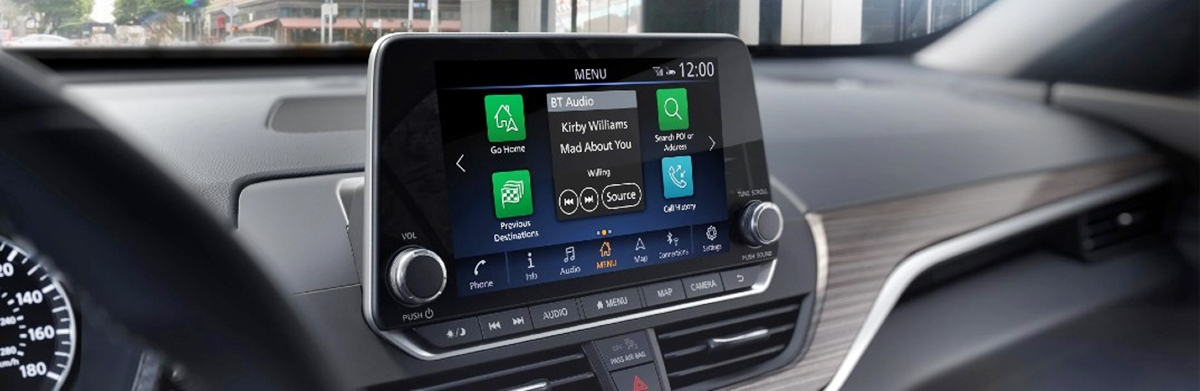
Step 1: Delete the phone on your Nissan's screen
- On the Nissan touchscreen, open Settings.
- Open Connections.
- Open Bluetooth.
- Tap the icon next to the cellular phone name you want to delete.
- Tap Delete.
On some Nissan systems, you can also use the voice command "Delete Phone" to prompt the system to remove a paired device. Note that exact menu labels vary by model year and head unit; older systems may use labels like Phone/Bluetooth settings and Remove instead of Delete. On older Nissan systems, the documented menu labels can differ, but the same basic action is to open the phone/Bluetooth settings, select the paired device, and choose Delete or Remove.
Step 2: Forget your Nissan on your phone
After deleting the phone from the car, you must also remove the car from your phone's Bluetooth list to prevent the phone from trying to reconnect.
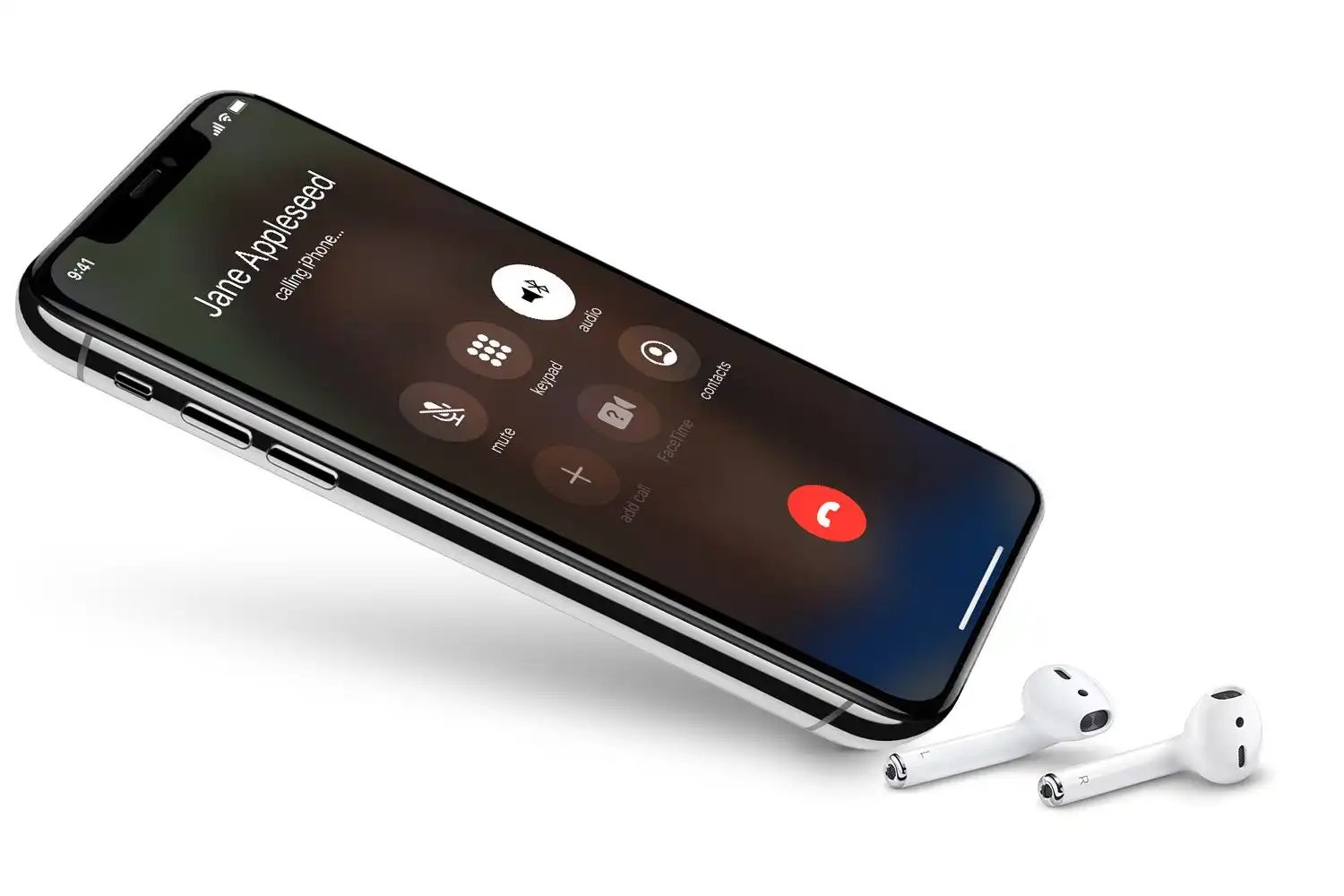
On iPhone
- Open Settings > Bluetooth.
- Find the Nissan device in the list of paired devices.
- Tap the info button (i) next to it.
- Tap Forget This Device or Remove.
Apple documents this as the standard way to unpair a Bluetooth accessory from iPhone, iPad, or iPod touch.
On Android
- Open the Bluetooth settings panel.
- Under Saved devices or Media devices, tap the gear icon next to the Nissan device (tap See all if needed).
- Tap Forget to remove the pairing completely.
Google documents Disconnect for temporary removal and Forget for complete removal.
Troubleshooting when a phone won't delete
If the phone still appears in the car, repeat the car-side deletion and confirm the entry is gone from the paired-device list. If the phone still reconnects, ensure you have also forgotten the Nissan on your iPhone or Android device. A deleted phone can also remove that phone’s stored phonebook in at least some Nissan systems. Some Nissan manuals say Bluetooth-supported phones must be built-in Bluetooth phones listed as Nissan-recommended phones for correct operation on that market’s support page.
Frequently Asked Questions
Will deleting the phone from the car remove the phonebook too?
In at least some Nissan systems, yes. Deleting a paired phone can also remove that phone's stored phonebook from the vehicle.
What if the car has voice commands?
Some Nissan systems support the voice command "Delete Phone," which prompts you to choose the phone to remove without using the touchscreen.
Why does the menu path differ across Nissan models?
Nissan documents different interfaces for different model years and head units, so the exact menu labels vary by vehicle. The basic action, opening phone/Bluetooth settings, selecting the paired device, and choosing Delete or Remove, remains consistent.
Can I remove phone from car Bluetooth without the phone present?
How do I know if the phone is fully removed?
After completing both sides of the deletion, the phone should no longer appear in the car's paired-device list, and the car should not appear in the phone's Bluetooth settings. If either still shows, repeat the relevant step.
Related reading: How To Delete Phone From Toyota Corolla Bluetooth, How To Connect IPhone To Mercedes Bluetooth, and How To Connect IPhone To Subaru Bluetooth.