You can get a free hotspot by using your smartphone's built-in tethering feature if your carrier plan includes it, or by connecting to public Wi-Fi networks. For most searchers, turning your phone into a hotspot is the most direct and reliable way to get a free hotspot for free, requiring no extra hardware or fees beyond your existing data plan.
How to get a hotspot for free: the verified ways
There are three documented methods to get a free hotspot: using your phone as a hotspot when your plan includes tethering, connecting to public Wi-Fi hotspots, and checking carrier or community programs.
Use your phone as a free hotspot
This is the simplest free method if your carrier plan includes Personal Hotspot on iPhone or hotspot/tethering on Android. You only need your smartphone and an activated cellular data plan that supports the feature. No additional device or subscription is required.
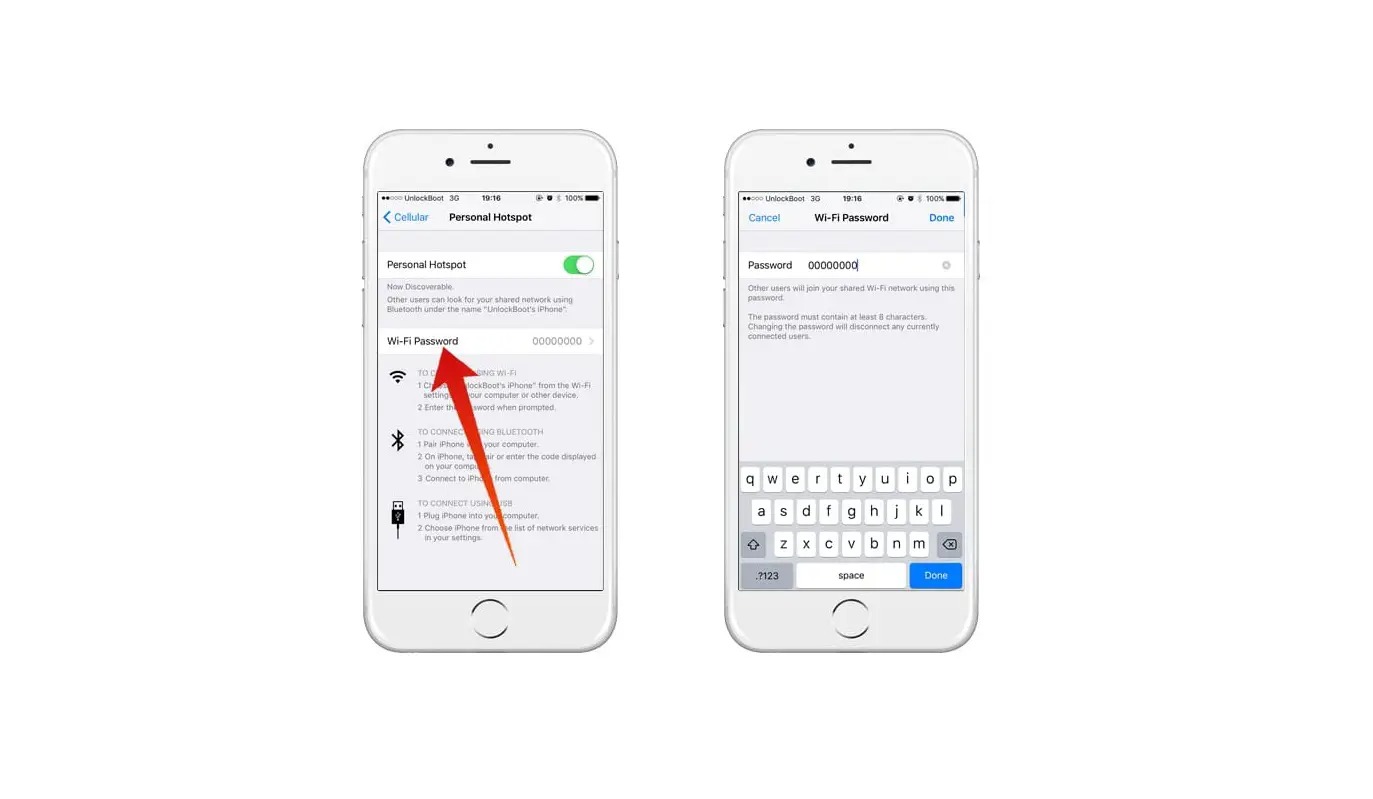
iPhone hotspot: exact steps and settings
- Open Settings and tap Personal Hotspot.
- If Personal Hotspot is dimmed or unavailable, open Settings > Cellular and make sure Cellular Data is turned on.
- On some iPhone screens, you may need to go to Settings > Cellular > Set Up Personal Hotspot. Apple also documents Settings > Cellular > Set Up Personal Hotspot on some iPhone screens.
- Once enabled, other devices can find your iPhone in their Wi-Fi list and connect using the displayed password.
Personal Hotspot uses your device’s cellular internet connection only. It cannot share a Wi-Fi network you are already connected to. To provide Personal Hotspot, Apple says you need an iPhone or iPad (Wi‑Fi + Cellular) with an activated carrier plan that includes Personal Hotspot service.
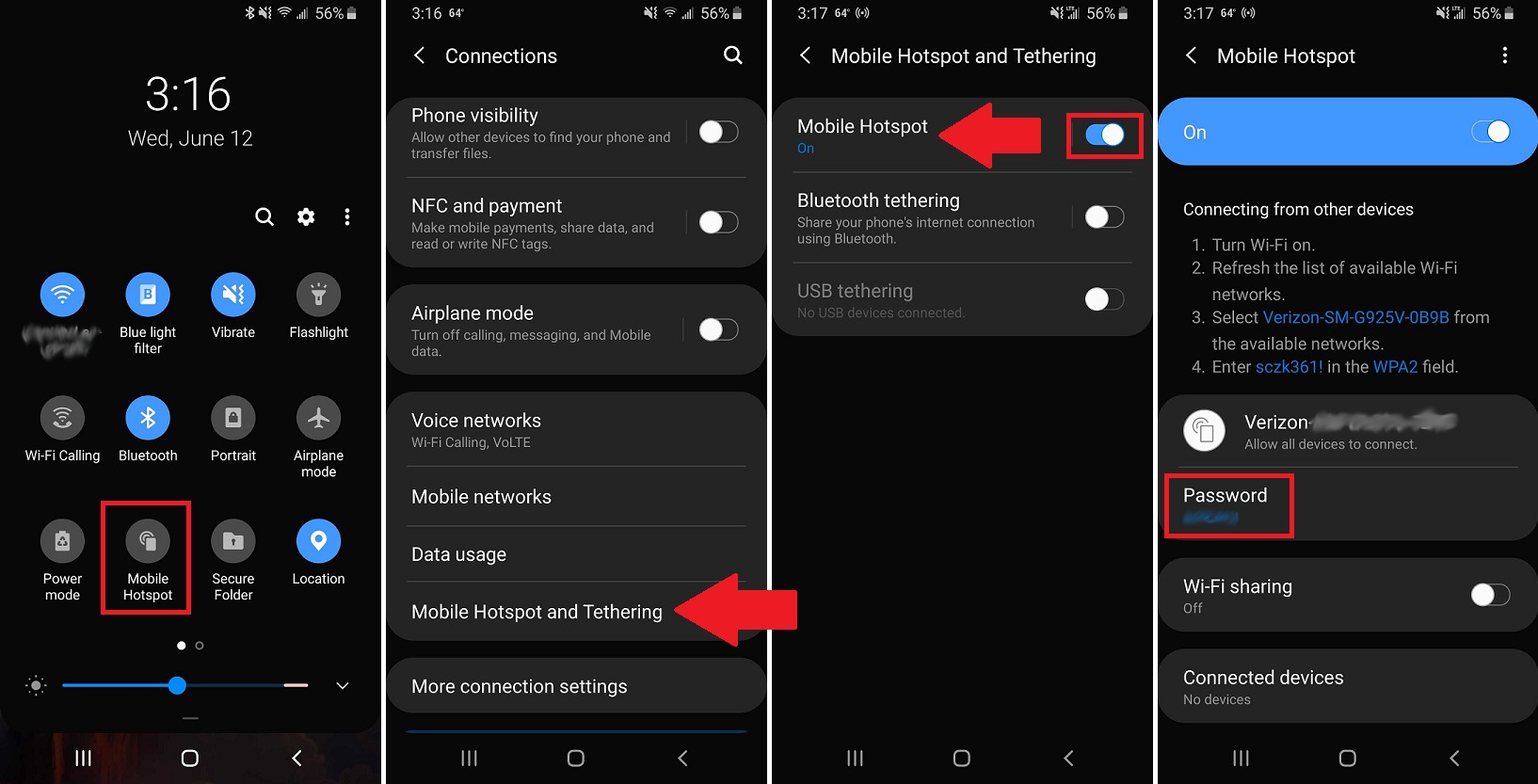
Android hotspot: exact steps and settings
- Swipe down from the top of the screen to open Quick Settings.
- Tap Hotspot to turn it on.
- If Hotspot is missing, tap Edit in Quick Settings and drag Hotspot into the visible tiles.
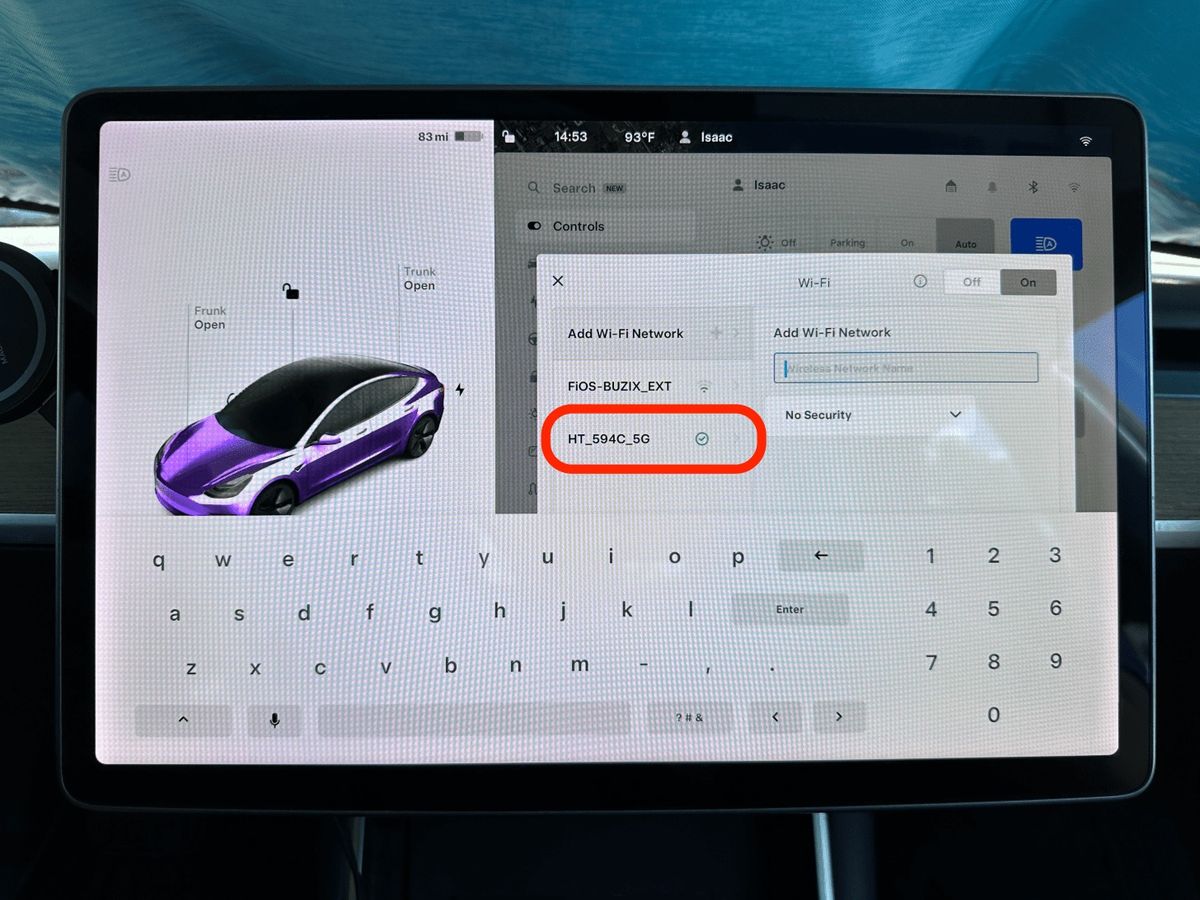
- To connect another device, open that device’s Wi‑Fi list, choose your phone’s hotspot name, enter the hotspot password, and tap Connect.
- If you want no password, touch and hold Hotspot, then under Security, tap None.
Important limits when using your phone's hotspot
The feature must be included in your carrier plan, it is not free on every plan. Your phone’s hotspot shares only its cellular data connection, not a Wi-Fi connection you are already using. Be aware of your plan's hotspot data allowances, as some carriers may throttle or charge extra after a certain amount of usage.
Connect to public Wi-Fi hotspots instead
Public Wi-Fi hotspots from cafes, libraries, airports, and stores offer free internet access without using your phone’s mobile tethering. This method does not require turning on your phone’s hotspot feature at all. Apple's hotspot support page only says other devices can use an iPhone or iPad's hotspot; it does not provide a public Wi‑Fi directory or documented public hotspot limits. Exercise caution when transmitting sensitive information on public networks.
Check for carrier and community programs
Some carriers and community programs may offer free hotspot access or data on eligible plans or devices. These programs can be a legitimate alternative, but specific offers and a T-Mobile hotspot plan cost are not universally documented and require direct verification.
Frequently Asked Questions
Can I turn my smartphone into a hotspot without paying extra?
Yes, if your carrier plan already includes tethering or Personal Hotspot service. Check your plan details to confirm there are no additional charges for using the hotspot feature.
What are the trade-offs of using my phone as a hotspot versus a dedicated device?
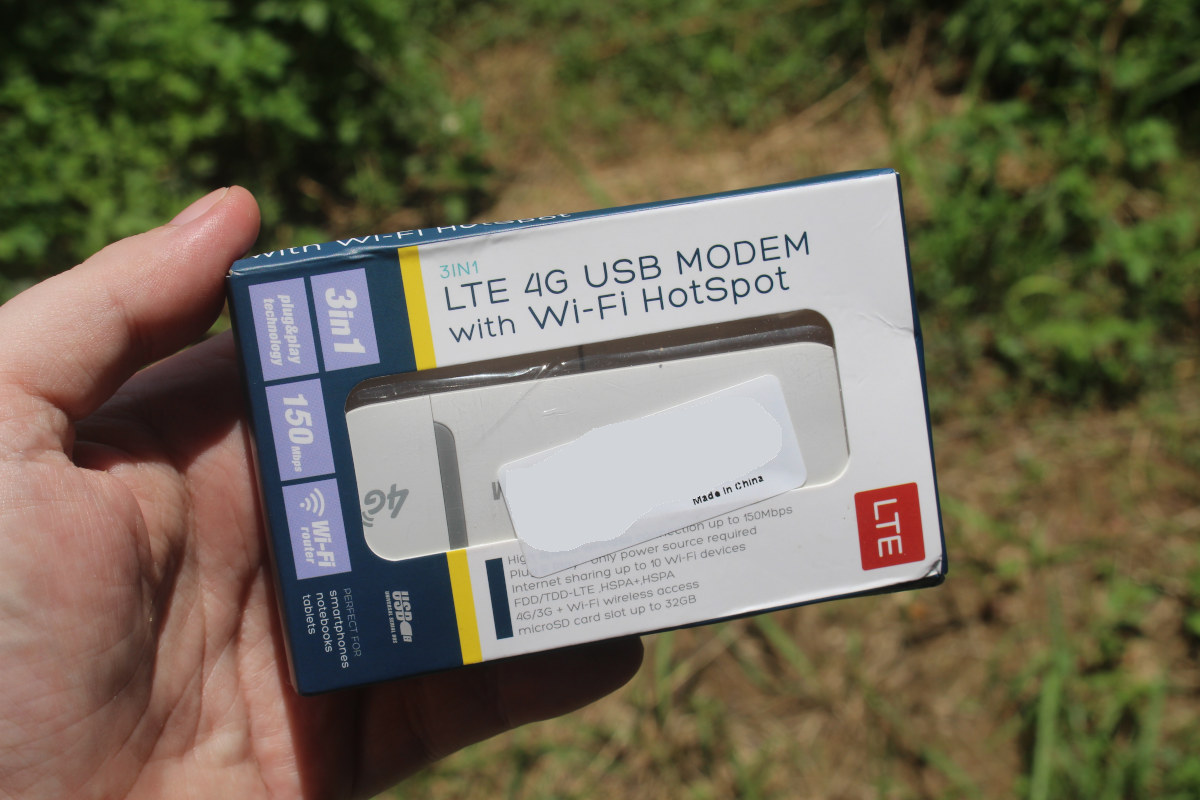
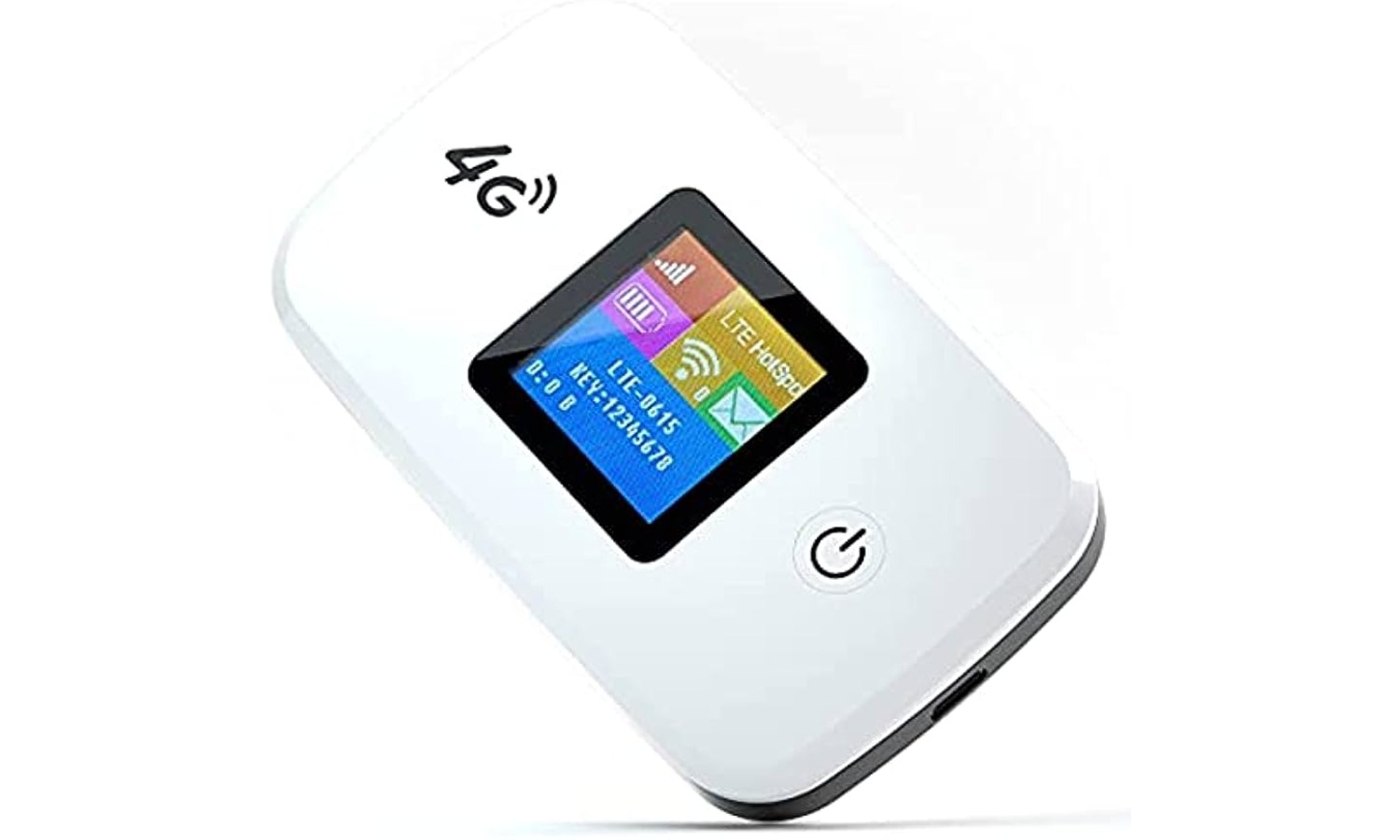
A dedicated mobile hotspot device often provides a stronger signal, longer battery life, and the ability to connect more devices simultaneously. Using your phone as a hotspot can drain its battery faster and may be limited by your plan's hotspot data allowances.
Does using a hotspot use more data than normal phone usage?
Yes, because you are sharing your cellular connection with other devices that may stream video, download files, or browse heavily. Monitor your data usage to avoid exceeding your plan’s limits.
Is it safe to use a public Wi-Fi hotspot for banking or passwords?
Public Wi-Fi networks are often unsecured, so it is risky to transmit sensitive information. Use a VPN or avoid logging into financial accounts while connected to public hotspots.
Why is my iPhone’s Personal Hotspot option dimmed?
This usually means Cellular Data is turned off, or your carrier plan does not include Personal Hotspot. Go to Settings > Cellular and turn on Cellular Data, then check with your carrier if the option remains unavailable.
Related reading: How To Get Unlimited Hotspot For Free.