Which wrist to wear a smartwatch for the best results
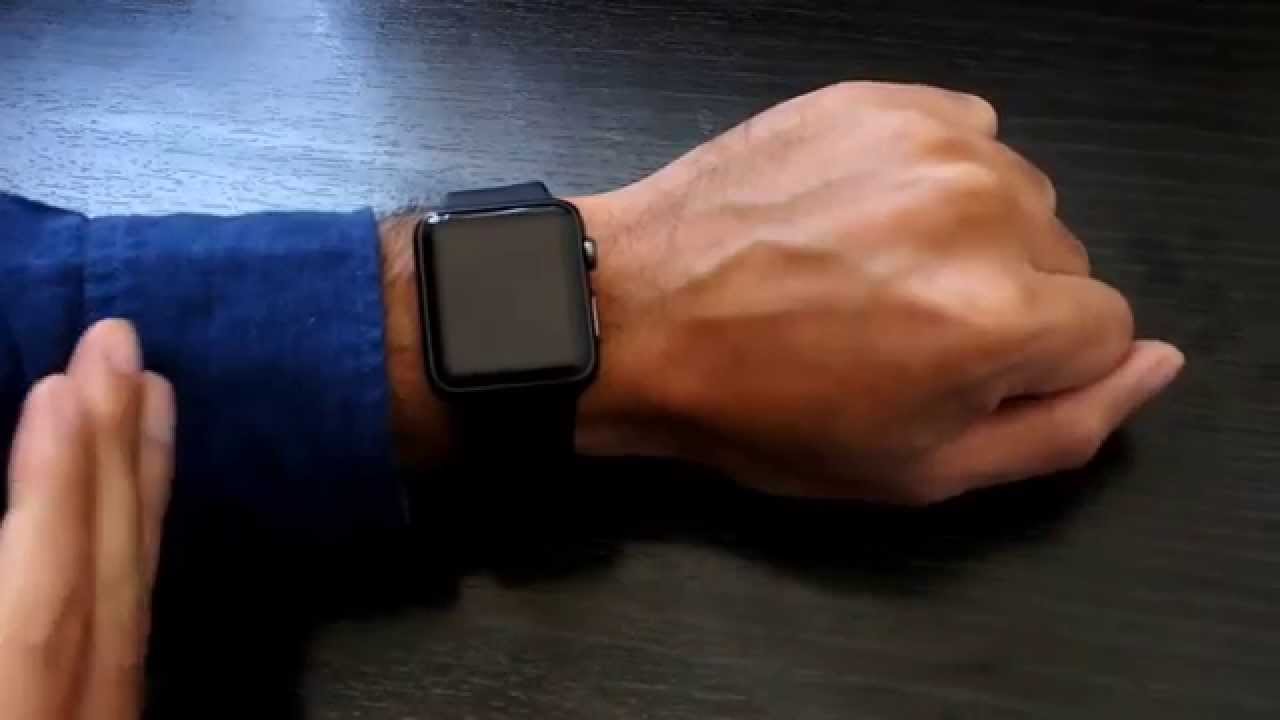
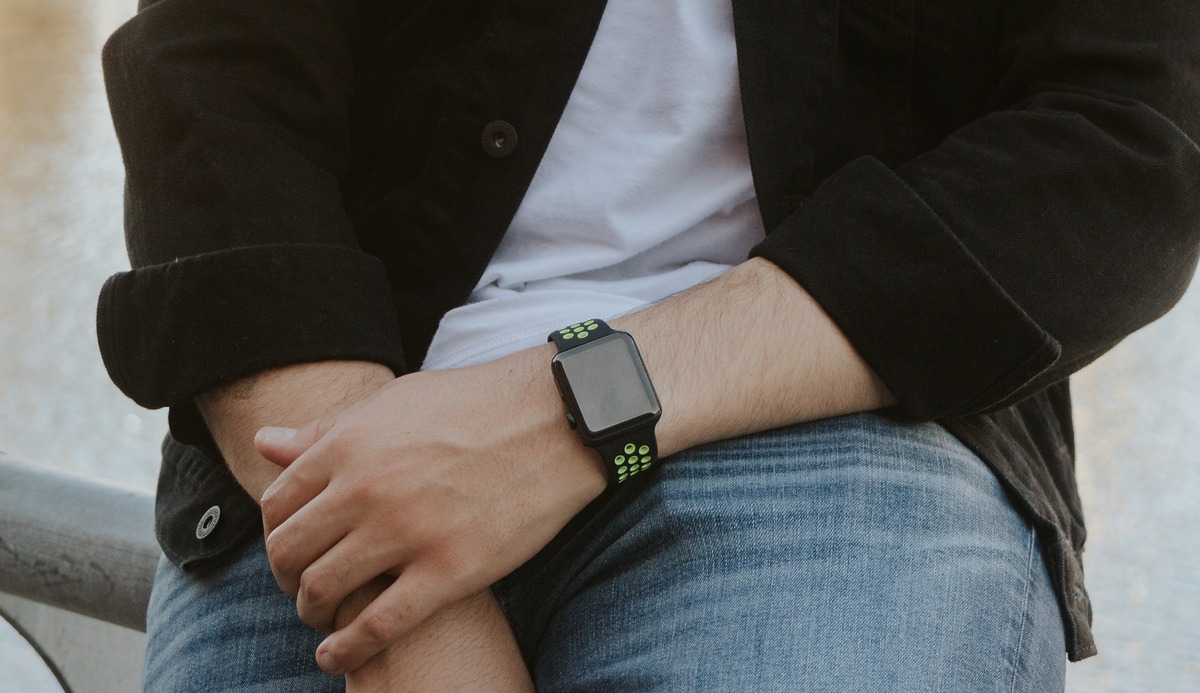
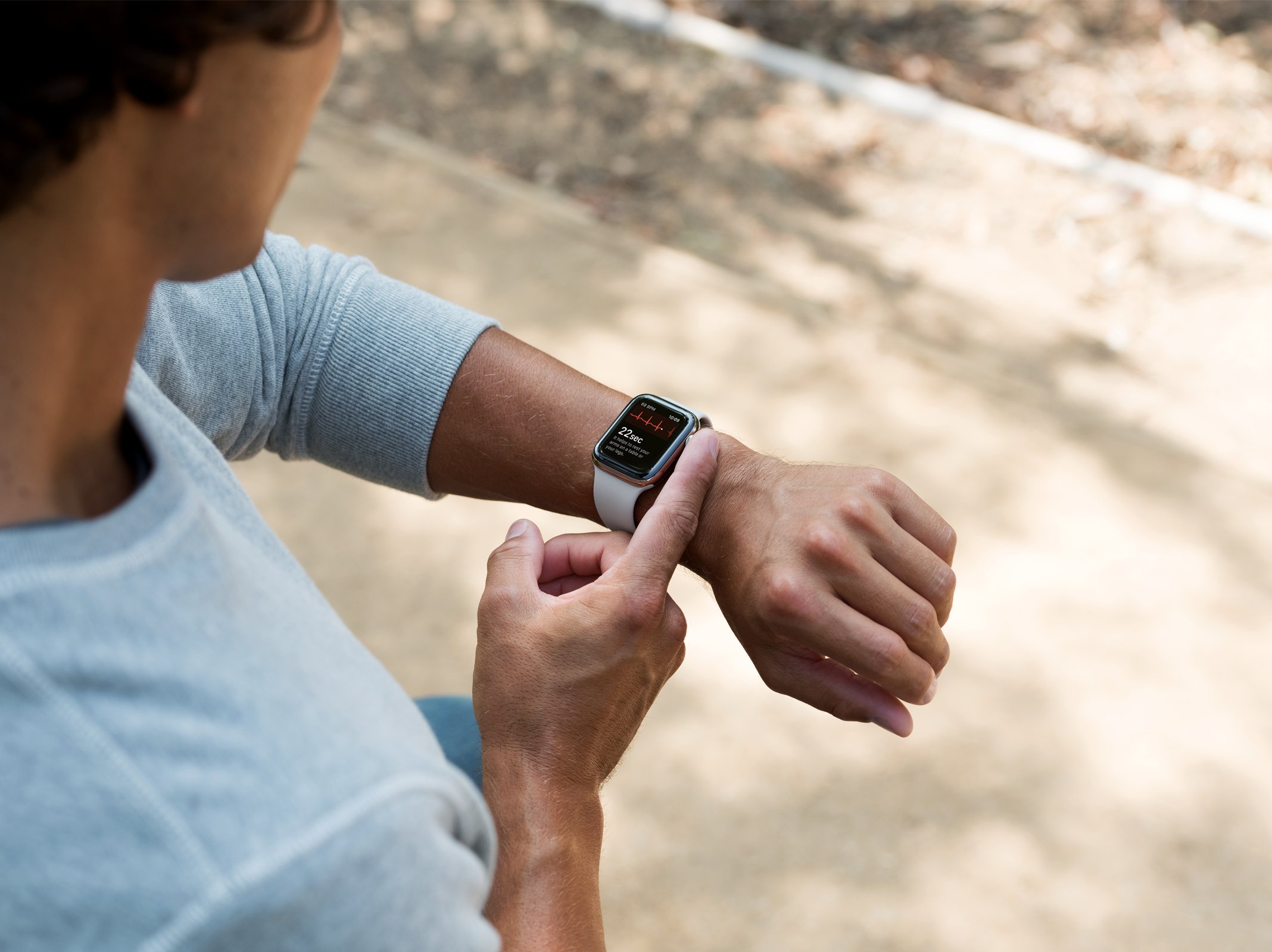
For the best results, wear your smartwatch on your non-dominant wrist, the hand you do not use for writing, eating, or throwing. This choice directly answers the core question of which wrist to wear smartwatch users search for, because it gives you more accurate sensors and fewer accidental touches than the dominant side.
Why your non-dominant wrist is the smarter choice
Your non-dominant wrist moves less throughout the day, and that steadiness matters. Because the watch’s heart rate and stress sensors rely on consistent skin contact, less movement means cleaner all-day data. If you wear the watch on your dominant wrist, every gesture, keystroke, and lift of that arm nudges the watch against your muscles and tendons, which can blur the optical readings. There is also a practical safety benefit. Your dominant hand does most of the work: carrying bags, opening doors, using tools, and bumping into things. A watch on that wrist is far more likely to get scratched, knocked, or pressed accidentally. On the non-dominant wrist, you reduce the risk of accidental touches on the screen and of damage from daily wear. Many people also find that wearing the watch on the non-dominant side feels more natural once they get used to it, because it stays out of the way of tasks that require fine motor control.
How to position your smartwatch correctly on either wrist
Once you pick a wrist, placement matters more than you might think. The sensor works best when it sits flat against a stable part of your arm.
- Slide the watch up your arm so the back of the case sits one to two finger-widths (about one to two centimeters) above the wrist bone, toward the elbow.
- Check that the sensor lens has full, flat contact with your skin, no gaps, no bunched hair, and no sleeve fabric underneath.
- Adjust the band so it is snug but comfortable for general wear. You should be able to slide it slightly for ventilation, but it should not slide around on its own or lose contact with your skin.
- For exercise, tighten the band by one notch to reduce motion artifacts and improve accuracy. Loosen it again after your workout.
This higher placement matters because the wrist bone moves and flexes constantly. Above the bone, the skin is flatter and has better blood supply, which helps the LED sensors get a consistent signal. If you wear the watch too low, over the bone, you will get gaps and erratic readings.
How to adjust settings for left or right wrist wear
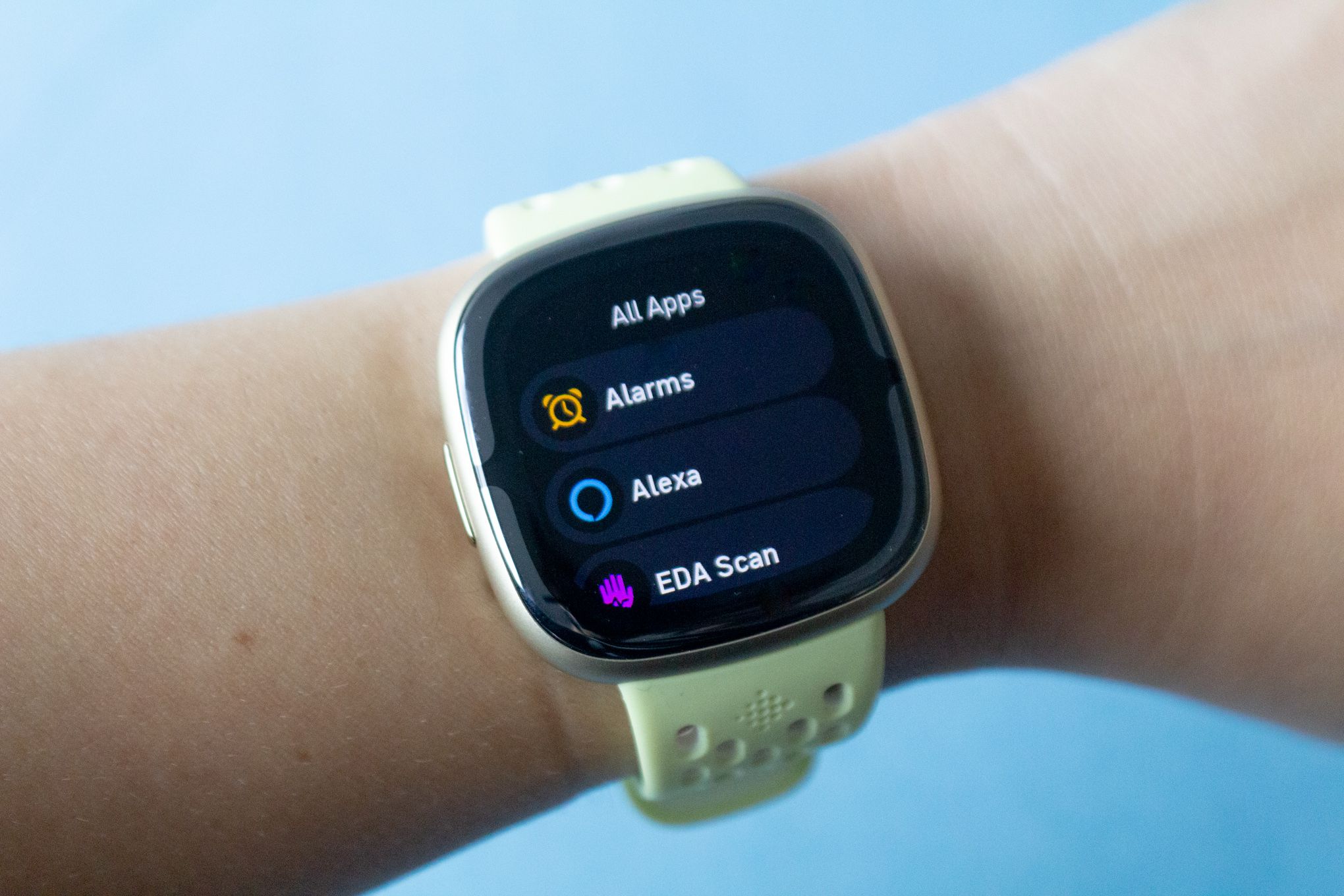
Smartwatches are built to be worn on either wrist, and both major platforms let you tell the watch which side you prefer. This setting reorients the screen and, more importantly, the position of the side buttons or crown, so you can reach them with your thumb or fingers comfortably. For a Samsung Galaxy Watch, open the Galaxy Wearable app on your phone. Navigate to Watch Settings, then Display or Orientation. Select Left or Right for the wrist, and choose the Key position that matches which side you want the buttons on. The watch will then flip the interface so the buttons sit on the side nearest your hand or your elbow, depending on your choice. For a Google Pixel Watch, open the Google Pixel Watch app on your phone. Tap Watch preferences, then Watch orientation. Alternatively, on the watch itself, go to Settings, then Display, then Wrist orientation. Select Left or Right, and the crown will move to the correct side of the screen for your thumb. These settings are quick to change, so you can switch wrists for a day or two to test which side feels better without losing any functionality.
Keeping your smartwatch sensors clean for accurate tracking
Dirty sensors give you bad data, no matter which wrist you choose. The back of the watch, where the LEDs sit, must stay clean and dry for the light to pass through your skin and reflect back properly. Sweat, lotion, sunscreen, and dried soap can all form a film over the sensor and block that light, leading to incorrect heart rate or stress readings. Wipe the back of the watch with a soft, dry cloth after workouts, and rinse it with fresh water if you have been sweating heavily. Also clean the skin on your wrist where the watch sits. If you apply lotion or sunscreen, wait until it absorbs before putting the watch on. This simple habit keeps the sensor contact clear and prevents skin irritation from trapped moisture and product buildup.
Frequently Asked Questions
Is it better to wear a smartwatch on the left or right wrist?
There is no universal better wrist; the best choice is your non-dominant wrist. For most right-handed people, that means wearing it on the left wrist, and for most left-handed people, on the right wrist. This keeps the watch on the arm that moves less, improving sensor accuracy and reducing accidental bumps.
Can I wear my smartwatch on my ankle or in another unconventional place?
It is technically possible, but not recommended. Smartwatches are designed for the wrist, where the sensors can sit flat against a stable surface. On your ankle or elsewhere, the watch will move too much and likely produce inaccurate heart rate and activity readings, and the strap may not fit securely.
Will wearing a smartwatch affect my other accessories, such as bracelets or wristbands?
You can wear bracelets or bands on the same wrist as your smartwatch, but keep them on the opposite side of the wrist bone from the watch itself. Avoid stacking bulky accessories under the sensor, as they can break contact with your skin. For the most accurate tracking, it is usually better to wear the watch on one wrist and other accessories on the other.
Can I wear a smartwatch while exercising or swimming?
Yes, most smartwatches are water-resistant and designed for workouts, but check the manufacturer’s specifications first. If you swim, rinse the watch with fresh water afterward, especially after saltwater or chlorinated pools, to prevent buildup and corrosion. For high-intensity exercise, tighten the band a notch to keep the sensor stable.
Does wearing a smartwatch drain the battery of my smartphone?
No, a smartwatch uses very little power from your phone during normal use. It connects via Bluetooth or Wi-Fi and only syncs data periodically. However, continuous Bluetooth sync, such as constant notifications for every app or continuous heart rate streaming to the phone, may cause a small impact on your phone’s battery. Managing notification settings keeps both devices running longer.
For the wider topic, see smartwatch and tracker comparisons.