






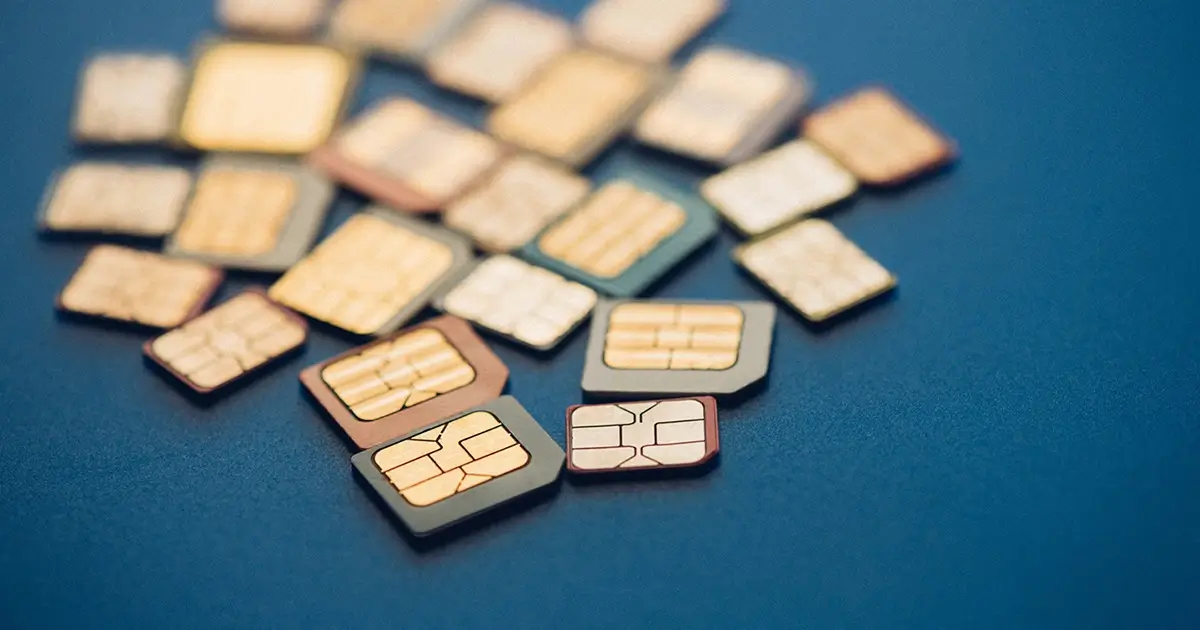
A SIM card's primary function is to authenticate your identity to a cellular network, enabling voice calls, SMS, and mobile data access. Without a SIM card, a phone cannot connect to a carrier's network to make calls, send texts, or use mobile data.
How a SIM card works
A SIM card, or Subscriber Identity Module, is a small chip that stores your unique subscriber information, including your phone number and network authentication credentials. When inserted into a phone, the SIM card communicates with the network's authentication servers, exchanging encryption keys and other security measures to confirm your identity and authorize access to the network. Once connected, the SIM card enables you to make calls, send text messages, and access mobile data services.
Core functions of a SIM card
The SIM card enables four main user-facing functions:
- Making and receiving calls: The SIM card holds the necessary information, such as the mobile network provider, phone number, and authentication data, to establish a connection and enable call functionality.
- Sending and receiving text messages: A SIM card allows you to send and receive text messages, also known as SMS.
- Accessing mobile data: The SIM card provides the necessary credentials and data plans for your device to connect to the internet while on the go, allowing you to browse the internet, stream videos, check emails, and engage in various online activities.
- Storing contact information: You can save your contacts directly on the SIM card, making it convenient to transfer your contacts to a new phone.
SIM cards can be used for additional services such as mobile banking, mobile payments, and storing personal identification information.
Physical SIM cards vs. eSIMs
There are physical SIM cards (Standard, Micro, Nano) and digital eSIMs, which are built directly into a device and allow cellular plan activation without a physical card. eSIMs are more secure than physical SIM cards due to tamper resistance and remote deactivation capabilities. Physical SIM cards can be transferred between compatible phones, while eSIM profiles can be transferred digitally, sometimes requiring carrier assistance.
Types of physical SIM cards
Physical SIM cards come in three form factors: Standard (the original size for older phones), Micro (about the size of a fingernail, common in mid-range and older smartphones), and Nano (the smallest size, commonly found in newer smartphones). All serve the same purpose and function regardless of size.
How to activate and transfer a SIM card
Activating a new SIM card
- Turn off your phone before inserting or removing a physical SIM card.
- Insert the new SIM card into your phone. Align the cut corner of the SIM card when placing it in the tray.
- Power on your phone. If the SIM card is compatible and properly inserted, your phone will prompt you to activate it.
- Follow the on-screen instructions to complete the activation process. This typically involves providing your personal information and verifying your identity.
- Wait for the activation to be completed. Activation may take a few minutes, during which time you may experience temporary service interruptions. Once complete, your phone will be ready for use with the new SIM card.
Transferring a SIM card to a new phone
- Power off both your old and new phones.
- Remove the SIM card from your old phone. Locate the SIM card slot, usually on the side or back of the phone, and use a SIM ejector tool or a small paperclip to push the SIM card tray out. Carefully remove the SIM card from the tray.
- Insert the SIM card into the SIM card slot of your new phone. Make sure it is inserted correctly and securely.
- Power on your new phone. You should see your contacts, messages, and other data associated with your SIM card. If not, make sure your new phone is compatible with the SIM card and try restarting the device.
Troubleshooting tip
If you are experiencing activation issues, make sure your SIM card is properly inserted and seated securely in the SIM card slot, and ensure your phone is connected to a stable internet connection during the activation process. Restart your phone if the activation process seems to be taking longer than expected. If problems persist, contact your carrier's customer support for assistance.
SIM cards and network compatibility
Some phones are locked to a specific carrier or network, meaning they can only be used with SIM cards from the designated provider. Locked phones are often sold at a subsidized price and tied to a contract. Unlocking a phone allows you to use it with SIM cards from different providers, giving you the freedom to switch carriers or use local SIM cards when traveling abroad. Unlocking criteria may include completing your contract or paying off the device before the carrier will unlock it. Many phones can be unlocked by contacting the carrier or using third-party unlocking services. If your carrier is unable or unwilling to unlock your phone, third-party unlocking services are available for a fee. Some SIM cards support international roaming, allowing users to connect to networks in different countries without changing their SIM card. Ensure the SIM card you're using is compatible with your phone's network bands for optimal connectivity.
Frequently Asked Questions
Can I use my SIM card in any phone?
SIM cards are designed to be compatible with a specific network technology, such as GSM or CDMA. If your SIM card uses GSM technology, it should be compatible with any GSM unlocked phone. If your SIM card uses CDMA technology, it may only work with CDMA compatible phones. Check with your mobile service provider to ensure compatibility before inserting your SIM card into a different phone.
How do I insert or remove a SIM card?
Locate the SIM card slot, often found on the side or back of the phone. To insert the SIM card, gently push it into the slot until it clicks into place. To remove the SIM card, use the SIM ejector tool or a paperclip to press the SIM card tray release button, and the tray will pop out.
Can I transfer my SIM card to a new phone?
Yes, you can transfer your SIM card to a new phone as long as it is compatible with your network. Some phones may require a different-sized SIM card, such as a nano SIM. If your current SIM card does not fit, you may need to contact your service provider to obtain a compatible SIM card.
What happens if I lose or damage my SIM card?
Contact your mobile service provider to request a replacement. They will assist you in deactivating the lost or damaged SIM card and activating a new one with the same phone number and service plan. Notify your service provider as soon as possible to prevent unauthorized usage of your phone number.
What is the difference between a physical SIM and an eSIM for security?
This makes them harder to remove or clone compared to a physical SIM card.
For the wider topic, see SIM card information and costs.

















