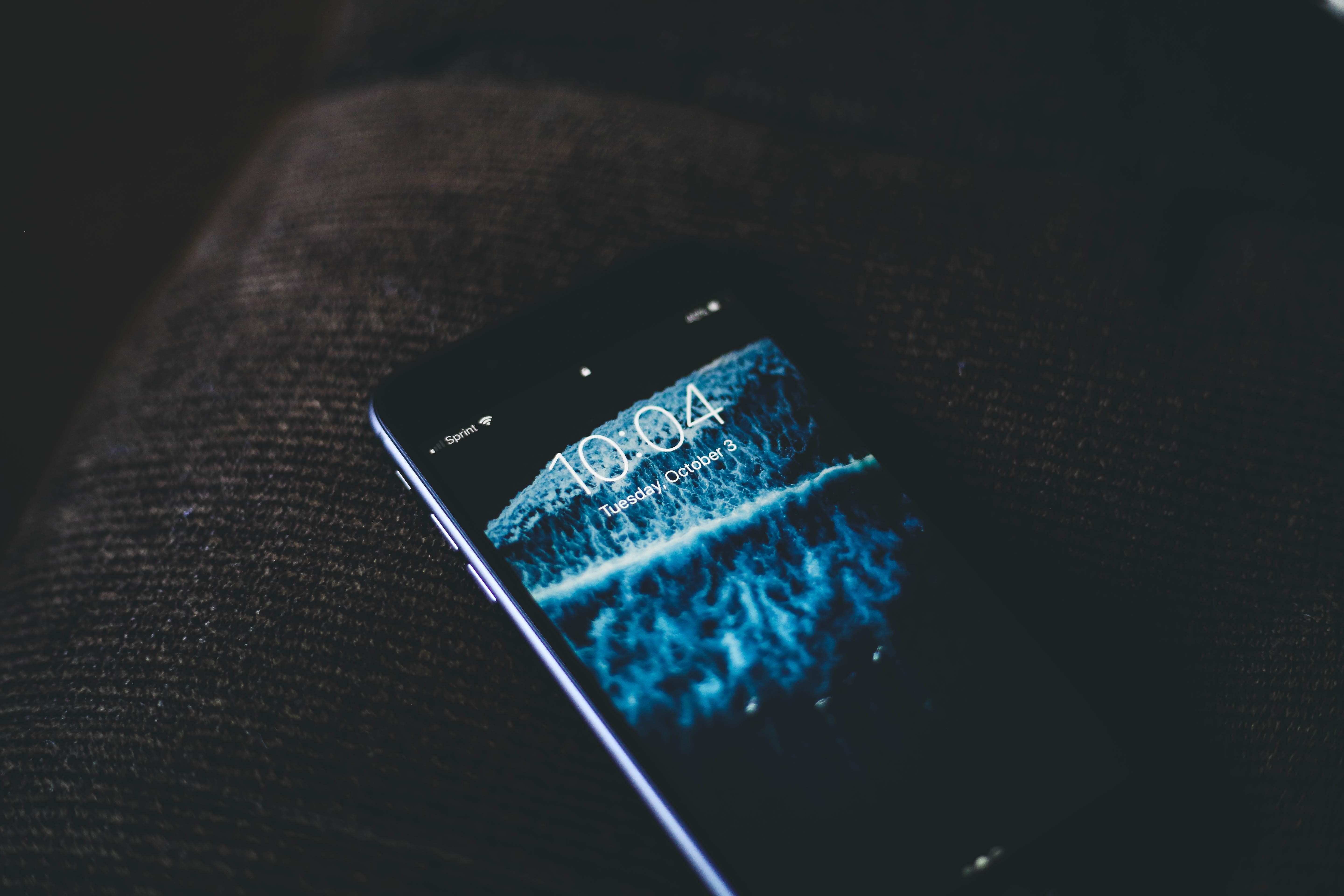
A matte screen protector is a physical display cover with a textured or anti-reflective surface that reduces glare and improves visibility in bright light, not a software setting on an iPhone or Android device. It is an accessory applied directly to the screen to diffuse reflections and protect against scratches, dust, and fingerprints.
What is a matte screen protector?
Official pages from Samsung and Apple document it as an anti-reflective or anti-glare accessory, not as a separate iPhone or Android software feature. It is a physical film that you apply to the screen of a device such as a smartphone, tablet, or laptop.
How a matte screen protector reduces glare
A matte screen protector uses a micro-textured film that diffuses light, reducing reflections and creating a matte finish. Samsung states that its anti-glare screen protector uses an anti-reflective coating to let you view and read content clearly in bright areas. The layered construction typically includes a silicone adhesive base, a middle layer of micro-textured film that scatters light, and a top protective coating that resists scratches and fingerprints. This documented anti-reflective technology is what allows the protector to minimize glare from sunlight or artificial light sources.
Key benefits of a matte screen protector
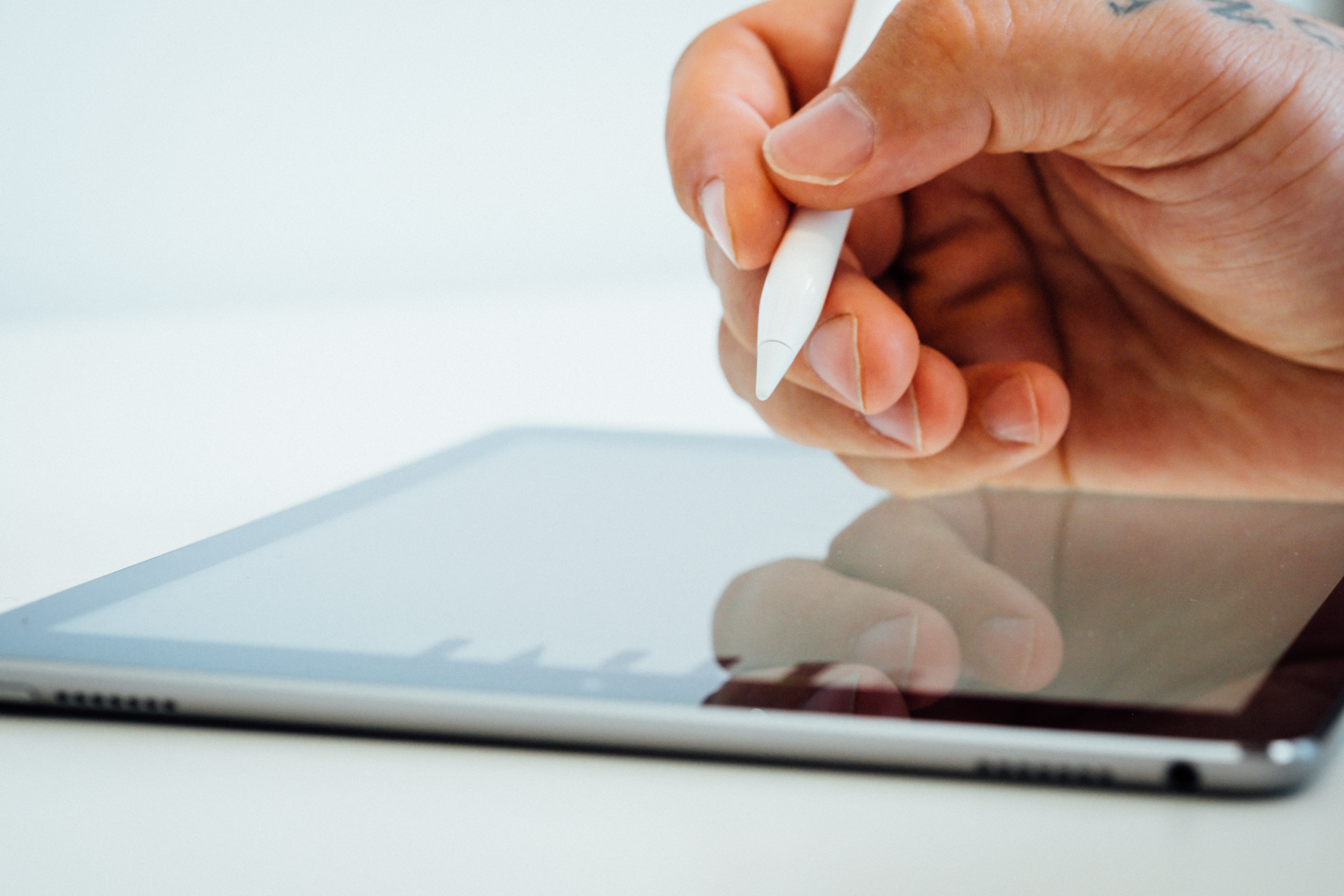
The documented benefits of a matte screen protector include reduced reflections and better visibility in daylight or bright areas, improved comfort when viewing the screen in strong ambient light, and protection against scratches, dust, and fingerprints as noted on Samsung's official film for the Galaxy Z Flip6. Samsung's Galaxy Z Flip6 anti-reflecting film is described as providing translucent coverage. The textured surface also helps resist smudges, keeping the screen cleaner for longer. Matte screen protectors are favored by professionals who require accurate color reproduction and clarity, such as graphic designers, photographers, and video editors. Some matte screen protectors provide a slight resistance, mimicking the feel of pen on paper for a more comfortable writing or drawing experience with a stylus.
How to install a matte screen protector
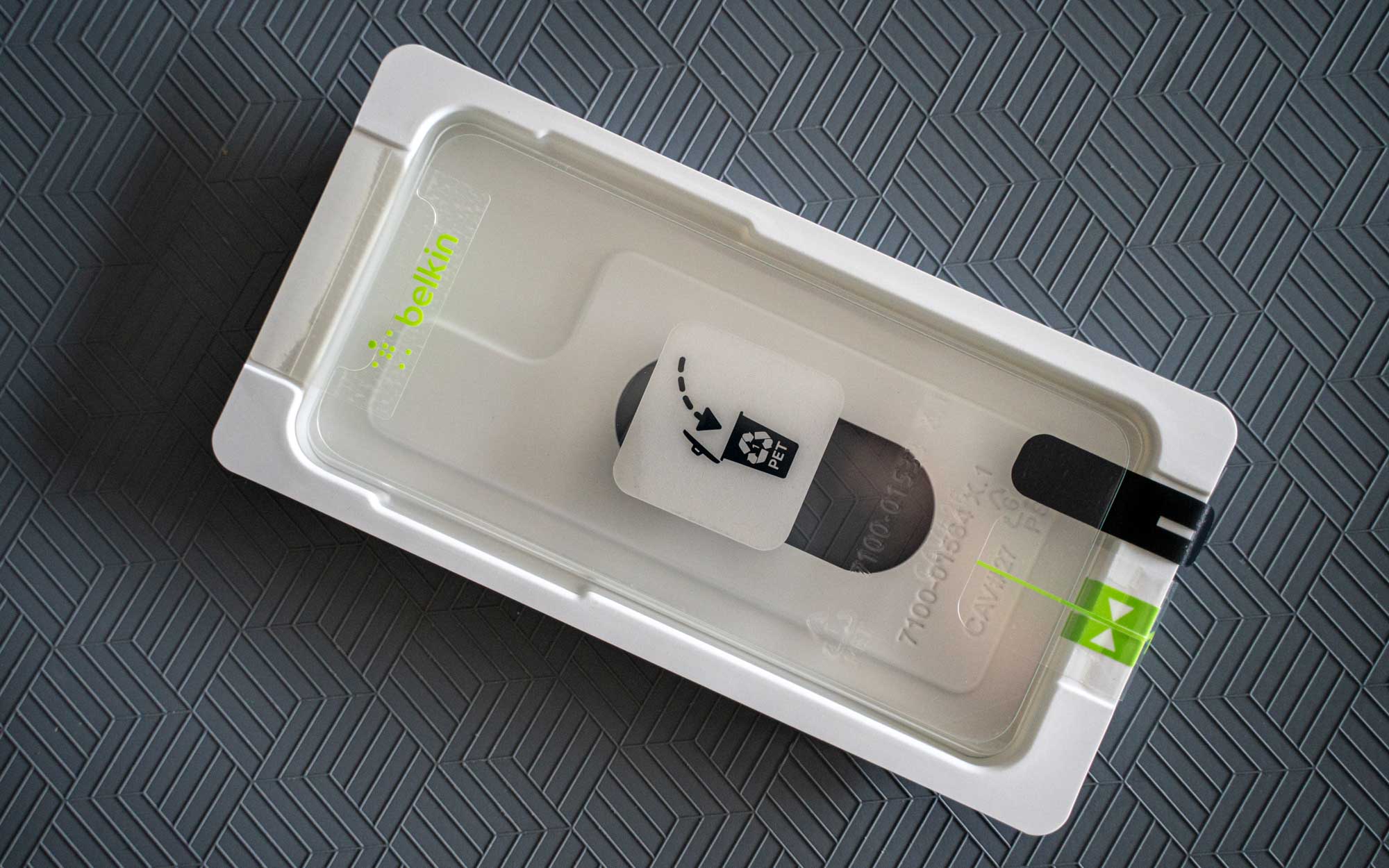
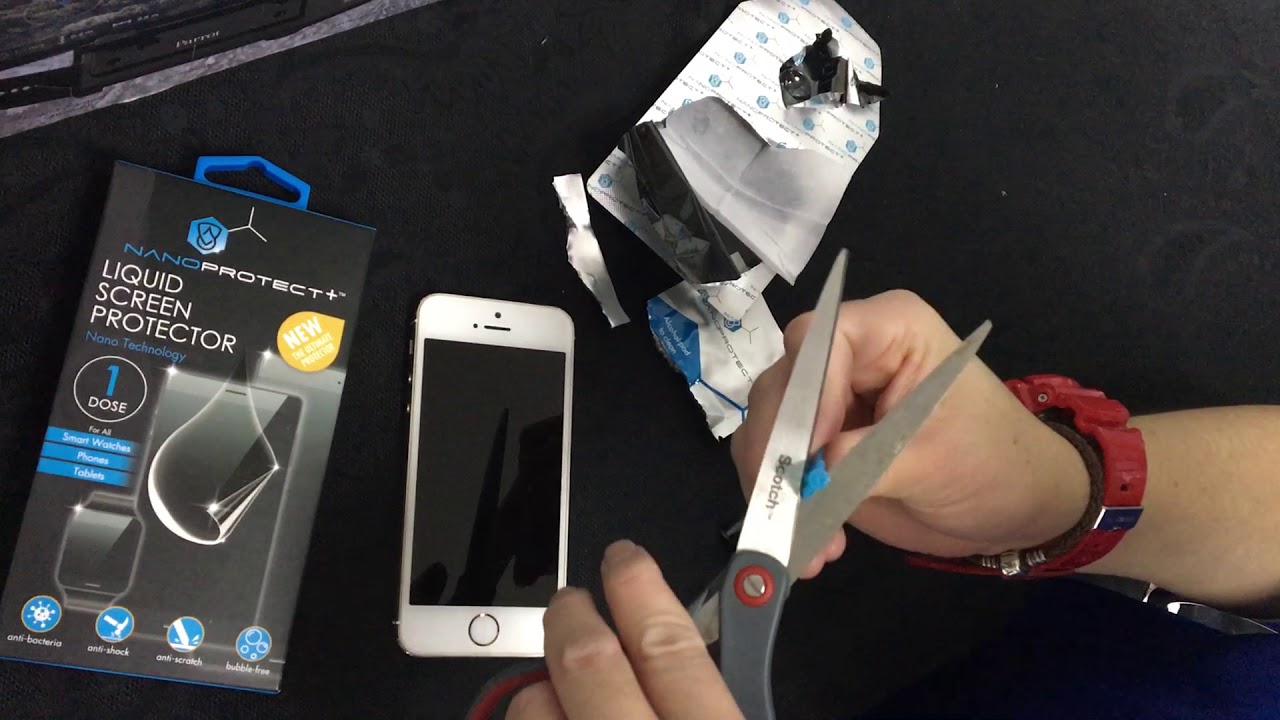
The installation process is purely physical and does not involve any iPhone or Android settings. Samsung instructs users to simply use the applicator to accurately align the protector to the device, then use the included squeegee, cloth, and dust removal sticker to remove trapped bubbles or dust. The bottom layer is a silicone adhesive that securely attaches the protector to the screen, ensuring a bubble-free installation. Apple's listed Belkin anti-glare screen protector includes an Easy Align tray for precise application at home, and an Apple Store location can apply a compatible protector professionally. No menu path or system toggle exists for this feature.
Compatible devices for matte screen protectors
Compatibility must be checked by exact device model. Apple's documented page is for iPhone 13 and iPhone 13 Pro only. Samsung's documented pages cover the Galaxy Tab S9, Galaxy Tab S9 FE, Galaxy Tab S10 FE, Galaxy Tab S8+, Galaxy Tab S9+, Galaxy Tab S9 FE+, Galaxy Tab S10+, Galaxy Tab S8 Ultra, Galaxy Tab S9 Ultra, Galaxy Tab S10 Ultra, and Galaxy Z Flip6. No software-version requirement or regional carrier restriction is documented for these accessories.
Matte screen protector vs. software settings
No system toggle, menu path, or setting exists on an iPhone or Android device to enable a matte screen protector. The documented process is the physical installation of the accessory, not a software change. This reinforces that the feature is purely a hardware accessory, not a digital option.
Frequently Asked Questions
Can a matte screen protector affect touch sensitivity?
Matte screen protectors are designed to maintain touchscreen sensitivity, and no documented issues with touch response are noted in official pages. Some users may perceive a slight difference, but it is generally minimal and does not hinder normal touch functions.
Can you remove and reapply a matte screen protector?
Removing and reapplying a matte screen protector is not recommended, as the adhesive may lose effectiveness after the initial installation. The adhesive is designed for a permanent bond, and reapplication can result in poor adhesion or an improper fit.
Does a matte screen protector affect screen clarity?
While matte screen protectors reduce glare, they may slightly affect image sharpness due to the diffused light. However, modern protectors offer enhanced optical clarity, and the trade-off is generally acceptable for the benefit of reduced reflections.
Is a matte screen protector the same as a privacy screen protector?
No, a matte screen protector reduces glare and reflections, while a privacy screen protector limits viewing angles to prevent others from seeing the screen. Some matte protectors may offer limited privacy benefits, but they are not designed for that primary purpose.
Are matte screen protectors compatible with all devices?
Matte screen protectors are available for smartphones, tablets, laptops, and gaming consoles, but must be selected for the specific device model.
Where can I get professional help with screen protector application and repair?
Professional application is available at Apple Store locations for compatible Belkin anti-glare screen protectors, and many third-party retailers offer screen protector application and repair services. This ensures a bubble-free fit without the need for home alignment tools.
Related reading: What Is The Best Paperlike Screen Protector and What Is A Mirror Screen Protector.