A 9H screen protector is a tempered-glass or hard-coated film marketed by its pencil-hardness rating, indicating scratch resistance, not a device setting or universal guarantee. Understanding what is 9h screen protector means knowing that the "9H" label refers to a specific hardness test, not an unbreakable shield for your phone.
What is a 9H screen protector?
A 9H screen protector is an accessory designed to shield your device's display from scratches and daily wear. It is typically made from tempered glass or a hard-coated film. The "9H" in its name comes from the pencil-hardness rating on the Mohs scale, which measures how resistant the protector's surface is to being scratched by materials of varying hardness. This rating indicates scratch resistance, not a device setting you enable, and does not guarantee universal protection against all damage.
What the '9H' hardness rating really means
The "9H" rating originates from the pencil-hardness test, where a series of pencils with increasingly hard graphite are drawn across the surface. A rating of 9H means the protector can resist scratches from common items like keys and coins, which are softer than a 9H-rated material. However, this rating does not make the screen unbreakable or universally scratch-proof. A 9H protector can still crack under impact or be scratched by harder materials like sand or certain ceramics. It is a measure of surface hardness, not overall durability against drops or breaks.
Will a 9H screen protector work with my touch screen?
Touch functionality generally works with a 9H screen protector, but some phones may require a setting adjustment. For Pixel devices, open the Settings app, tap Display and touch, then Touch sensitivity, and turn Screen protector mode on or off. Google says Screen protector mode is documented for Pixel 8a and earlier, including Fold on the “Fix touch & response issues on your Pixel screen” page. For Samsung devices, go to Settings > Display and enable Touch sensitivity if you experience issues. These settings increase touch sensitivity to compensate for the added layer. No universal touch-performance guarantee exists for all 9H protectors on all phones.
Is a 9H screen protector compatible with my phone?
Compatibility is not universal. You must buy a protector cut specifically for your phone model. For Samsung devices, the manufacturer recommends using protectors labeled fingerprint compatible or ultrasonic compatible. These protectors use full adhesive or UV-cured installation rather than edge-only adhesive, which is critical for ultrasonic fingerprint sensors to work correctly. Samsung support/partner guidance says to re-register fingerprints after installation when using fingerprint sensors. For Pixel phones, the screen protector mode is only documented for Pixel 8a and earlier, including Fold, meaning compatibility may vary on newer models.
How to apply a 9H screen protector properly
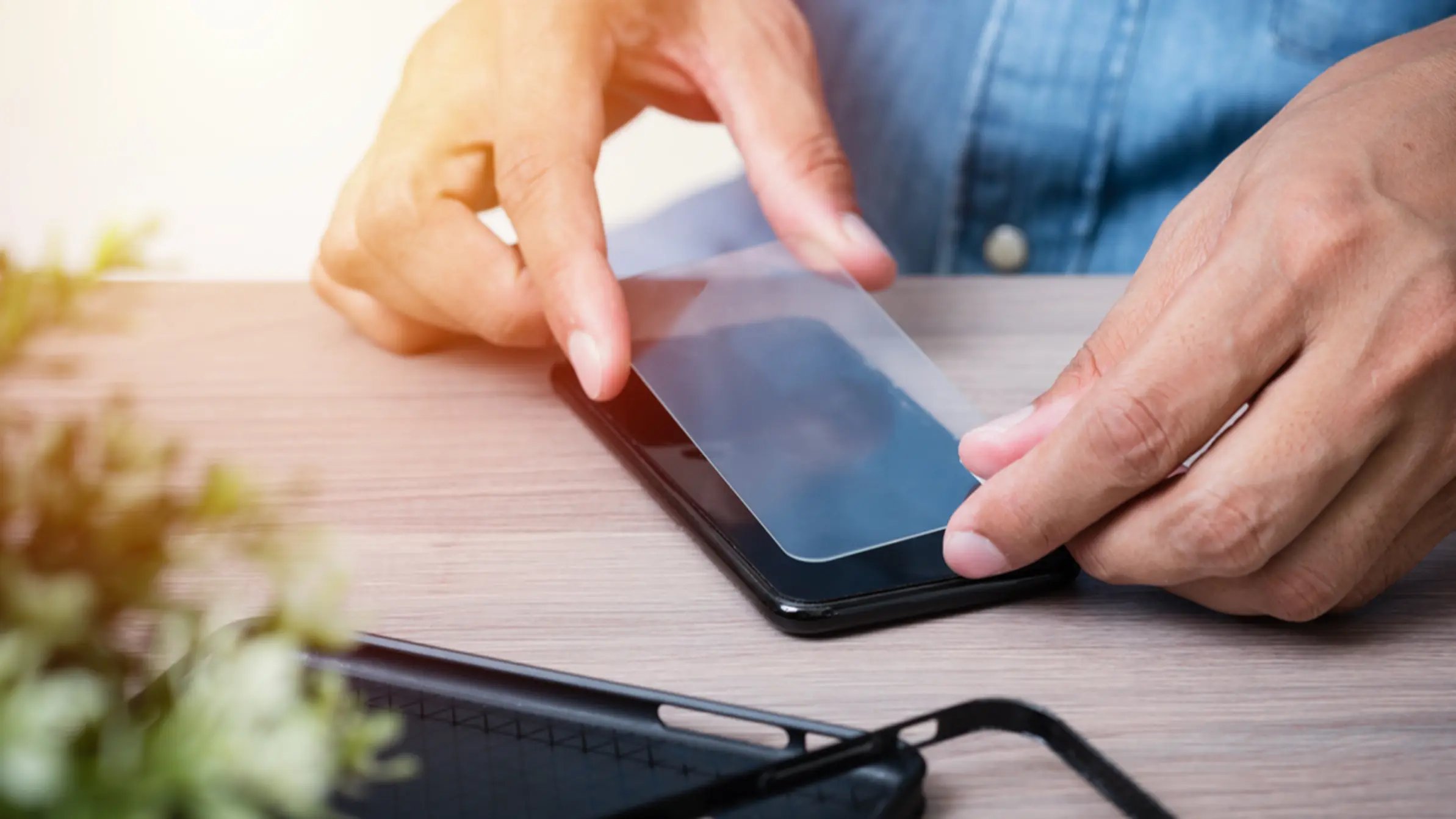
Applying a 9H screen protector requires careful preparation and patience. Follow these steps:
- Clean the screen thoroughly using the provided alcohol wipe or a microfiber cloth to remove all dust, oil, and fingerprints.
- Use the dust stickers included in the kit to pick up any remaining specks of dust from the screen surface.
- Align the protector with your device's screen, matching the edges and cutouts precisely. Many kits include alignment guides for this step.
- Press firmly on the center of the protector, allowing the adhesive to spread outward.
- Smooth out any air bubbles by pushing them toward the edges with a soft cloth or squeegee.
Note that the specific steps may vary slightly by brand, so always follow the manufacturer's instructions for best results. If you need professional help, many services offer screen protector application and repair.
Caring for your screen protector and device
Clean the protector with a microfiber cloth to remove fingerprints and smudges. The protector acts as a sacrificial layer, absorbing impacts that might otherwise damage your phone's glass. If the protector becomes scratched or cracked, it can be replaced easily, which is far less expensive than repairing the device's screen. Replace the protector when it shows visible damage to maintain optimal protection.
Frequently Asked Questions
Can a 9H screen protector be removed without leaving residue?
Most 9H screen protectors are designed for clean removal, but this is not guaranteed by official manufacturer pages. If residue remains, a mild adhesive remover or rubbing alcohol can help, but always test on a small area first.
Can I still use a phone case with a 9H screen protector?
Yes, but compatibility varies by case design. Some snug-fitting cases may lift the edges of the protector. Check that your case leaves a small gap around the screen edges to avoid interference.
How long does a 9H screen protector last?
Durability depends on usage, handling, and environmental factors. Replace the protector when it becomes scratched or damaged to maintain protection.
Can a 9H screen protector be reapplied after removal?
No, the adhesive is designed for a single application. Once removed, the protector cannot be reused. Have a spare protector ready if you plan to replace it.
Are there different types of 9H screen protectors available?
Yes, options include tempered glass, film-based protectors, and those with additional features like anti-glare or blue light filtering. Choose one that fits your device model and meets your specific needs.
For the wider topic, see screen protector application and repair.
Related reading: What Is A Tempered Glass Screen Protector and Why Is My Screen Protector Cracking.