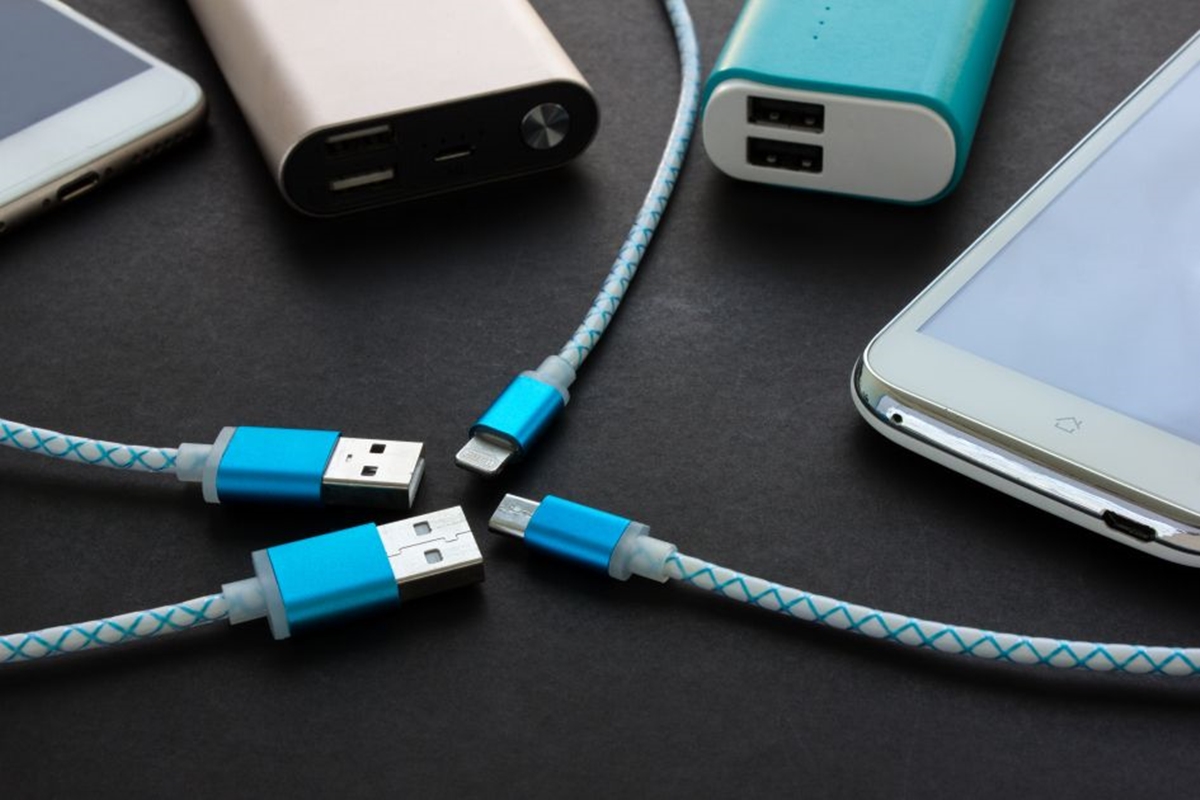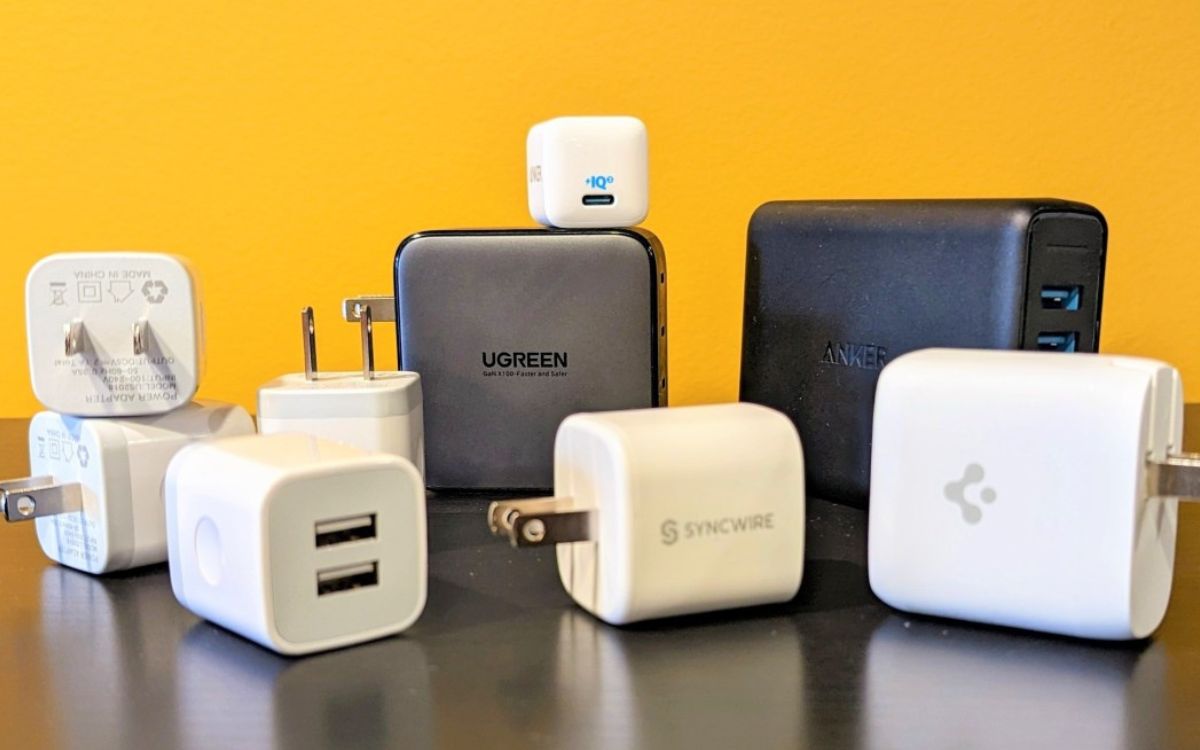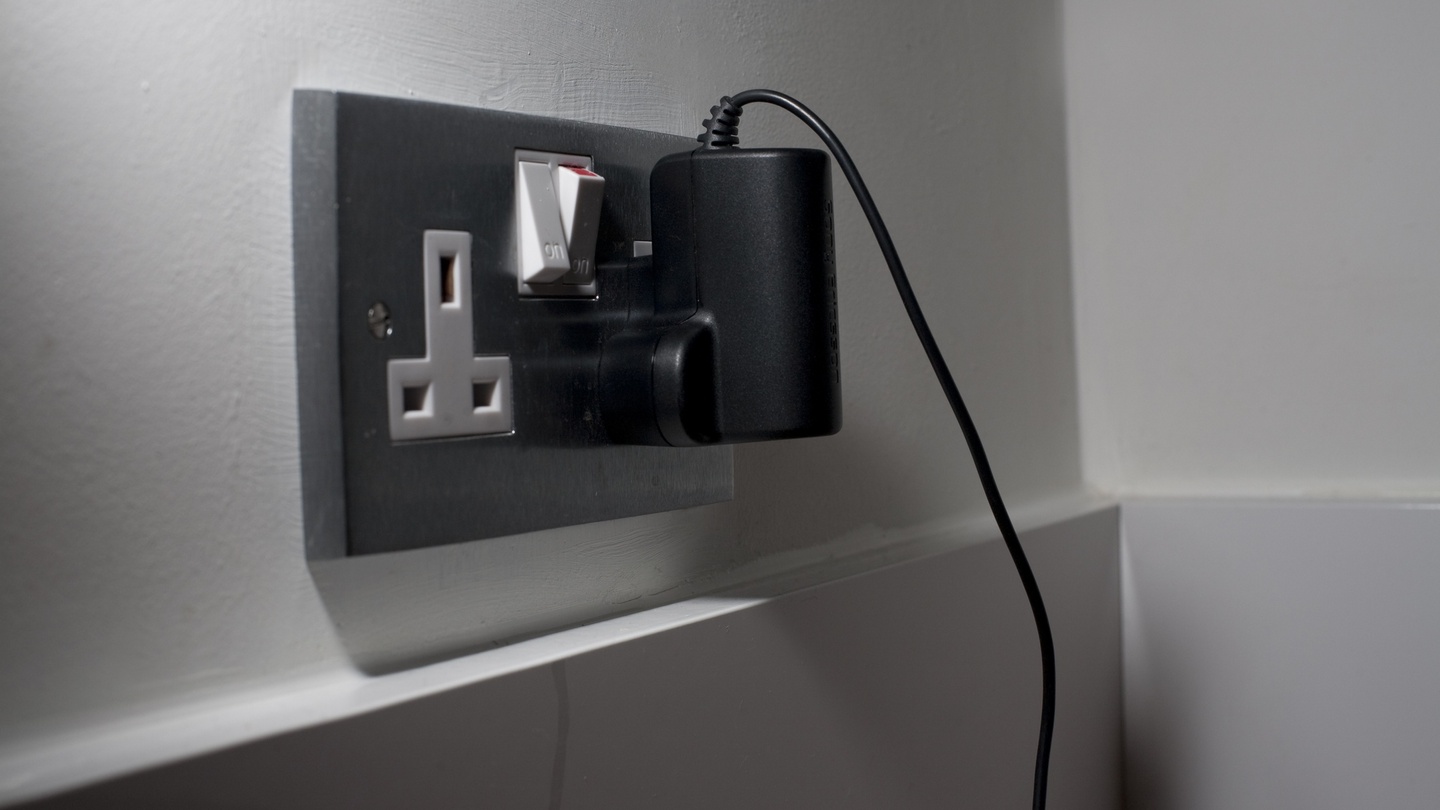
The small block that plugs into a wall outlet to charge your phone is most commonly called a phone charger plug. It is also widely known as a charging block or power brick.
Common names for the plug
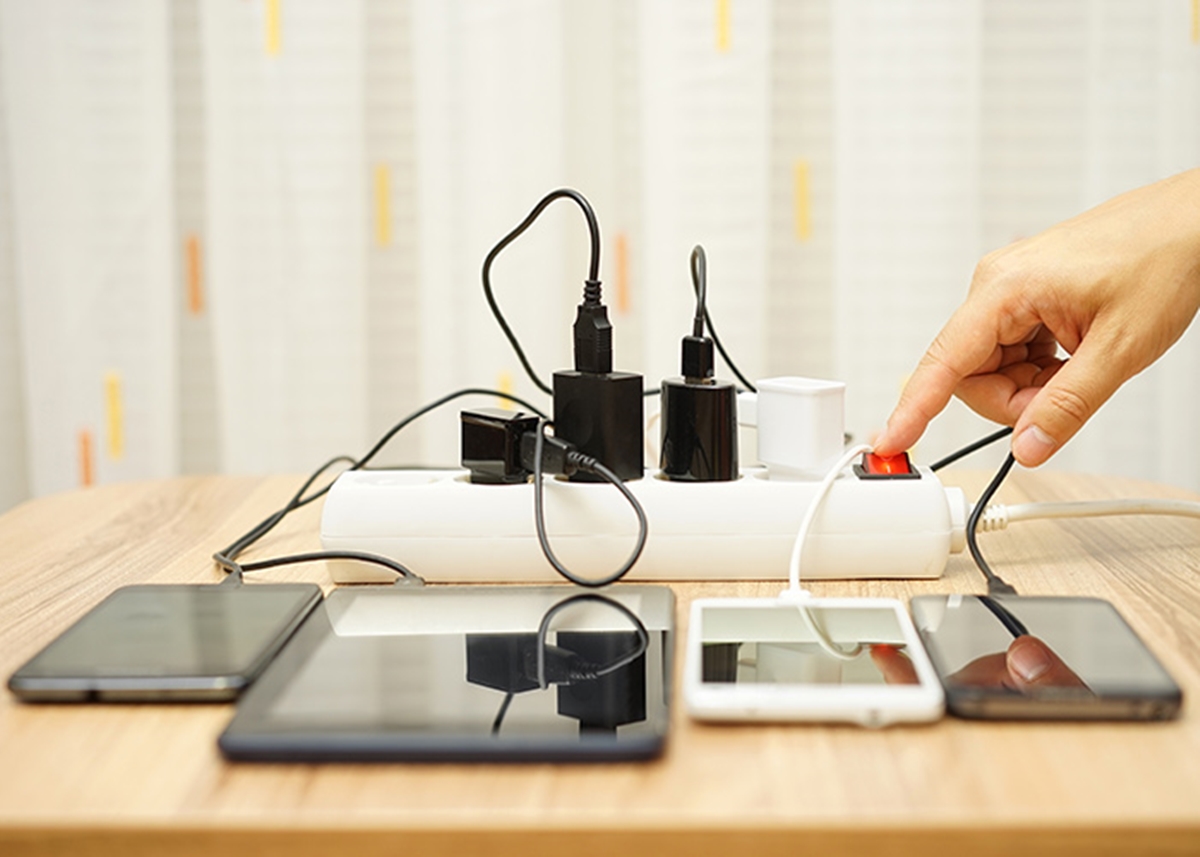
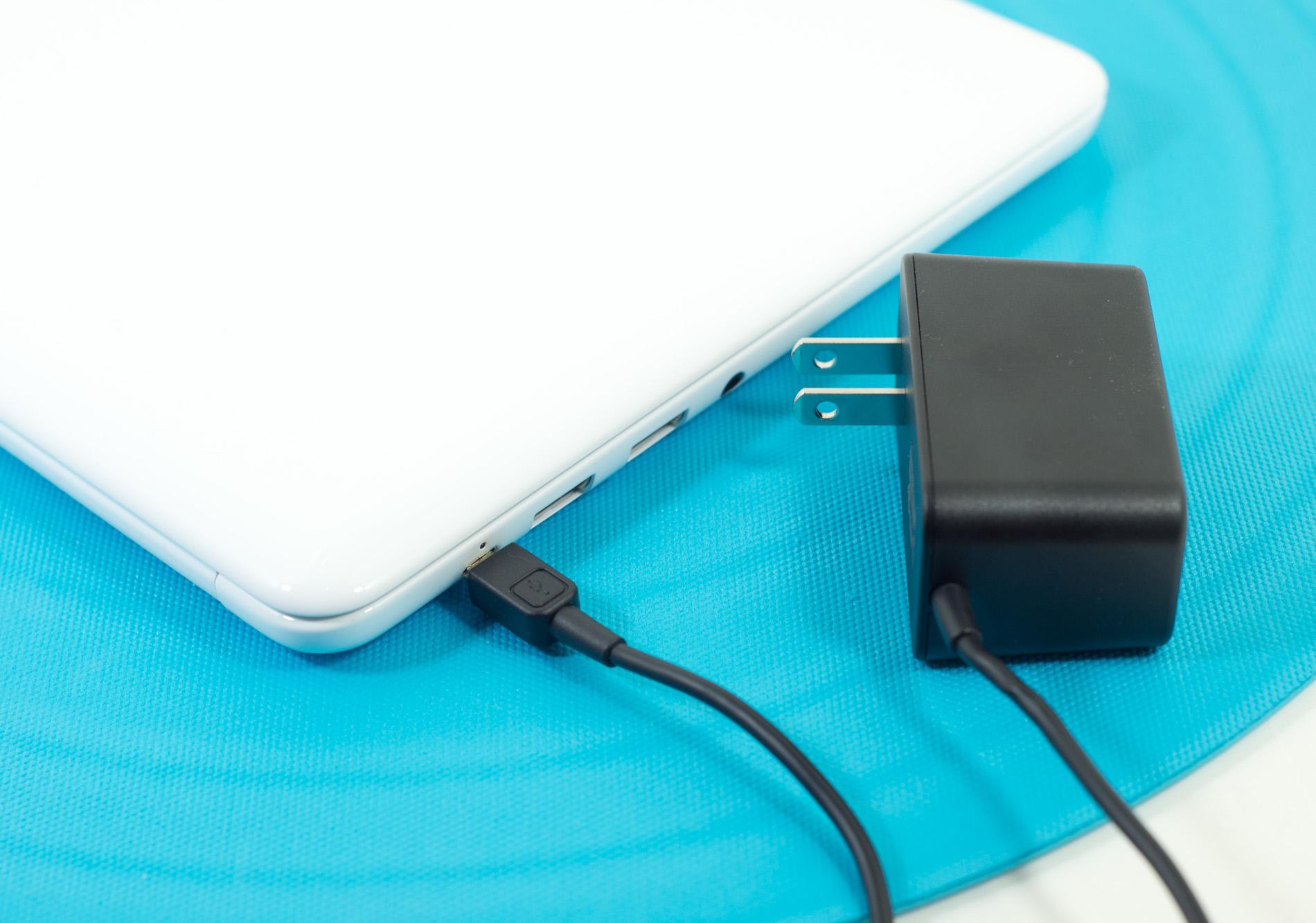
You might hear this device called a wall adapter, power adapter, charging block, or AC power brick. These terms all refer to the same thing: the rectangular component that converts the AC power from your wall outlet into the DC power your phone needs. While the names vary by region or personal preference, their function is identical.
Identifying your phone charger plug by connector type
The most reliable way to identify your phone charger plug is by looking at the port on the bottom where the cable connects. This determines which cable you need and, in turn, what plug is compatible.
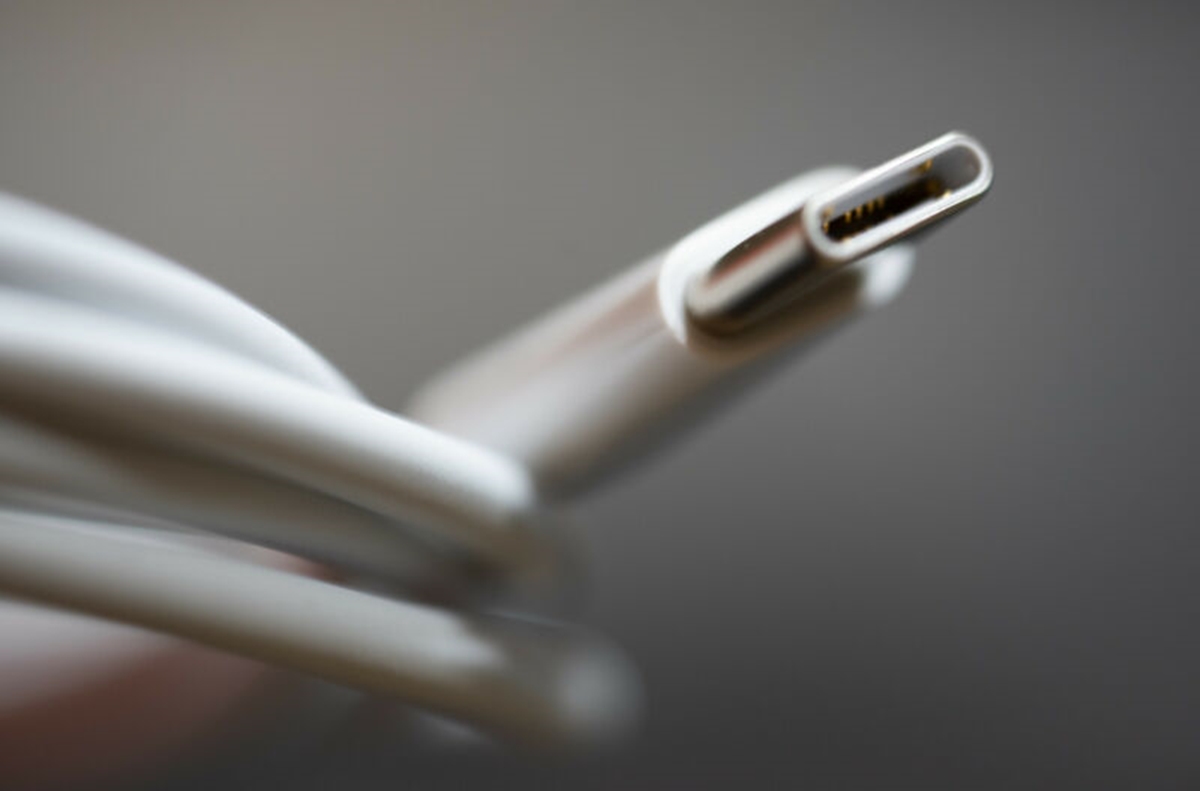
- USB-C: This is the modern, reversible connector found on current iPhones (iPhone 15 and later), Samsung Galaxy phones (since the Galaxy S8 and Note8), and all Google Pixel phones. It is the newest standard and supports faster charging and data transfer.
- USB-A: This is the older, rectangular USB standard. It is still used with many cables, especially older Lightning cables for iPhones or Micro-USB cables for older Samsung devices. A USB-A connection on a plug will prevent newer fast-charging standards like USB Power Delivery from working.
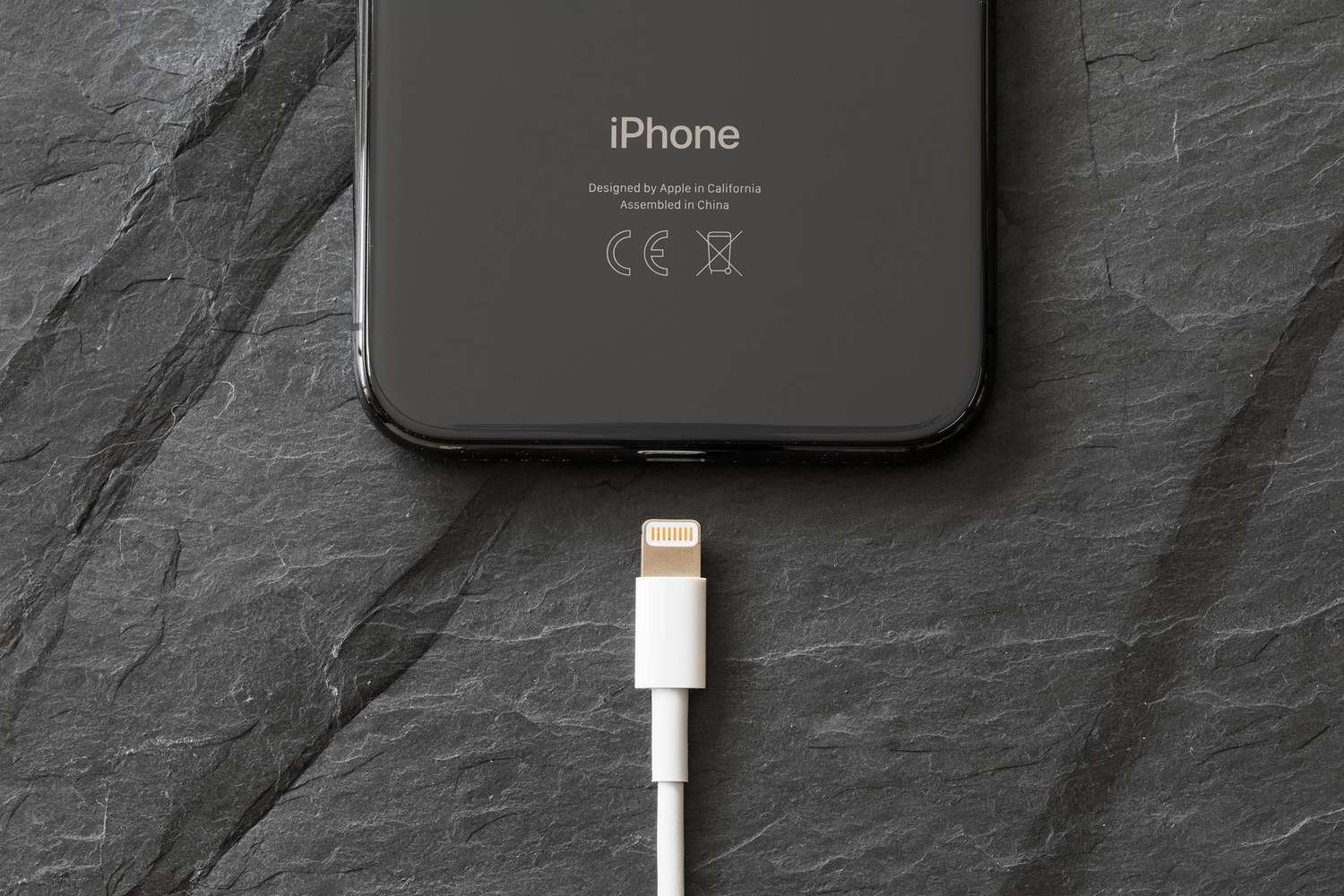
- Lightning: This is the proprietary connector used exclusively by Apple for iPhones (models 5 through 14), iPads, and iPods. It connects to a cable that then plugs into either a USB-A or USB-C power adapter.
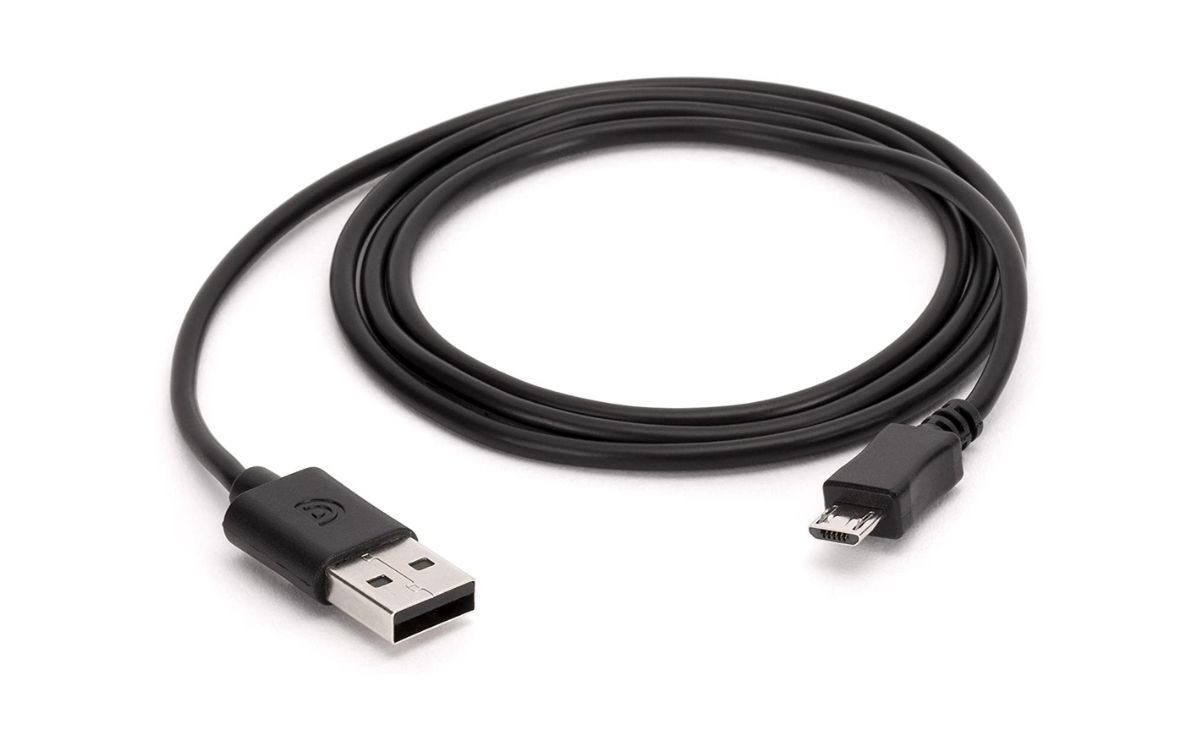
- Micro USB: This is an older, non-symmetrical connector found on many older Samsung models and other budget-friendly devices. It must be inserted in the correct orientation to avoid damage.
For a deeper look at the differences, a guide on phone charger types and cables can help you match the right connector to your device.
Phone-specific plug requirements
Different phone brands have specific requirements for their power adapters. Knowing these details ensures you buy the right plug for fast and safe charging.
iPhones (Lightning vs. USB-C)
For iPhones with a Lightning port (iPhone 5 through 14), you can use either a "Lightning to USB Cable" (USB-A to Lightning) or a "USB-C to Lightning Cable" with a compatible USB-C power adapter. For iPhone 15 and later models, which feature a USB-C connector, you connect a USB-C cable directly to a compatible USB-C power adapter. To charge an iPhone with a USB-C cable, connect the cable to the USB-C connector on the iPhone and to a compatible USB-C power adapter, then plug the adapter into a wall outlet. The USB-C cable included with iPhone 15 and later models supports charging and USB 2 speeds; iPhone 15 Pro and Pro Max models can achieve faster USB 3 data transfer speeds (up to 10Gb/s) with an optional USB 3 compliant cable. Additionally, the USB-C connector on iPhone 15 and later can charge other devices like AirPods or Apple Watch at up to 4.5 watts.
Samsung Galaxy phones
Most Samsung Galaxy phones use either a USB Type-C or Micro USB charger. USB Type-C is the newest type and is found on all new Samsung devices. It is reversible, meaning it can be plugged in either way, which helps prevent damage to the USB port. Samsung has used USB-C on devices since 2017, starting with models like the Galaxy S8 and Note8. To identify your Samsung phone or tablet model, go to 'Settings' and then tap 'About phone' or 'About tablet'. Newer Galaxy phones and tablets, such as the Galaxy S22 and S21 lineup, are compatible with USB-C chargers that support USB Power Delivery 3.0 or Quick Charge 2.0. These devices can be charged using a standard 15W charger or a Superfast 25W charger. Micro USB Type B is an older port type still found on many older Samsung models.
Google Pixel phones
Pixel phones use a USB-C port located at the bottom of the device. To charge a Pixel phone with a cable, plug either end of the USB-C cable into the port at the bottom of the phone, then plug the other end into the power adapter, and finally plug the power adapter into a power outlet. You can use either a USB-C to USB-C cable or a USB-A to USB-C cable for charging, but note that a USB-A connection will prevent USB-PD fast charging. The USB-C cable included with Pixel phones is suitable for charging, even with higher power chargers. For cables, it is advised not to use ones longer than 2 meters to avoid potential problems. Google recommends using Google 30W, 45W, or 67W USB-C Fast Chargers, or any Programmable Power Supply (PPS) power adapter rated for 30W or more. Pixel phones are designed to use USB Power Delivery (USB-PD) and USB-PD PPS chargers. The phone's charging system communicates with the charger and cable to optimize charging safely, drawing only the power it needs. For optimal future-proofing, it is recommended to use a charger that is USB-PD 3.0 (or 3.1 or greater) and includes PPS in its specifications, as PPS technology helps reduce heat generation in the phone during charging. Newer Pixel models, such as the Pixel 9 Pro XL, can charge at 30W or more, while the Pixel 11 Pro XL requires a charger that explicitly specifies PPS charging up to 21 volts to achieve its maximum 37-watt charging rate. Wireless charging on Pixel 10 and later devices supports Qi2, while older Qi chargers (Qi1.x) will charge at a slower rate (up to 5W). Older Pixel models, like the Pixel 5a (5G), use an 18W adapter with USB-PD 2.0 for fast charging. To understand how much power you need, check the USB charger wattage output of your adapter.
What about the part that goes into the wall?
The prongs that go into the wall outlet are a separate part of the adapter and vary by country. For example, the United States uses flat parallel prongs (Type A or B), Europe uses round pins (Type C, E, or F), and the United Kingdom uses three rectangular pins (Type G). However, the "phone charger plug" question usually refers to the whole adapter block, not just the prongs. If you are traveling, you may need a plug adapter to fit the local outlet, but the power adapter block itself is what converts the voltage. If you are looking for a specific international standard, you might search for a type C phone charger for use in Europe and parts of Asia.
Frequently Asked Questions
Can I use any power adapter with my phone?
While many adapters will charge your phone, using the wrong one can result in slow charging or, in rare cases, damage. It is best to use an adapter that is compatible with your phone's charging standard (USB-PD, Quick Charge) and has a wattage rating your phone supports.
Does the wattage of the plug affect charging speed?
Yes. A higher-wattage plug can charge a compatible phone faster. However, your phone will only draw as much power as it is designed to handle, so using a higher-wattage plug than recommended will not harm your device, but it also won't charge it faster than its maximum supported speed.
What is a "GaN" charger?
Gallium Nitride (GaN) chargers are a newer type of power adapter that uses a different semiconductor material. They are typically smaller, lighter, and more energy-efficient than traditional silicon-based chargers, while still delivering high power output.
Is it safe to use a third-party charger plug?
Yes, as long as it is from a reputable brand and is certified (such as UL, CE, or FCC). Avoid cheap, uncertified chargers, as they may lack safety features like overcurrent protection and could pose a fire or shock hazard.
Can I charge my phone with a laptop USB port instead of a wall plug?
Yes, you can charge your phone by plugging it into a laptop's USB port. However, laptop USB ports often deliver lower power (typically 2.5W to 4.5W for USB-A), so charging will be much slower than using a dedicated wall adapter.
For the wider topic, see phone charger types and cables.