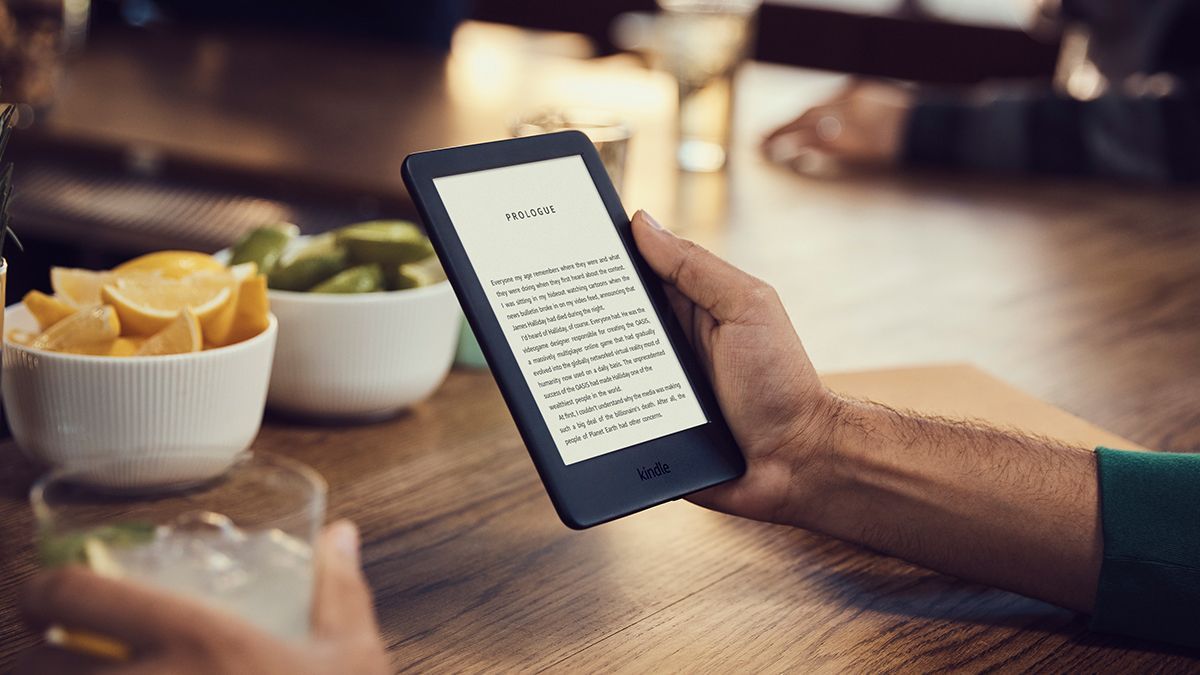
You can start your Kindle Unlimited free trial by visiting the Kindle Unlimited signup page on Amazon's website and selecting the free-trial offer shown there. This is the only verified way to begin the trial without being charged, and it directly answers how to sign up for Kindle Unlimited free trial without paying a dime.
How to start your Kindle Unlimited free trial: The verified, step-by-step process
Follow these steps on Amazon's website to start your free trial:
- Open the Kindle Unlimited signup page on Amazon's website.
- Select the free-trial offer displayed on that page.
- Sign in to your Amazon account, or create a new one if prompted.
- Confirm the subscription details on Amazon's page and complete the signup.
Once you finish, you can immediately begin browsing and borrowing from the Kindle Unlimited library. The process is handled entirely through Amazon's website, and no separate app or device is required to sign up.
What you need to know before you sign up
The free trial is available only if you have not tried Kindle Unlimited before. Amazon documents that the trial is for new subscribers only, so if you have previously used a Kindle Unlimited free trial or paid subscription, you will not see the free-trial offer on the signup page.
When the free trial ends, Amazon automatically converts it to a paid monthly subscription. You will be charged unless you cancel before the trial period ends. You can cancel at any time from your Amazon account settings, and your access to Kindle Unlimited continues until the end of the current trial or billing period.
Kindle Unlimited gives you access to over 4 million digital titles, including ebooks and audiobooks. During the free trial, you have the same access to the library as a paid subscriber, with no separate usage cap or library limit documented for the trial period beyond the title access Amazon states. You can borrow up to 10 books at a time with Kindle Unlimited.
Frequently Asked Questions
What is Amazon Kindle Unlimited?
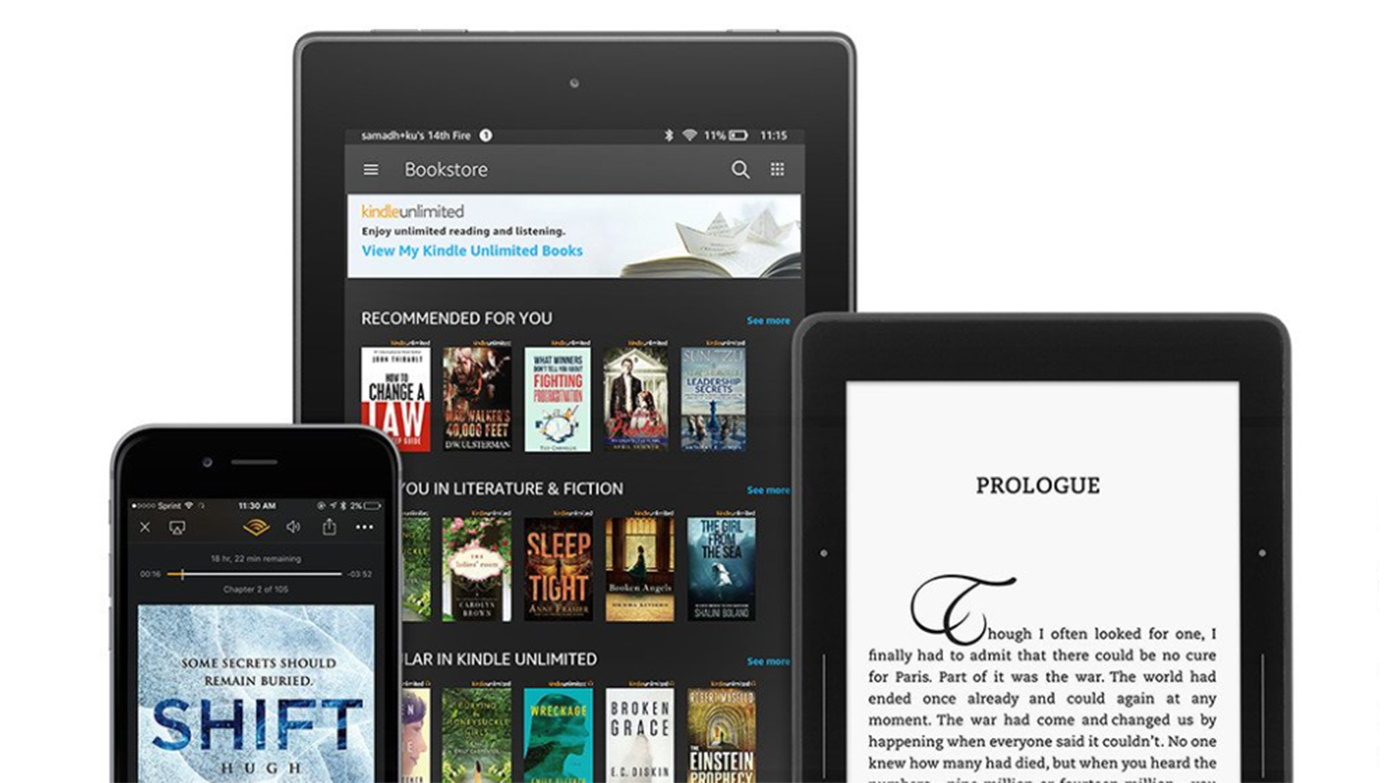
Amazon Kindle Unlimited is Amazon's subscription service for reading digital titles. It gives you unlimited access to over 4 million ebooks and audiobooks from the Kindle Unlimited library, which you can read on Kindle devices or through the free Kindle app on smartphones, tablets, and computers.
Do you pay during the free trial?
No. Amazon documents that the trial is free, and billing starts only after the trial ends unless you cancel first. You must provide a payment method when signing up, but you will not be charged during the trial period.
Can you get another free trial?
No. Amazon says the free trial is only for customers who have not tried Kindle Unlimited before. If you have already used a free trial or had a paid subscription, you are not eligible for another free trial on the same account.
Can you cancel the free trial and still keep reading until it ends?
Yes. Amazon's help page for Kindle Unlimited says you can cancel from your account, and the subscription continues until the end of the current trial or billing period. You will not lose access immediately after canceling.
Do you need a Kindle device to use the free trial?
No. You can read Kindle Unlimited books on any device that supports the free Kindle app, including iPhone, Android, iPad, and computers. The signup itself is done on Amazon's website, not through a device-specific app.
Can you read Kindle Unlimited books offline?
Yes. You can download Kindle Unlimited books to your Kindle device or the Kindle app on your smartphone or tablet and read them offline without an internet connection. You can share Kindle Unlimited books with one other adult in your household through the Amazon Household feature.
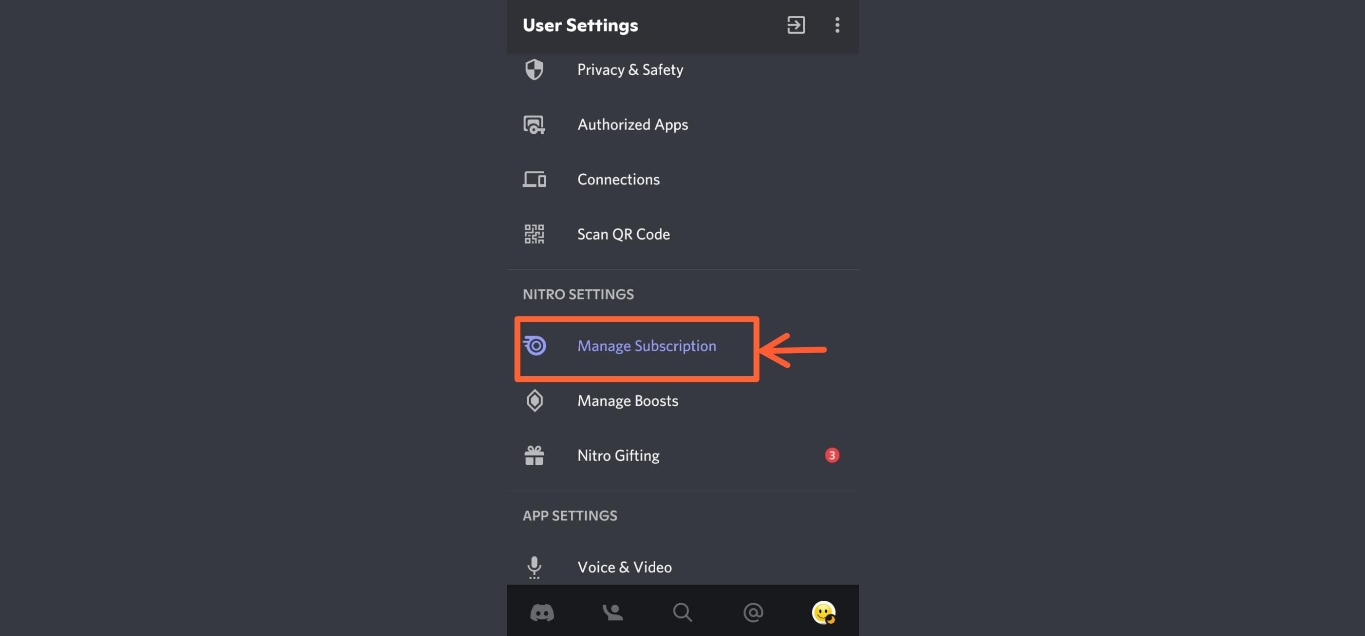
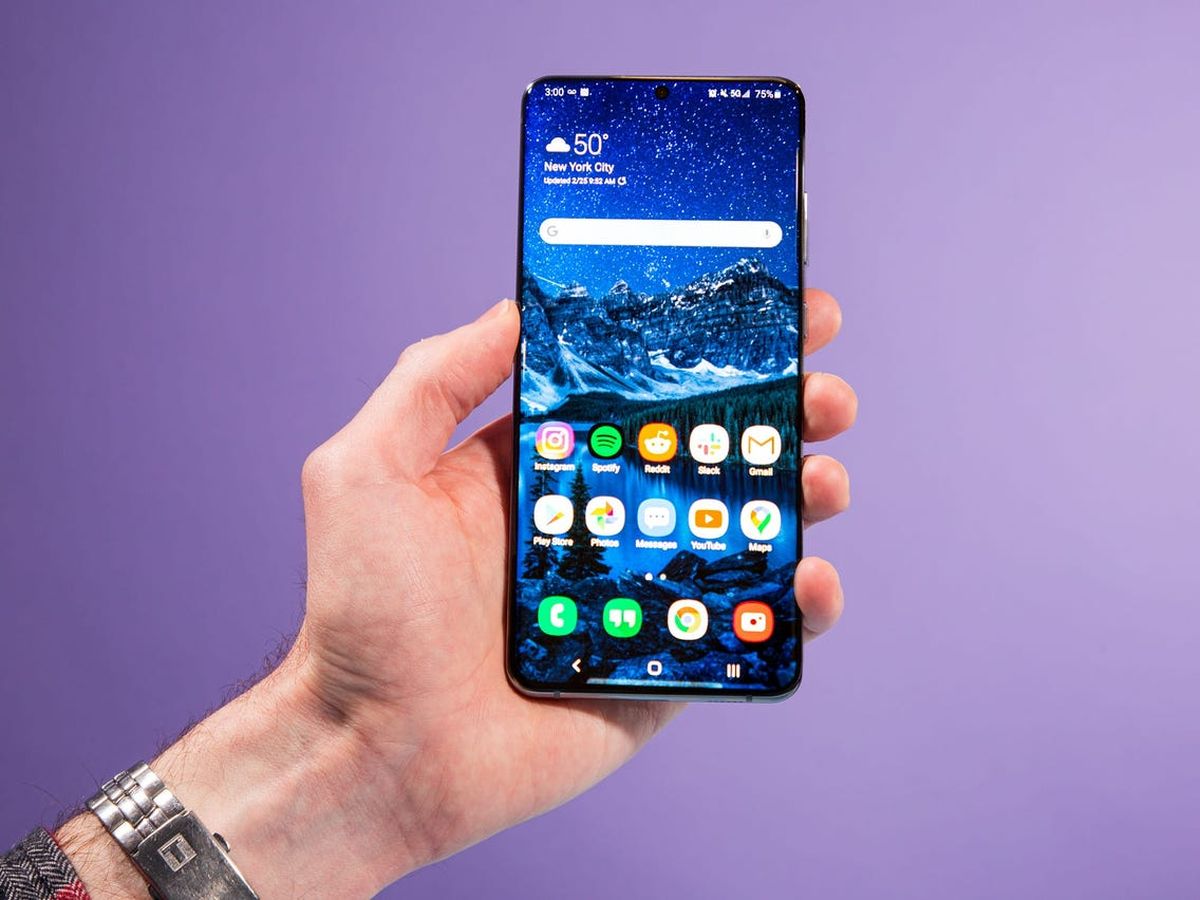
Related reading: How To Cancel Nitro Subscription On Mobile and How To Cancel Subscriptions On Samsung Phone.