






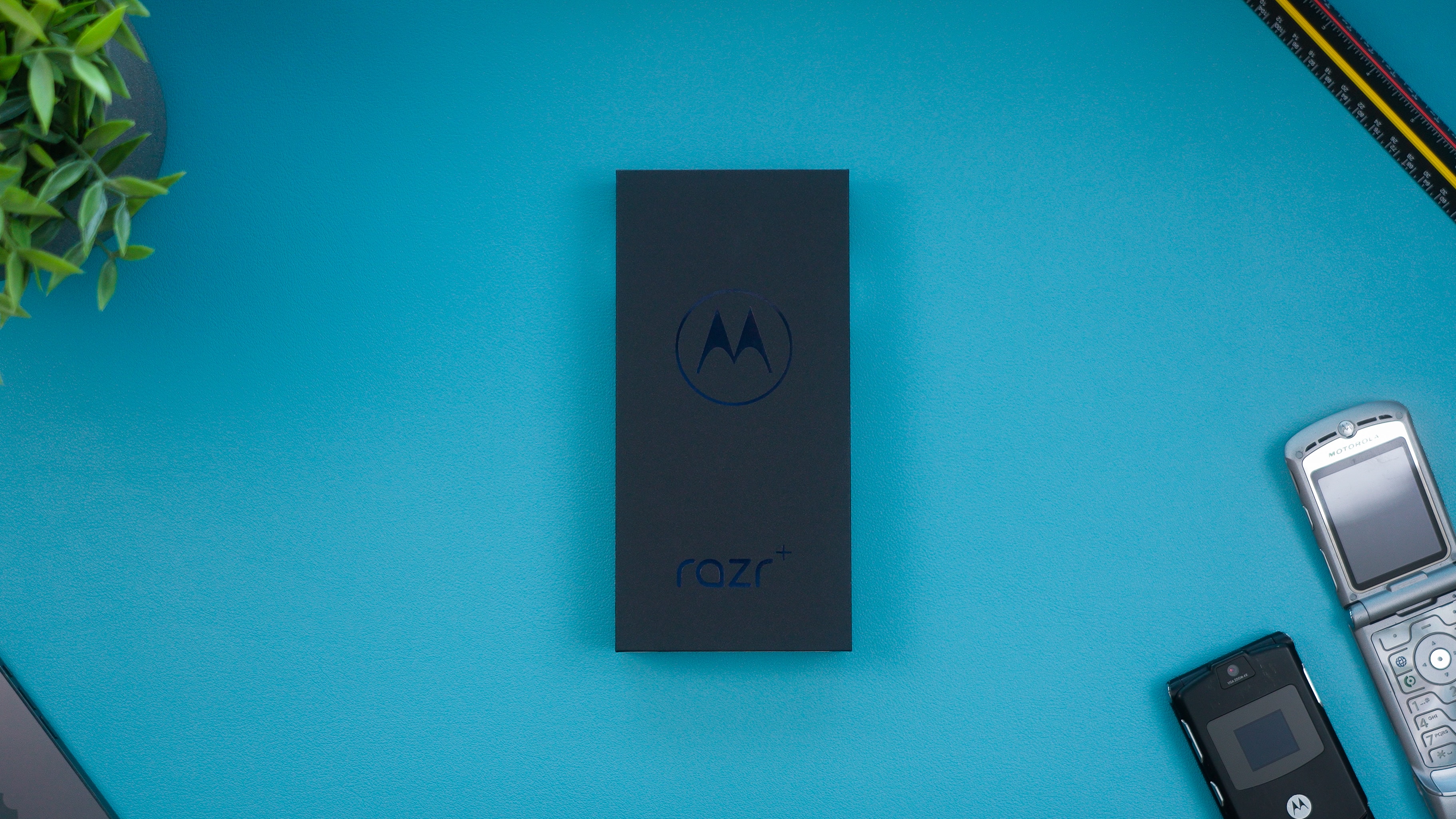
If you are looking for a definitive list of Motorola phones wireless charging, the models that officially support Qi wireless charging include the Motorola edge+ (2020), Motorola edge (2024), Motorola razr+ (2024), Motorola razr (2024), Motorola edge - 2023, and Motorola edge 50 pro. This means you can charge these devices simply by placing them on a Qi-certified pad, without plugging in a cable.
Motorola phones with wireless charging: the full list
The following table lists every Motorola phone with confirmed Qi wireless charging support, including the maximum charging wattage where documented by Motorola.
| Model | Wireless Charging Speed |
|---|---|
| Motorola edge+ (2020) | 15 watts |
| Motorola edge (2024) | 15 watts |
| Motorola razr+ (2024) | 5 watts |
| Motorola razr (2024) | 5 watts |
| Motorola edge - 2023 | Qi-certified (speed not specified) |
| Motorola edge 50 pro | Qi-certified (speed not specified) |
Motorola’s compatibility charts also list additional models that support wireless charging, including the Motorola edge 20, Motorola edge 20 pro, Motorola g200 5G, Motorola edge (2022), Motorola edge+ (2022), Motorola edge 30, Motorola edge 30 fusion, Motorola edge 30 neo, Motorola edge 30 pro, Motorola edge 30 ultra, Motorola razr 2022, Motorola edge 40, Motorola edge 40 pro, Motorola edge+ (2023), Motorola razr+ (2023), Motorola razr 40 ultra, Motorola razr 40, moto g84 5G, Motorola edge 40 neo, moto g34 5G, Motorola edge 50 fusion, Motorola edge 50 pro, and Motorola edge 50 ultra. However, those listings come from a Moto Connect compatibility chart rather than dedicated wireless charging support pages, so the six models in the table above are the most reliably verified.
How to set up wireless charging on your Motorola phone
Setting up wireless charging on a compatible Motorola phone is straightforward. Follow these steps from Motorola support:
- Place your Motorola phone on a Qi-certified wireless charger so that the phone’s wireless charging area aligns with the charger’s coil.
- Wait a few seconds for a notification to appear. On the Motorola edge (2024), the notification reads “Wireless charging is on” when the phone is unlocked. The notification on the Motorola edge (2024) when unlocked says “Wireless charging is on”.
- If your phone does not start charging, remove any thick case, as Motorola states that a thick case can prevent proper charging.
For a seamless phone wireless charging setup, always use a Qi-certified charger and ensure the phone is centered on the pad. Qi Charging: What Is It & Is Your Phone Qi-Enabled, Qi is the universal wireless charging standard that Motorola phones use, and your phone is Qi-enabled if it appears in the list above.
Motorola phones with reverse wireless charging
Several Motorola phones can also act as wireless charging pads to charge other Qi-compatible devices. This feature is called Power Sharing. The following models support reverse wireless charging:
- Motorola edge+ (2020)
- Motorola edge - 2023
- Motorola edge 50 pro
To enable Power Sharing on the Motorola edge+ (2020), go to Settings > Battery > Power sharing and turn it on. On Spanish-language devices, the path is Ajustes / Configuración > Batería > Compartir batería, then enable Permitir Compartir batería. Once enabled, place the phone face down on a flat surface and place the Qi-compatible device in the area outlined by the edge lights.
Frequently Asked Questions
Do all Motorola phones have wireless charging?
No. Wireless charging is only available on select Motorola models, primarily from the edge and razr series. Budget models like the Moto G series generally do not include this feature.
Which Motorola models support wireless charging?
Several other edge and razr models also support it according to Motorola’s compatibility charts.
Can I use any Qi charger with my Motorola phone?
Yes. Any Qi-certified wireless charger will work with a compatible Motorola phone. For best results, use a charger that matches or exceeds your phone’s supported wattage.
For the wider topic, see phone wireless charging setup.

















