To change my phone number at AT&T, sign in to your wireless account online or use the AT&T app. You can also visit a store or contact customer support, but the online methods are the fastest for postpaid customers.
How to change my phone number at&t: a step-by-step guide
People change their phone number for many reasons: escaping spam calls, starting fresh after a move, or protecting their privacy. AT&T offers two main online methods to change your number, through the website or the app. Prepaid customers, however, must use a different process and cannot change their number online.
Before you change your number: critical things to know
Changing your phone number is free within 30 days of activating your service. After 30 days, there is a $36 change fee for postpaid wireless accounts. For AT&T Prepaid accounts, the number change fee is $25. You cannot change your number online if you have Wireless Account Lock turned on; you must turn it off first. When you change your number, your existing voicemail messages will not transfer to the new number, so save any important messages beforehand. Your monthly service charge will be prorated between your old and new numbers.
How to change your number on the AT&T website
- Sign in to your wireless account if asked.
- Select "Device options."
- Select "Change phone number."
- Complete the form and select "Search for available numbers."
- Select the number you want.
- Follow the prompts to complete your request.
If you see a "Switch to choose a number" option, select it before proceeding. After you complete these steps, AT&T will process the change. Your new number will typically activate within a few minutes to a few hours.
How to change your number in the AT&T app
These steps are for the AT&T app on Android devices.
- From the "Services" tab, select the device you'd like to view.
- Tap "Manage."
- Scroll to and tap "Change phone number."
- Tap "ZIP code." You can also choose to search for a new number by area code, city, or state.
- Enter your ZIP code and tap "Search for available numbers."
- Choose a new phone number and tap "Select."
- Tap "Change my number."
What to do after you change your AT&T number
After getting a new number, you should create a new voicemail greeting. If you want to use Visual Voicemail, sync your device with your Apple ID. Update the wireless number for your AT&T ID in your account profile, especially if your old number was associated with your AT&T ID. Notify your contacts and update your number on any accounts that use it for verification, such as banking apps or two-factor authentication. If you have AutoPay set up on your AT&T Prepaid account, AT&T will assist with re-enrolling after you change to a U.S. phone number (specific to the Puerto Rico/US Virgin Islands situation).
How to change a prepaid AT&T phone number
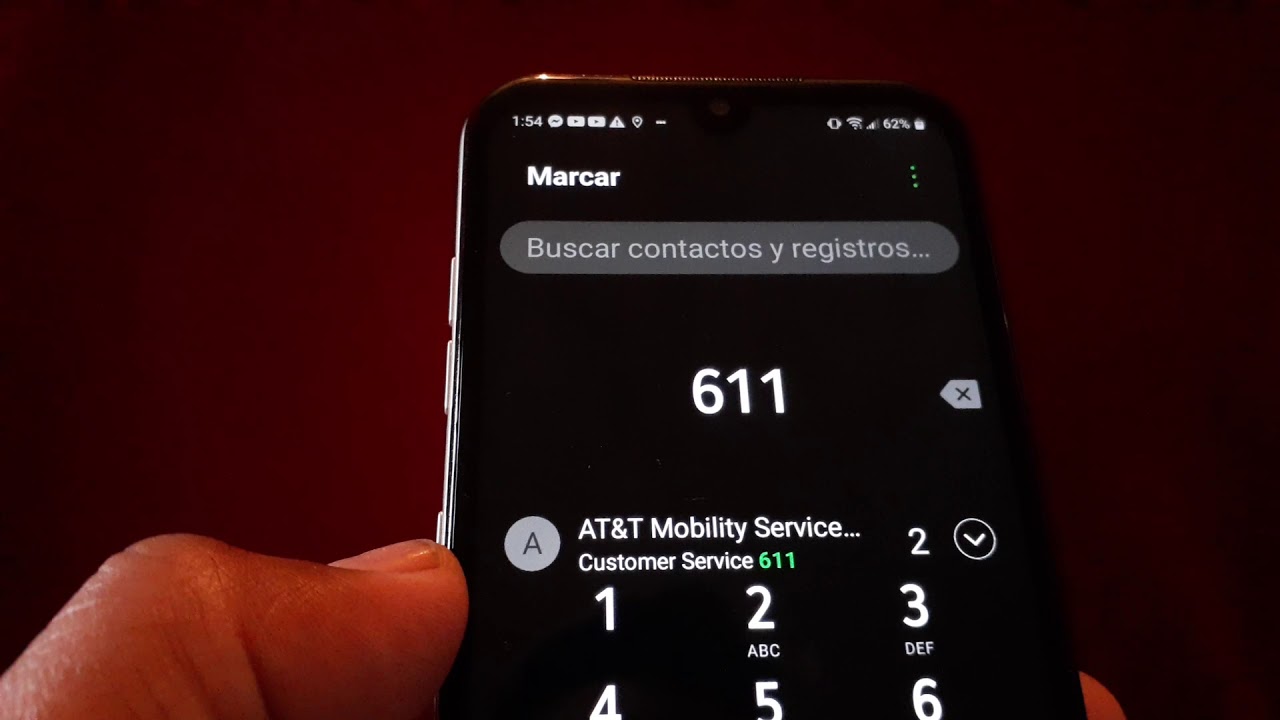
For AT&T Prepaid accounts, you must contact customer service to change your number, as it cannot be done online. Call 611 or 800.901.9878. For AT&T Prepaid numbers, if you need to change your number due to AT&T selling its wireless and landline operations in Puerto Rico and the U.S. Virgin Islands (area codes 787, 939, and 340), you must contact AT&T. Select "More Options", then "Account Changes", and then say "representative" when calling for the Puerto Rico/US Virgin Islands prepaid scenario. AT&T will help you find the best plan for your needs, and you may need to switch plans. The fee for changing your phone number will be waived in this specific prepaid scenario. If you do not change your AT&T Prepaid number before April 6 (specific to the Puerto Rico/US Virgin Islands situation), your service will be canceled, and you will lose your wireless number.
Frequently Asked Questions
Will changing my phone number affect my contract with AT&T?
Changing your phone number will not affect your contract with AT&T. Your contract is tied to your account, not your phone number.
Can I choose my new phone number?
AT&T will provide you with a selection of available phone numbers to choose from. Availability depends on your location and area code.
How long does it take for my new phone number to be activated?
Activation typically takes a few minutes to a couple of hours. During this time, your old number will still be active.
Can I change my phone number multiple times?
While possible, it is recommended to do so sparingly. Each change can inconvenience your contacts and cause confusion with accounts and services.
What should I do if my contacts or accounts are tied to my old phone number?
Update your number on all online accounts, subscriptions, and notify your bank, healthcare providers, and other essential services.
How do I change my AT&T Home Phone number?
To change your AT&T Home Phone number, you must contact AT&T directly. AT&T does not allow changing home phone numbers online for protection purposes.
Related reading: How To Change Phone Number On AT&T and How To Get An Old Phone Number Back.