Before you port or change anything
Before you port your phone number, confirm which process you actually need. Moving a number to a new provider is a port, which requires the old line to remain active until the new company completes the request, while moving a number between devices on your same account is a transfer. Mixing up the two is the single most common reason a number change stalls. Start by gathering your current account number and the full ten-digit phone number so your new provider can verify the line right away.
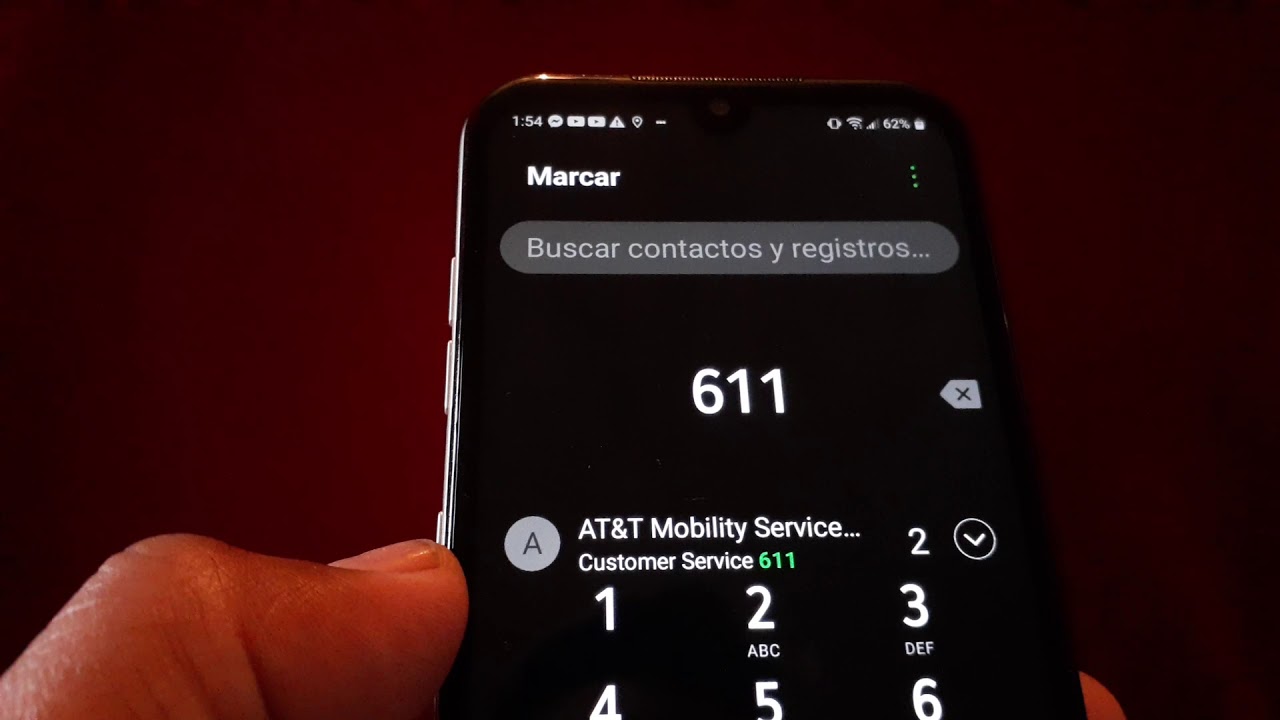
On T-Mobile, the Primary Account Holder must remove port protection T-Mobile has placed on the line through their account portal or app, then generate a Temporary Port Out PIN before the new company can take over. For a business profile, an authorized user needs to release the line through the appropriate account management channel. If you need to release phone number from AT&T or release a phone number from Verizon, be prepared to contact those providers directly while your subscription is still active. An active line is non-negotiable, as canceling early can forfeit the number entirely and you may remain responsible for the cost of getting a new phone number if you have to start over. Outside the U.S., if you need to check phone number on MTN before initiating a port.
Moving your number to a new carrier
Starting a port begins with your new provider, not your old one, so you will open an account or start an activation with them first. Before you can port number to T-Mobile, you will give your billing details and security passcode to the new company.
If your goal is to transfer existing telephone number service into a prepaid provider, TracFone requires the number to be active with your current operator, so gather your billing credentials, password or PIN, name and address, and an alternate contact number before you begin, as this is exactly what you need to know to transfer existing telephone number. You can transfer a phone number to TracFone online, and the clearest signal that the port completed is when your old phone stops working, so follow the steps in how to transfer a phone number to TracFone to avoid any disruption. When you need to transfer a phone number from Verizon to another operator, the port-out steps are not handled through a device setting menu; you will need to obtain the necessary details directly from the Big Red network while your line is still active, because canceling early risks losing the number, which is why the guide on how to transfer a phone number from Verizon is essential reading.
Moving your number to a new phone or line
When you are staying with the same provider but getting a new device, the process is a device activation, not a port. For example, to transfer phone number to new phone Verizon, sign in to My Verizon and use the device activation or switch option, which moves an existing line onto a different phone on your plan without involving a Number Transfer PIN. The confusion between this internal device swap and a full port is exactly what causes failed activations, so keep your current subscription active and avoid canceling anything until the new handset is ringing with your calls.
If you need to transfer a phone number to a new phone on T-Mobile, the path relies on a SIM activation rather than a purely app-based handset swap. After you put the new SIM into the device, complete the transfer by following T-Mobile's activation process or visiting a store instead of digging through profile settings on the website. You may also run into situations where you want to separate phone lines T-Mobile, such as splitting a single wearable line onto its own plan. Most people will need to contact Customer Care directly to reorganize their lines.
Changing or getting a new number
When you want to change my phone number on Verizon, the process is handled entirely through your online portal, not your device settings. In the My Verizon app or website, you can select a new area code and prefix while the last four digits are assigned from what is currently available.
If you are on a Lifeline plan and need to change Airtalk wireless phone number, be aware that limits on free requests may apply and exceeding them could trigger a fee.
Sometimes the goal is to reclaim a digit string you lost. While there is no self-service tool to get an old phone number back, the first step is always contacting your provider directly while the line is still potentially recoverable.
In other situations, you might simply need to deactivate a phone number to stop connectivity on a secondary line.
- get a disconnected phone number back Verizon
- change Airtalk wireless phone number
- change my phone number on Verizon
- get an old phone number back
- deactivate a phone number
- sell a phone number
Updating your number on apps and caller id
When you need to change phone number on Venmo, open the app and navigate to your account settings to update your phone number, enter the new digits, and wait for the verification text. This process only works if you can already sign into your profile. Many people try to make a second Venmo account with same phone number, but the platform does not support the same number on two active profiles, so the official path is simply to update the number on the profile you can access. If you are stuck at the verification step, Venmo rejecting a phone number may be due to issues beyond that step on the updated account. To change your caller id name Verizon wireless, sign into the My Verizon website or app. On the website, pick the line under Account > My Devices; in the app, go to Account > Manage Device and choose the line. Select Caller ID or Share Name ID to enter the display name you want, and once saved, the updated name will show on outgoing calls from that mobile line after a short propagation period.
Contacting your carrier directly
When self-service tools fall short, going directly to your provider is the fastest path to a resolution because porting and transferring are treated as entirely separate workflows. For Verizon Wireless customers, you can call Verizon wireless from cell phone by dialing the customer support line, and the representative will need to confirm your Number Transfer PIN and the specific line you are moving before initiating any number change. If you are a residential subscriber rather than a wireless user, clarify your plan type before you dial since the correct contact point is different.
AT&T does not publish a direct support email for number-management requests, so if you are searching for a way to email AT&T phone number support, know that the company routes live assistance through its phone channels and scheduled callbacks instead. When you need a telephone number to speak to live operator AT&T, the official contact page organizes support by category without listing a single universal number, and you can request a callback to avoid waiting on hold. The key detail that prevents wasted time is stating upfront whether you are porting out to a new provider or simply moving connectivity to a replacement device, as the verification steps and department routing are different for each.
Frequently Asked Questions
How do I get a Number Transfer PIN from Verizon?
Generate it in the My Verizon app or website on the Create Your Number Transfer PIN page, or dial #PORT from the smartphone that has the number and open the text link Verizon sends. You can also call Customer Service or visit a Verizon store.
What is the T-Mobile prepaid transfer phone number?
Call 1-877-778-2106 to begin a number transfer on a T-Mobile prepaid account. For postpaid port-in help, contact Customer Care at 1-800-866-2453 or check the Port-In Dashboard if the phone is not active after the expected wait time.
How do I transfer a TracFone number to a new TracFone phone?
Gather your active phone number and the new phone's serial number, then go to TracFone.com or call 1-800-867-7183, choose Activation, and select the option for an existing TracFone number. The transfer is complete when the current phone stops working.
Can I check my port status on T-Mobile?
Use the Port-In Dashboard or contact T-Mobile Customer Care at 1-800-866-2453 if your phone is not active after the expected wait time. The new provider must start the transfer, and you need your T-Mobile account number, Temporary Port Out PIN, and account passcode.
How do I activate a device on an existing Verizon line?
Sign in to My Verizon, go to My Devices, and select Activate or Switch Device, then choose Activate a Device on an Existing Line. This moves your current number to a different phone on the same account without involving a Number Transfer PIN.