






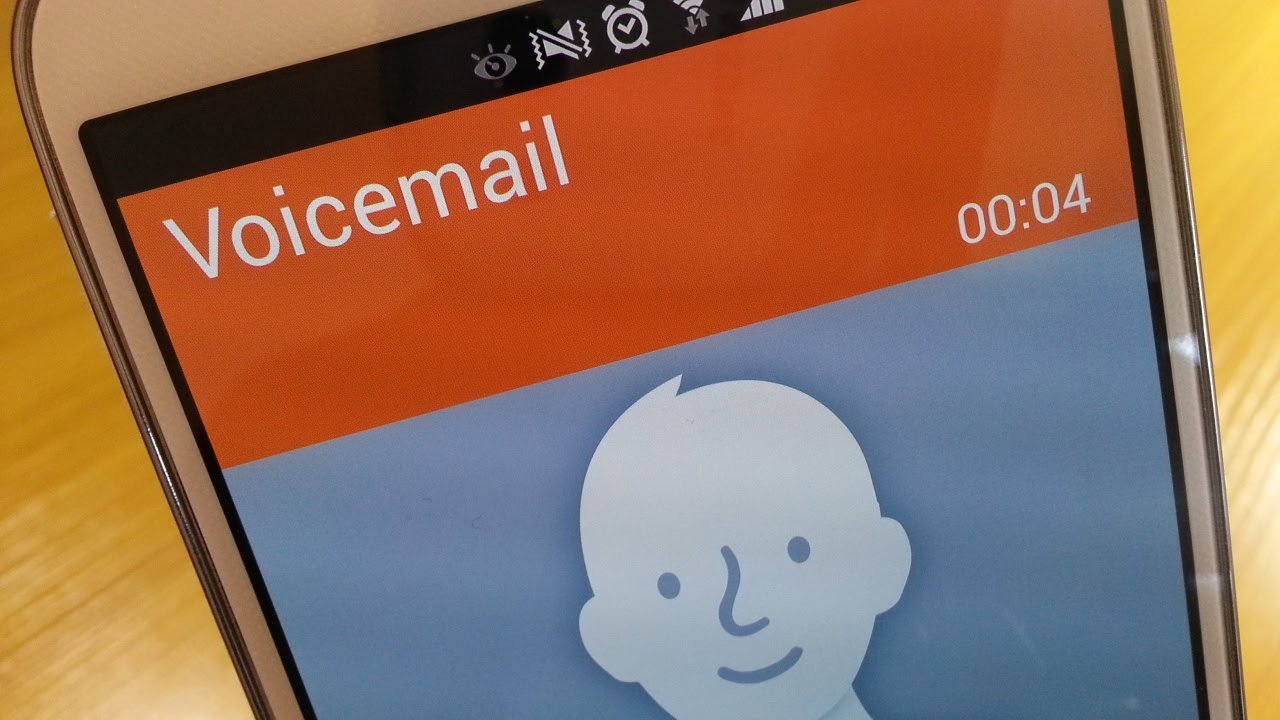
To set up voicemail on Samsung phone, open the Phone app and press and hold 1 or tap the Voicemail icon, then follow the prompts to create a password, record a greeting, and record your name. This is the standard setup flow documented by Samsung and works on Galaxy devices without a model restriction.
How to set up voicemail on Samsung phone: the basic method
The fastest way to activate your voicemail for the first time is through the Phone app. This is the standard setup flow documented by Samsung, covering everything from creating a password to recording your name so you never miss a message.
- Open the Phone app.
- Press and hold the 1 key on the keypad, or tap the Voicemail icon (usually at the bottom of the screen).
- Follow the on-screen tutorial to create a voicemail password.
- Record a personalized greeting when prompted.
- Record your name as directed.
Once you complete these steps, your mailbox is active and callers can leave messages. The same flow applies whether you are setting up voicemail on a Samsung Galaxy S series, Note, or A series, Samsung does not list a model restriction for this basic voicemail setup.
Setting up Samsung visual voicemail
Visual Voicemail lets you see a list of messages and play them in any order, making setting up and managing voicemail more convenient. Samsung documents a separate setup path for this feature.
- Open the Phone app.
- Tap the Visual Voicemail icon.
- Tap Continue.
- Allow the requested permissions.
- Review the welcome message that appears.
- Follow the remaining prompts to finish setup.
Carrier-specific steps may apply. For example, AT&T’s device help for the Samsung Galaxy A15 5G (SM-A156U) instructs users to open the Phone app, select the Keypad tab, tap the Visual Voicemail icon (or press and hold 1), enter the voicemail password if prompted, then tap Continue, Set up Visual Voicemail, and OK. Availability of Visual Voicemail depends on your carrier.
Personalizing your Samsung voicemail settings
After basic setup, you can adjust how voicemail behaves on your phone. Samsung’s Direct voicemail feature lets you send calls straight to voicemail, and you can add a delay so the phone rings briefly first. Samsung's Direct voicemail feature is accessed via Phone app > More options (three vertical dots) > Settings > Direct voicemail.
- Open the Phone app.
- Tap More options (three vertical dots).
- Tap Settings.
- Tap Direct voicemail.
- Tap the switch at the top of the Direct voicemail page to enable it.
- Tap Agree to accept the terms and conditions.
- Optionally, tap Auto send to voicemail and turn it ON, then set the desired delay before calls are sent to voicemail.
These settings give you control over when callers are routed to voicemail without needing to decline calls manually.
What to do if voicemail setup doesn't work
Voicemail features on Samsung phones are carrier-dependent. The ability to record a greeting and the availability of Visual Voicemail vary by carrier and by region. If the documented steps do not match what you see on your phone, for example, if you cannot find the Visual Voicemail icon or the greeting recording option, contact your carrier. They can confirm whether your plan supports the feature and provide any carrier-specific codes or settings needed to activate voicemail on your Samsung device. Apple documents voicemail greeting editing in Phone > Voicemail > Greeting or Edit Voicemail Greeting, then choose Default or Custom and tap Record; custom recording is not supported by all carriers or in all countries and regions.
Frequently Asked Questions
How do I listen to my voicemail messages on a Samsung phone?
Open the Phone app, tap the Voicemail icon, and enter your voicemail password when prompted. You can also call your voicemail number directly from your phone to hear messages through the automated system.
How do I change my voicemail greeting after setup?
Open the Phone app, tap the Voicemail icon, then access the settings or options menu within voicemail. Look for a greeting or personal greeting option to record a new message. The exact menu name may vary by carrier.
Can I access my voicemail from another phone?
Yes. Dial your voicemail number from any phone, enter your voicemail password when prompted, and follow the voice prompts to listen to or manage your messages. Your carrier can provide the voicemail access number if you do not know it.
How do I turn off voicemail notifications on my Samsung phone?
Open the Phone app, tap More options (three vertical dots), tap Settings, tap Voicemail, then toggle Voicemail Notifications off. This stops the notification icon and sound when a new message arrives.
Why don't I see the Visual Voicemail icon on my Samsung phone?
Visual Voicemail is not supported by all carriers or on all plans. If the icon does not appear in the Phone app, contact your carrier to confirm whether Visual Voicemail is available for your account and device model.
How do I change my voicemail password?
Apple documents changing voicemail password in Settings > Apps > Phone > Change Voicemail Password.
How do I change the new voicemail alert sound?
Apple documents changing new voicemail alert sound in Settings > Sounds & Haptics > New Voicemail.















