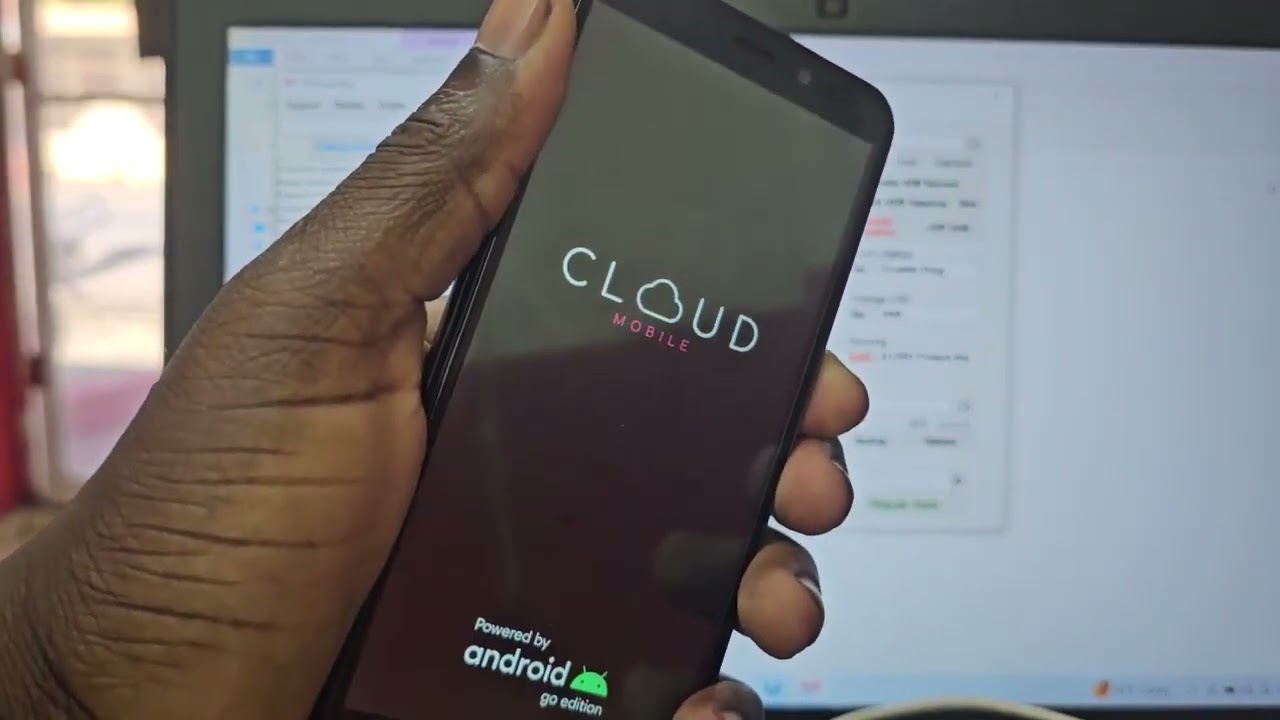
To unlock a Cloud Mobile phone, you must request an unlock code from TruConnect, the only official source for this process. This is the only documented method for unlocking carrier phones from TruConnect, specifically for devices marked "Exclusively for TruConnect" on the original packaging.
How to unlock a Cloud Mobile phone: The only official method
TruConnect's device unlocking policy provides the only official way to unlock a Cloud Mobile phone. The process involves meeting eligibility requirements, contacting TruConnect, and entering a code. This method applies only to Cloud Mobile devices that were originally provided by TruConnect or one of its authorized agents.
TruConnect unlock eligibility requirements
Your Cloud Mobile phone must meet all four of these conditions to qualify for an unlock code:
- Your prepaid mobile wireless service must have been continuously active for at least 12 months after initial activation.
- The device must have been provided by TruConnect or one of its Authorized Agents. Unlocked devices may only be eligible if they were originally provided by TruConnect or one of its Authorized Agents and meet the policy requirements.
- The device must not be reported as lost, stolen, or otherwise ineligible.
- The account must be in good standing.
How to request your unlock code
Contact TruConnect Customer Care by phone at 800-430-0443 or by email at UnlockMyDevice@truconnect.com. You must provide the following five pieces of information:
- IMEI number
- Active TruConnect phone number
- Full name on the account
- Home address matching the account
- TruConnect account number
Entering the unlock code and switching carriers
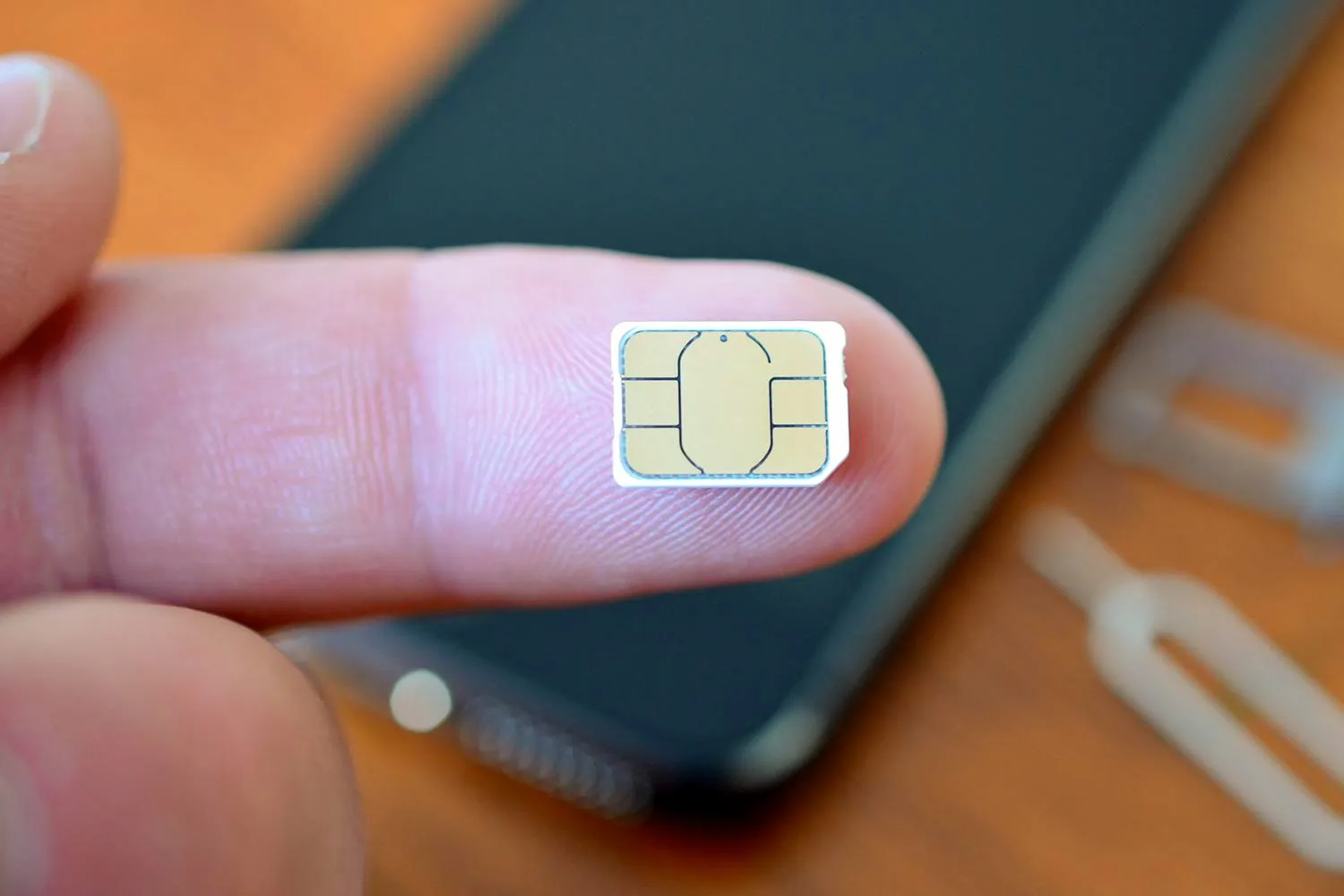
After TruConnect approves your request and provides the unlock code, insert a new SIM card from another provider. When prompted, enter the unlock code. You have only 5 attempts to enter the code correctly; after 5 incorrect tries, the SIM slot is permanently locked.
Limitations and unsupported devices
TruConnect can only provide unlock codes for Cloud Mobile devices marked "Exclusively for TruConnect" on the original packaging. Unlock codes cannot be provided for devices purchased anywhere other than directly from TruConnect. No official iPhone or Android menu path exists for unlocking a Cloud Mobile phone; the only documented process is the TruConnect code-based unlock flow.
Frequently Asked Questions
How do I unlock a Cloud Mobile phone?
For TruConnect-issued Cloud Mobile devices, contact TruConnect Customer Care to request an unlock code. Once approved, insert a new SIM and enter the code when prompted.
How many attempts do I get to enter the unlock code?
You have exactly 5 attempts. After 5 incorrect entries, the SIM slot is permanently locked and cannot be used with any other carrier.
Can any Cloud Mobile phone be unlocked by TruConnect?
No. Devices bought elsewhere do not qualify.
Is there an iPhone or Android setting to unlock it?
No such Cloud Mobile-specific setting path exists in iPhone or Android menus. The only documented method is the TruConnect code-based process.
What happens if my device is not from TruConnect?
TruConnect cannot provide unlock codes for Cloud Mobile devices purchased from other retailers. You would need to contact the original seller or carrier for unlocking options.
Related reading: How To Unlock Cloud Mobile Phone and How To Unlock Boost Mobile Phone.