T-Mobile's unlock process is eligibility-based, not time-based, so the answer to how long it takes T-Mobile to unlock a phone depends entirely on when your device meets its requirements.
How long does it take T-Mobile to unlock a phone?
T-Mobile’s documented unlock timing is mainly eligibility-based. Postpaid devices are generally eligible after 40 days on the account, and prepaid devices after 365 days of active service. T-Mobile does not publish a universal average number of minutes, hours, or days for the unlock operation itself. If the device already shows as unlocked, no further unlock step is required.
T-Mobile unlock eligibility requirements
Before a device can be unlocked, it must meet all of T-Mobile’s published conditions. The device must be sold by T-Mobile, must not be reported lost, stolen, or broken, the account must be in good standing, and the device must be paid off and used on the account for at least 40 days on postpaid accounts. For prepaid, the device becomes eligible 365 days after initial activation on the account.
How to check your T-Mobile unlock status
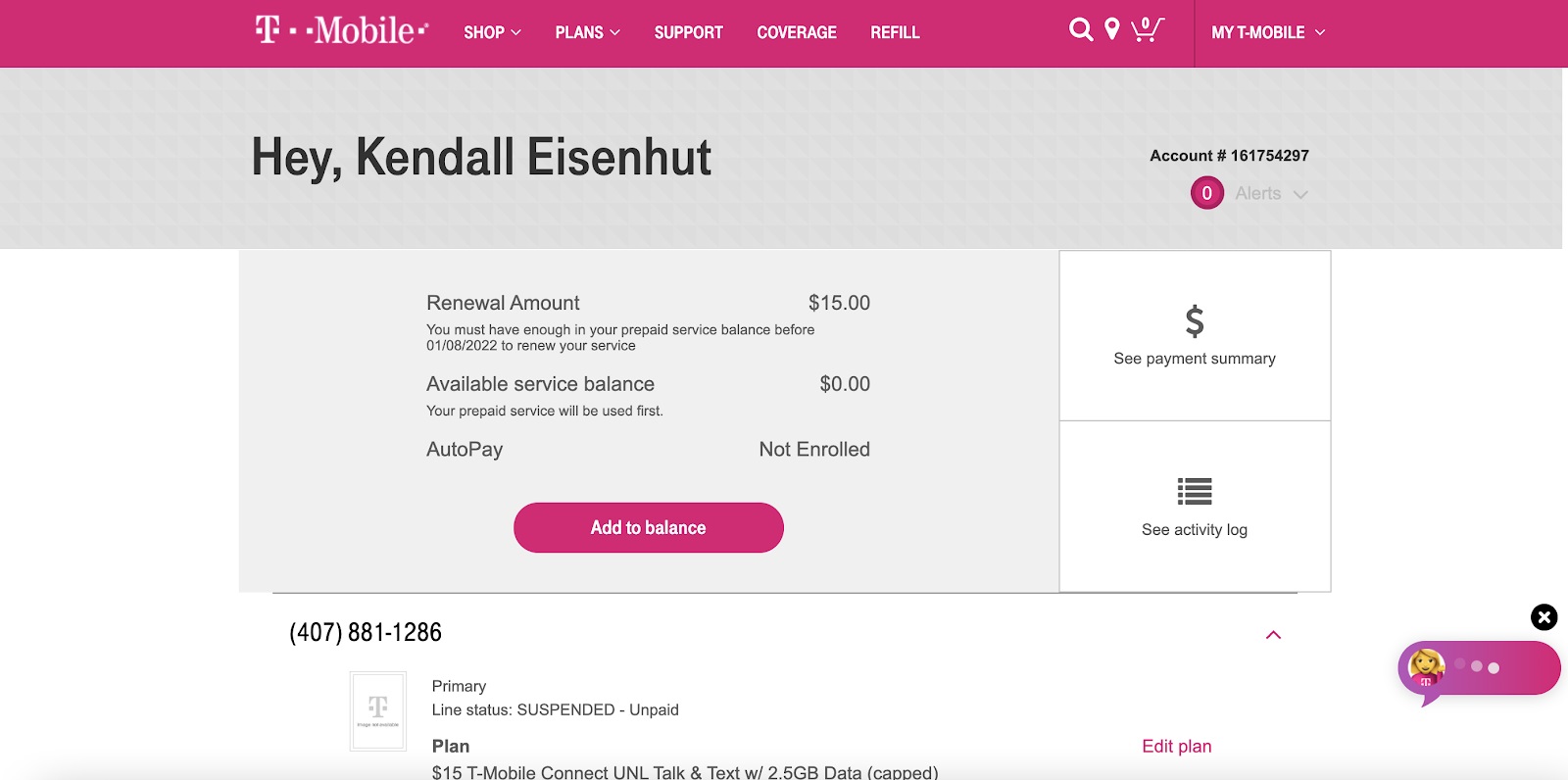
On T-Mobile.com
- Sign in to your T-Mobile.com account.
- Select the line you wish to unlock.
- Choose Check device unlock status.
- Under the device image, check whether the device is eligible to be unlocked.
In the T-Life / T-Mobile app
- Open the T-Life / T-Mobile app.
- Select the line you wish to unlock.
- Choose Manage all first if needed.
- View the Device lock status field.
- Tap Device lock status for additional details.
How to complete the unlock on your phone
Once eligibility is confirmed, use the device-specific instructions below. T-Mobile’s support pages point users to the Mobile Device Unlock instructions for supported phones.
Samsung devices
- Go to Settings.
- Tap Connections.
- Select More Connection Settings.
- Choose Network Unlock.
For newer Samsung devices, the path shown is Settings > Connections > More Connection Settings > Network Unlock.
OnePlus (6T and newer)
- Go to Settings.
- Tap Wi‑Fi & internet.
- Select SIM and network.
- Tap Advanced or Network Unlock.
For OnePlus (6T and newer), the path shown is Settings > Wi‑Fi & internet > SIM and network > Advanced or Network Unlock.
T-Mobile REVVLRY
- Go to Settings.
- Tap Network & Internet.
- Select Mobile network.
- Tap Advanced.
- Choose Network Unlock.
For T-Mobile REVVLRY, the path shown is Settings > Network & Internet > Mobile network > Advanced > Network Unlock.
Older devices
For older devices, T-Mobile says to use the Device Unlock app if it is pre-installed. T-Mobile also says to choose the device on the Devices page and use the Security drop-down to find the Mobile Device Unlock steps for other manufacturers.
What if my phone is already unlocked?
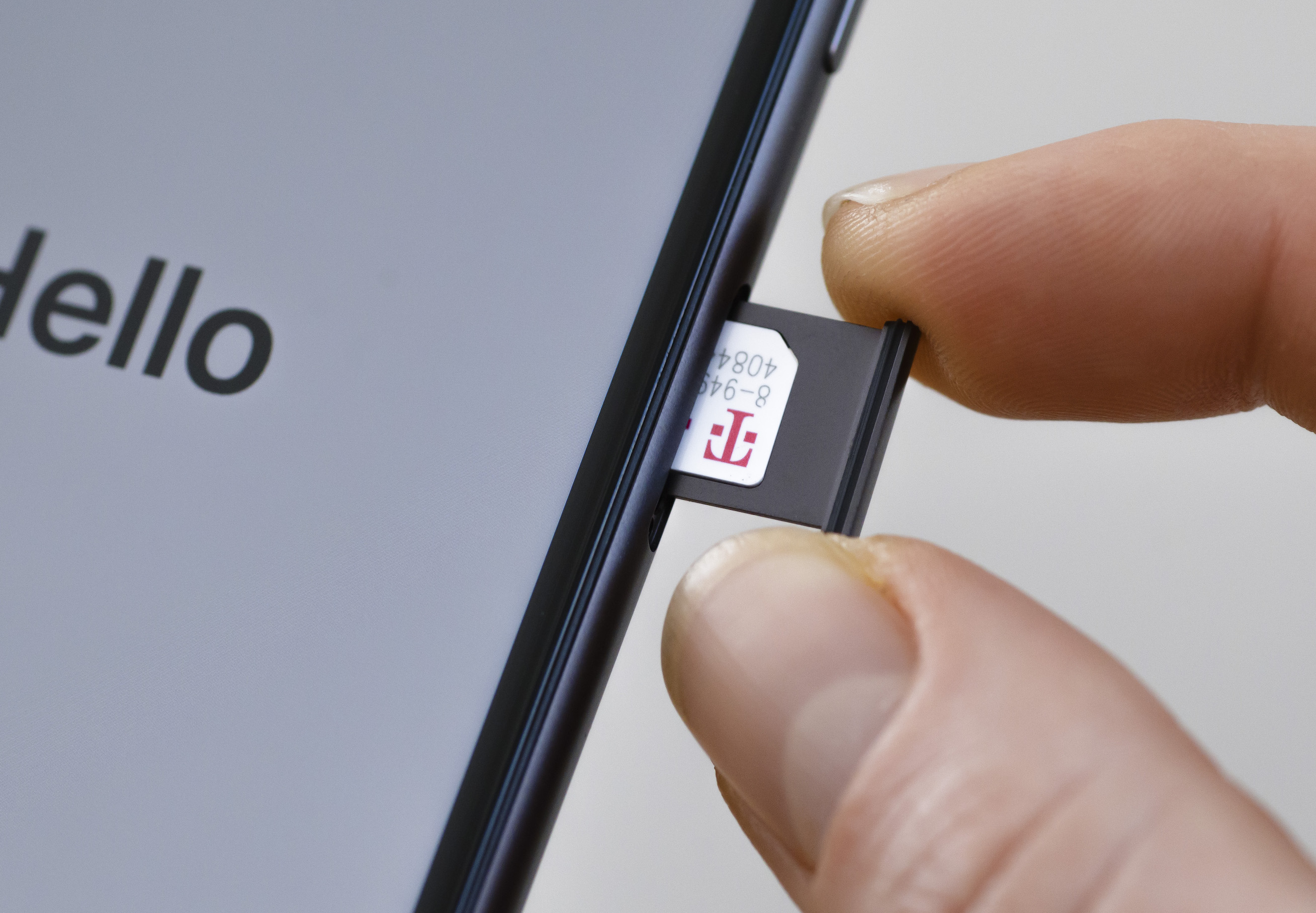
If the status shows as unlocked or the Device Unlock app is missing on an older device, no further action is needed. T-Mobile also notes that if the Device Unlock app is missing on an older device, the device may already be unlocked or may be on a 2019 or newer OS. The device is already capable of accepting SIM cards from other carriers, making it useful when unlocking carrier phones from Verizon, AT&T and T-Mobile.
Frequently Asked Questions
Can I unlock my T-Mobile phone if I am still under contract?
T-Mobile normally requires that the device is fully paid off and not associated with any active contracts before they will unlock it. Contact T-Mobile directly to see if any exceptions or options are available for your situation.
Do I need to have a T-Mobile account to unlock a T-Mobile phone?
Yes, typically you need an active T-Mobile account because the unlocking process involves verifying your account details and ensuring the device meets eligibility criteria. Without an account, additional requirements or restrictions may apply.
What should I do if my device is not yet eligible for unlock?
If the device has not met the 40-day postpaid or 365-day prepaid requirement, or if the account is not in good standing, wait until those conditions are satisfied. Check your unlock status periodically on T-Mobile.com or in the T-Life / T-Mobile app.
Does T-Mobile charge a fee to unlock a phone?
T-Mobile does not charge a fee for unlocking eligible devices when the standard eligibility requirements are met.
Will unlocking my T-Mobile phone erase my data?
No, the network unlock process does not erase your personal data, apps, or settings. It only removes the software restriction that ties the device to the T-Mobile network.
Related reading: How Long For AT&T To Unlock Phone and What Is The Difference Between Metro By T-Mobile And T-Mobile.