The iPad tag on CellularNews brings together a practical collection of guides and reviews focused entirely on Apple’s tablet, its software, and the accessories that work with it. This page is for anyone who owns an iPad, or is thinking about getting one, and wants straightforward help with everyday tasks, from fixing a glitch to picking the right app or accessory.

The articles here solve problems that fall into a few clear categories. Many help you set up and customize your device, such as learning how to change the wallpaper, reset network settings, or add accessibility features to the Control Center. Others tackle connectivity and hardware, with step-by-step instructions on using the iPad as a second monitor for a Windows or Mac computer, connecting an AirTag, or disconnecting devices from a hotspot. A third group focuses on apps and entertainment, including reviews of drawing apps like Procreate alternatives, a deep look at Marvel Unlimited for reading comics, and lists of the best Apple Arcade games to play right now.

Specific topics you will find here include how to remove a Paperlike screen protector, what an IPA file is, how to turn off AirPod announcements, and how to change your default transportation mode in Maps. Whether you need to replace an iPad battery, invert the Y-axis on a joystick, or share a voice memo, these articles are designed to give you clear, actionable steps without extra fluff.
How To Rename A Stack In Procreate

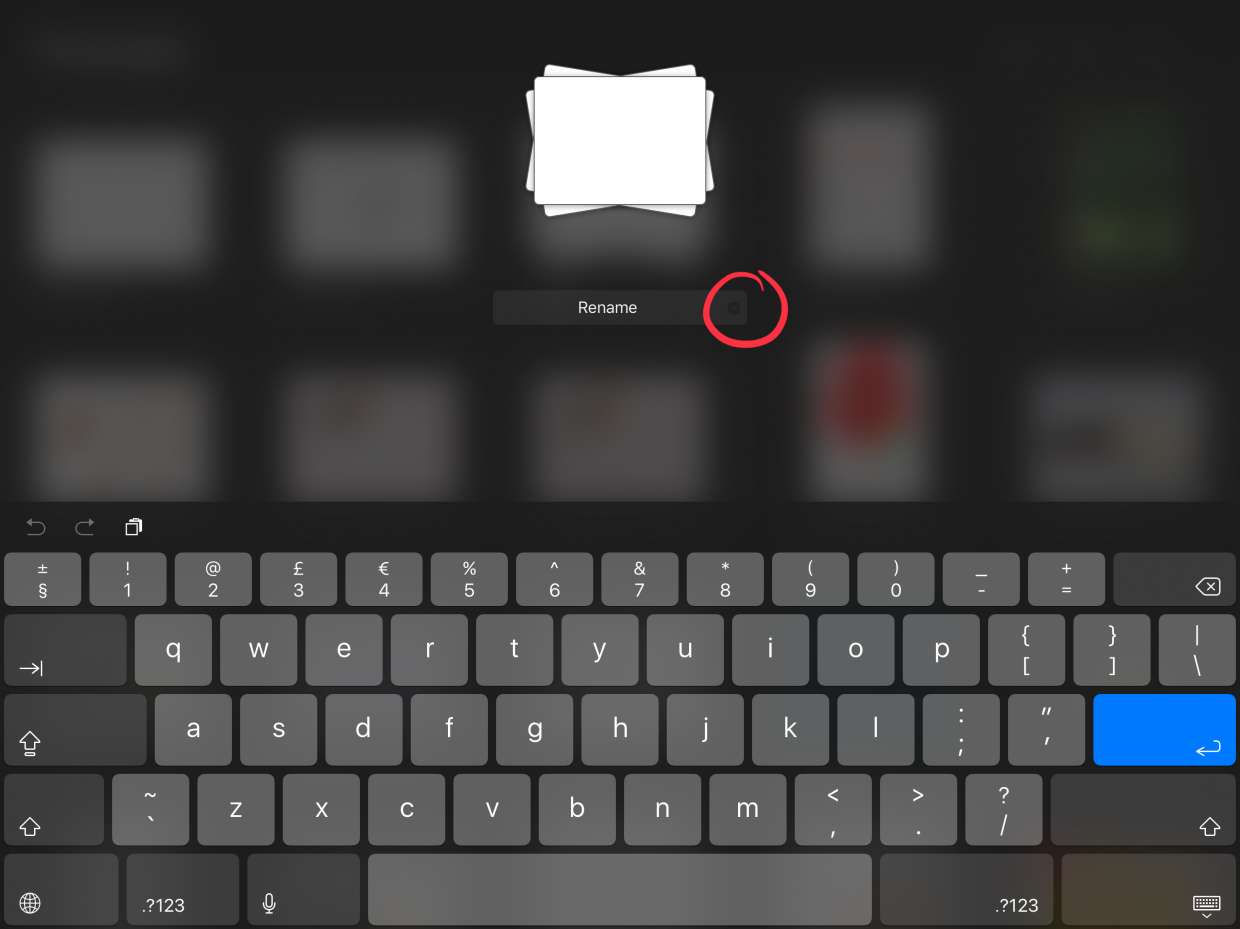
To rename a stack in Procreate, open the stack from the Gallery and tap its title at the top of the screen to show the keyboard, then type the new...

How To Add Grid On Procreate

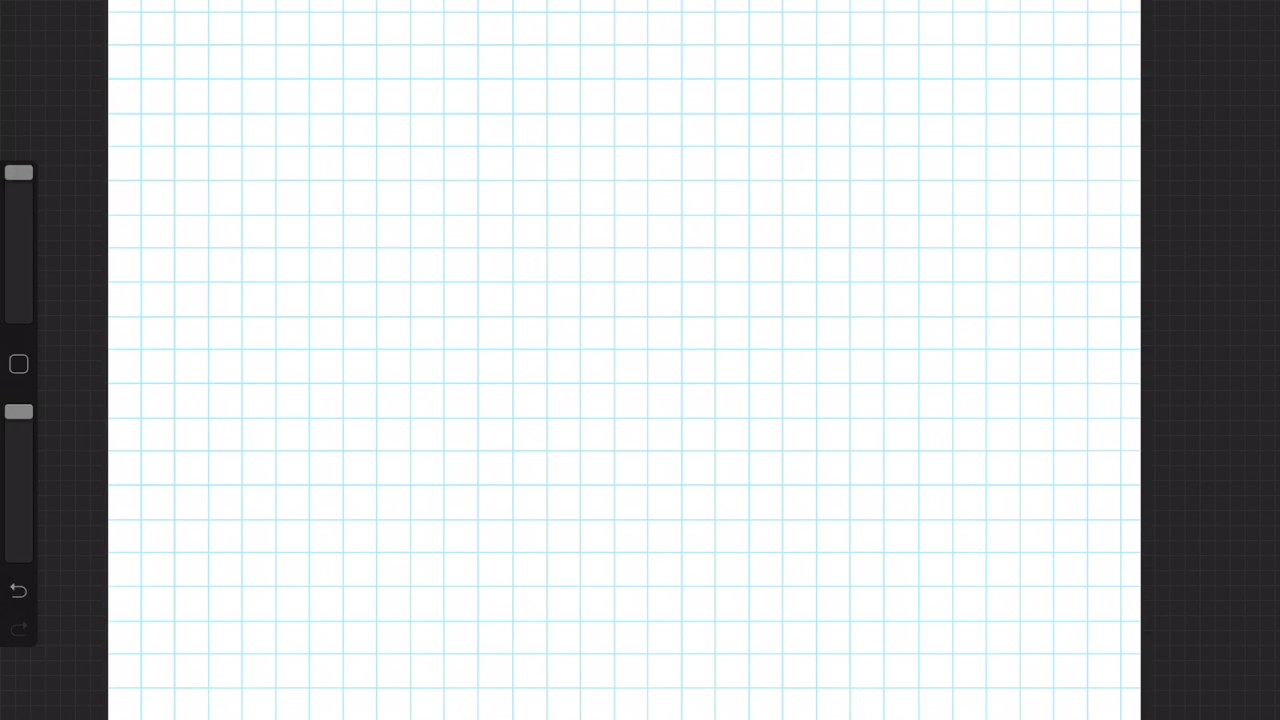
To add a grid on Procreate, open the Actions menu (wrench icon) in the top-left corner of your canvas and toggle the Drawing Guide switch on. This activates the 2D...

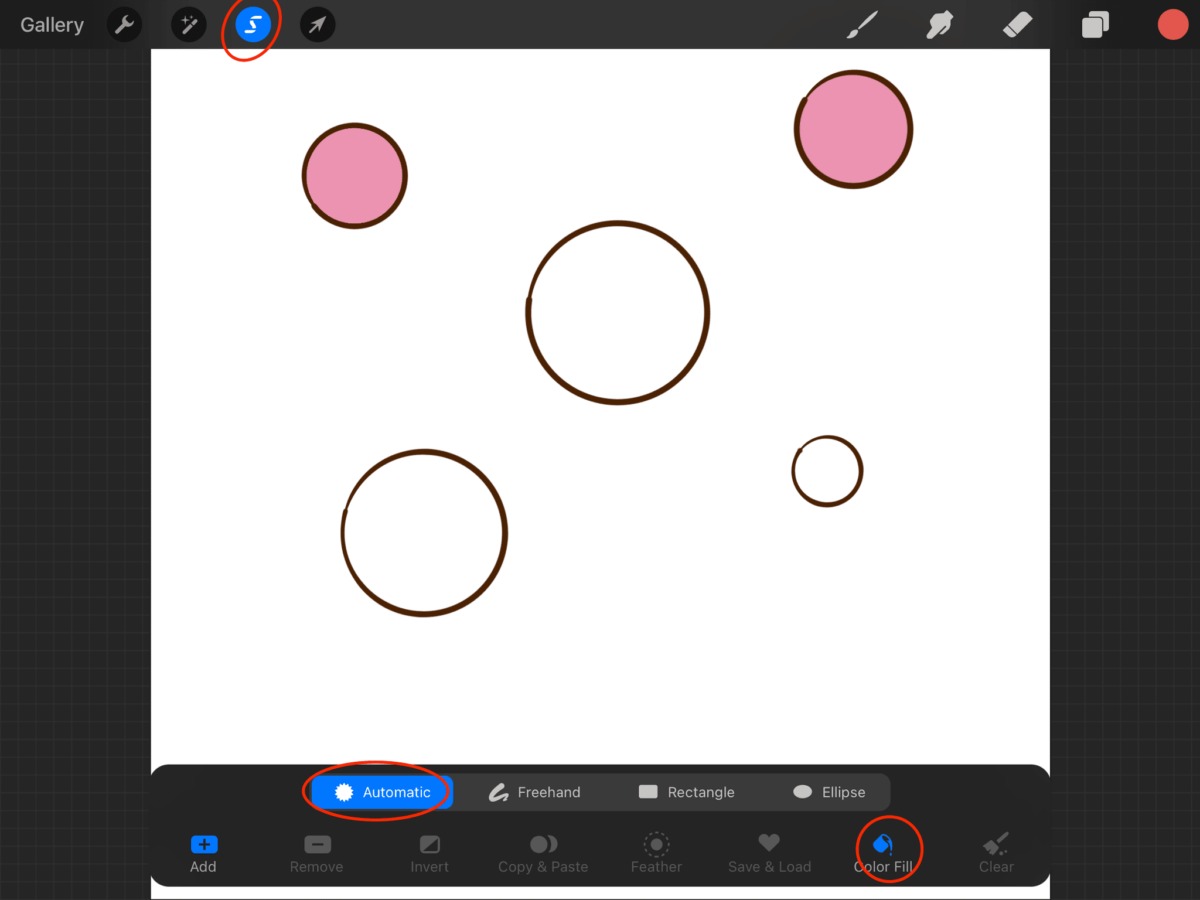
How To Fill In A Shape In Procreate

The primary method to fill in a shape in Procreate is called ColorDrop, a drag-and-hold technique that instantly adds solid color to any closed area. This is the fastest way...

How To Invert Color In Procreate

To invert color in Procreate instantly, tap the desired layer in the Layers panel to open its settings, then tap the "Invert" button from the Layer Options menu. This replaces...

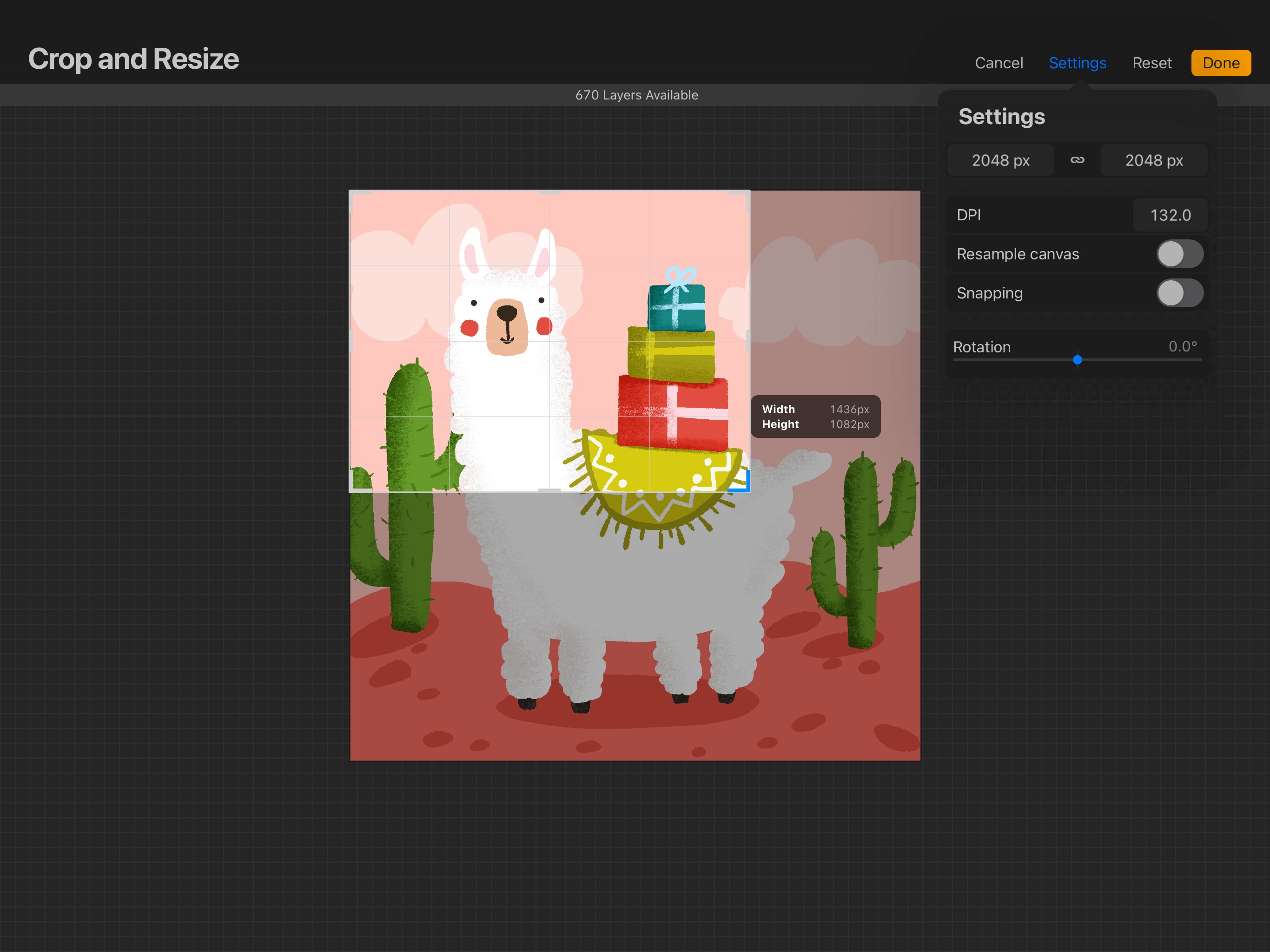
How To Crop An Image On Procreate

To crop an image on Procreate, open your artwork and tap Actions (wrench icon), then Canvas, then Crop & Resize. Drag the boundary handles or corner points to adjust the...

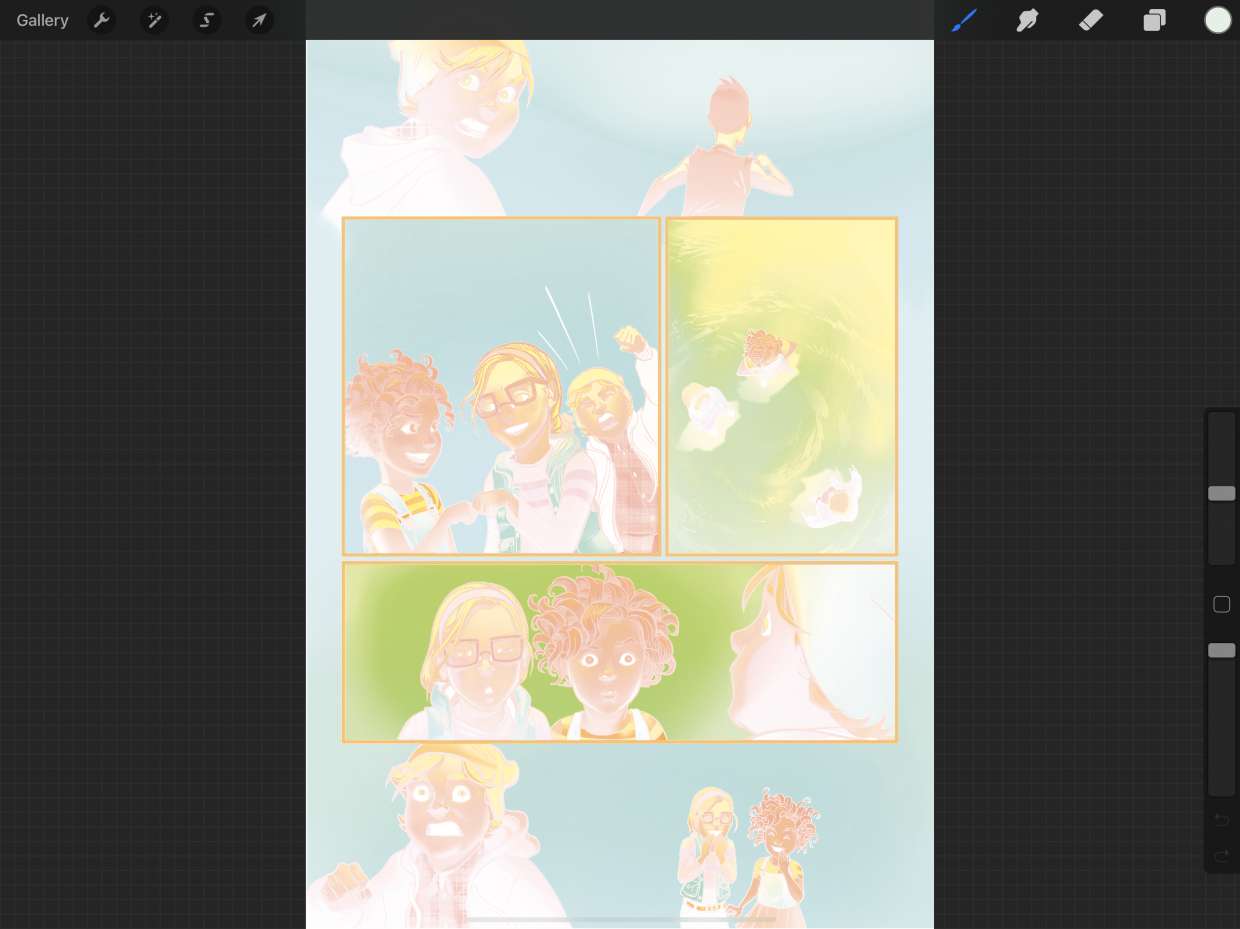
How To Make Layer Transparent In Procreate

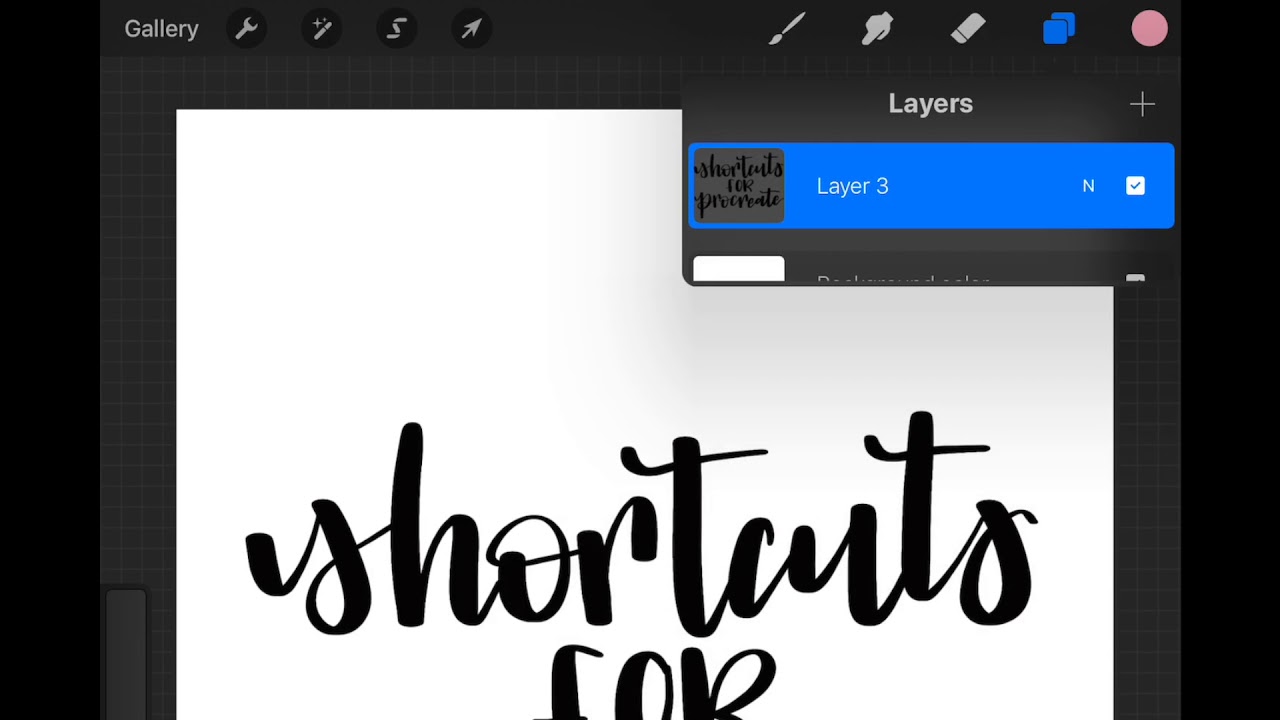
To make a layer transparent in Procreate, open the Layers panel, tap the layer's "N" blend-mode label, and use the opacity slider that appears beneath it. This is one of...

How To Get New Brushes On Procreate

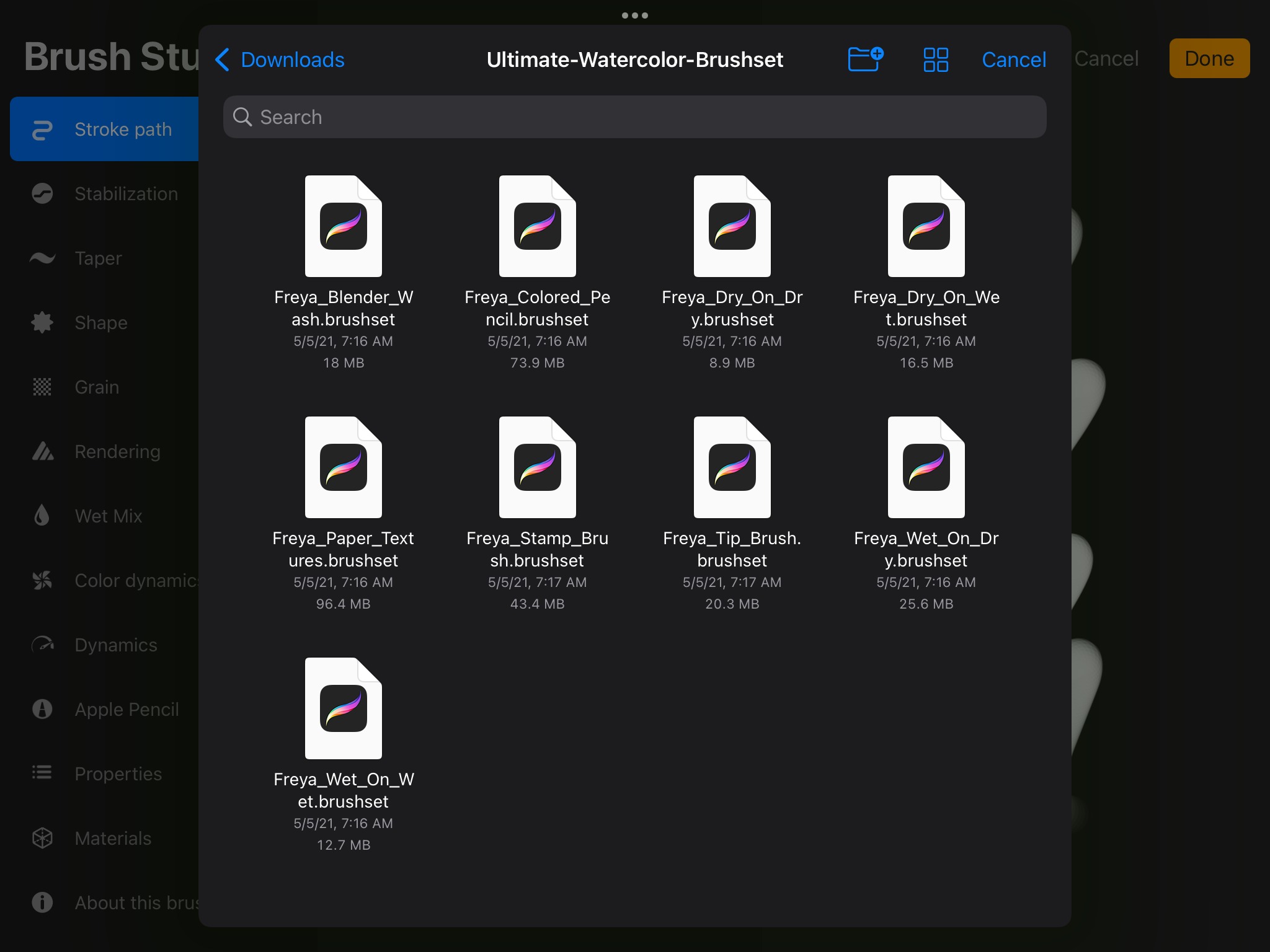
To get new brushes on Procreate, you import brush files you've downloaded or create custom brushes from scratch in the Brush Studio. The primary method is to tap the "+"...

How To Trace An Image In Procreate

To trace an image in Procreate, you import the reference image, lower its opacity, and draw over it on a new layer. Procreate has no dedicated trace mode, so this...

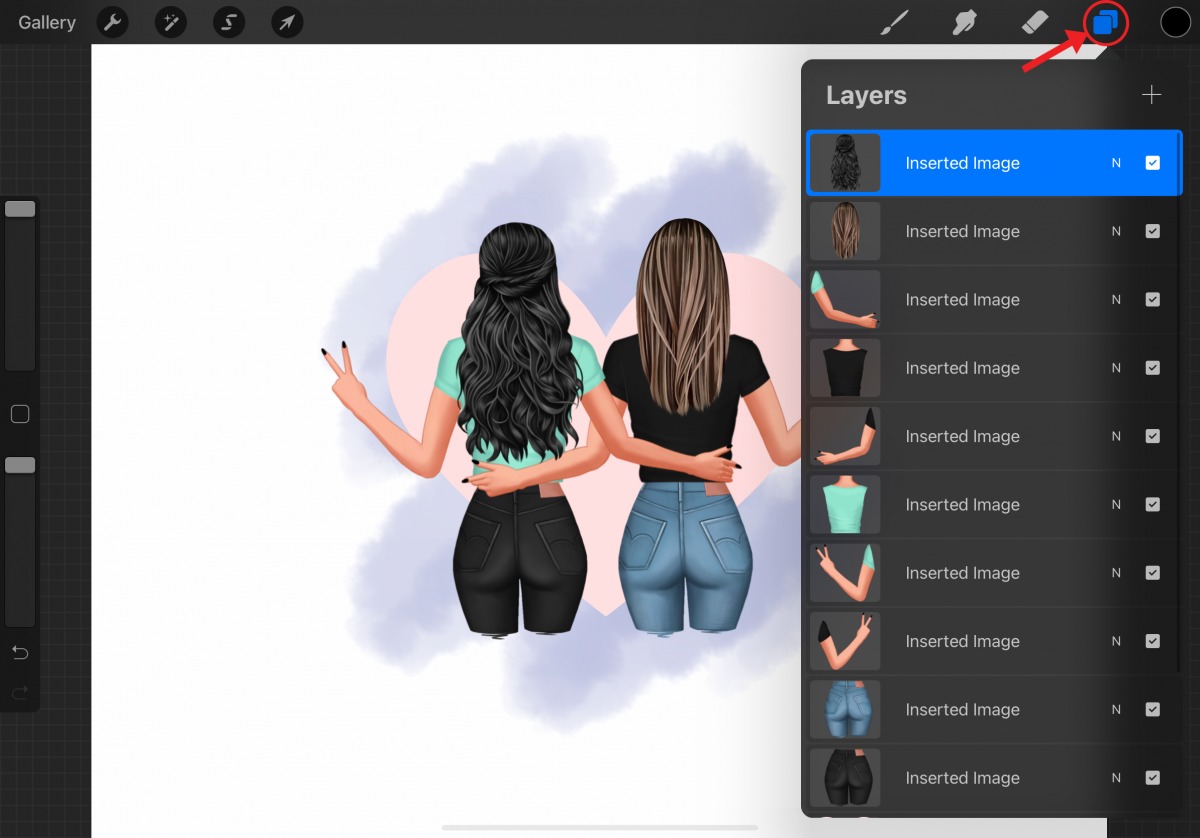
How To Merge Layers In Procreate

To merge layers in Procreate on iPad, use the Merge Down command from the Layer Options menu to combine the active layer with the layer directly below it, or pinch...

How To Use Eyedropper In Procreate

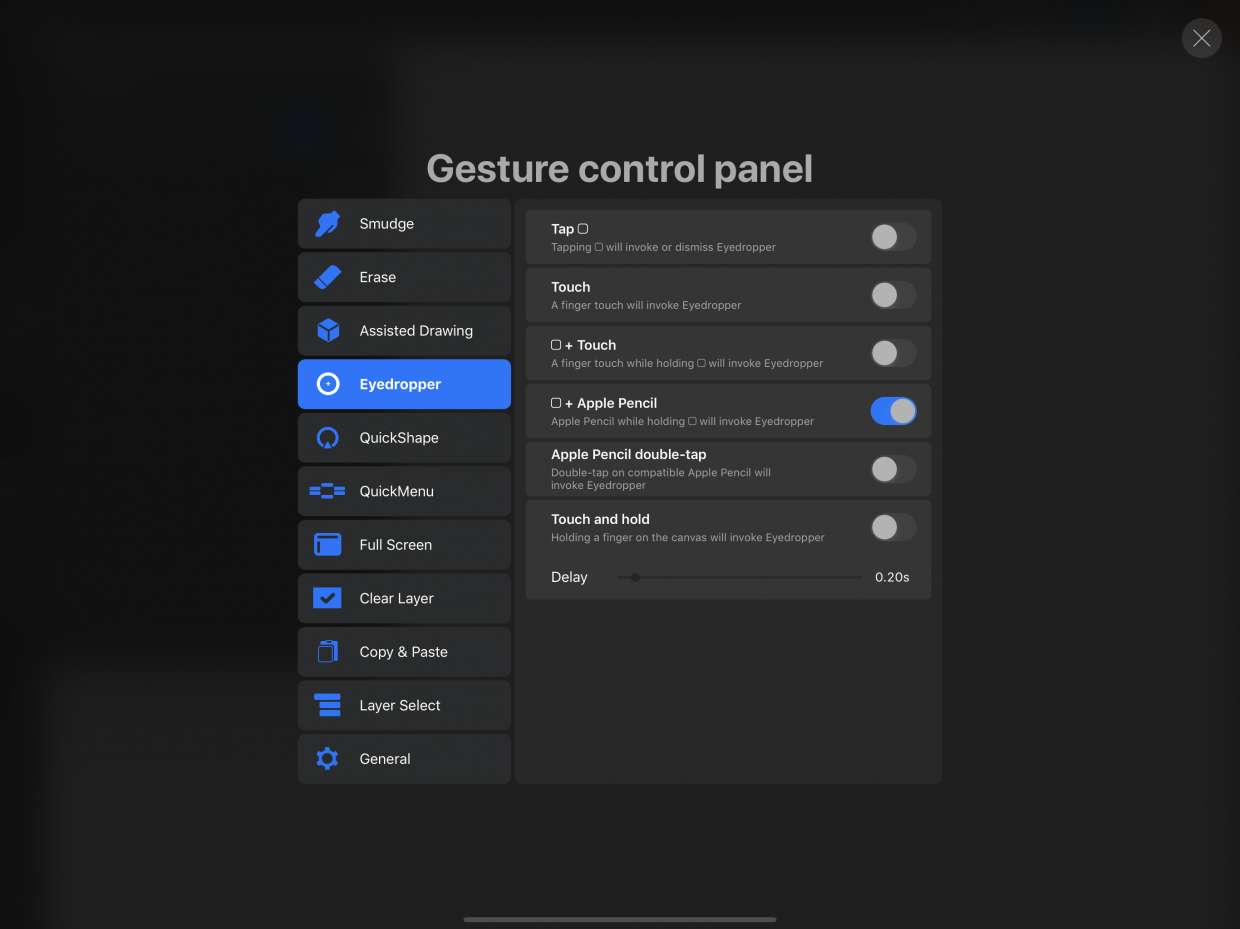
To use the eyedropper in Procreate, tap and hold anywhere on the canvas until the loupe appears, then drag to the desired color and lift your finger to select it....

How To Smooth Lines In Procreate

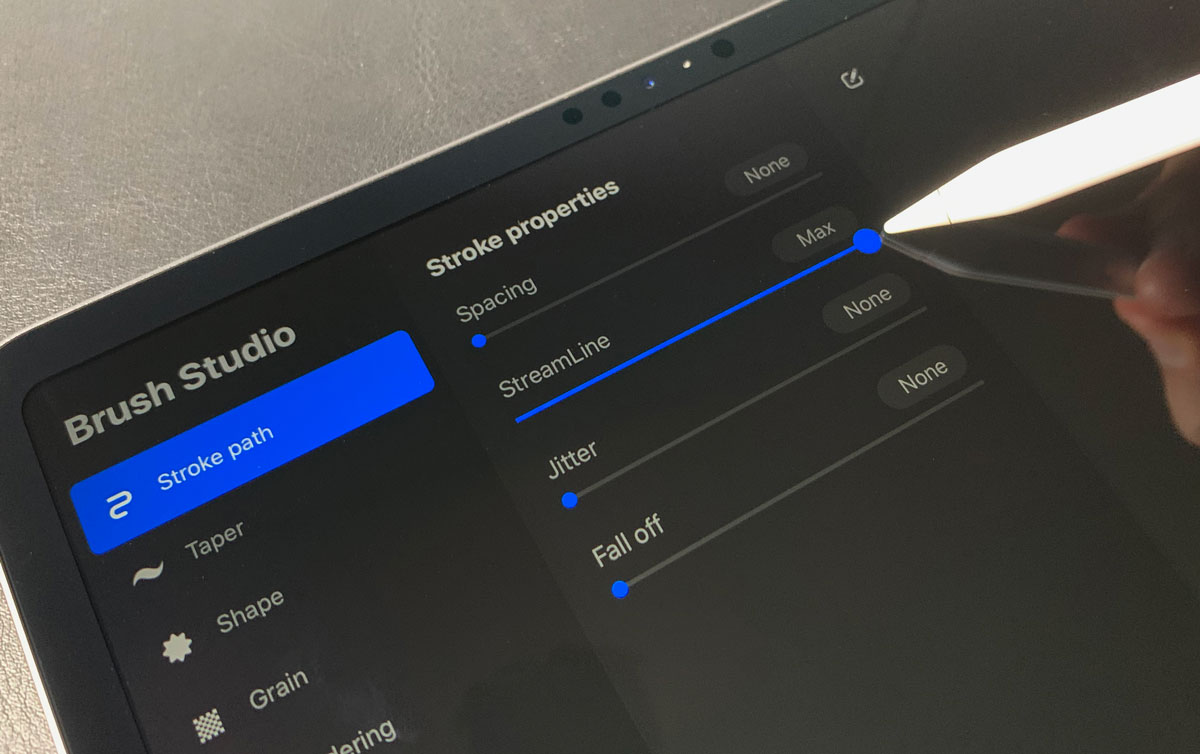
To smooth lines in Procreate, you have two main controls: the per-brush StreamLine setting and the global Pressure and Smoothing stabilization. StreamLine corrects wobbles on a single brush, while Pressure...

How To Change Color On Procreate

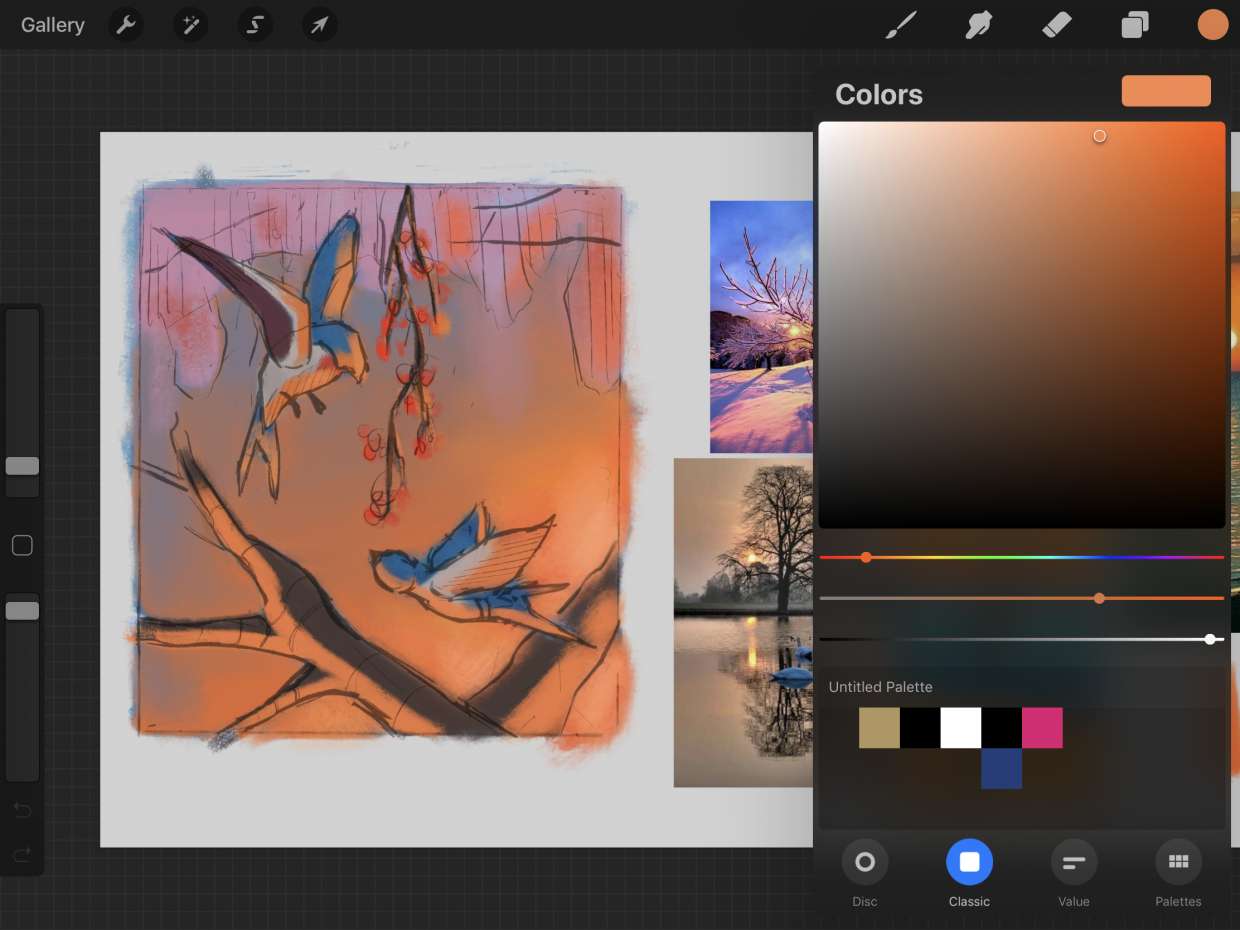
To change color on Procreate, tap the colored circle in the top-right corner to open the Color Panel, then select your active color using the Disc mode's outer hue ring...